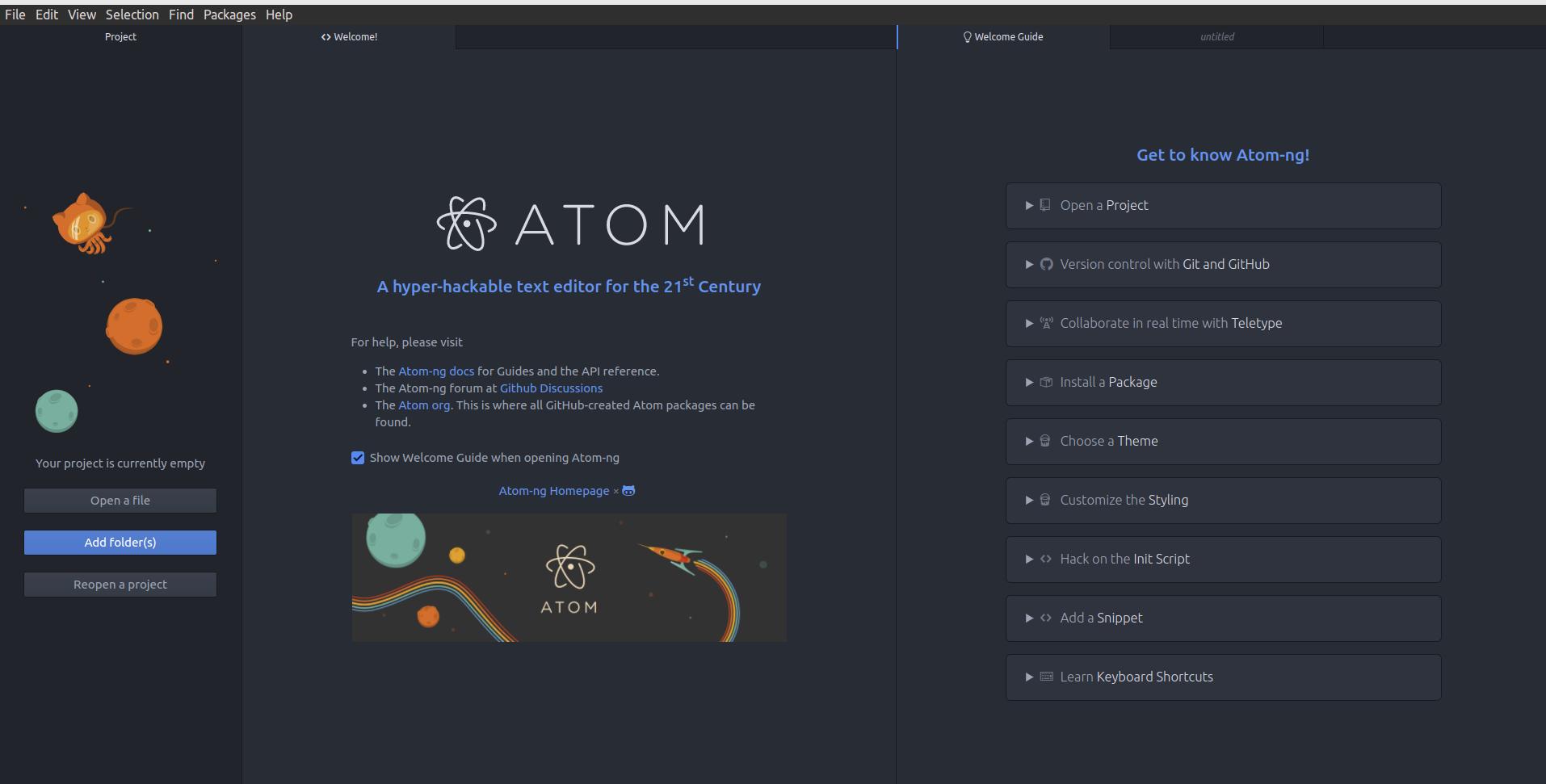
Atom was more than just a code editor. Launched by GitHub in 2011 and released in 2015, it was built to be hackable and deeply customizable, with support for HTML, CSS, and JavaScript under the hood. That made it approachable for developers, but also useful for writers who wanted a flexible Markdown-friendly editor. Atom was archived by GitHub in 2023 after its sunset announcement in 2022.
What Atom Was, and Why It Mattered
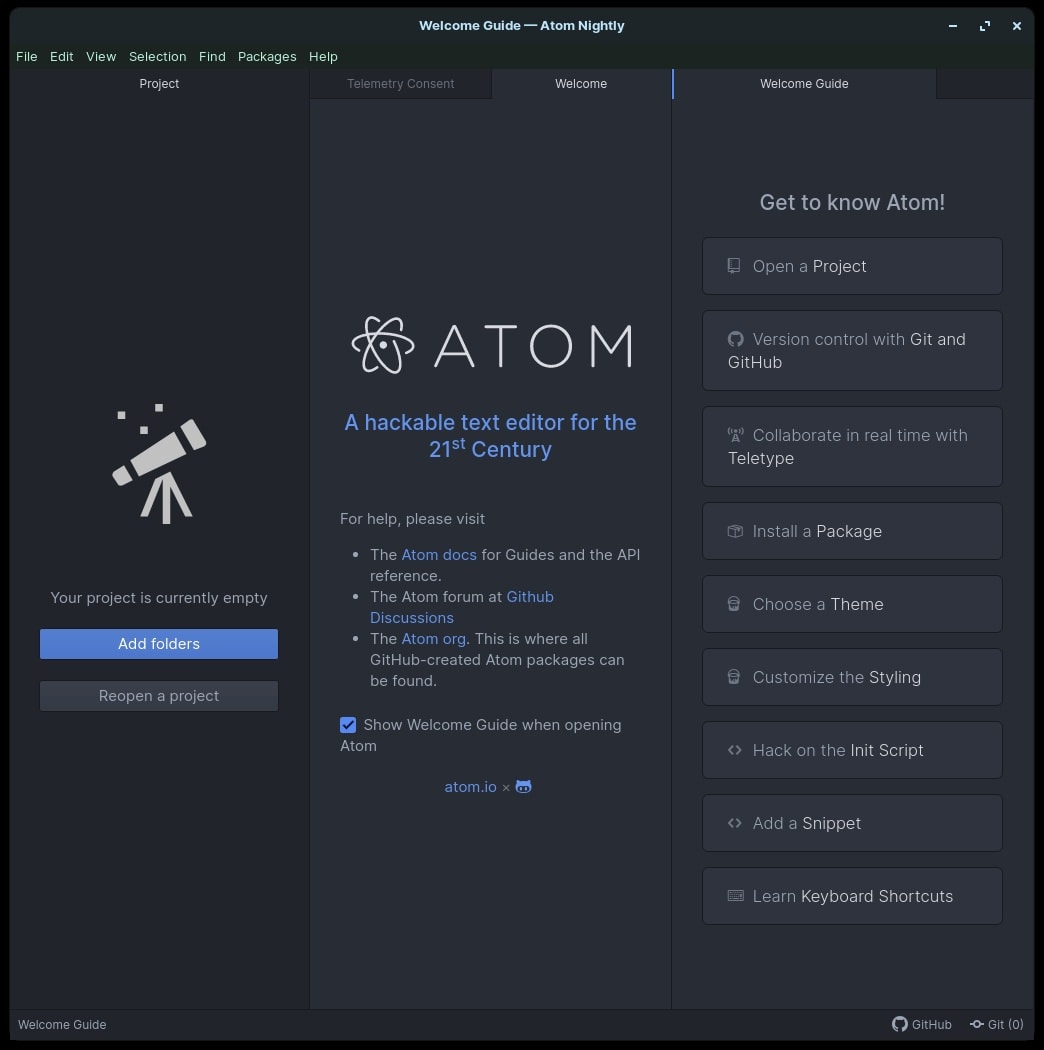
Atom’s appeal came from a few simple things: it was cross-platform, customizable, and easy to shape into your own workflow. Its package ecosystem and Markdown support made it attractive not only to programmers, but also to people who wrote notes, docs, and blog posts. For Markdown writing, Atom felt unusually friendly. Live preview, formatting packages, and a clean interface made it a strong choice for people who wanted a lightweight writing space without giving up customization.
Why Atom Was Discontinued
GitHub announced in JUn 2022 that it would sunset Atom by the end of the year that Atom would be archived that December, saying it wanted to focus on other tools. The project was later archived in March 2023. That left users searching for replacements. Some moved to VS Code or Sublime Text, while others wanted something closer to Atom’s original feel.
What Happened to the Forks?
The main fork worth mentioning today is Pulsar. It’s a community-led fork of Atom that explicitly describes itself as continuing Atom’s legacy, and it’s actively maintained in 2026, with recent releases in July 2026. Other “Atom successor” projects either never reached the same momentum or are no longer clearly active, so they’re better left out unless you want a historical section.
Why This Still Matters for Writers
I’m not a programmer. I used Atom because Markdown writing felt natural in it. The live preview, low friction, and customization were the big wins. VS Code and VSCodium are powerful, but they can feel heavy if all you want is a clean writing environment.
Atom Editor Alternatives in 2026
Active Projects
Pulsar
A community-led fork of Atom that keeps the same general feel while continuing development. It still leans into hackability and customization, and it’s the closest direct successor to Atom.
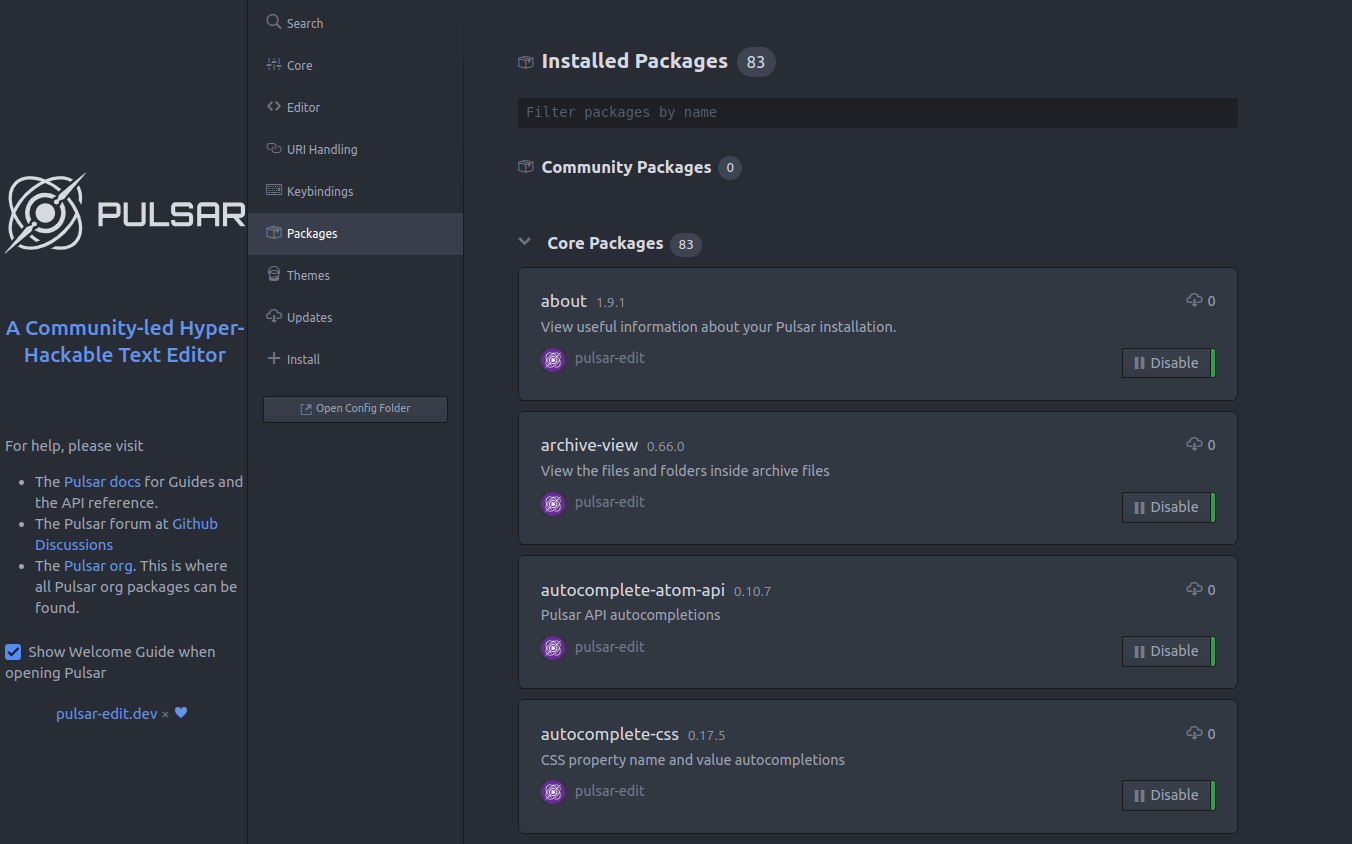 installing packages in pulsar editor, aug 2026
Obsidian
A Markdown-based note-taking app built around local text files, with a strong plugin ecosystem and broad platform support. It’s excellent for writing and knowledge management, though it’s more note system than plain editor.
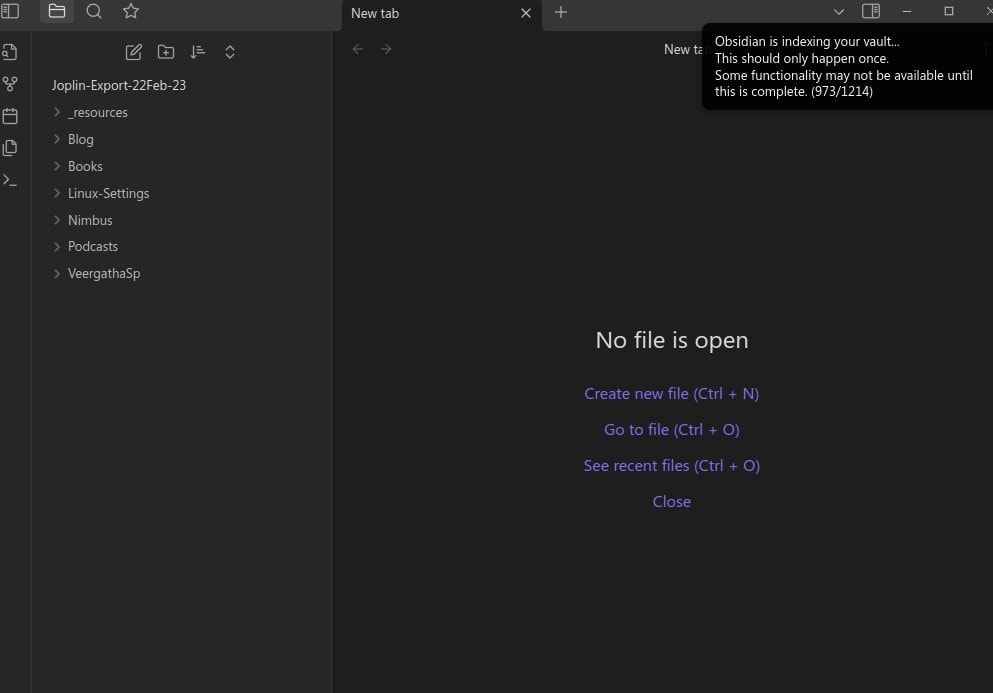 Obsidian’s import workflow for Atom users.
Kate
A fast, feature-rich editor from KDE with Markdown preview, syntax highlighting, plugins, and support for Windows, macOS, and Linux.
Geany
A lightweight text editor/IDE with a Markdown plugin and preview support. Good if you want something simple and fast.
VS Code / VSCodium / VSCodium
Powerful and extensible, with excellent Markdown support, but heavier than most people need for writing alone.
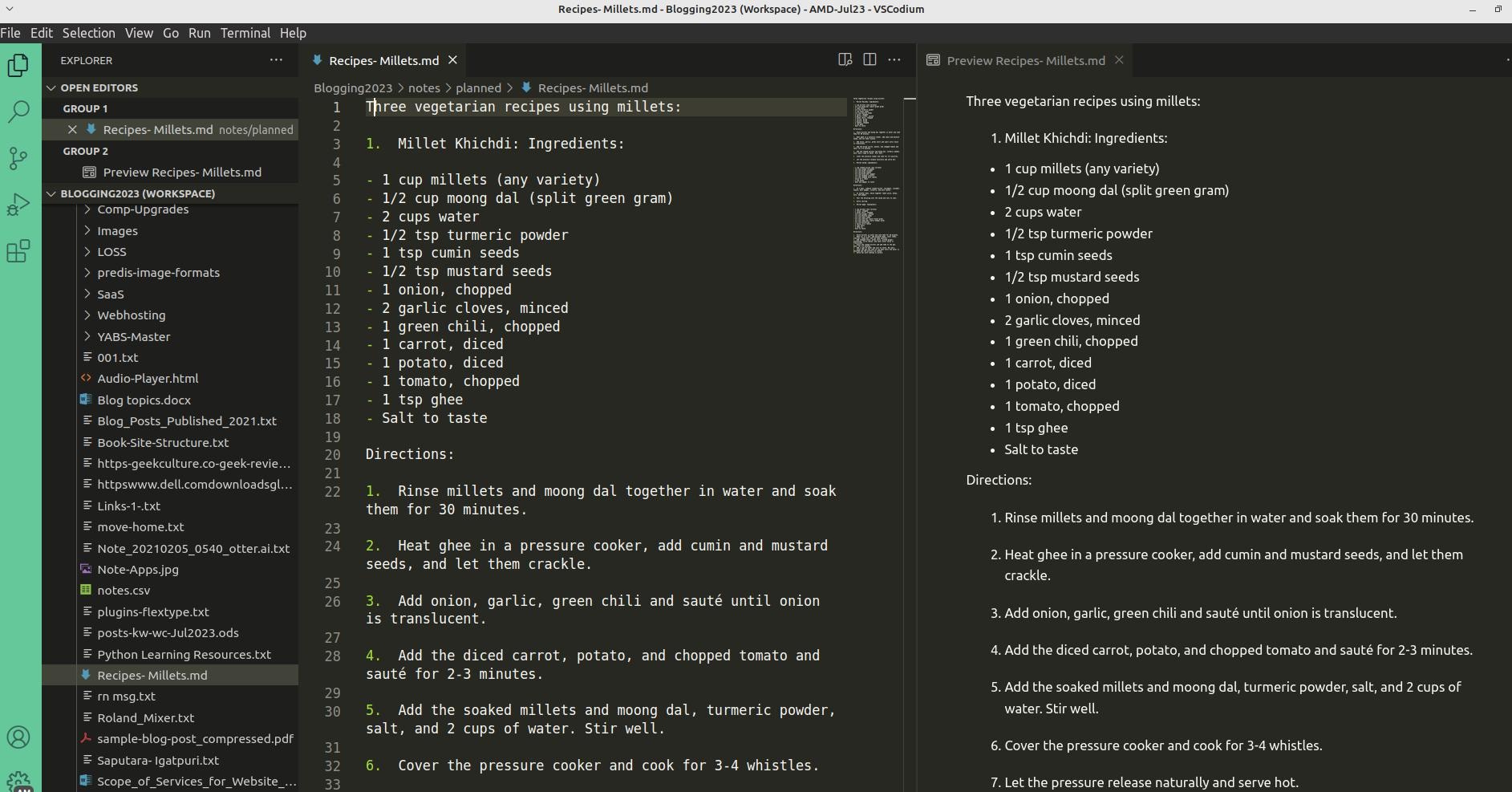 VSCodium running on Linux Mint (July 2023).
Sublime Text
Very fast and polished, with Markdown support via packages. It’s downloadable and evaluable for free, but a license is required for continued use.
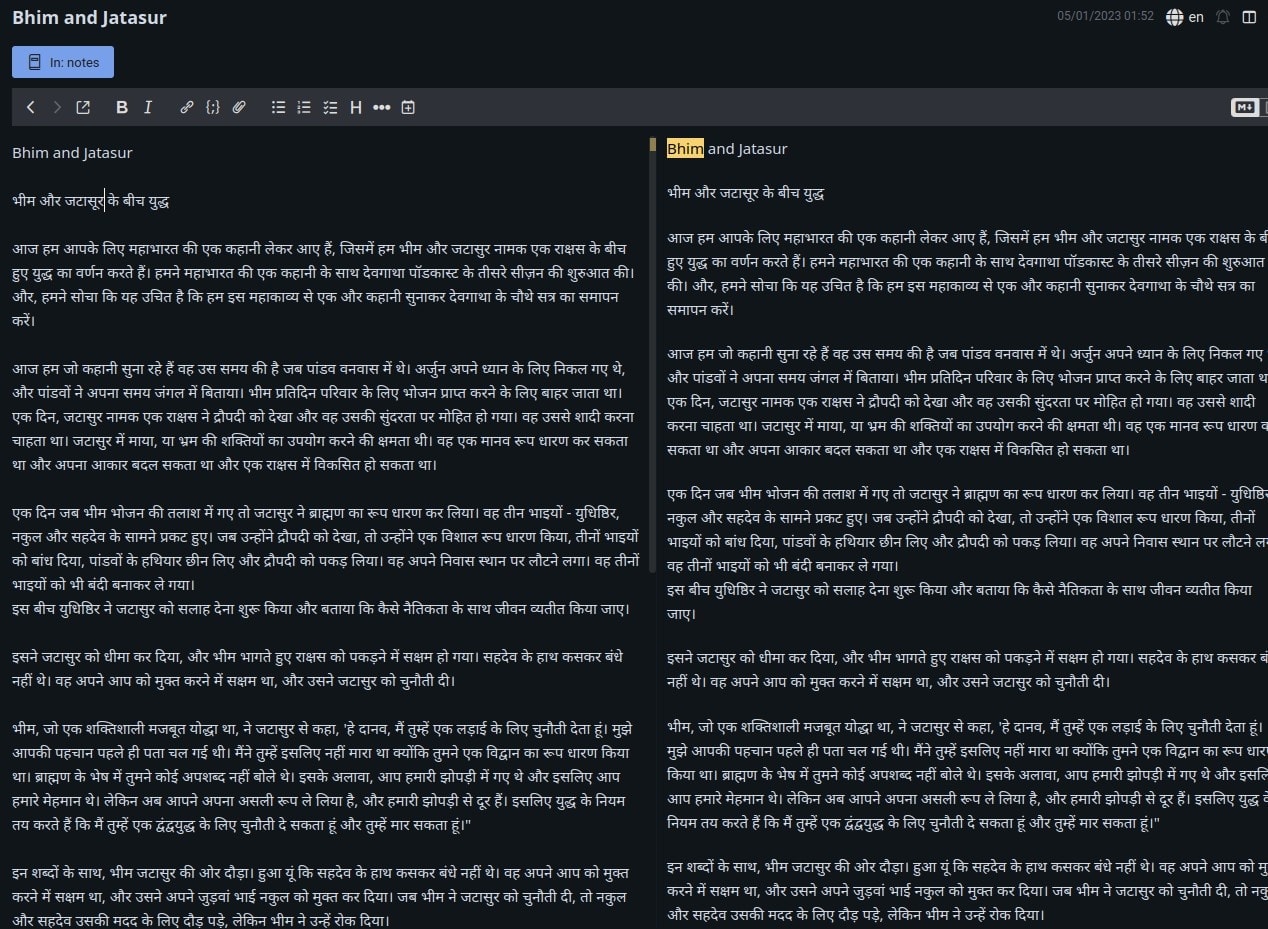 Joplin Editor with Devnagri Text
Zed
Zed is a modern, fast editor built in Rust and available on macOS, Linux, and Windows. Its site describes it as a minimal code editor focused on speed and collaboration, and it’s actively shipped in 2026 with weekly releases. It also has growing Markdown support, including preview improvements and Markdown-related features in recent releases. Zed is worth watching if you want something lighter and faster than VS Code but more modern than the old Atom ecosystem. It’s especially interesting for people who care about performance, keyboard flow, and a cleaner interface. It’s less “writer-first” than Obsidian, but it’s becoming a strong general-purpose editor with a lot of momentum.
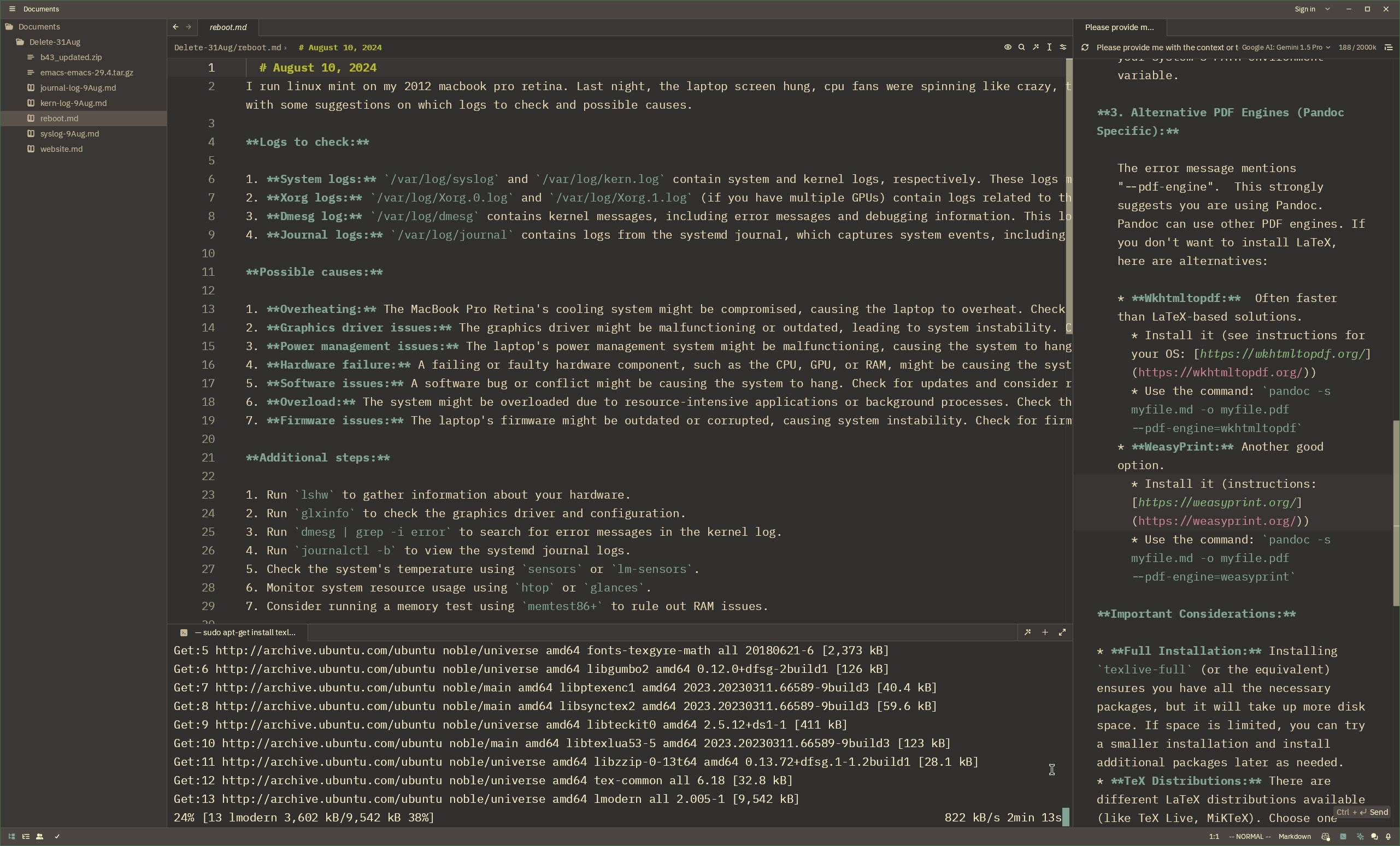
Comparison Table
| Alternative | Open-Source | Cross-Platform | Markdown Support | Extensible | Status (2026) | Best For |
|---|---|---|---|---|---|---|
| Pulsar | Yes | Yes | Good | Yes | Active | Atom-style workflows |
| Obsidian | Partly | Yes | Excellent | Yes | Active | Note-taking, writing |
| Kate | Yes | Yes | Good | Yes | Active | Lightweight writing |
| Geany | Yes | Yes | Good | Limited | Active | Minimalist writing |
| VS Code / VSCodium | Yes (VSCodium) | Yes | Excellent | Yes | Active | Power users |
| Sublime Text | No | Yes | Good | Yes | Active | Speed, simplicity |
| Zed | Yes | Yes | Good | Growing | Active | Fast, modern editing |
My Recommendation
If you want the closest living descendant of Atom, use Pulsar. If you want a better Markdown-first writing tool, try Obsidian. If you want a clean, modern editor with momentum, Zed is now a serious contender.
Discontinued forks of Atom Editor
1. Atom NG (Next Generation)
- A community fork of Atom, aimed at continuing development. It saw some activity in 2023 but is now inactive.
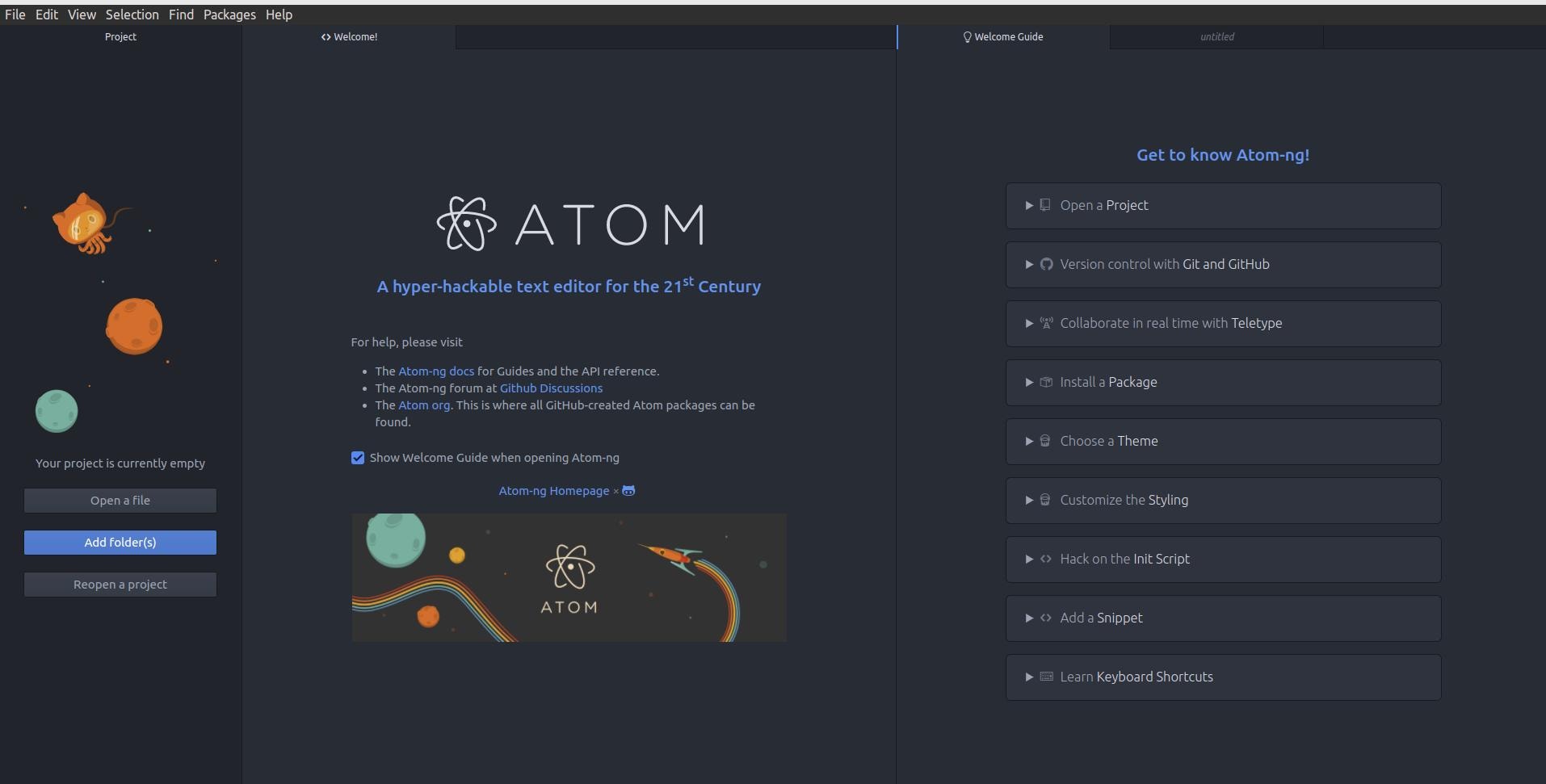 Atom NG running on Linux (July 2023).
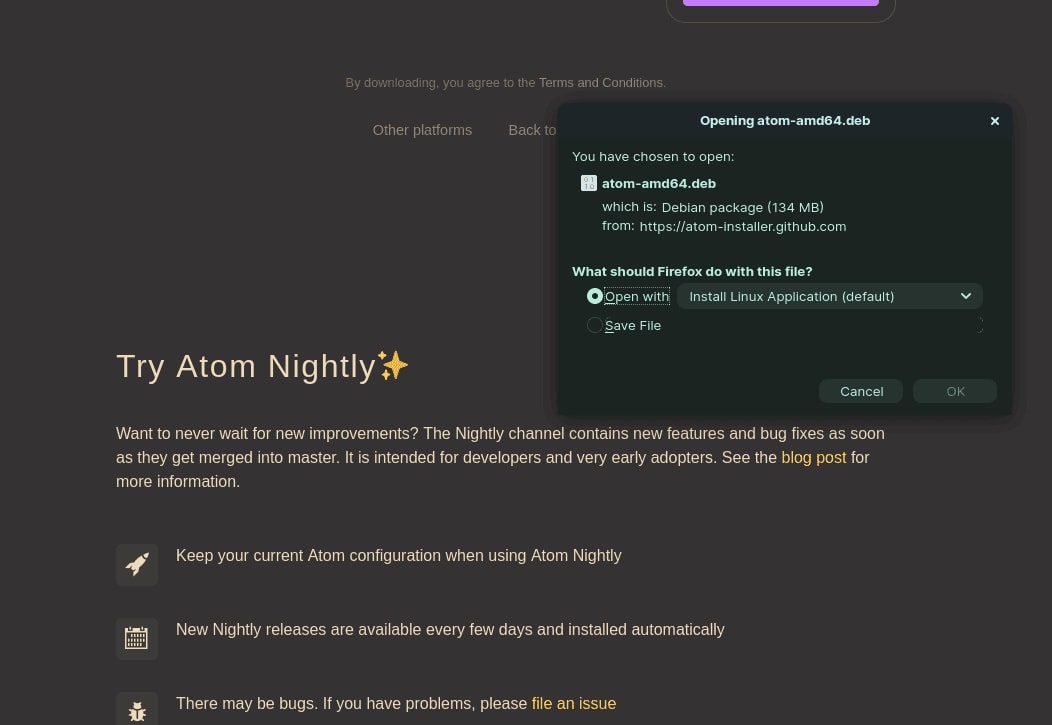
2. Atom Nightly Builds
- Experimental versions of Atom, but development stopped after GitHub’s announcement.
References and Links
Conclusion: Moving On from Atom
Atom was a special tool—one that bridged the gap between coders and writers. Its discontinuation left a void, but the alternatives today offer something for everyone. For non-coders like me, Obsidian and Geany stand out as the best options, while VS Code and Sublime Text cater to those who want more power. The key is to try a few and see what fits your workflow. And if you’re still mourning Atom, remember: the spirit of customization and simplicity lives on in these alternatives.
Also Read: Series on Command line editors for Linux
This series explores terminal-based text editors for Linux, featuring the classic ed, a beginner's guide to micro, a minimalist writing environment using Slackware, and an introduction to Helix for authors and bloggers. For graphical editors, read about joplin, zed
What’s your favorite Atom successor? Share your thoughts!