In this post, we will take a look at some notable forks of Slackware Linux. Recently, I published a post that honored Slackware Linux, one of the oldest surviving Linux distributions. While Slackware is appreciated by advanced Linux users for its simplicity, stability and adherence to UNIX philosophies, it is often considered as a “Hard to master” distribution for beginners. Possible reasons include its minimalist approach, less out-of-the-box functionality, and limited automated tools compared to modern Linux distributions.
Exploring Forks of Slackware Linux
– Notable Alternatives for Low-End Laptops
सारांश (हिंदी)
स्लैकवेयर लिनक्स के कई फोर्क्स हैं जो उपयोगकर्ताओं को मूल स्लैकवेयर की स्थिरता और वास्तुकला की ताकत का लाभ उठाने की अनुमति देते हैं, साथ ही अतिरिक्त सुविधाएँ और उपकरण भी प्रदान करते हैं जहाँ मूल प्रणाली में कमी होती है। वे आधुनिक लिनक्स उपयोगकर्ताओं के लिए स्लैकवेयर को प्रासंगिक बनाए रखते हैं। स्लैकवेयर लिनक्स के उल्लेखनीय फोर्क्स, जिनमें से प्रत्येक की अपनी विशिष्ट विशेषताएं और उपयोग के मामले हैं, लिनक्स वितरणों के लचीलेपन और अनुकूलन क्षमता को दर्शाते हैं। चाहे आप गति, सरलता, पोर्टेबिलिटी या न्यूनतम सिस्टम आवश्यकताओं को प्राथमिकता दें, एक स्लैकवेयर फोर्क है जो बिल को फिट करता है। इन फोर्क्स को बेहतर ढंग से समझकर, आप अपनी आवश्यकताओं के अनुरूप सबसे उपयुक्त लिनक्स वितरण के बारे में सूचित निर्णय ले सकते हैं।
सारांश (मराठी)
स्लॅकवेअर फोर्क्स वापरकर्त्यांना स्लॅकवेअरच्या स्थिरतेचा आणि आर्किटेक्चरच्या ताकदीचा फायदा घेण्यास अनुमती देतात, पण मूलभूत प्रणालीमध्ये कमतरता असलेल्या ठिकाणी अधिक सुविधा आणि साधने देखील प्रदान करतात. ते आधुनिक लिनक्स वापरकर्त्यांसाठी स्लॅकवेअरला प्रासंगिक ठेवतात. स्लॅकवेअर लिनक्सची उल्लेखनीय फोर्क्स, प्रत्येकी त्यांच्या वेगळ्या वैशिष्ट्यांसह आणि वापर-प्रकरणांनुसार, लिनक्स वितरणांच्या लवचिकता आणि अनुकूलनक्षमता दर्शवतात. आपण वेग, साधेपणा, पोर्टेबिलिटी किंवा कमी सिस्टम आवश्यकतांना प्राधान्य देत असला तरीही, तुमच्या गरजांना अनुकूल असणारी स्लॅकवेअर फोर्क आहे. या फोर्क्सबद्दल अधिक चांगले समजून घेऊन, तुम्ही तुमच्या गरजांना अनुकूल असलेले लिनक्स वितरण निवडण्यासाठी सूचित निर्णय घेऊ शकता.

pkgtool package management in Slackware Linux on a Coconics Enabler low end laptop
Background to Slackware Linux
Slackware history, importance of Slackware, Linux distributions, open source software, Unix-like operating system
Slackware Linux, created by Patrick Volkerding in 1993, stands as one of the oldest surviving Linux distributions. Designed as a straightforward and stable OS adhering to Unix philosophy, its influence permeates the Linux ecosystem. Slackware’s commitment to purity—avoiding unnecessary modifications—makes it a favorite among enthusiasts who value transparency and system control.
What are Forks of Slackware Linux and Why Do They Exist?
The open-source nature of Linux allows for the creation of diverse distributions or ‘forks’ to cater to specific user needs. A fork is essentially a variant of the original software, made by copying the source code and modifying it.
Slackware, one of the oldest surviving Linux distributions, is known for its simplicity, stability, and adherence to Unix-like design principles. This has led to several forks of Slackware Linux.
Forks emerge to address specific needs while preserving Slackware’s core principles. Key motivations include:
- Modernizing user interfaces while retaining robustness
- Optimizing for low-resource hardware
- Adding specialized tools (e.g., package managers)
- Enhancing portability for live environments
When we merge the two thoughts: using Slackware Linux, we get the core stability and architecture of Slackware; while adding tweaks, tools and modifications we can improve ease of use and functionality. A fork of Slackware Linux distribution can help us achieve just that.
Comparison of Slackware Forks
Salix OS
- Philosophy: “Lazy Slackers” approach – maximum compatibility with Slackware
- UI: Xfce, KDE, LXDE or Fluxbox preconfigured
- Tools: Graphical admin utilities
- Best for: Users wanting Slackware stability with desktop polish
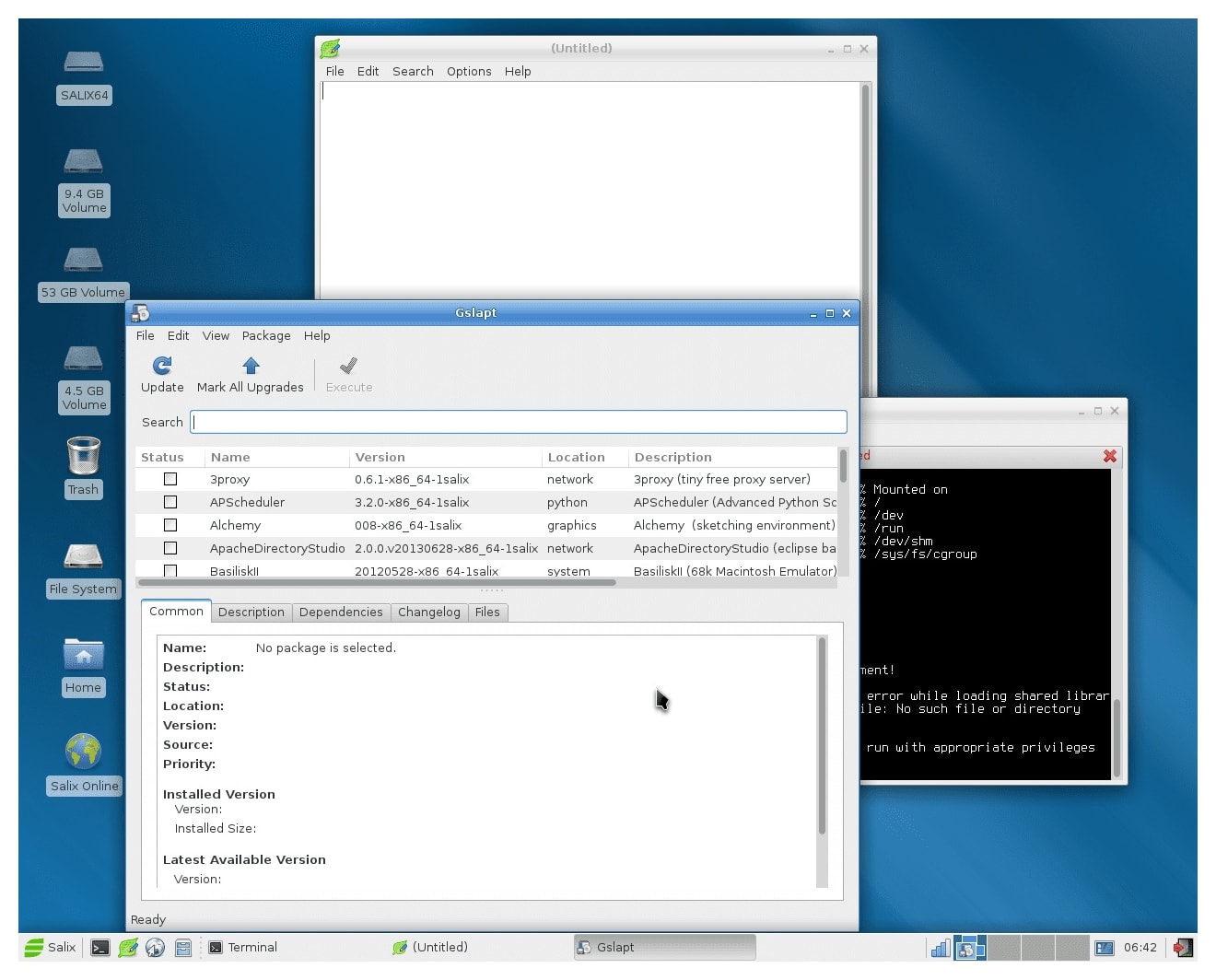
Salix OS is a fork focused on retaining maximum compatibility with Slackware while adding desktop-focused improvements. Salix OS prides itself on simplicity, speed, and ease of use. Salix aims to reduce user workload while maintaining maximum compatibility with Slackware. This Linux distribution is optimized for desktop usage, supporting both 32-bit and 64-bit architectures.
Salix boasts high-quality package repositories with dependency support, fast package tools, and fully localized system administration tools. Aptly described as a distribution for ‘lazy Slackers’, Salix simplifies the Slackware installation process and offers a pre-configured desktop environment and applications.
Zenwalk
- Focus: Internet apps, multimedia & programming tools
- Package Manager: Custom netpkg system
- UI: Lightweight Xfce environment
- Evolution: Originally “Minislack”
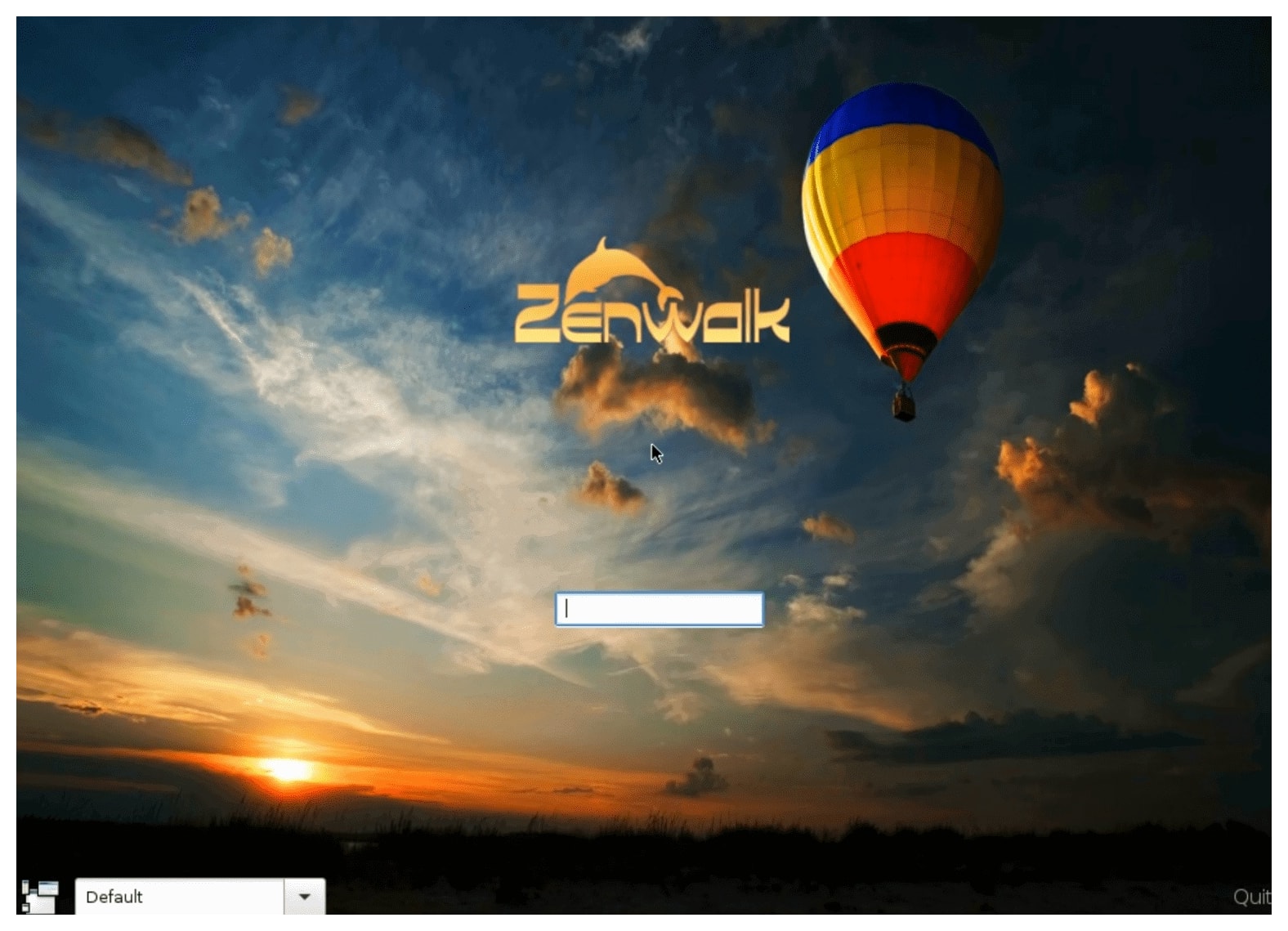
Zenwalk aims to be a modern, multi-purpose Slackware-based distribution. It supports both beginner and advanced users, offering a focus on internet applications, multimedia, and programming tools. Initially called Minislack, Zenwalk uses the netpkg package management system, compatible with Slackware’s .tgz package format. Zenwalk is a 64-bit “pure” Slackware system, incorporating post-install configurations, optimizations, and out-of-box tweaks for a ready-to-use desktop environment.
Slax, based on Slackware Linux
Porteus OS
- Specialization: Portable live environments
- Size: Under 300MB footprint
- Boot Time: As fast as 15 seconds
- Modularity: Easy app management
Porteus is a unique modular Slackware fork focused on portability and speed. Porteus is designed to be fast and lightweight with a small footprint. Ideal for running from USB flash drives, flash cards, or CDs, Porteus also supports a ‘frugal’ install on hard disks. The system offers a modular design for easy application management and includes a dependency-resolving package manager with access to Slackware repositories. Porteus aims to provide a portable, fast, and light operating system that boots directly in less than 15 seconds.
Slacko Puppy Linux
- Base: Built from Woof-CE system
- Compatibility: Slackware 14.1 binaries
- Architecture: 32-bit/64-bit versions
- Resource Use: Ultra-lightweight
Slacko, built from the Woof-CE build system, is compatible with the binary packages of Slackware 14.1. This operating system is available in both 32-bit and 64-bit versions and is designed to be light, suitable for low-end machines and older hardware components. Slacko Puppy boasts binary compatibility with Slackware and access to the Slackware and Salix repositories.
Absolute Linux
- Specialization: Older hardware optimization
- UI: IceWM + ROX-Filer
- Package Management: Graphical frontend to Slapt-get
- Size: Compact footprint
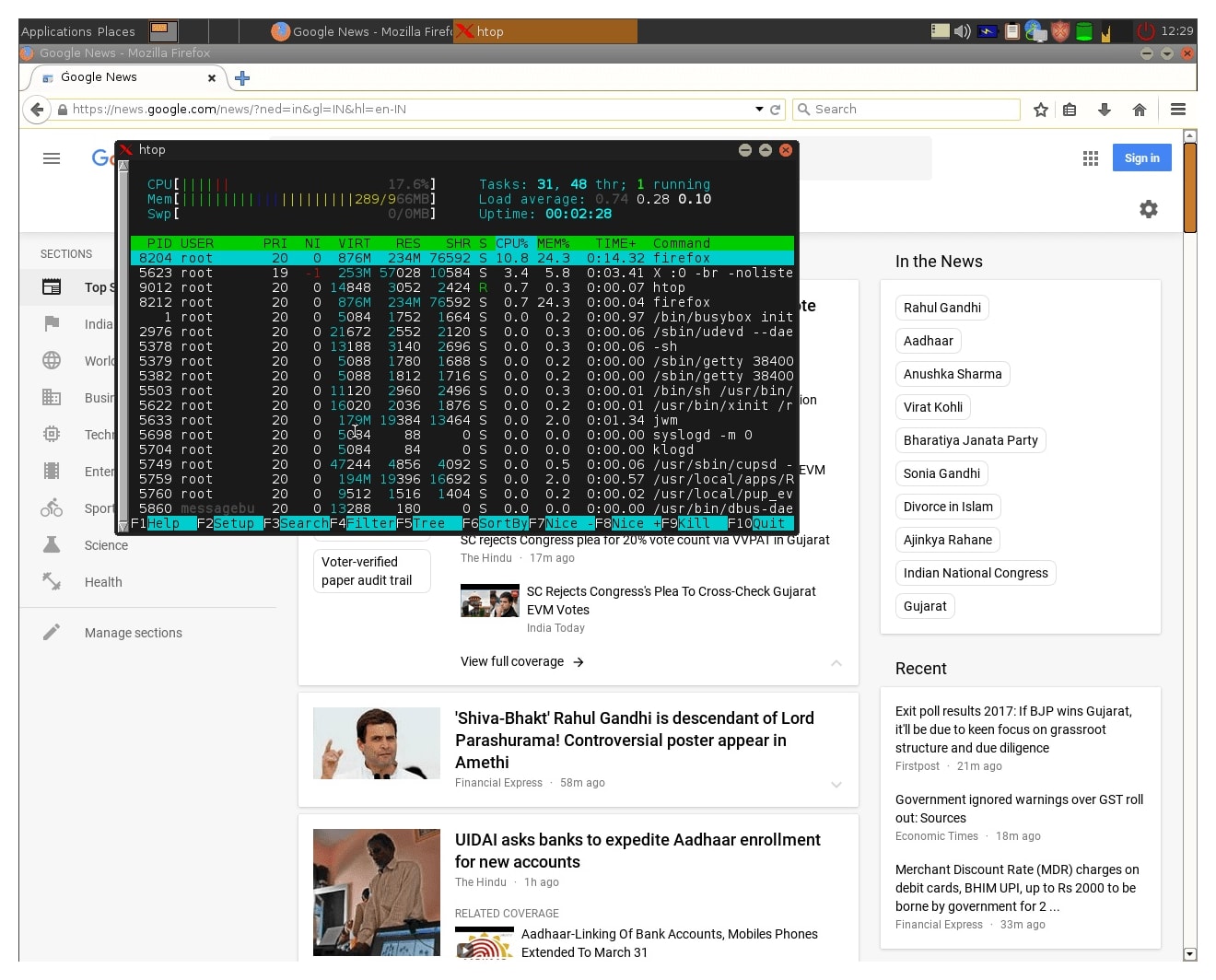
Absolute Linux is a lightweight Linux distribution based on Slackware Linux, designed to work efficiently on older hardware. It is designed for everyday use, including internet browsing, multimedia, and document handling. The default window and file managers are IceWM and ROX-Filer, and it comes with many pre-installed programs for image editing, office software, and other tools. It uses a graphical frontend to Slapt-get which works similarly to Apt-get. It uses its own repositories which provide its own as well as packages from Slackware.
Historical Note: Vector Linux (1999-2015) was a beloved early fork known for speed and lightweight design on older machines like Dell Latitude D520.
Best Forks for Low-End Laptops
distro selection tips, user requirements analysis, installation process comparison
Definition: For this guide, “low-end” refers to laptops older than 7 years or with specs like Celeron N400 CPU + 4GB RAM. In my case, I opted for the specifications over the age of the laptop while exploring forks of Slackware Linux for low-end laptops.
Selecting the ideal Slackware Linux fork hinges on thorough evaluation of community support and personal needs, ensuring a tailored experience that meets individual goals.
| Fork | Resource Usage | Special Features | Ideal Use Case |
|---|---|---|---|
| Absolute Linux | Minimal RAM/CPU | Pre-installed daily-use apps | Reviving ancient hardware |
| Porteus | <300MB footprint | Live USB operation | Portable toolkit |
| Salix OS | Moderate | One-click dependency resolution | Daily driver on mid-tier old laptops |
| Slacko Puppy Linux | Ultra-lightweight | Woof-CE build system | Emergency recovery systems |
Other Notable Forks of Slackware Linux
Despite the growing number of forks, Slackware remains the core inspiration and source for these diverse Linux experiences. Its philosophy of simplicity and stability has influenced many other distributions, and its community continues to thrive and contribute to the open-source world.
Video: Forks of Slackware Linux
| Name | Features | |
|---|---|---|
| 1 | Slackel | Independent fork for beginners and experts with simplified installation |
| 2 | SalixOS | Lightweight with XFCE focus and streamlined installation |
| 3 | Porteus | Live CD/USB version with high customizability |
| 4 | ZenWalk | Minimalistic experience with Openbox window manager |
| 5 | ZipSlack | Lightweight portable distribution (possibly archived) |
| 6 | Austrumi Linux | Minimalist live CD distribution from Latvia |
| 7 | Absolute Linux | Lightweight with IceWM and ROX-Filer for older hardware |
| 8 | VectorLinux | Personal favorite known for speed (inactive since 2015) |
Fun fact: One of the earliest forks of Slackware was SUSE Linux, created in 1994. SUSE was initially based on Slackware but has since evolved into its own unique distribution focused on enterprise use.
Installation & Customization Tips
Low-End Optimization Techniques
- Use lightweight window managers (IceWM, Fluxbox) instead of full desktop environments
- Disable GUI effects and unnecessary background services
- Employ zram for memory compression on RAM-limited systems
- Choose text-based installers for minimal footprint
- Schedule regular
tmpdirectory cleaning
Specialized & Historical Forks
Slamd64 (Historical)
- Legacy: First official 64-bit port (2005-2012)
- Influence: Paved way for Slackware’s multilib support
- Archive: Preserved Wiki
Frugalware
- Unique Feature: Pacman-G2 package manager
- Low-End Support: ARMv7 builds for Raspberry Pi
- Docs: Installation Guide
Also note: Security-Focused Derivatives
– DarkWolf Linux: Slackware-based pentesting distro
– MuLinux: Micro security auditor (< 4MB footprint)
Tracking Active Forks
DistroWatch remains the best resource for monitoring fork activity and user rankings:
- Active Slackware Derivatives – Real-time rankings
- Trend Analysis – 12-month popularity metrics
Update: New forks of Slackware Linux like Slackware ARM now support Raspberry Pi 5 and ARM-based laptops (e.g., Pinebook Pro). For keeping track of forks of Slackware linux, check out distrowatch.com
Conclusion
Forks of Slackware linux extend its legacy into specialized niches while preserving core UNIX principles. For low-end hardware, Absolute Linux and Porteus offer exceptional performance, while Salix OS bridges usability and tradition. As Slackware celebrates over 30 years, its ecosystem demonstrates remarkable adaptability—proving that in 2025, this veteran distro remains relevant through community-driven innovation.
Slackware forks allow users to benefit from the stability and architectural strengths of Slackware, while getting added features and tools where the base system is lacking. They continue to keep Slackware relevant for modern Linux users. By understanding these forks better, you can make an informed choice about the Linux distribution that best suits your needs.
Have you tried Slackware Linux? Share your experiences, challenges, or tips in the comments below. If you’re new to Slackware, give it a shot and join the community of users who appreciate its simplicity and power!
You can try with Slackware Linux Live CD instead
Resources & Links
| Resource | Description |
|---|---|
| Slackware Official | Primary project repository |
| DistroWatch | Active fork tracking |
| Slax | Modular live OS |
| Woof-CE | Puppy Linux build system |
Part of the Slackware Series
See below to read other posts in this series
Updated and archived: June 2026