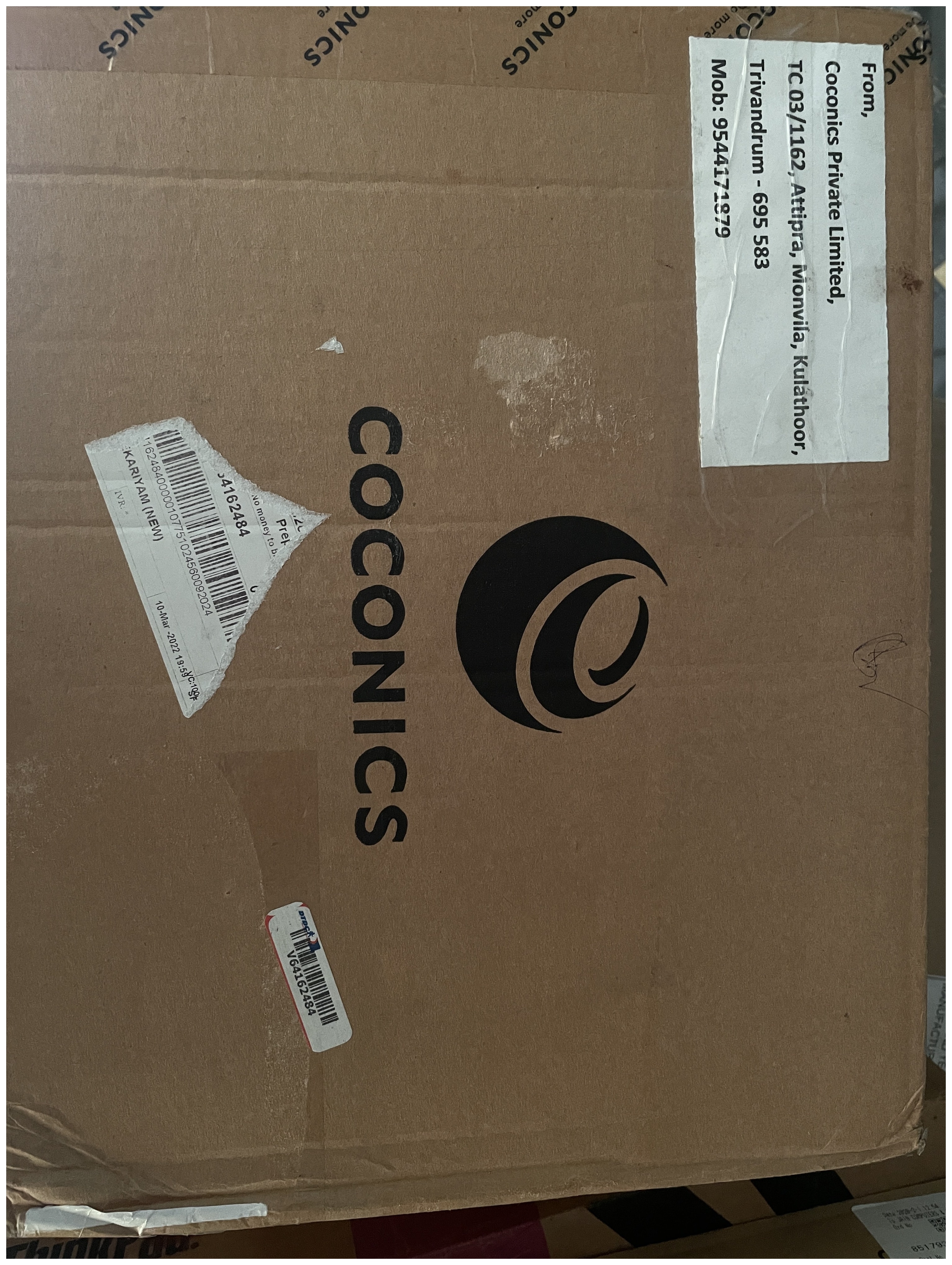
I purchased the Coconics Enabler Budget Laptop, in March 2021, drawn by its promise as a “Made in India” laptop that offered budget-friendly computing with Linux compatibility. Over three years, this journey revealed a mix of modest successes and significant challenges.
Coconics Enabler Laptop Review: A Made in India Laptop Experience
My Experience with Coconics Enabler Laptop
The Coconics Enabler Laptop, marketed as a Made in India product, initially impressed with its lightweight design and pre-installed Ubuntu OS. However, its underwhelming performance, sub-par build quality, and heating issues tempered expectations.
Technical upgrades, like swapping the 64GB eMMC for a 256GB M2 SATA SSD, improved speed, but random shutdowns and poor customer support marred the experience. By February 2024, Coconics’ website was offline, suggesting the company ceased operations. This post details my findings, from Linux trials to performance tests, alongside lessons for budget laptop shoppers.
This post covers experiences from disk upgrades and Linux experiments to persistent heating issues and disappointing customer service. This updated review, current as of April 2025, consolidates my technical findings and reflections, offering insights for anyone considering a similar Made in India laptop.
सारांश
तीन साल पहले, मैंने Coconics Enabler Laptop खरीदा, जो “भारत में निर्मित” लेबल के साथ एक किफायती लैपटॉप था। मेरा प्रारंभिक उत्साह जल्दी ही कम हो गया, क्योंकि धीमा प्रदर्शन, ज़्यादा गरम होने की समस्या, और खराब ग्राहक सेवा ने अनुभव को निराशाजनक बना दिया। लिनक्स ऑपरेटिंग सिस्टम ने कुछ हद तक स्थिरता प्रदान की, लेकिन यह लैपटॉप मेरी अपेक्षाओं पर खरा नहीं उतरा। यह पोस्ट मेरे अनुभव, तकनीकी अपग्रेड, और सुझाव साझा करती है।
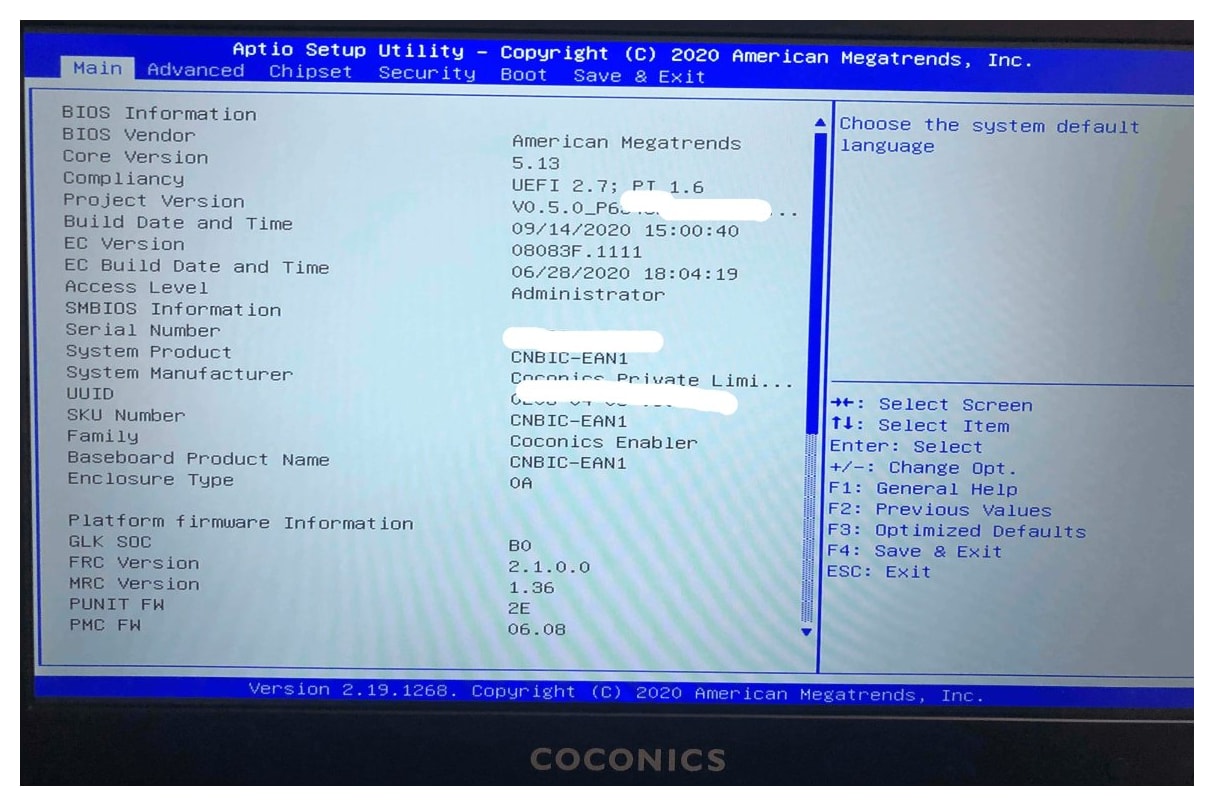
Specifications of the Coconics Enabler Laptop
- Processor: Intel® Celeron® Processor N4000 (1.1 GHz ~ 2.60 GHz)
- Display: 11.6 Inch FHD (1920×1080) Display
- RAM: 4GB (LPDDR4), not upgradable
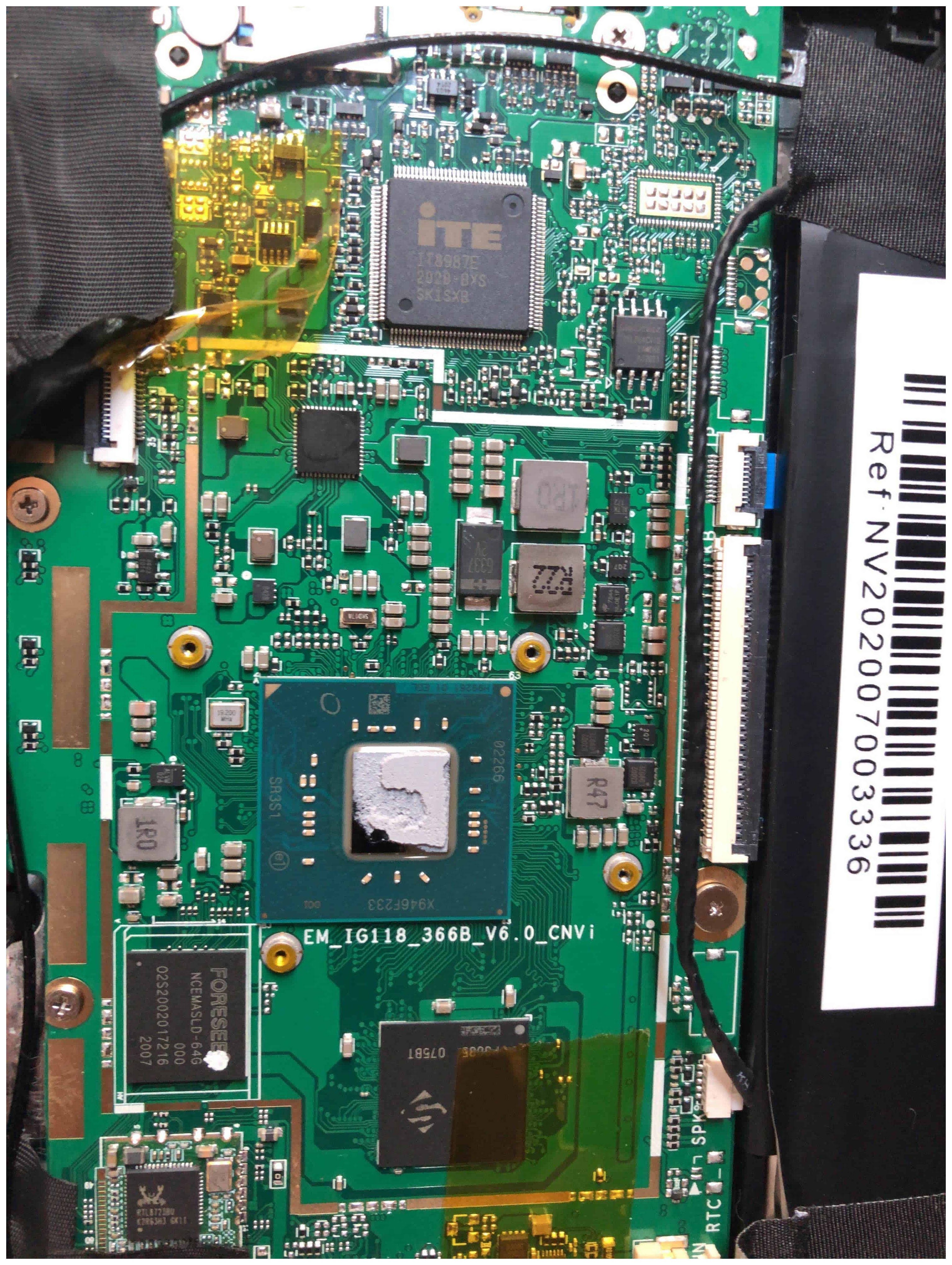
- Storage: 64GB eMMC (some units with 128GB M2 SATA SSD), upgradable to 256GB M2 SATA SSD (NVMe not supported)
- Operating System: Ubuntu
- Graphics: Intel UHD Graphics 600
- Connectivity: Wi-Fi 802.11 b/g/n (2.4 GHz only), Bluetooth 4.2
- Ports: USB 2.0 x1, USB 3.0 x1, USB Type-C x1, SD Card Reader
- Battery: Li-Ion, 31 Wh (some units 37 Wh), 65 W Power Supply
- Weight: Under 1 kg
First Impressions and Early Challenges
The Coconics Enabler Laptop, purchased for around INR 17,000 (USD 220), arrived with Ubuntu 20.04 LTS pre-installed. Its Intel Celeron processor and 4GB RAM handled basic tasks like web browsing and document editing smoothly, though it struggled with multitasking. The 11.6-inch FHD display was adequate, but the small keyboard required adjustment, especially for users with larger hands. Weighing under 1 kg, its portability was a highlight.
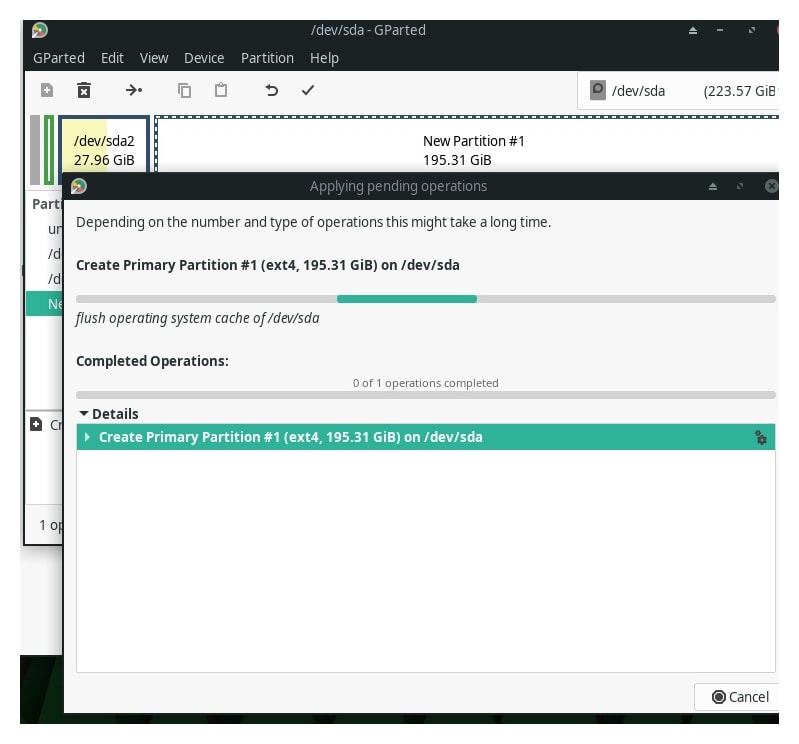
Early concerns emerged post-purchase. The base model’s 31 Wh battery (some units had 37 Wh) promised 5–6 hours of use, but I wondered if it could be upgraded. The 64GB eMMC storage felt limiting, prompting plans for an SSD swap. I also tested MicroSD card compatibility, settling on a 16GB card after trials with 32GB and 64GB options (a 128GB card corrupted within a year). The lack of extended warranty options and NVMe support, which I discovered after attempting to install a Crucial 500GB NVMe drive, were early lessons in reading specs carefully.
Technical Upgrades and Performance Testing
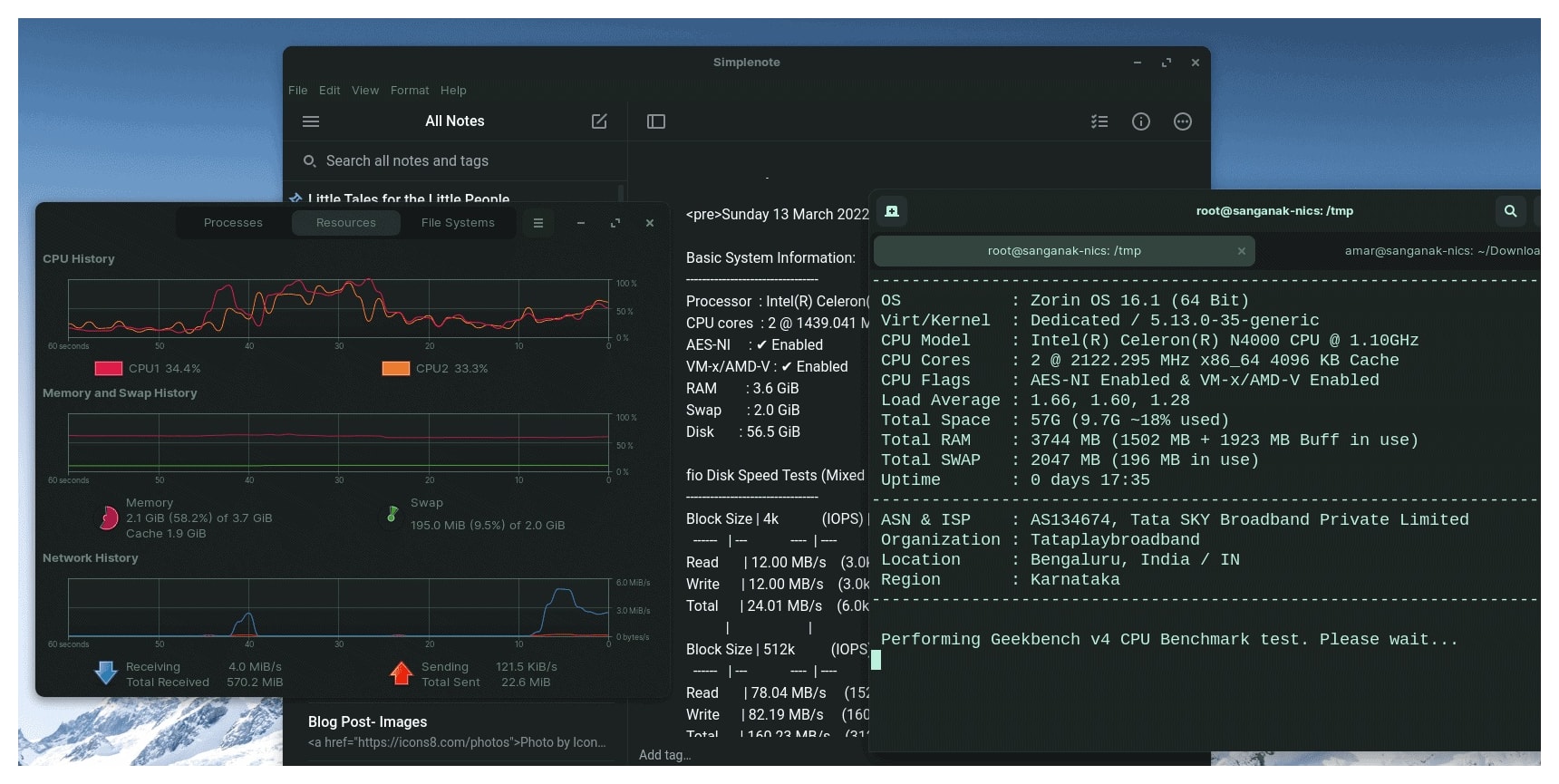
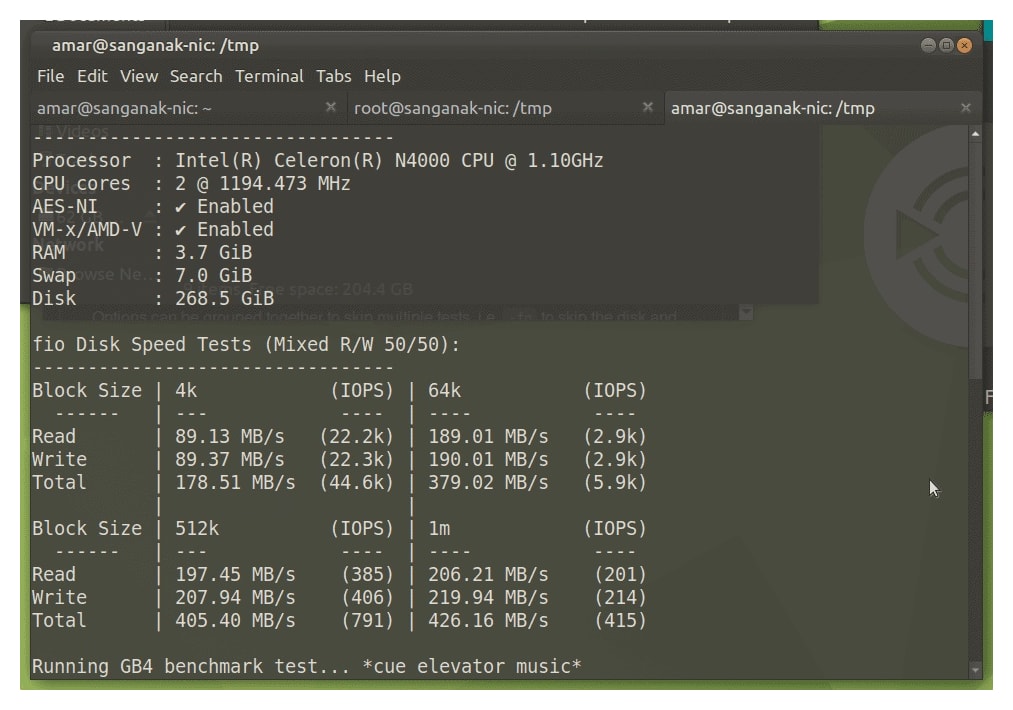
In May–June 2021, I upgraded the Coconics Enabler Laptop’s storage from 64GB eMMC to a 256GB M2 SATA SSD, as the laptop does not support NVMe drives—a critical distinction I learned after purchasing an incompatible Crucial NVMe disk. Using the hdparm command, I measured improved disk speeds, with boot times dropping significantly and applications launching faster. For example, the SSD achieved read speeds roughly twice that of the eMMC, as shown in benchmark tests.
I also experimented with cooling solutions to address heating during heavy tasks. Adding a cooling pad and reapplying thermal compound helped marginally, but random shutdowns persisted under load. MicroSD card tests confirmed the laptop could handle up to 64GB cards reliably, though aesthetics favored smaller capacities like 16GB for a flush fit.
Linux Experience on Coconics Enabler Laptop
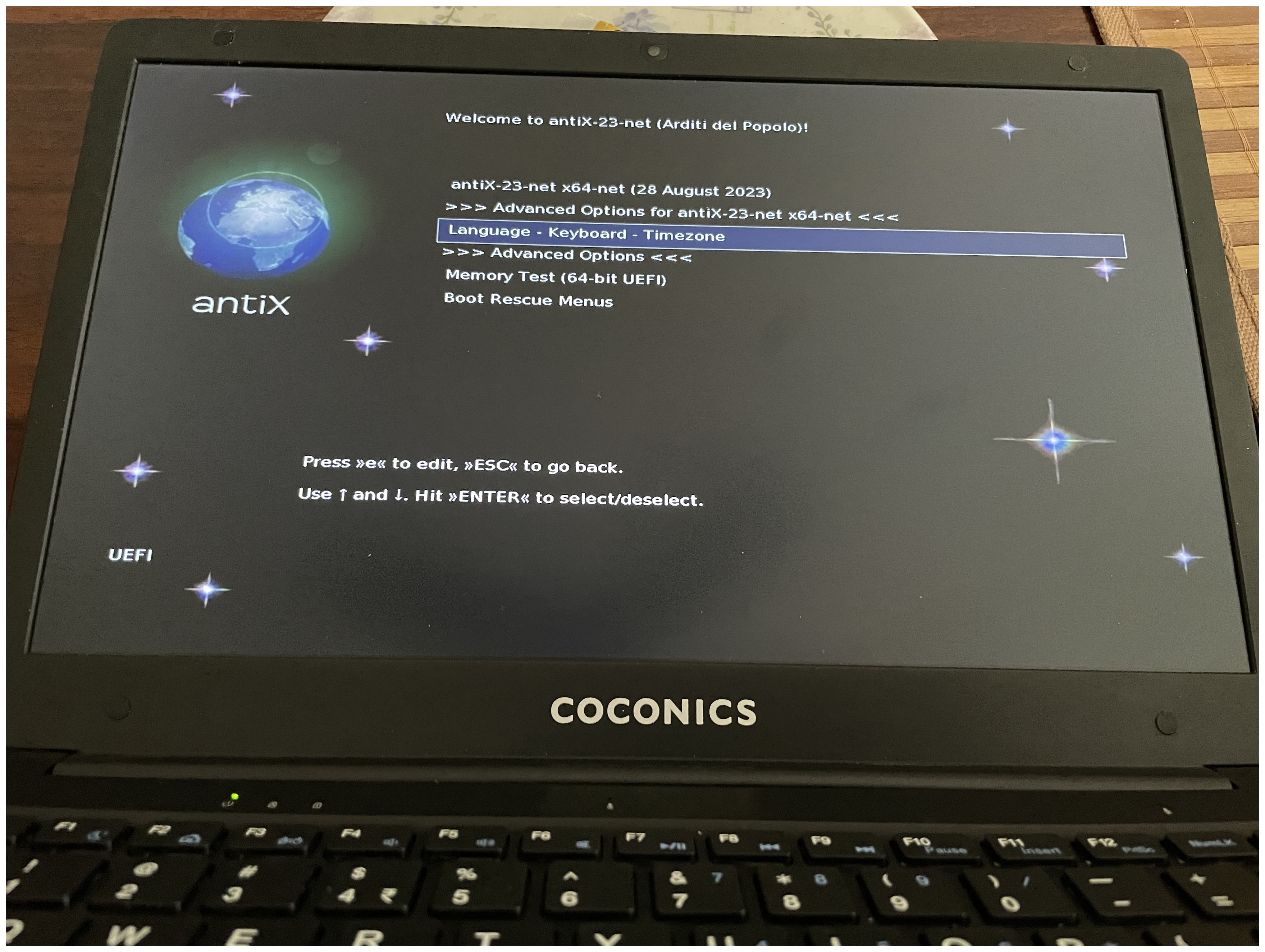
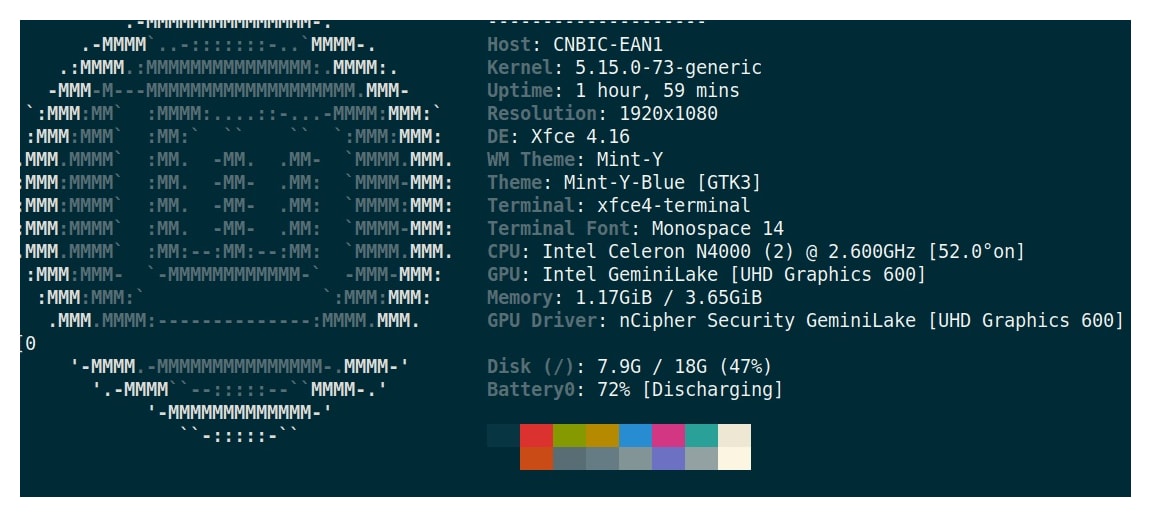
The pre-installed Ubuntu 20.04 LTS provided a stable foundation, but I tested over 20 Linux distributions to optimize performance on the Coconics Enabler Laptop’s modest hardware. Standouts included:
- Bodhi Linux: Lightweight and speedy, ideal for low-resource systems.
- Archbang Linux: Smooth installation and performance.
- Linux Mint: Reliable but high RAM usage with Firefox.
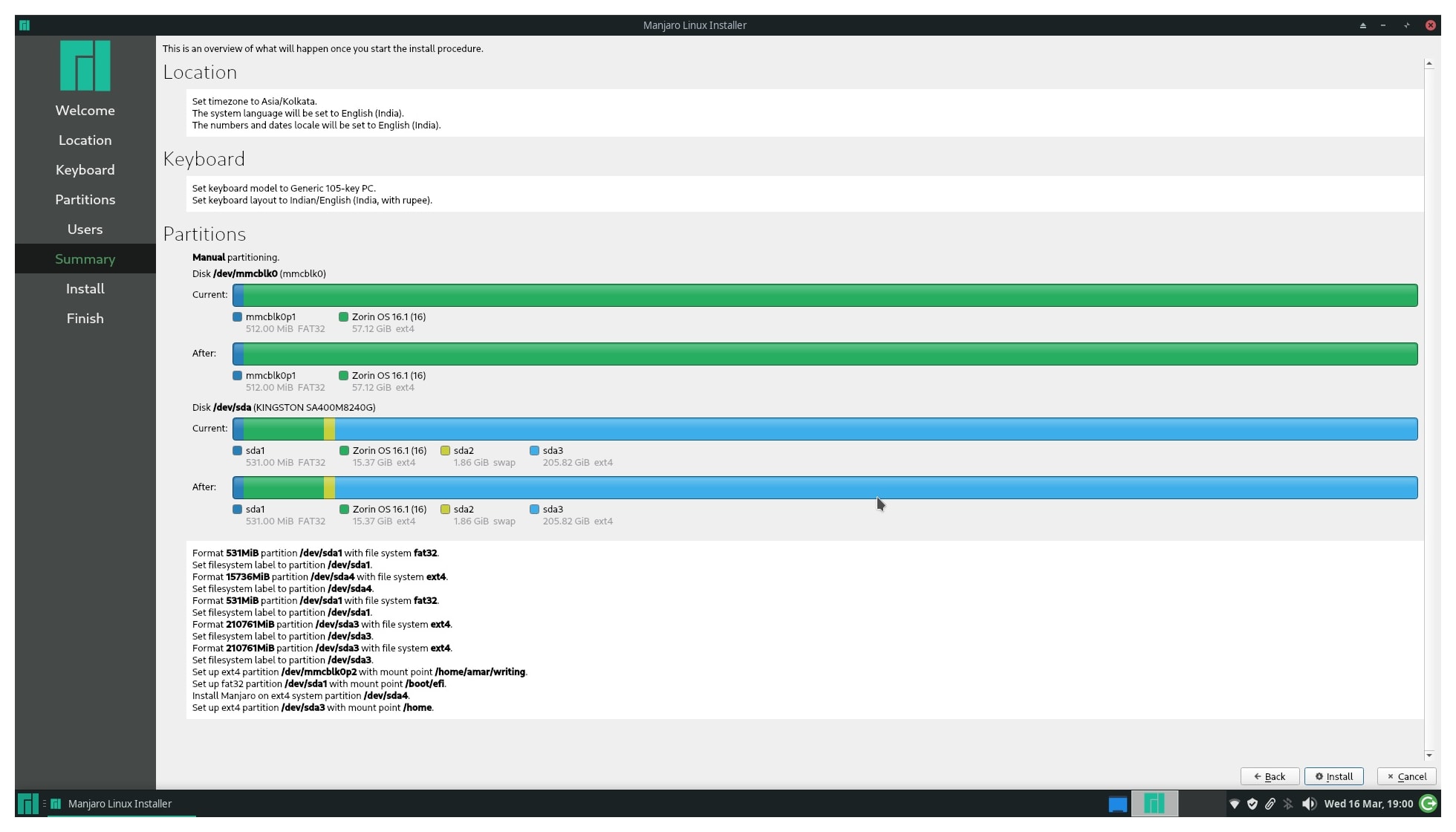
- Manjaro: Worked well until an upgrade caused issues.
Distributions like KDE Neon felt too resource-heavy, and Archcraft failed to install. Most distros ran out of the box, showcasing the laptop’s Linux compatibility. Watch a screenshot tour of these installations below.
Part II : Overall Performance and Experience
The Coconics Enabler Laptop started as a beacon of hope for a Made in India laptop but fell short in several areas:
- Heating and Shutdown Issues: The laptop overheated during intensive tasks, with core temperatures reaching 81°C while backing up 150GB to a USB drive and 87°C when streaming YouTube on Vivaldi. These issues triggered random shutdowns, even after adding cooling pads.
- Customer Service: In February 2022, the laptop stopped booting. Customer service was unhelpful, requiring me to ship it to Kerala at my cost. Repairs were covered under warranty, but the process was frustrating.
- Build Quality: The plastic chassis felt flimsy, though the under-1-kg weight was a plus.
- Wi-Fi and Typing: Limited to 2.4 GHz Wi-Fi, connectivity was unreliable, and the small keyboard hindered extended typing.
Linux was the saving grace, enabling basic tasks like SSH and light document editing. I repurposed the laptop as a secondary desktop by connecting it to a USB hub and external monitor, which worked satisfactorily.
Upgradability and Use Cases
Storage upgrades to a 256GB M2 SATA SSD were straightforward, but the 4GB RAM is fixed, limiting future-proofing. The Coconics Enabler Laptop suits basic tasks—web browsing, emails, light word processing—but struggles with heavier workloads. Its Linux compatibility makes it viable for enthusiasts, though heating remains a concern for prolonged use.
MX Linux on Coconics Enabler Laptop
A “Made in India” Dream or Not?
The biggest disappointment was learning that the Coconics Enabler Laptop was not truly a Made in India product. With Chinese components like the battery and hardware, it was merely assembled in India, undermining the “Make in India” branding. By 2024, Coconics’ website was inaccessible, raising doubts about support for existing users.
Possible Alternatives
Finding a reliable laptop under 20,000 INR is challenging, but options exist:
- Avita Essential Series: Affordable and suitable for basic tasks like browsing and documents.
- RDP ThinBook 1010: An Indian brand offering lightweight productivity machines.
- iBall CompBook: Budget-friendly but with compromises in build quality.
Alternatively, used Intel-based MacBooks or aftermarket deals on platforms like Facebook Marketplace can offer better value. India’s push for local laptop manufacturing may bring more options soon.
Key Considerations for Budget Laptop Shoppers
- Define Needs: Focus on essential tasks (e.g., browsing, editing) to avoid overpaying for unused features.
- Set Expectations: Budget laptops involve trade-offs; prioritize battery life, performance, or build quality based on your needs.
- Check Support: Reliable customer service is critical, as my Coconics experience showed.
Conclusion: Coconics Enabler Budget Laptop
The Coconics Enabler Laptop offered an affordable entry into Linux computing but was hindered by heating, build quality, and support issues. While upgrades like an SSD improved performance, the experience underscored the importance of researching component origins and customer service, especially for a Made in India laptop. For budget buyers in 2025, exploring established brands or used devices may yield better results.
This post is part of a series on computer upgrades and Linux installations. Read more about heating issues.
Frequently Asked Questions
- Can the Coconics Enabler budget laptop be considered a good investment for basic tasks?
For very basic tasks and with the aid of Linux, it can be a passable investment. However, the issues with build quality, customer service, and heating make it a risky choice. - Is the Coconics Enabler truly a “Make in India” product?
Despite being marketed as such, the reality is that it’s more of an “Assembled in India” rather than a Make In India product, with key components like the battery and hardware being sourced from China. - What are the alternatives to the Coconics Enabler in the sub-20,000 INR category?
Considering the market dynamics, it’s crucial to look at brands that offer better reliability and customer service. Researching and comparing products from established brands or considering new entrants with positive reviews is advisable. - What happened to Coconics company?
As of mid-February 2024, the Coconics website is not accessible, suggesting that the company may have ceased operations. This raises concerns about support for existing customers and the longevity of their products. - How does the Coconics Enabler’s budget laptop’s build quality compare to other budget laptops?
The Coconics Enabler’s build quality is considered sub-par, especially when compared to other budget laptops that may offer better durability even at a lower price point. - What should I consider when purchasing a budget laptop in India?
When purchasing a budget laptop in India, consider the build quality, customer service experience, performance with your preferred operating system (like Linux), and the true origin of the product if “Make in India” is important to you. - Given the issues with this Coconics Enabler budget laptop, would you still recommend budget laptops?
Budget laptops can still be a good choice for basic tasks, but it’s important to research and choose a brand with reliable customer service and better build quality. Consider looking at user reviews and exploring both new and established brands.
This is the first in a series of posts about this laptop, the rest will focus more on different Linux Installations, tools and utilities.
The Bottomline: Coconics Website

Box in which the laptop was delivered