You have an image. You need a link. You want to paste it in a Reddit thread, embed it in a forum post, or drop it in a Slack channel. You don't want to create an account, organize albums, or manage a photo library. You just want to upload, get a link, and share. That's image hosting and sharing — the visual equivalent of Pastebin. And in 2026, finding the right tool for this simple job has become surprisingly difficult.
Introduction
Imgur, once the undisputed king of quick image sharing, has blocked UK users, purged NSFW content, started deleting old images, and banned commercial use. Pinterest requires an account to view anything. Flickr wants you to be a photographer, not a quick-sharer. And Discord's CDN links now expire in 24 hours. This post cuts through the noise. We focus exclusively on image host-and-share services — upload an image, get a direct link, share it. No photo backup. No portfolio building. No social network clutter.
Summaries
English Summary: This article reviews the best image hosting services in 2026 for the Pastebin-for-images use case — uploading an image and getting a direct shareable link. We explain why Imgur, Pinterest, and photo storage platforms like Flickr are not the right tools for quick image sharing due to their limitations: account requirements, compression, content policies, and lack of direct linking. We recommend dedicated image hosting services including ImgBB, Postimages, Imgchest, Catbox, and Imgbox for free, no-account uploads with hotlinking support. We also cover screenshot-and-share tools like Gyazo, Droplr, and Lightshot for users who want capture and hosting in one workflow.
Hindi Summary: यह लेख 2026 में पेस्टबिन-फॉर-इमेजेज के उपयोग के लिए सर्वश्रेष्ठ इमेज होस्टिंग सेवाओं की समीक्षा करता है — एक इमेज अपलोड करें और एक सीधा शेयर करने योग्य लिंक प्राप्त करें। हम बताते हैं कि क्यों Imgur, Pinterest, और Flickr जैसे फोटो स्टोरेज प्लेटफॉर्म त्वरित इमेज शेयरिंग के लिए उपयुक्त नहीं हैं। हम ImgBB, Postimages, Imgchest, Catbox, और Imgbox जैसी समर्पित इमेज होस्टिंग सेवाओं की सलाह देते हैं।
What Is Image Hosting? (And What It Isn't)
Image hosting is a service that lets you upload an image to a server and receive a direct URL you can share anywhere — forums, Reddit, blogs, emails, or chat. Think of it as Pastebin, but for images instead of text. The key features that define a true image hosting service:
- Direct linking — you get a
.jpgor.pngURL, not a viewer page - Hotlinking support — you can embed the image on other websites
- No account required — upload and share anonymously
- Instant links — upload, copy, paste. Done in seconds
- BBCode and HTML embed codes — for forum and blog integration
Most image hosting guides online conflate three completely different needs. Here's the distinction:
| Need | What It Means | Right Tool | Wrong Tool |
|---|---|---|---|
| Quick image share | Upload screenshot, get link, paste on Reddit | ImgBB, Postimages, Catbox | Flickr, Google Photos, Pinterest |
| Photo backup | Auto-sync phone photos to cloud | Google Photos, iCloud, JioCloud | ImgBB, Imgur, Postimages |
| Photography portfolio | Showcase professional work in galleries | SmugMug, 500px, Flickr | ImgBB, Postimages, Catbox |
This post covers only the first category. If you need to back up your phone photos or build a photography portfolio, you're looking for a different type of service entirely.
Image Hosting Services to Consider
| Service | Best For / Key Advantage | Storage & File Limit | Account, Linking & Policies |
|---|---|---|---|
| ImgBB | Free all-rounder; Reddit, forums, blogs. Cleanest ad-free Imgur replacement | Unlimited uploads; 32 MB/image | Optional account; direct links + BBCode/HTML thumbnails; auto-delete (5 min–6 mo); no NSFW; API available |
| Postimages | Forums, eBay, tech screenshots. Fastest no-account upload | Unlimited uploads; 32 MB free (96 MB paid) | No account needed; direct links + BBCode/HTML + thumbnails; permanent hosting; NSFW allowed (tagged); no API |
| Imgchest | Reddit, NSFW, large albums. #1 alternative for banned Imgur content | 10 MB anon / 30 MB registered | Optional account; direct links + embed codes; no auto-delete; NSFW allowed; no API |
| Catbox | Anonymity, meme dumps, anime communities. Minimalist, no logs | Free; images, MP4, MP3 | No account needed; direct links only; no auto-delete; no NSFW; no API; no ads |
| Imgbox | Long-term permanence, tutorials, web novels. Never deletes due to inactivity | Unlimited uploads; 10 MB/image | No account needed; direct links + BBCode/HTML + thumbnails; never deletes; NSFW allowed (tagged); no API |
H2: Screenshot Capture and Sharing Tools
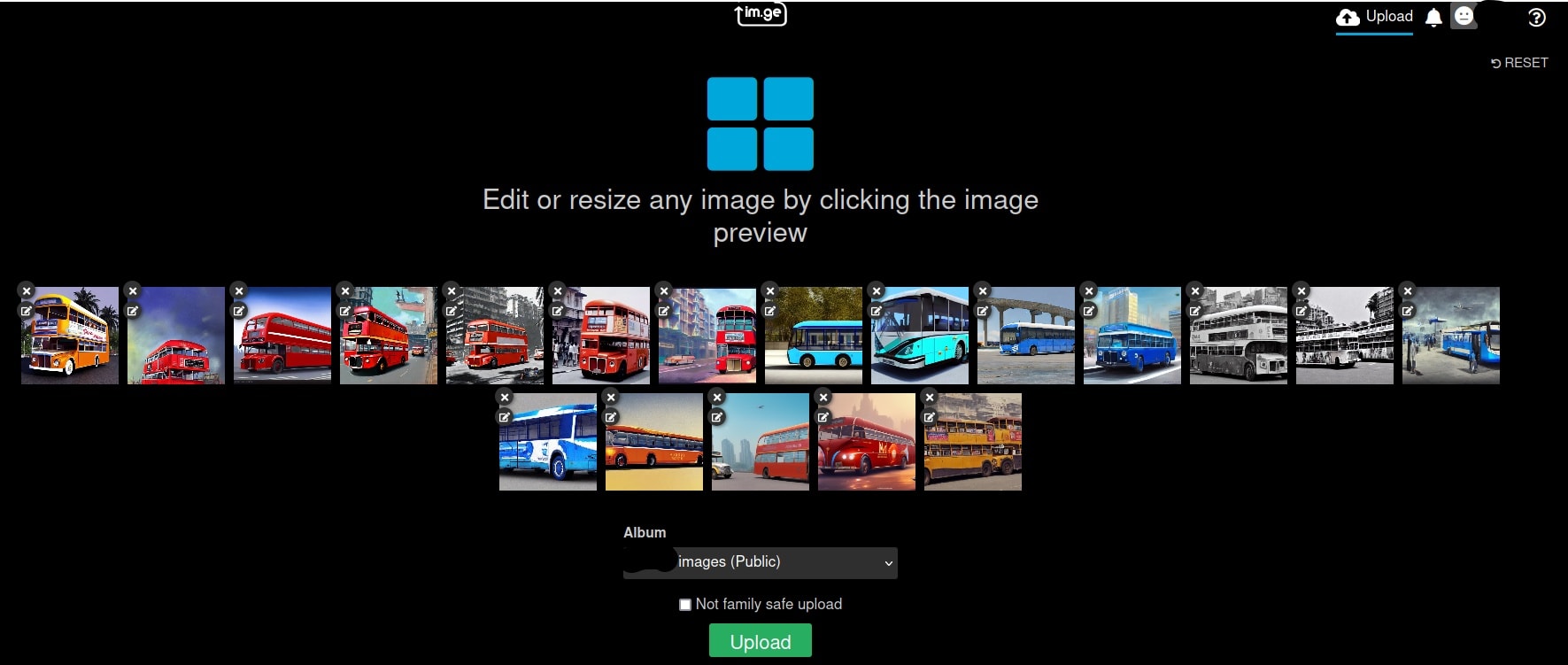
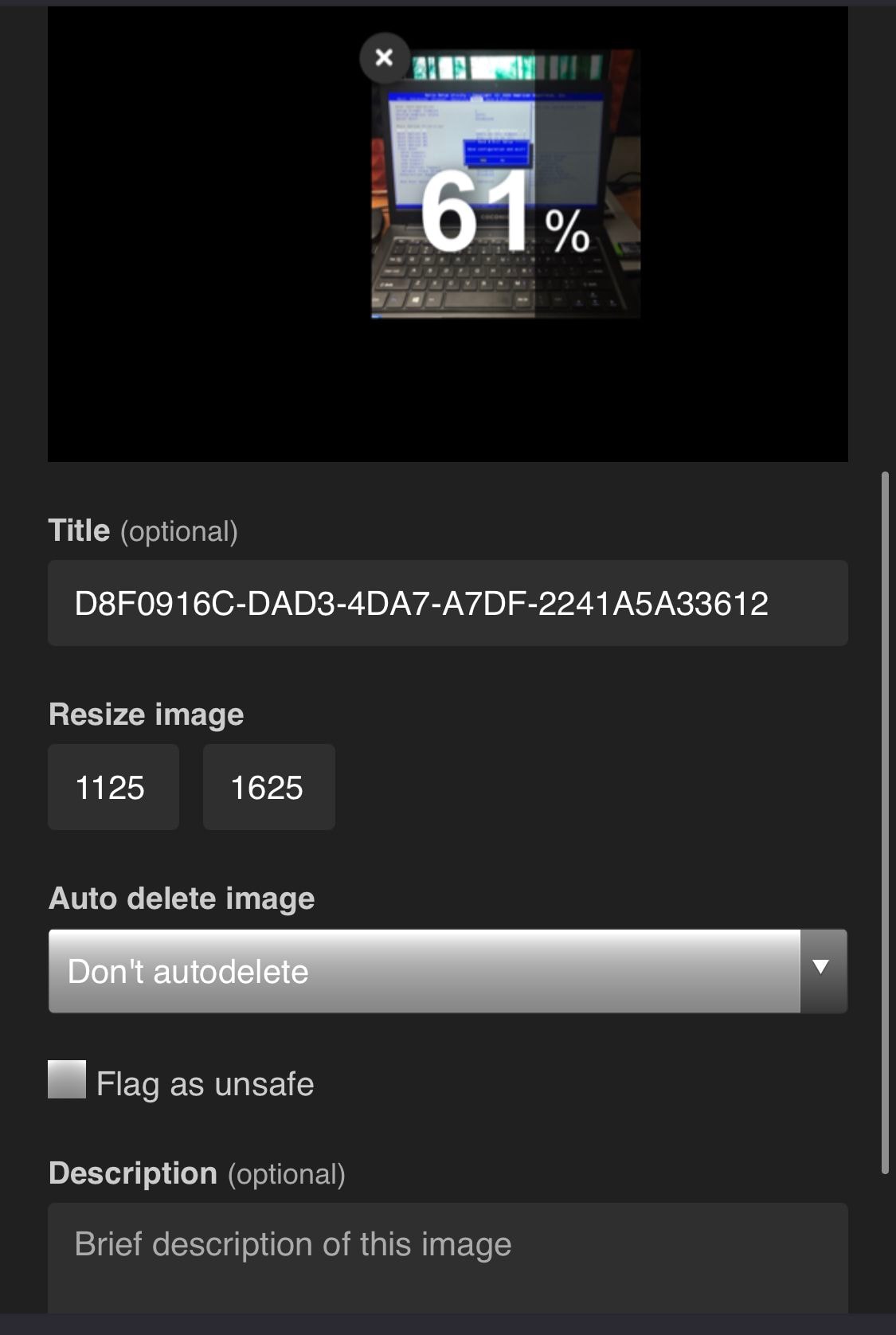
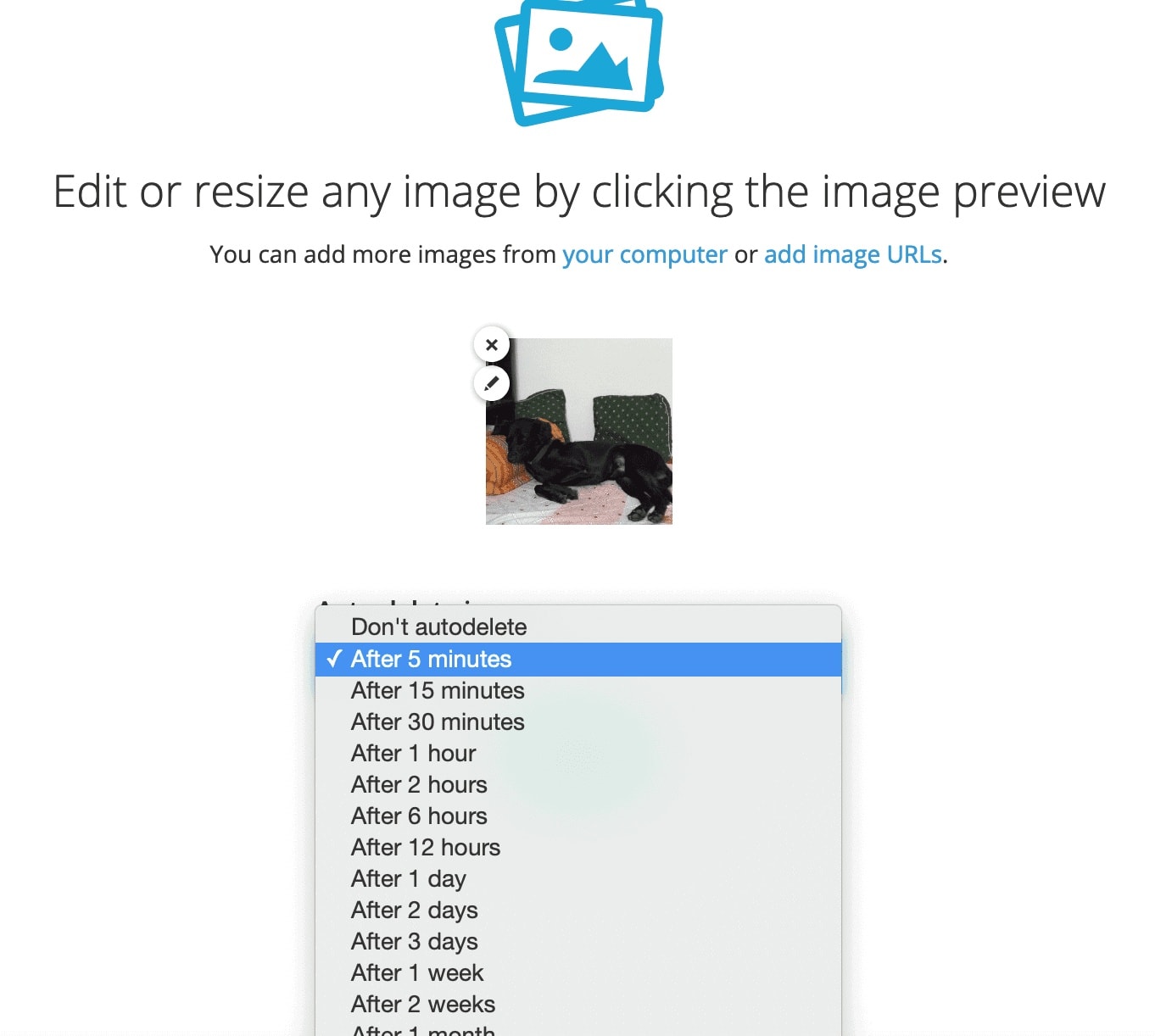 Screenshot of imgbb- setting expiry for images
If you share screenshots frequently — bug reports, design reviews, or tech support — dedicated screenshot tools combine capture, annotation, and hosting in one step:
| Tool | Price | Platform | Best For |
|---|---|---|---|
| Gyazo | Free / $4.99/mo | All platforms | Quick screenshot to instant link; GIF recording |
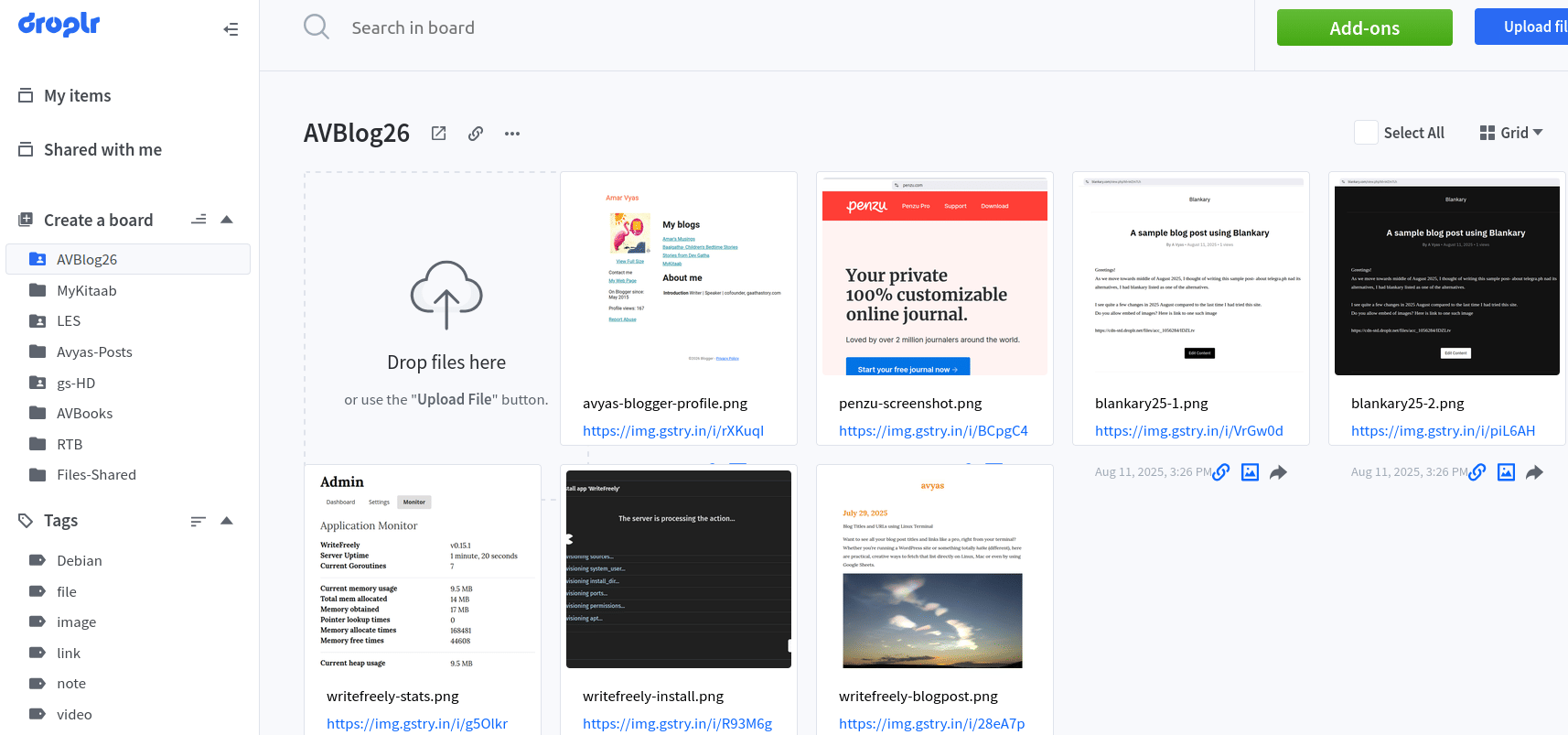
| Droplr | $6/mo per user | Mac/Win | Business teams — custom branded links, password protection, analytics |
| Lightshot | Free | All platforms | Simplest workflow — area select to instant prnt.sc link |
| ShareX | Free (open source) | Windows only | Power users — 15+ capture modes, upload to any host |
Why use these instead of Imgur?
Tools eliminate the multi-step workflow. Instead of: capture, save, open browser, upload to Imgur, copy link — you get: capture, annotate, share. One tool, one step.
Privacy advantage:
Tools like Droplr and ScreenSnap Pro offer private links with password protection and expiration dates — critical for work screenshots containing sensitive information.
QuickForget by Automattic
 Quickforget- December 2020
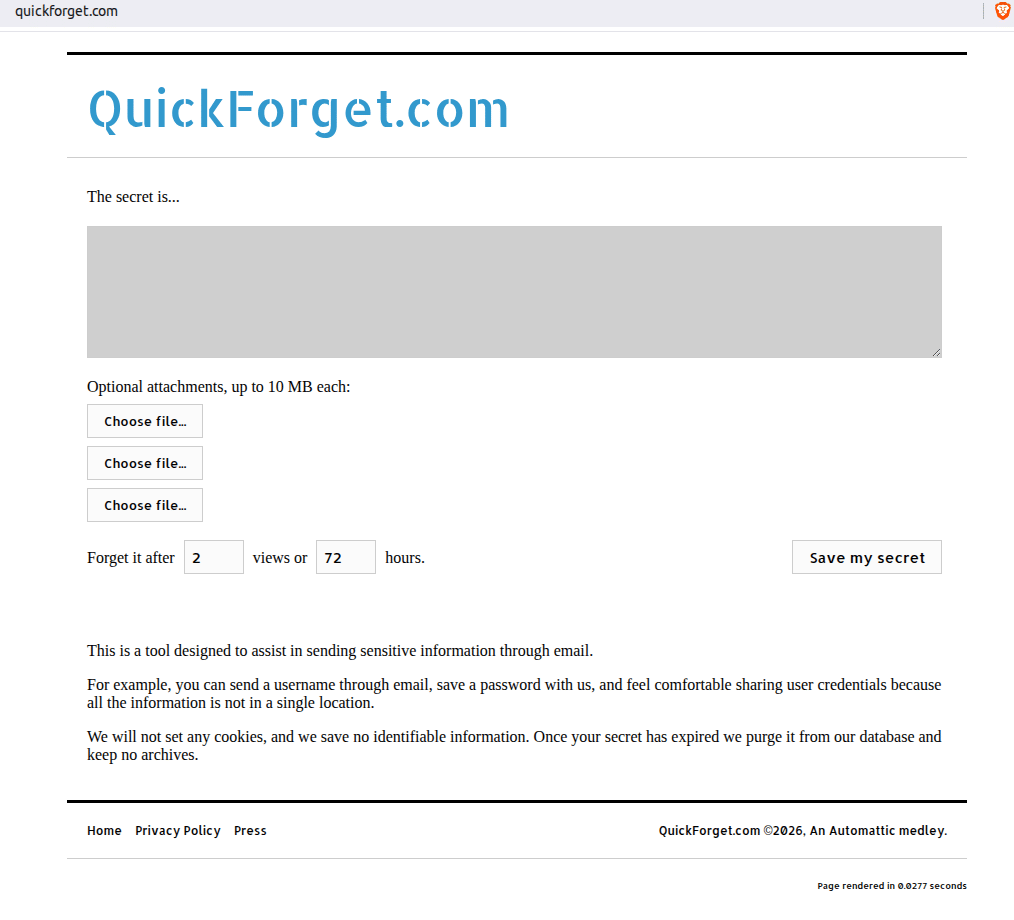
I first came across QuickForget in 2020 — a no-frills ephemerality service from Automattic that lets you share secrets (text plus up to three attachments, 10 MB each) that self-destruct after a set number of views or time period (72 hours by default). As of August 2026, the free tier remains intact: you get password‑optional sharing with configurable deletion timers, though there's no public API or bulk-upload feature. Useful when you need one-off credential handoff without creating accounts on dedicated image hosts.
 )
Quickforget- August 2026
)
Quickforget- August 2026
Why Imgur, Pinterest, and Flickr Don't Work for Quick Sharing
Imgur, Pinterest, and photo storage platforms like Flickr, SmugMug, and Google Photos are frequently suggested as image hosting solutions — but they fail at the core "upload, get link, share" workflow. Imgur has been blocked in the UK since September 2025, purged NSFW content in May 2023 breaking millions of forum embeds, silently deletes old unviewed images, bans commercial use, and compresses uploads so screenshots look blurry. Pinterest provides no direct image URLs — links open in a viewer requiring an account, with no BBCode or hotlinking support.
Flickr, SmugMug, and Google Photos are photo management tools, not image hosts: they require accounts, don't support anonymous uploads, don't offer direct .jpg links for embedding, and are designed for organizing personal photo collections rather than distributing images via shareable links. The fundamental issue is that these platforms want you inside their ecosystem — image hosting services want you to take the link and leave.
Frequently Asked Questions
1. Why not just use Flickr or Google Photos for quick image sharing?
Flickr requires an account, limits free uploads to 1,000 photos, doesn't support GIFs, and is designed for photography communities — not quick link sharing. Google Photos shared links open in a viewer page, not a direct image URL, and cannot be hotlinked on forums.
2. What is the fastest way to upload an image and get a link?
Postimages and ImgBB both let you drag-and-drop an image and get a direct link in seconds — no account required. For screenshots, Gyazo and Lightshot capture and host in a single step.
3. Which image hosting service never deletes images?
Imgbox explicitly states they do not delete images due to inactivity. This makes it ideal for long-term embeds in tutorials, web novels, and forum posts that need to remain intact for years.
4. Are there image hosting services that allow NSFW content?
Imgchest, ImageBam, and Imgbox all support NSFW content with appropriate tagging. Imgur banned NSFW content in May 2023, which is one of the main reasons users switched to alternatives.
Conclusion
The image hosting landscape in 2026 is fragmented but full of good options — if you know what you're looking for. Image hosting is not the same as photo storage or photography portfolios — know which one you need. For frequent screenshot sharing, use Gyazo or Droplr instead of a manual upload workflow
Call-to-Action
What's your go-to image hosting service in 2026? Have you migrated away from Imgur, or are you still holding on? Share your experience in the comments — I'd love to hear what's working (and what's broken) for you.