
This post explores office applications for those who prioritize end-to-end encryption (E2EE) and full control over their data.
Introduction: Why encrypted-office Office Suites Matter
The Problem with Mainstream Tools
Google Docs, Dropbox Paper, and Zoho offer convenience but often at the cost of privacy and data ownership. While these tools are user-friendly, they may retain rights to access, process, or scan your content for various purposes, including service improvements or legal compliance.
What Are encrypted-office Office Suites?
encrypted-office office suites use client-side encryption to ensure that only you and your intended collaborators can access your documents. This means:
- Your data is encrypted-office before it leaves your device.
- Even the service provider cannot decrypt or access your content.
- Ideal for protecting drafts, client records, financial data, or proprietary content.
Who Is This Post For?
- Writers: Securely collaborate on drafts with editors or co-writers without exposing content to third parties.
- Solopreneurs: Manage client contracts, invoices, or sensitive notes with confidence.
- Small Businesses: Enable team collaboration while maintaining full control over confidential data
The Landscape: Tools for Non-Technical Users
Comparison Table: Secure Office Suites
| Tool | Type | Best For | Limitations |
|---|---|---|---|
| OnlyOffice | Freemium | Full-featured office suite | Technical setup required |
| Collabora Online | Freemium | LibreOffice compatibility | Cloud version may lack encryption |
| Nextcloud Office | Free | Integrated workspace | Requires IT expertise |
| Sandstorm | Free | Modular, customizable platform | Limited adoption |
| PrivateBin | Free | Secure text sharing | Not a full office suite |
| Cryptpad | Free | Secure drafting, team notes | Slight learning curve |
| Proton Docs / Sheets | Freemium | Privacy-focused Google Docs alt | Limited free tier |
| Etherpad | Free | Real-time collaboration | No built in encryption |
Note: All the above-mentioned tools are self-hostable.
Etherpad
What it is: Open-source, web-based, real-time collaborative text editor. Pros:
- Simple and lightweight for real-time text collaboration.
- No login required; easy to set up and share.
- Supports multiple users editing simultaneously. Cons:
- No built-in encryption (not suitable for sensitive data).
- Limited to text only (no spreadsheets, presentations, etc.). Best for: Non-sensitive collaborative writing, brainstorming, or live note-taking.
How to Sign Up
- Visit a public instance like Etherpad.org or self-host your own.
- Create a new pad and share the link with collaborators.
- Edit in real-time. Note that Etherpad does not provide encryption, so avoid sensitive data.
Cryptpad
What it is: Full office suite (docs, spreadsheets, Kanban, polls) with end-to-end encryption (E2EE). Pros:
- Privacy-focused with zero-knowledge architecture.
- No account needed; self-hostable. Cons: Slight learning curve for non-technical users. Best for: Secure drafting, client-facing documents, or team notes.
Feature Highlight:
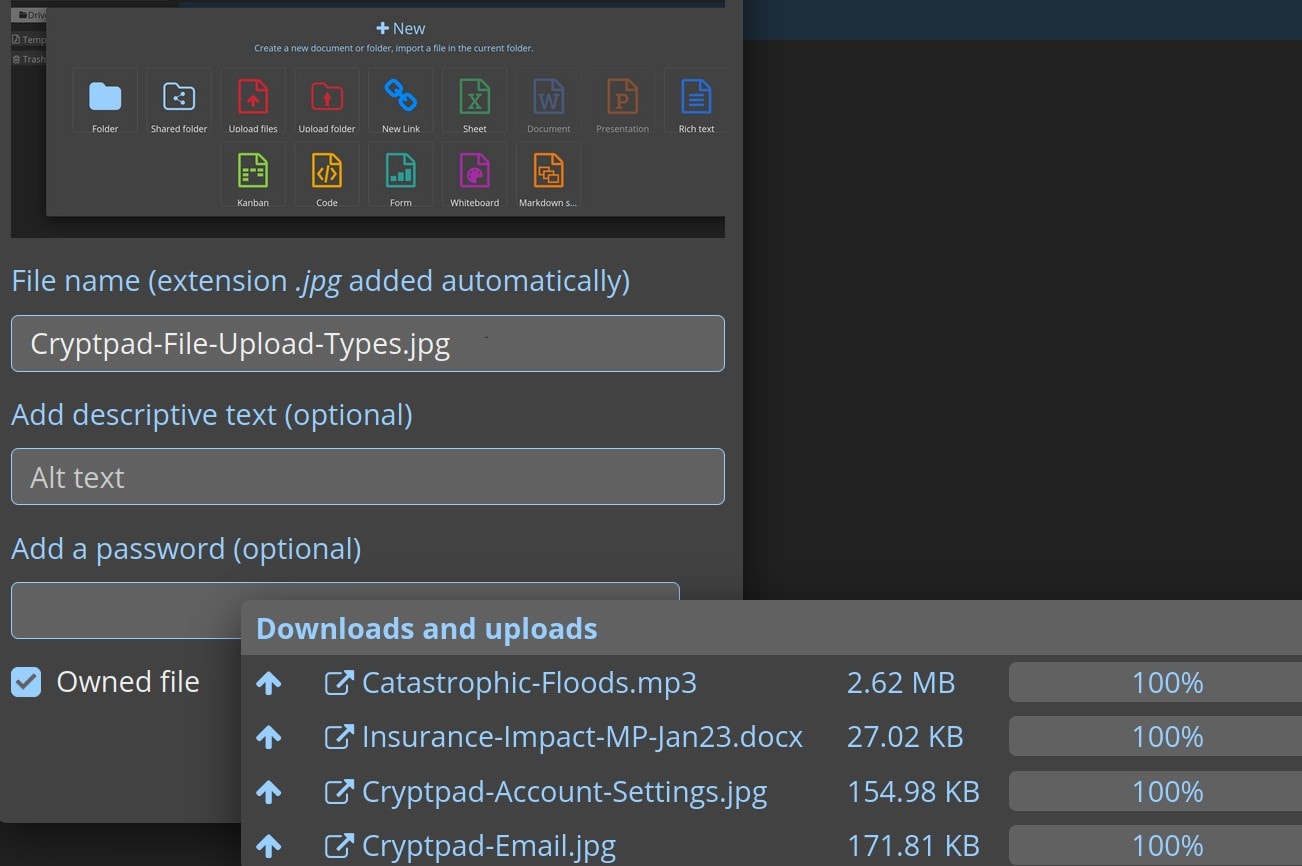 Upload and encrypt individual files in Cryptpad.
How to Sign up
- Visit Cryptpad.fr and select the type of document you want to create (e.g., rich text, spreadsheet).
- Create your document. The URL contains the encryption key, so share it securely with collaborators.
- Use the interface to edit in real-time. No account is required.
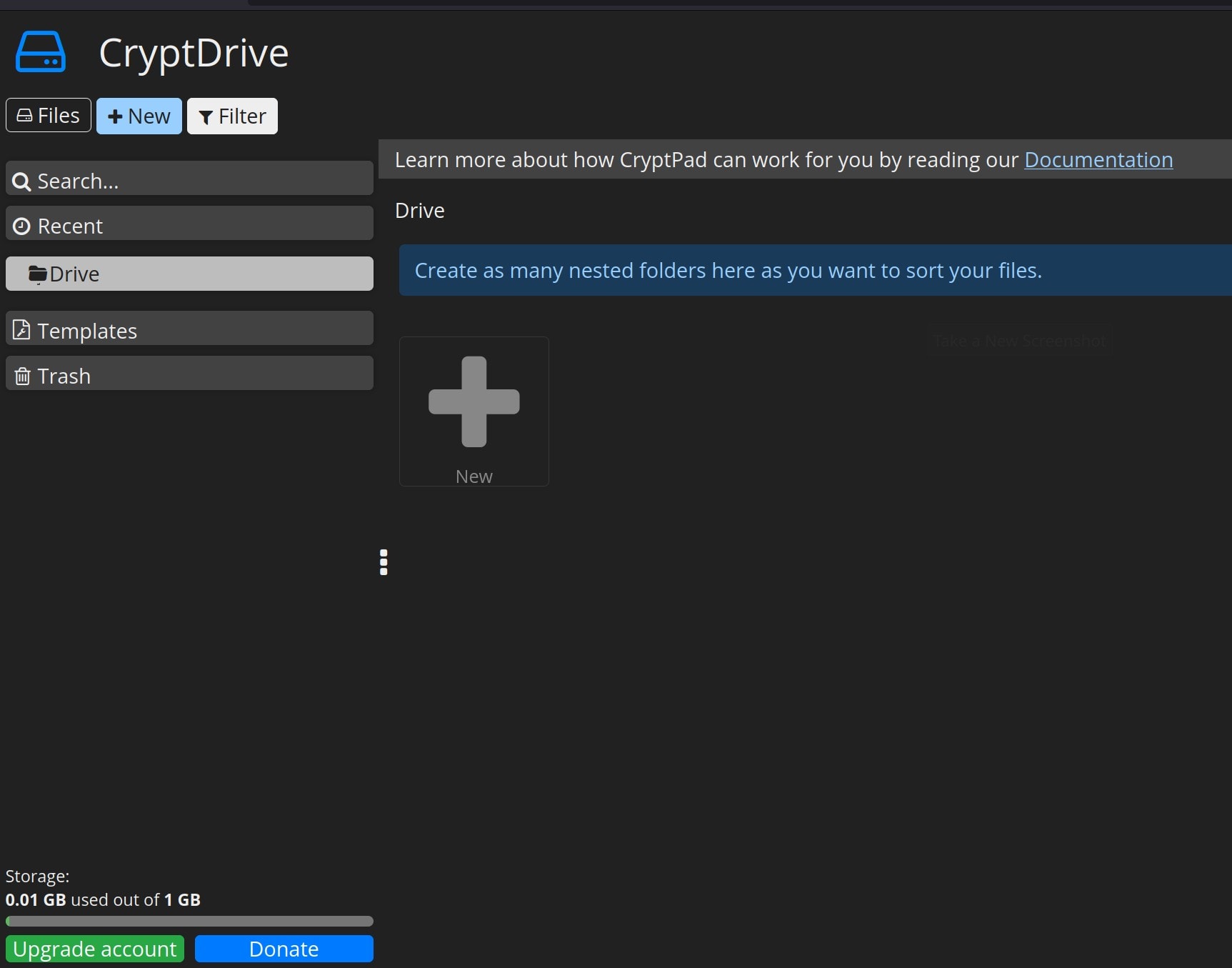 Crypdrive interface.
Proton Docs and Sheets
What it is:
- Proton Docs and Sheets: encrypted documents and spreadsheets with end-to-end encryption (E2EE).
- Proton Workspace: Business-focused suite that includes Proton Mail, Drive, Calendar, and Docs.
Pros:
- Polished UI, easy for non-technical users.
- Integrates with Proton Mail and Drive for a seamless workflow.
- Proton Workspace is designed for small businesses with privacy needs, such as GDPR compliance.
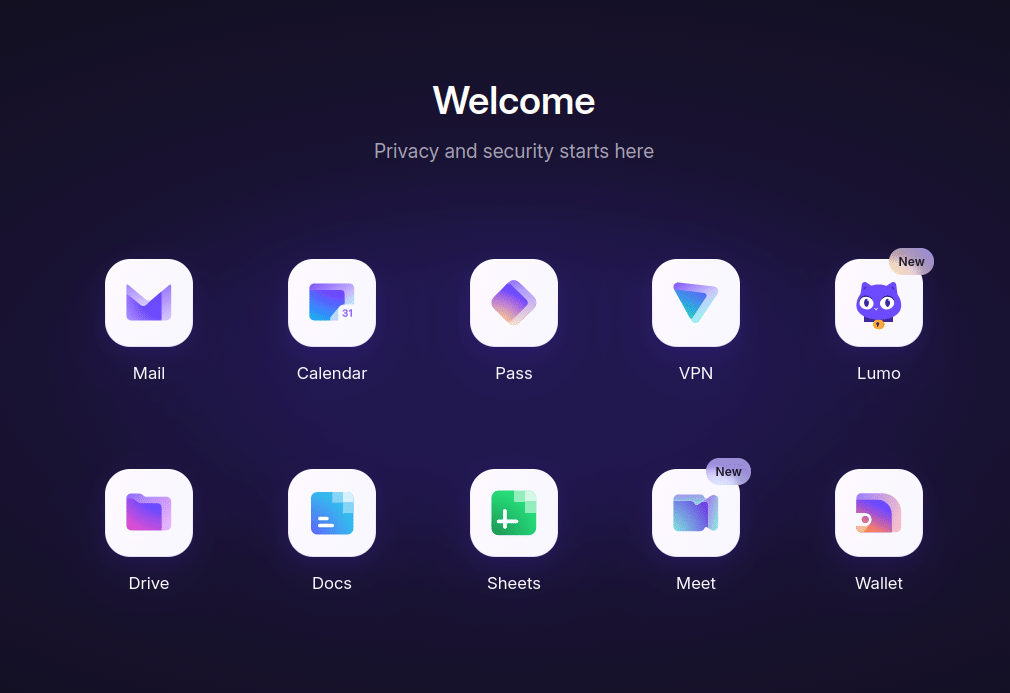 Proton Apps ecosystem for encrypted productivity.
Considerations:
- Pricing: Proton Workspace is a paid service with a limited free tier for Proton Docs. Paid plans include additional storage, advanced features, and priority support.
- Self-hosting: Users seeking more generous limits can self-host, but this requires server costs, configuration, maintenance, and backups.
- Service Maturity: Proton's office suite is relatively new and may not yet be as "battle-tested" as established alternatives.
- Privacy and Jurisdiction: While Proton has moved its servers from Switzerland to the EU, questions have been raised about potential changes to their privacy policy and business model. Users should review their policies to ensure alignment with their privacy expectations.
Best for: Small businesses or solopreneurs who want a Google Workspace alternative with privacy and are comfortable with the trade-offs of a newer service.
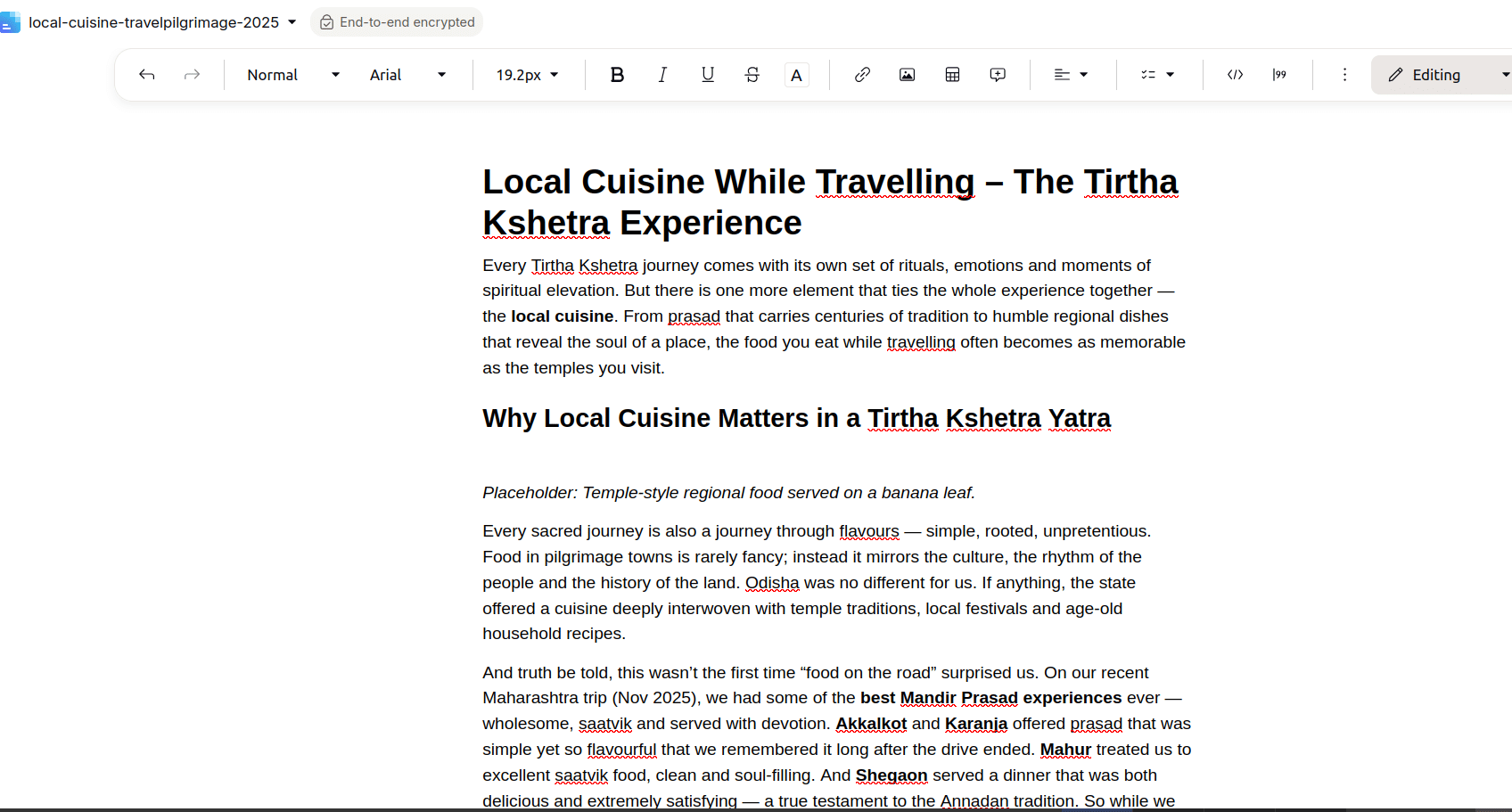
How to Sign Up
- Sign up for a Proton account at Proton.me.
- Access Proton Docs from your Proton Drive or Workspace dashboard.
- Create a new document and share it with collaborators via encrypted links.
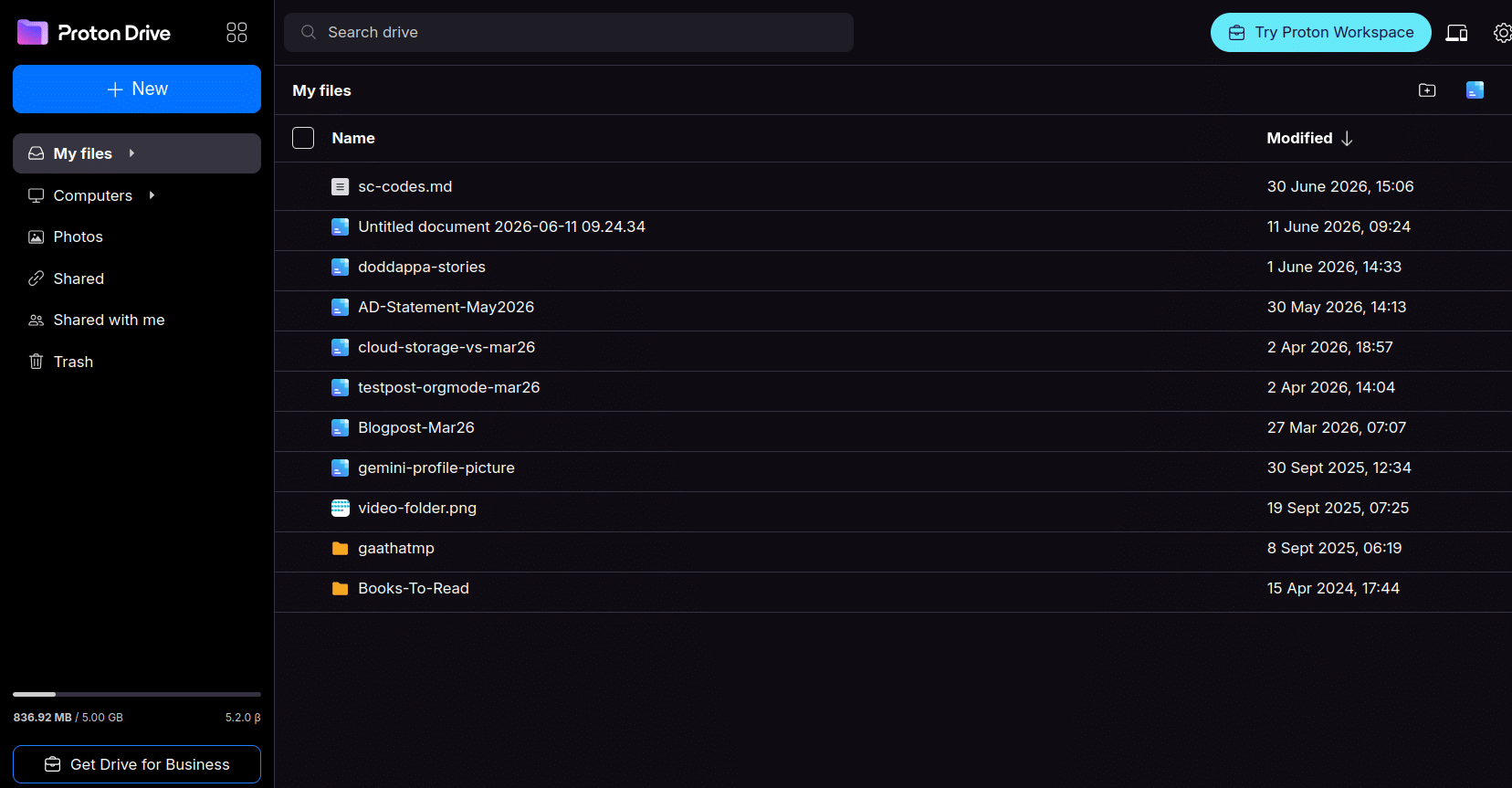 Proton Drive for secure file storage.
Nextcloud
What it is: Self-hosted open-source office suite. Pros:
- Full feature parity with MS Office.
- GDPR-compliant.
- Integrates with OnlyOffice or Collabora for office suites.
 Nextcloud home interface for integrated workspace.
Cons: Requires technical setup, not for everyone. Best for: Small businesses with IT support or advanced privacy needs.
Common Pitfalls with encrypted office tools
- Cryptpad: The URL is the encryption key. If lost, the document cannot be recovered. Always save the URL securely.
- Etherpad: No encryption; avoid using for sensitive or confidential information.
- Proton Workspace: The free tier has storage limits. Plan your storage needs in advance or consider a paid plan.
- Nextcloud: Requires technical knowledge for setup, maintenance, and backups. Not recommended for non-technical users.
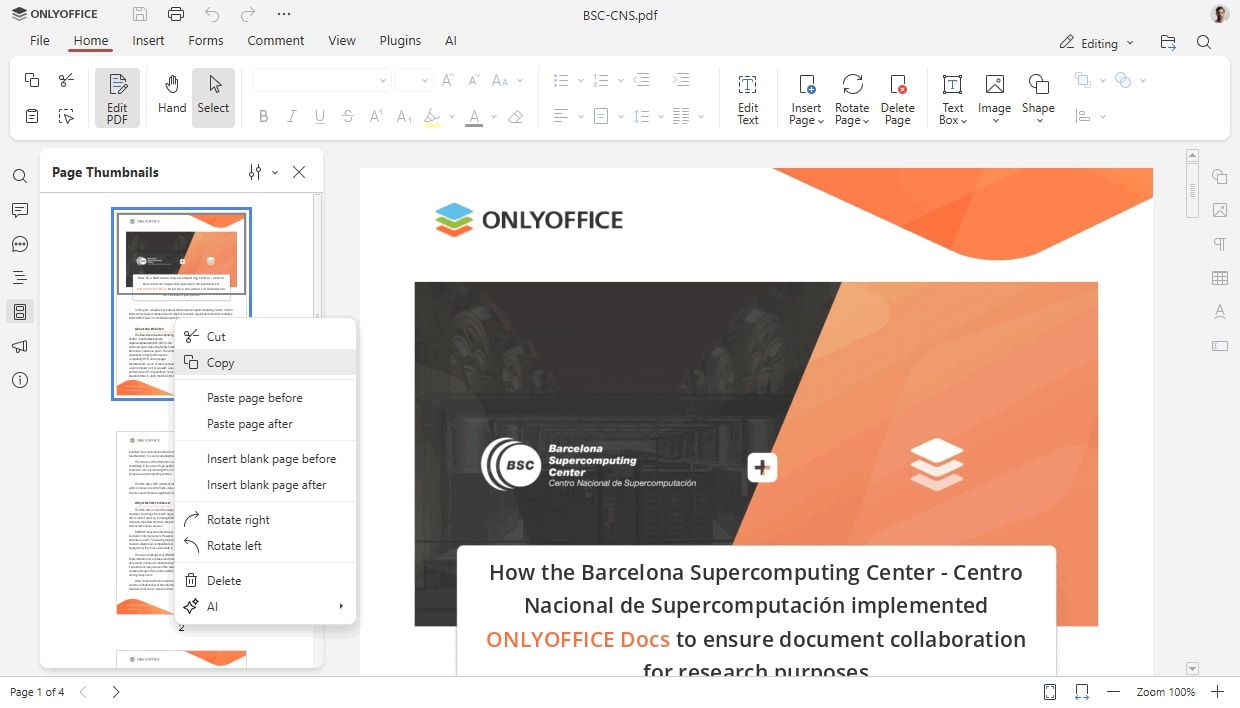 Onlyoffice Presentation.
Practical Use Cases for Wtiters and Small Businesses
For Writers
-
Cryptpad: Securely share drafts with editors or co-writers. The end-to-end encryption ensures that only intended recipients can access the content.
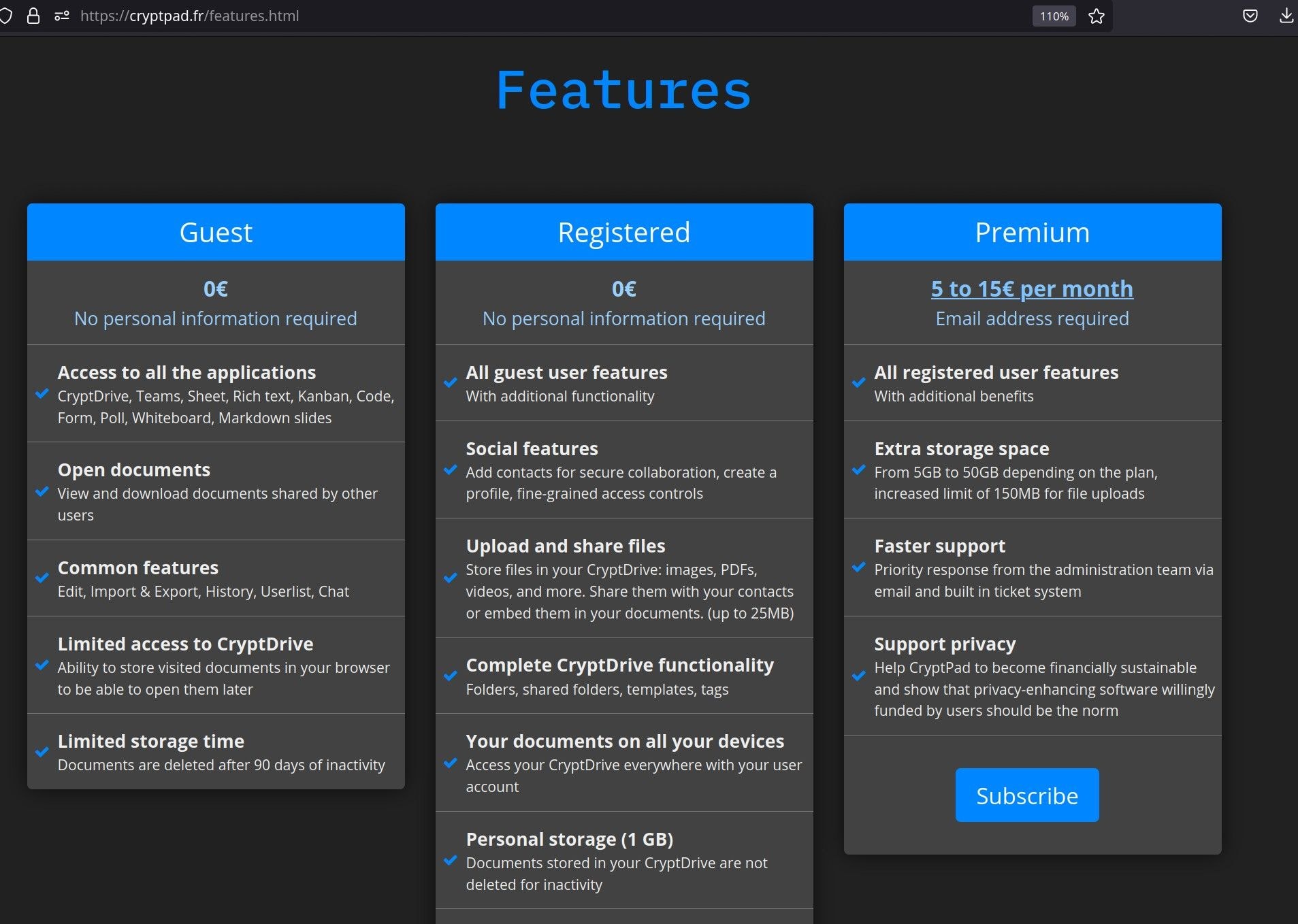 Cryptpad’s subscription model for advanced features.
 -
Etherpad: Collaborative content calendars, live brainstorming, or SEO tracking sheets for non-sensitive data.
For Solopreneurs
- Proton Docs/Sheets: Create client proposals or invoices with sensitive details using end-to-end encryption.
- Cryptpad: Use password-protected notes for business ideas, research, or proprietary content.
For Small Businesses
- Proton Workspace: An all-in-one encrypted-office suite for emails, documents, and calendars, ideal for privacy-compliant workflows.
- Nextcloud: Self-hosted alternative for teams with IT support, ensuring full control over data and GDPR compliance.
- Etherpad: Real-time collaborative editing for non-sensitive team notes or meeting minutes.
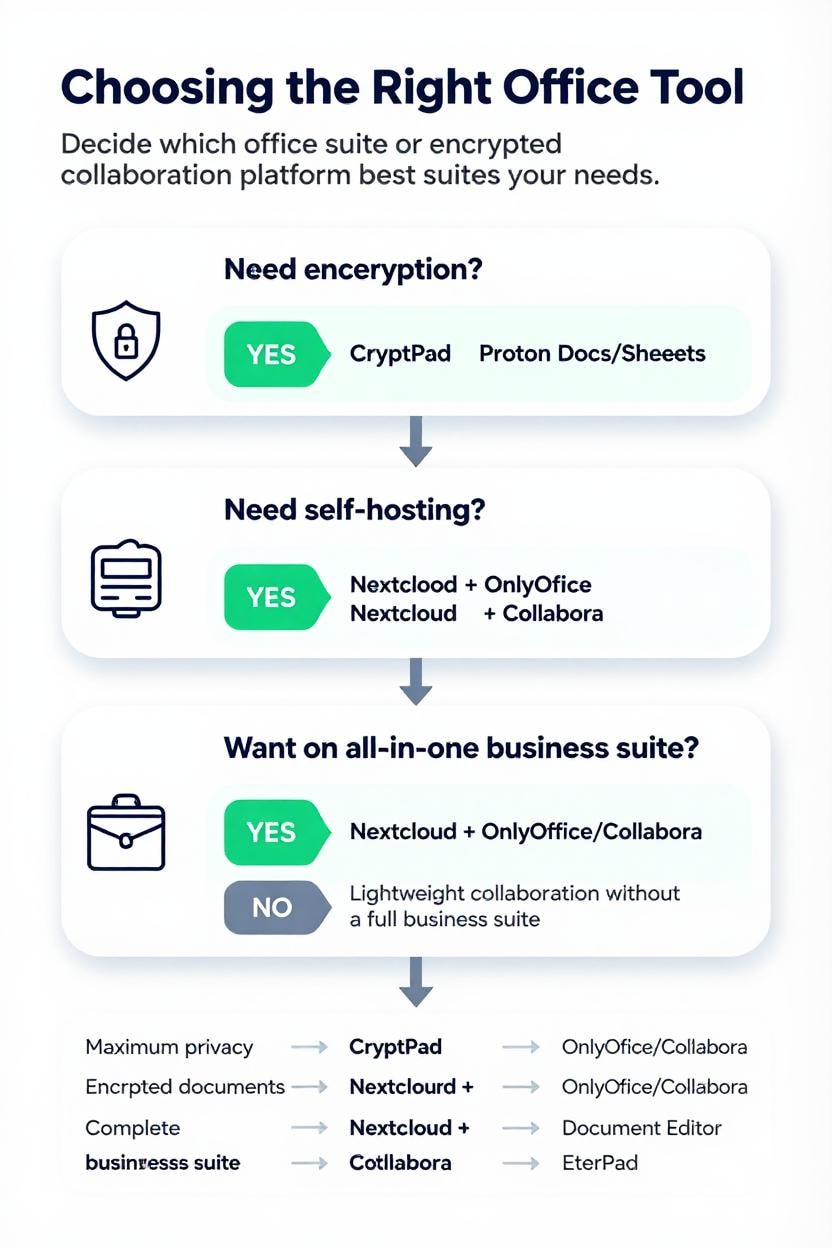
Choosing the Right Tool for your needs
Key Takeaways
For Non-Technical Users:
- Cryptpad and Proton Docs/Sheets are the easiest to use with built-in encryption.
- Etherpad is simple but lacks encryption.
For Self-Hosting Enthusiasts:
- Nextcloud + OnlyOffice/Collabora or Etherpad offer full control and customization.
- LibreOffice Online is an option if you prioritize open formats.
For Small Businesses:
- Proton Workspace is a good balance of privacy and ease of use.
- Nextcloud is ideal if you have IT resources for self-hosting.
For Minimalist Needs:
- PrivateBin is great for secure text sharing but not for full office work.
Note: Many of the above apps (except Proton Docs/Sheets) can be installed/tested via Yunohost or similar services like Sandstorm Apps.
**Video generated with AI tools using screenshots taken bythe author**