Introduction
In 2026, cloud storage isn’t just about space—it’s about collaboration, security, and seamless workflows. Zoho WorkDrive stands out as a team-focused cloud storage solution, designed for businesses, authors, and startups who need more than just file storage. Whether you're managing a remote team, writing a book, or running a small business, Zoho WorkDrive offers tools to store, share, and collaborate efficiently.
This guide covers everything you need to know about Zoho WorkDrive in 2026, from its key features and setup process to its cross-platform apps and automation capabilities (including a high-level overview of Rclone for advanced users).
What is Zoho WorkDrive?
Zoho WorkDrive is a content collaboration platform that allows teams to store, share, and manage files of any size. Unlike generic cloud storage solutions, WorkDrive is built with teamwork in mind, offering advanced access controls, real-time collaboration, and a built-in office suite.
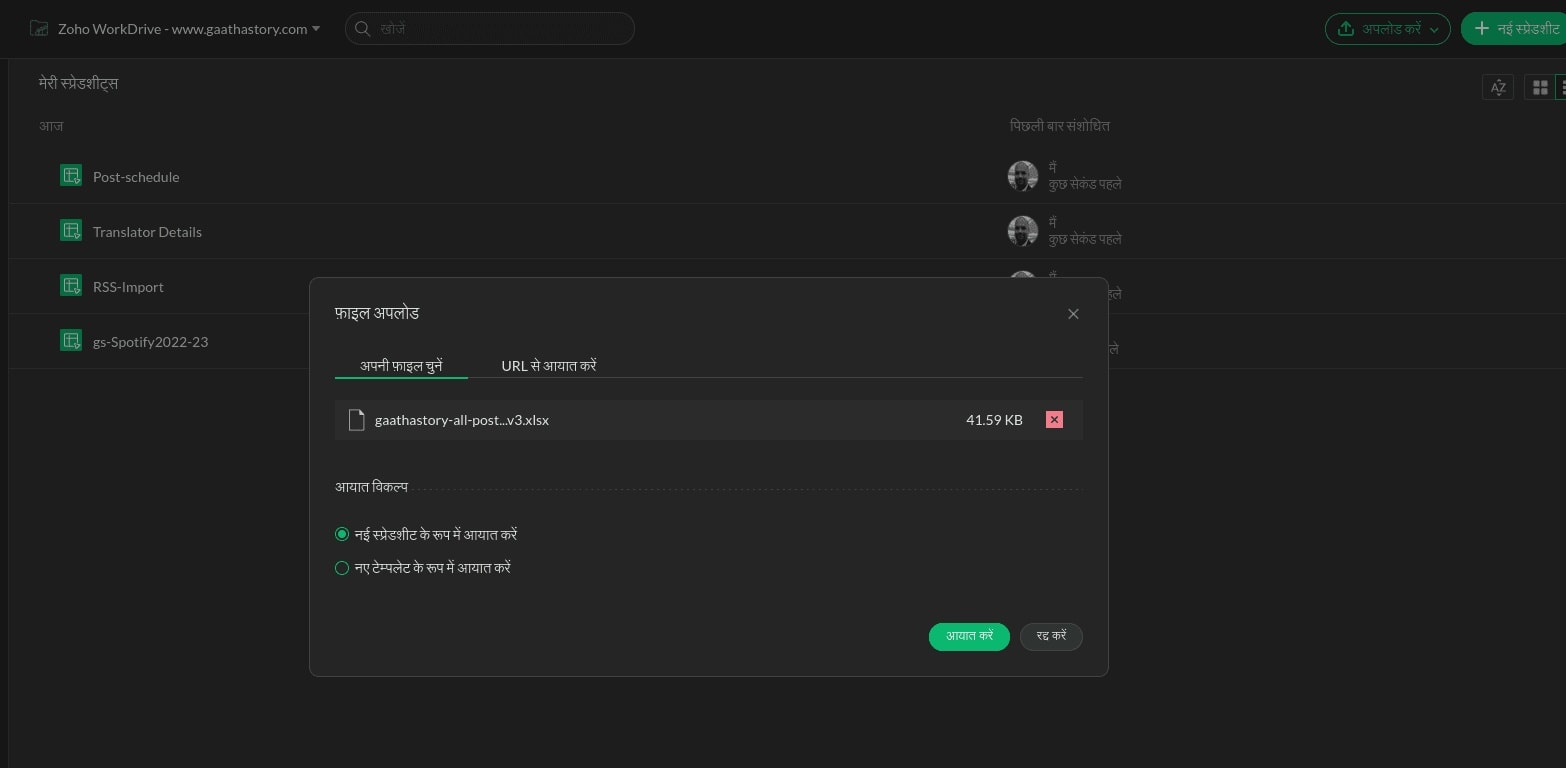
Key Features
- File Storage & Sharing: Store files securely and share them with team members or external clients.
- Team Collaboration: Real-time editing, comments, and version history for seamless teamwork.
- Built-in Office Suite: Create and edit documents, spreadsheets, and presentations directly within WorkDrive using Zoho Writer, Sheet, and Show.
- Security & Compliance: GDPR-compliant, encrypted storage, and India-focused data centers for localized compliance.
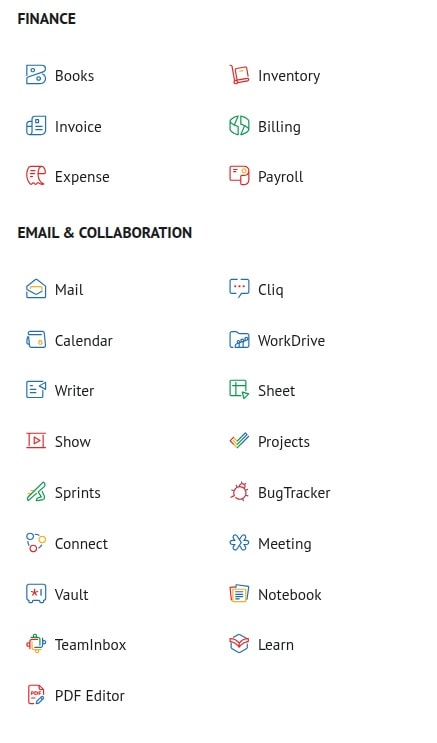
- Integration: Works seamlessly with other Zoho Workplace apps like Mail, CRM, and Notebook.
Why Choose Zoho WorkDrive?
For Teams
Zoho WorkDrive is ideal for teams that need a centralized, secure, and scalable file management system. With role-based permissions, you can control who has access to what, ensuring sensitive data stays protected.
For Authors & Small Businesses
Authors and small businesses benefit from WorkDrive’s affordability and all-in-one suite. You can store drafts, collaborate with editors, and share manuscripts without juggling multiple tools. As noted in Your Author Business with Zoho, Zoho Workplace (which includes WorkDrive) is a cost-effective alternative to Google Workspace or Microsoft 365.
For Startups
Startups often lack dedicated IT resources. Zoho WorkDrive eliminates the need for complex setups, allowing teams to focus on growth rather than file management. However, be aware of overlapping features in the Zoho ecosystem (e.g., Zoho Docs vs. WorkDrive), which can sometimes cause confusion.
Getting Started with Zoho WorkDrive
Step 1: Sign Up & Plan Selection
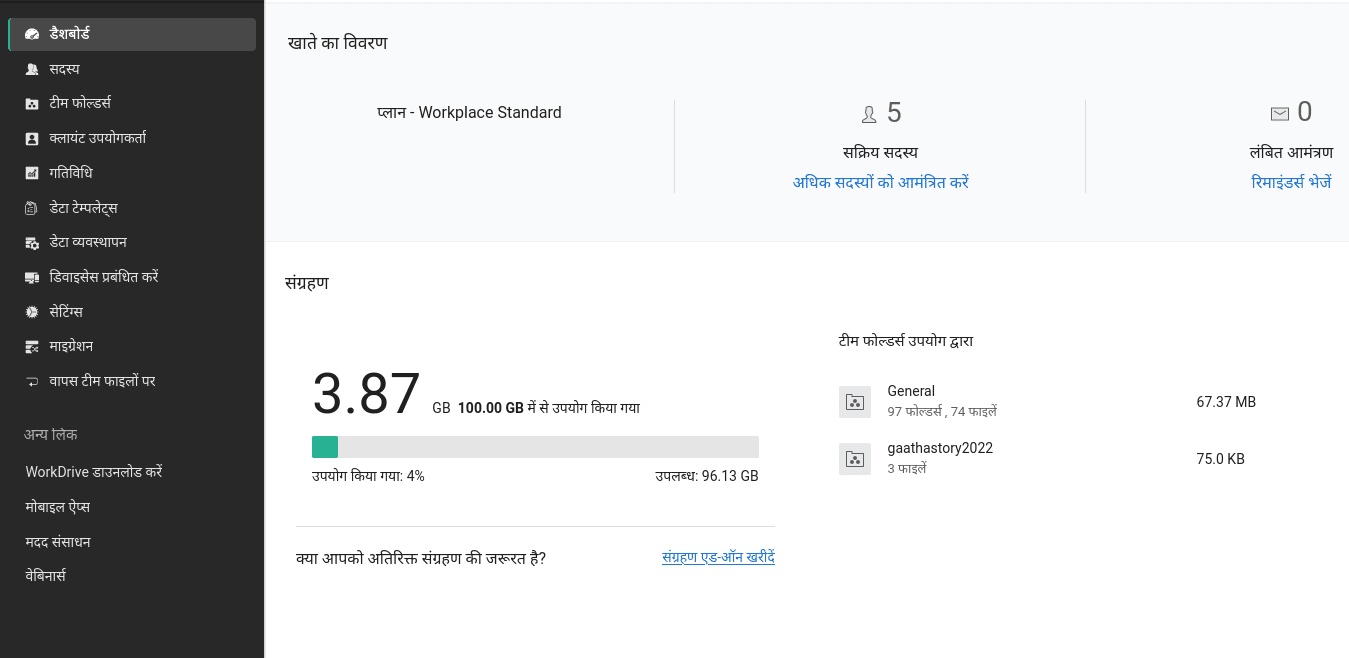
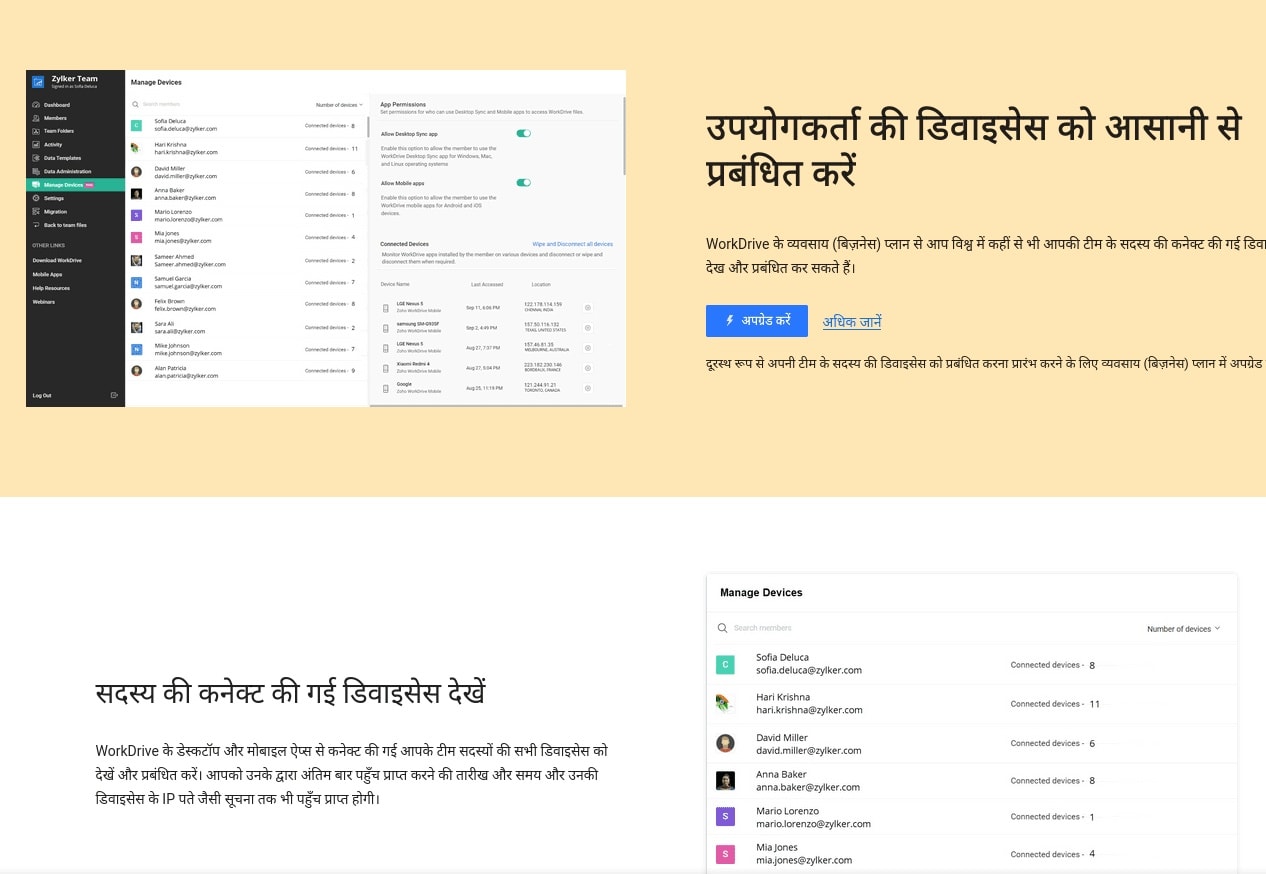
Zoho WorkDrive offers a free tier with limited storage, as well as paid plans for larger teams. The upgrade process is straightforward, and you can choose a plan that fits your needs.
Step 2: Setting Up Your Workspace
Once you’ve signed up, create teams, folders, and user roles to organize your workspace. This ensures that everyone has the right level of access to the files they need.
Step 3: Uploading & Organizing Files
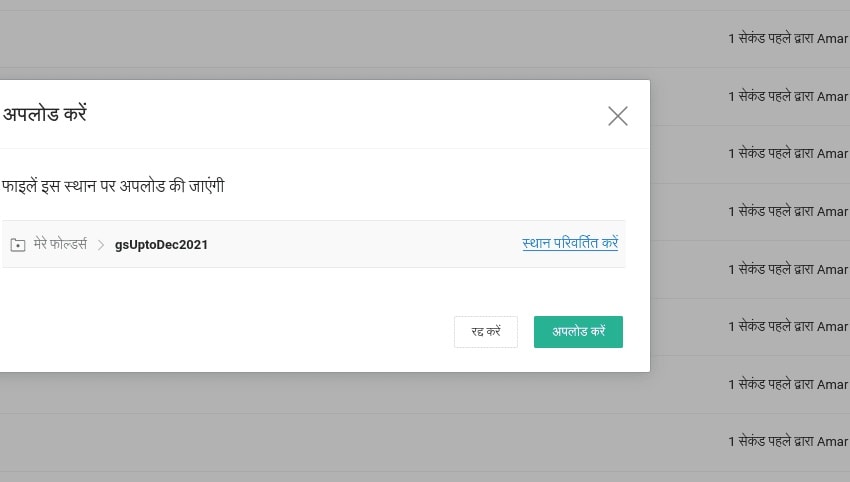
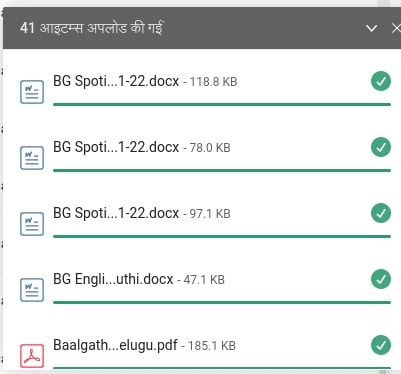
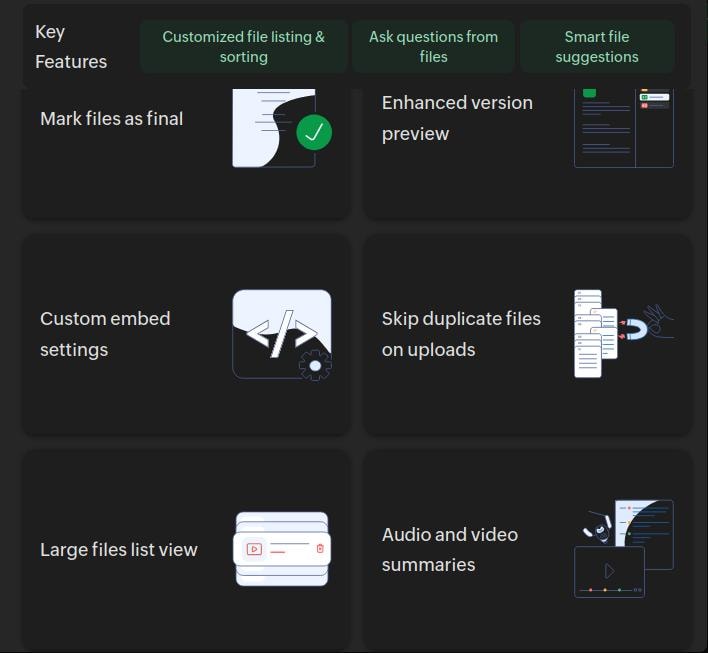
Uploading files to WorkDrive is as simple as drag-and-drop. You can also use bulk upload for larger datasets. Organize files into folders and subfolders for easy navigation.
Step 4: Using the Built-in Office Suite
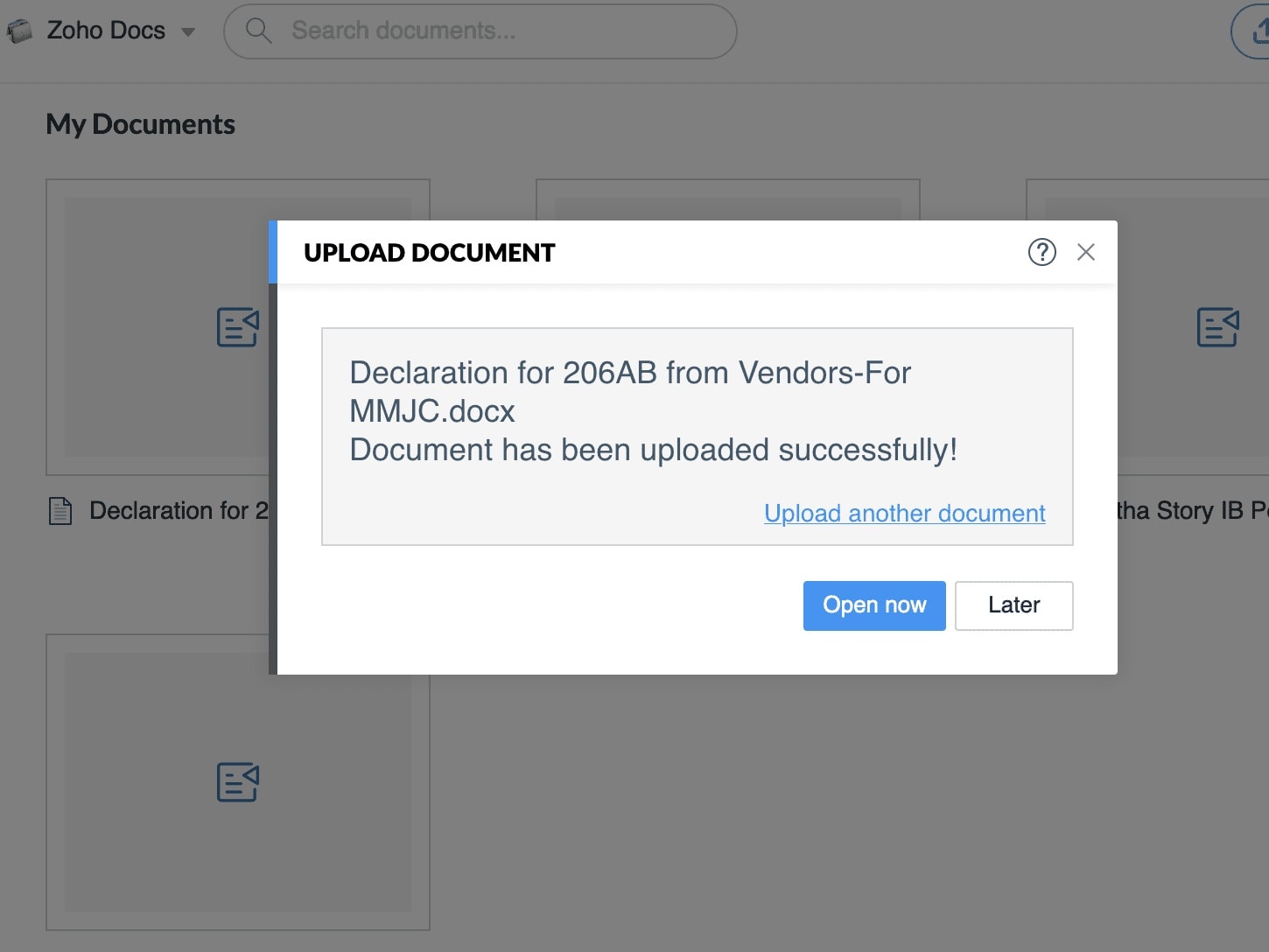
WorkDrive includes Zoho Writer, Sheet, and Show allowing you to create and edit documents, spreadsheets, and presentations directly in the cloud. This eliminates the need for third-party office suites.
Zoho WorkDrive Apps: Cross-Platform Support
Zoho WorkDrive offers dedicated apps for all major platforms.
Desktop Apps (Windows, Mac, Linux)
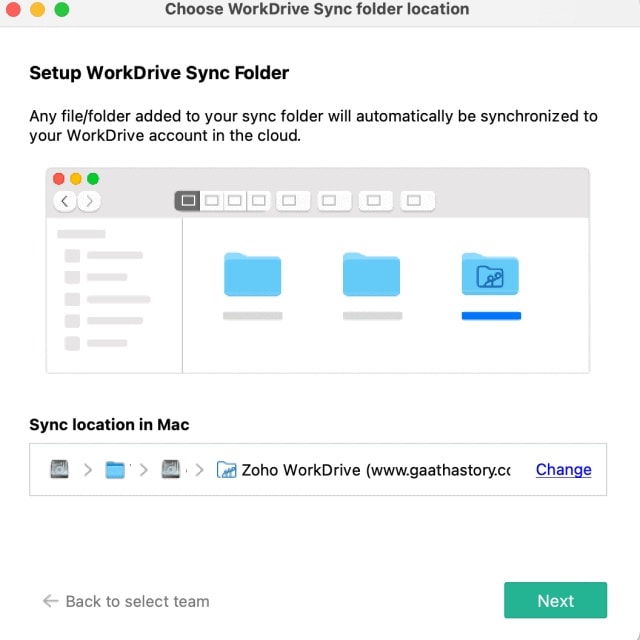
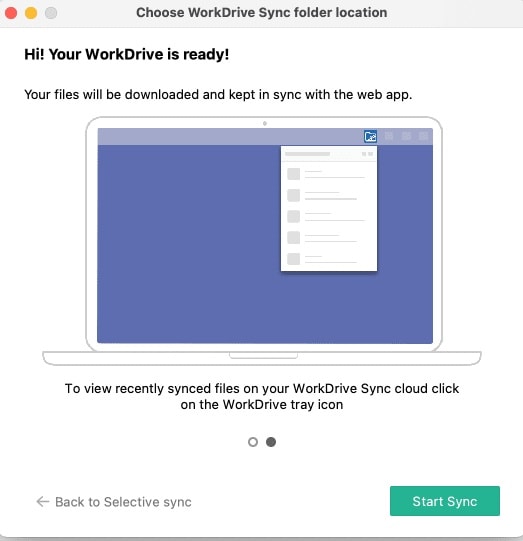
- Windows & Mac: Full-featured desktop apps that sync files to your local machine.
- Linux: Official support for Linux, allowing seamless integration with your existing workflow.
Mobile Apps (iOS & Android)
- iOS & Android: Access, edit, and share files on the go. The mobile apps are optimized for touch interfaces and include offline access for low-connectivity scenarios.
Advanced Features
WebDAV Support
Zoho WorkDrive supports WebDAV, allowing you to access files via third-party tools like Cyberduck, Mountain Duck, or Rclone. This is particularly useful for power users who need programmatic access to their files.
Automation with Zoho Flow & Zapier
Automate repetitive tasks by integrating WorkDrive with Zoho Flow or Zapier. For example, you can set up workflows to automatically move files between folders or notify team members when new files are uploaded.
Rclone: Automating Backups with Zoho WorkDrive (For Advanced Users)
While Zoho WorkDrive’s built-in features cover most use cases, advanced users may want to automate backups or migrations using Rclone, a command-line tool for syncing files to cloud storage.
Why Rclone?
- Automate Backups: Sync files from your VPS, local machine, or other cloud storage to Zoho WorkDrive.
- Migrate Data: Move files from Google Drive, Dropbox, or OneDrive to WorkDrive.
- Flexibility: Rclone supports WebDAV, which is compatible with Zoho WorkDrive.
High-Level Setup
- Generate API Tokens: Create a Zoho WorkDrive API client in the Zoho Developer Console.
- Configure Rclone: Use the
rclone configcommand to set up a WebDAV remote for Zoho WorkDrive. - Run Sync Commands: Example:
$ rclone copy /local/folder remote:WorkDrive/Backup --progress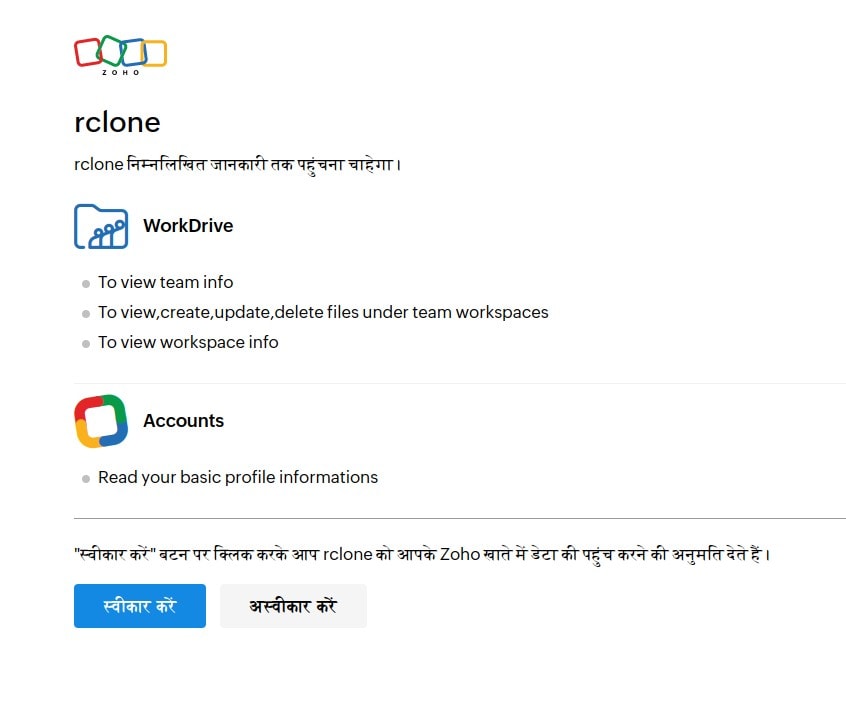
Note: Rclone setup requires technical knowledge If you’re not comfortable with the command line, stick to WorkDrive’s built-in sync tools.
Pros and Cons of Zoho WorkDrive
| Category | Details |
|---|---|
| Pros | Affordable: Competitive pricing for teams and small businesses. |
| Feature-Rich: Built-in office suite, team collaboration, and security features. | |
| GDPR-Compliant: Ideal for users in Europe and India who need data compliance. | |
| Cross-Platform: Apps for Windows, Mac, Linux, iOS, and Android. | |
| Cons | Overlapping Features: Zoho’s ecosystem can be confusing (e.g., Docs vs. WorkDrive). |
| Onboarding: Initial setup may require some learning curve, especially for non-technical users. |
Select Alternatives to Zoho WorkDrive
| Solution | Key Features | Best For |
|---|---|---|
| Koofr.eu | Multi-cloud integration, EU-hosted | Users needing multi-cloud |
| Google Drive | Easy setup, deep Google integration | Casual users, Google ecosystem |
| DigiBoxx | India-focused, affordable | Indian businesses |
Conclusion
Zoho WorkDrive in 2026 is a versatile, secure, and cost-effective cloud storage solution for teams, authors, and small businesses. Its built-in office suite, team collaboration tools, and cross-platform apps make it a strong alternative to Google Drive or Dropbox. For advanced users, Rclone offers additional automation capabilities, though it requires technical expertise.
If you’re looking for a GDPR-compliant, India-friendly cloud storage solution, Zoho WorkDrive is worth exploring. Try the free tier today and see how it fits into your workflow!
import-zoho-sheet.jpg