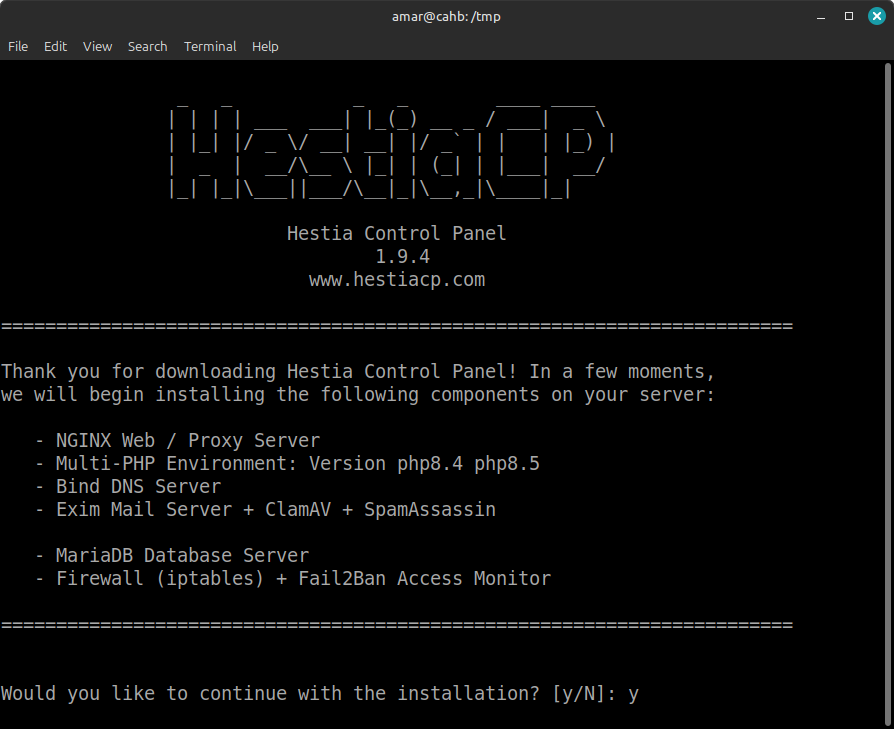
HestiaCP is an open-source control panel designed to simplify the management of web hosting environments. It provides a user-friendly interface for managing websites, databases, email accounts, and more, making it a popular choice for administrators seeking a cost-effective and flexible alternative to proprietary solutions.
Below, you'll find a gallery of HestiaCP screenshots, including installation steps, interface overviews, and key features. For quick reference, you can also download the HestiaCP Cheat Sheet (PDF). If you manage your own Linux VPS, at some point you have faced the choice between working entirely from the command line and using a web control panel to simplify the task. This post takes a close look at HestiaCP — one of the most capable and actively maintained open source web hosting control panels available today.
इस पोस्ट में हम HestiaCP वेब कंट्रोल पैनल की विस्तृत समीक्षा करेंगे — इसकी विसेषतयां, इंसटॉलेशन प्रक्रिया, और VestaCP तथा MyVestaCP के साथ तुलना. यह पोस्ट हमार Linux Server Panels श्रृंखला का हिससा है.
This post is part of our Linux Server Panels series, in which we explore the range of open source and commercial server management tools available for self-hosted Linux environments. If you are looking for a broader overview of the panel landscape, see the series index below.
What is HestiaCP Web Control Panel?
HestiaCP is an open source, lightweight web hosting control panel designed to simplify web server administration on Linux VPS environments. It was forked directly from VestaCP, retaining the clean core interface while adding meaningful improvements in security, modern software support, and community-driven development. It is entirely free, licensed under the GPL, and well suited for independent developers, small businesses, and personal website owners who manage their own servers.
HestiaCP supports a wide range of server management functions: website and email hosting, database administration (MySQL/MariaDB and PostgreSQL), DNS configuration, FTP, firewall management, automatic Let's Encrypt SSL, and multi-PHP version support. Compared to proprietary panels like cPanel or Plesk, HestiaCP has a smaller ecosystem but is considerably lighter on server resources and carries no licensing cost.
HestiaCP Feature Set at a Glance
HestiaCP offers a comprehensive feature set for a completely free panel:
- Web management — Apache, Nginx, and Nginx+Apache proxy with per-site PHP version control
- Email hosting — Full mail server with DKIM, SPF, Let's Encrypt mail SSL, ClamAV antivirus, and optional SpamAssassin
- Database management — MySQL/MariaDB and PostgreSQL, manageable via phpMyAdmin or the built-in UI
- DNS server — Built-in BIND DNS with straightforward record management
- Security — Automatic Let's Encrypt SSL, two-factor authentication (2FA), HSTS, Fail2Ban, jailed SSH, and firewall management
- Backups — Scheduled backups to local storage, remote FTP/SFTP, Backblaze B2, or incremental via Restic
- Quick Install Apps — One-click CLI installers for WordPress and other common applications
- Web terminal — Browser-based terminal access, added in recent releases
- Import tools — DirectAdmin and cPanel import support for server migrations
- Resource limits — cgroup-based CPU and RAM limits per user account
Installing HestiaCP on a Debian or Ubuntu VPS
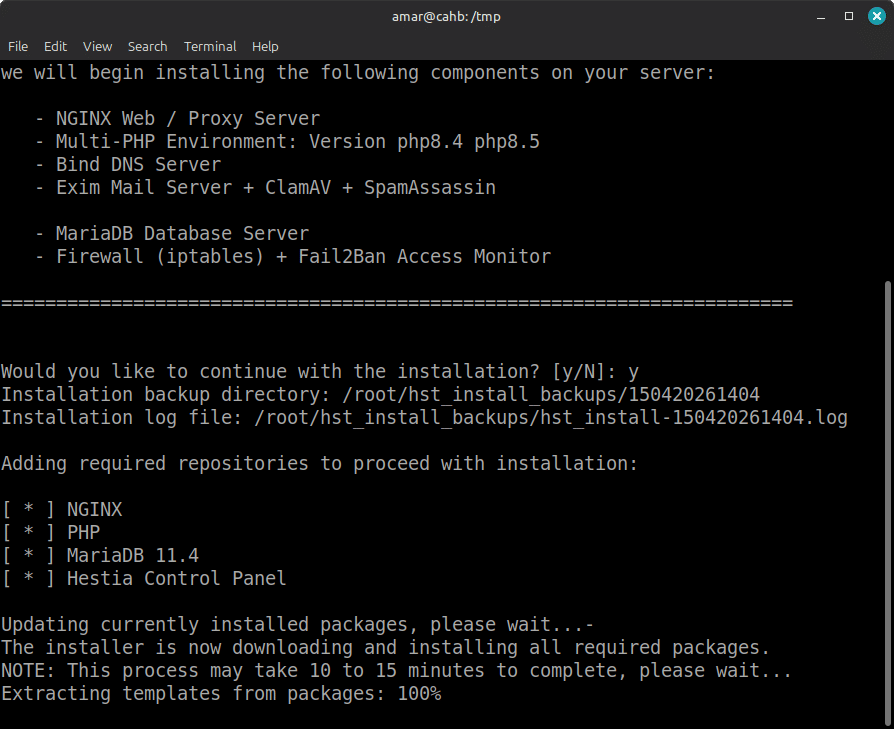
HestiaCP can be installed on a fresh Debian or Ubuntu VPS using a single shell script downloaded from the official website. The installation process is straightforward: you download the script, configure your flags, and execute it with root privileges. The script handles all dependency installation, service configuration, and initial setup automatically.
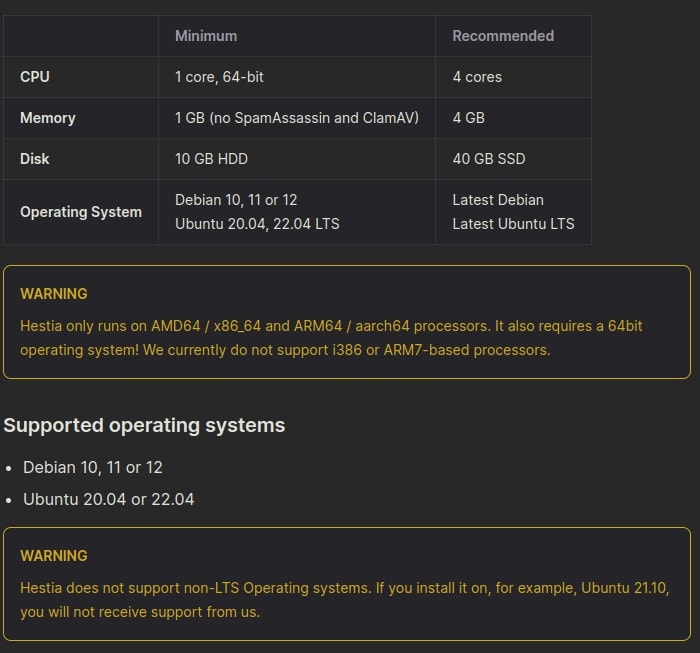
HestiaCP Installation Walkthrough
Installation of HestiaCP on A VPS with Debian
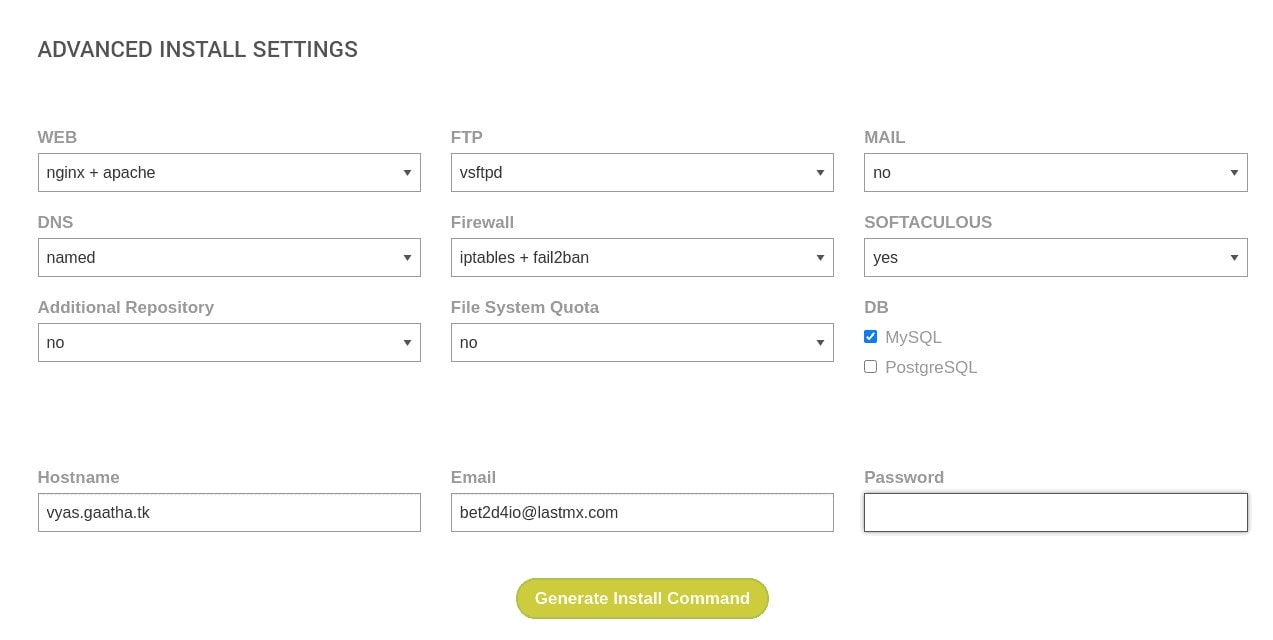
$ hst-install.sh –interactive no –email [email protected] –password MyPassWord –hostname myhost.tld-f –apache yes –mysql yes –clamav yes –spamassassin no
Below is explanation of the installation script and what its flags mean.
1.hst-install.sh: This is the shell command that executes the installation script (hst-install.sh) for HestiaCP. “bash” is the shell that you’re using to run the script.
2.–interactive no : This flag sets the interactive mode to “no,” which means the script will not prompt you for any input during the installation process. This is useful for automated installations.
3.–email [email protected]: This flag specifies the email address that will be used for administrative contact. Replace [email protected] with your actual email.
4.–password MyPassWord : This flag sets the password for the administrator account. Replace MyPassWord with the actual password you want to set.
5.–hostname myhost.tld: This flag sets the hostname for the server. Replace myhost.tld with your domain name or IP address.
6.-f : This flag forces the installation to proceed without asking for confirmation. Be cautious when using this flag.
7.–apache yes: This flag indicates that you want to install the Apache web server. If set to “yes,” Apache will be installed.
8.–mysql yes: This flag indicates that MySQL will be installed on the server. If set to “yes,” MySQL will be installed.
9.–clamav yes: This flag installs ClamAV, an open-source antivirus engine. If set to “yes,” ClamAV will be installed.
10.–spamassassin no: This flag controls the installation of SpamAssassin, a mail filter to identify spam. Setting it to “no” means that SpamAssassin will not be installed.
Note: Make sure to validate the options and replace placeholders like [email protected], MyPassWord, and myhost.tld with your actual information before running the script.
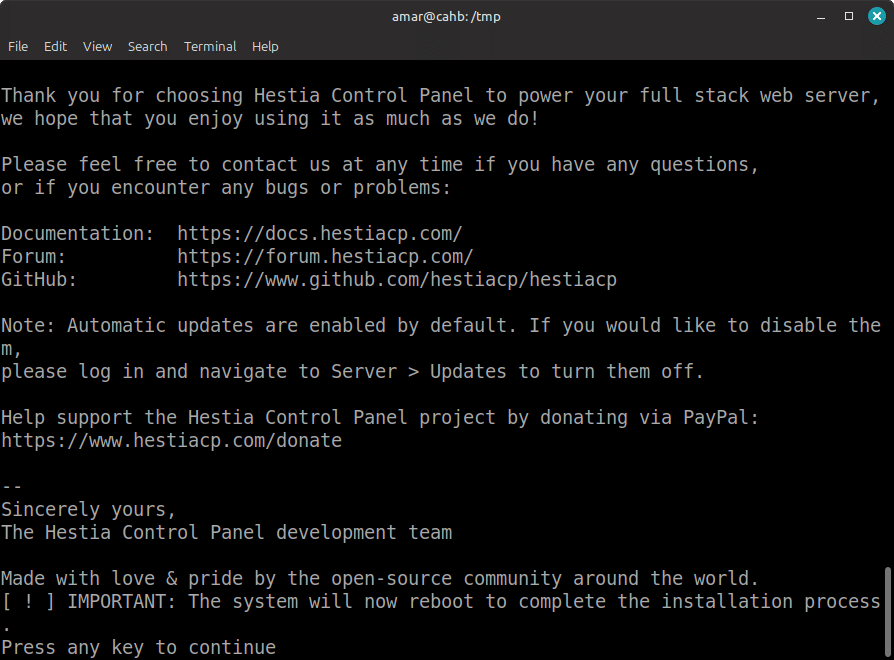
Always replace placeholder values before running the script. You may also use the community-maintained HestiaCP Script Line Generator to visually build and validate your installation command without editing the shell script directly.
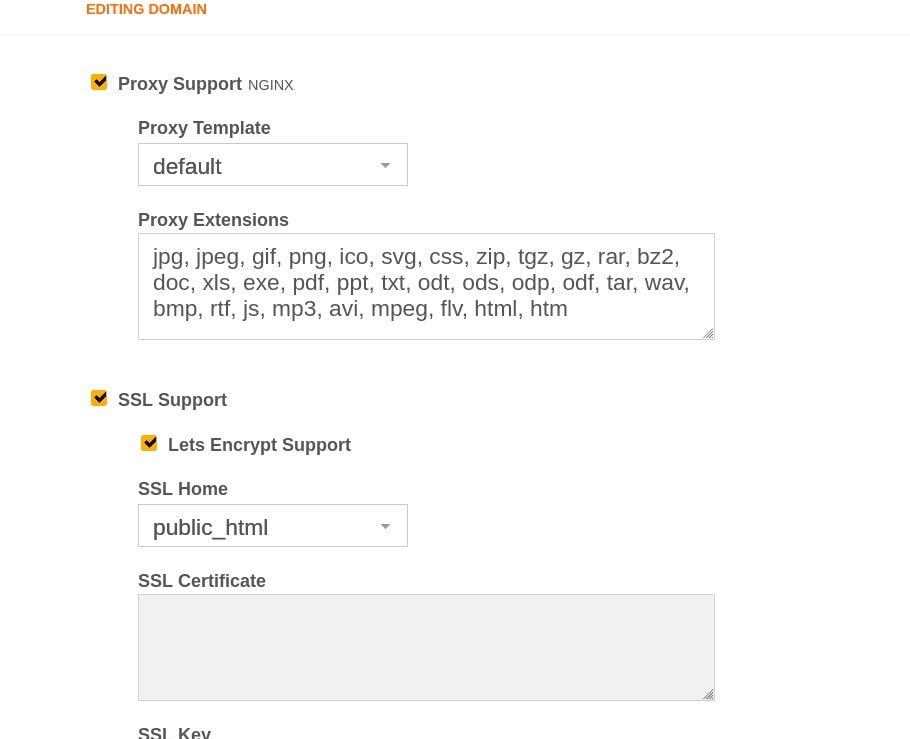
Once installed, HestiaCP's interface is divided into clear sections: Web, Mail, DNS, DB, Cron, and Backups. Adding a new domain takes under a minute — you enter the domain name, select a web template (Nginx, Apache, or proxy combination), choose a PHP version, and optionally enable Let's Encrypt SSL in the same form. The panel creates all necessary configuration files, restarts the relevant services, and reports any errors directly in the UI.
The built-in file manager in HestiaCP allows you to browse, upload, edit, and delete files directly from the browser without needing an FTP client. For quick edits — updating a configuration file, replacing a theme asset, checking a log — this is a practical convenience. The file manager respects user-level permissions, so in a multi-user hosting environment, each account only accesses its own files.
Resource Monitoring
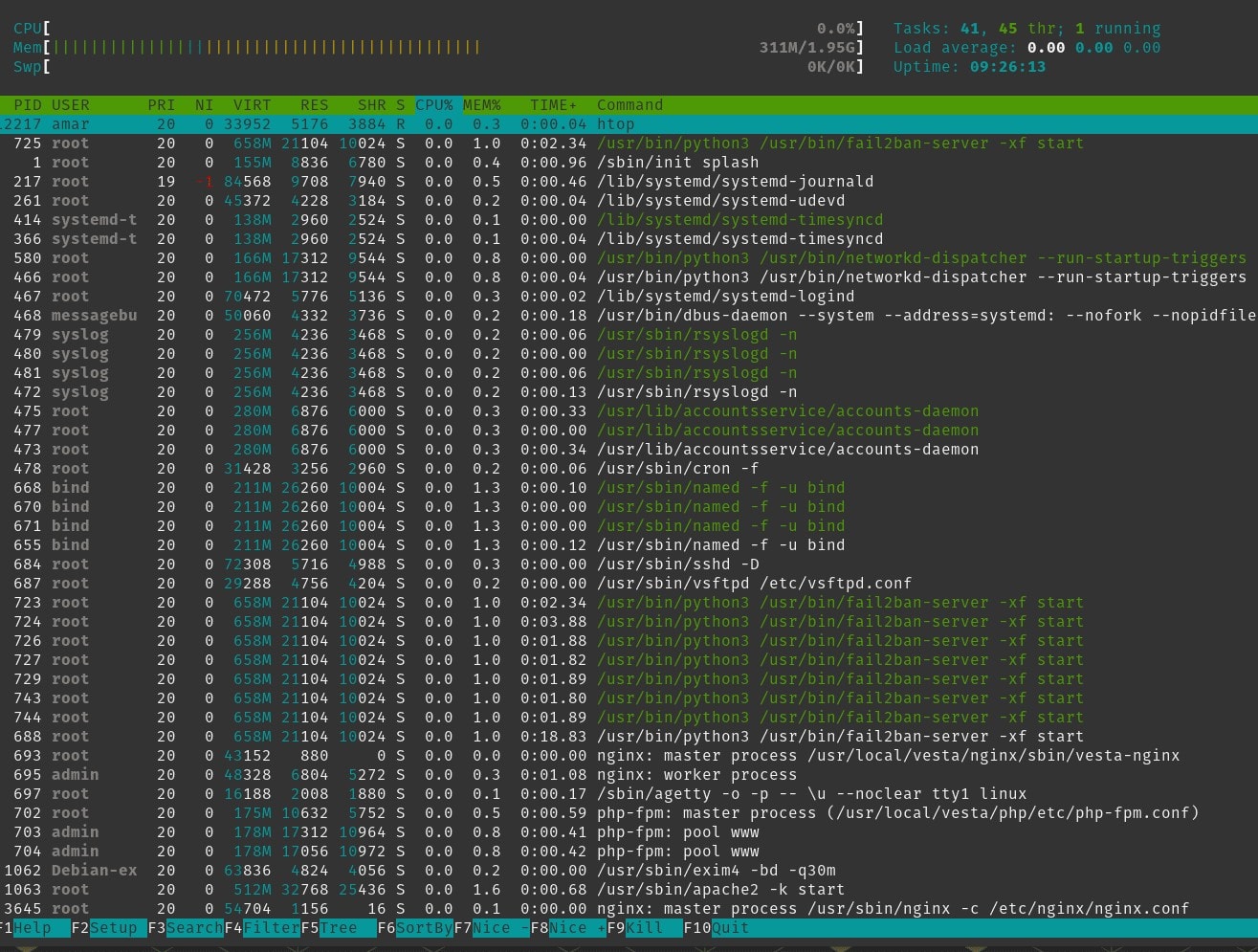
HestiaCP itself is lightweight. On a fresh Debian 12 VPS with Apache, Nginx, MariaDB, and ClamAV installed, the panel typically consumes well under 1 GB of RAM at idle. The cgroup-based resource limits introduced in recent releases allow you to cap CPU and memory usage per user account, which is particularly useful if you are running a small multi-tenant hosting environment. The web terminal added in recent versions also means you can open an htop session directly from the browser without a separate SSH session.
HestiaCP vs VestaCP vs MyVestaCP — Key Differences
| Feature | HestiaCP | VestaCP | MyVestaCP |
|---|---|---|---|
| Development Activity | Actively maintained, frequent releases | Largely stagnant | Single developer, slower pace |
| Interface | Modern, mobile-responsive | Older, less intuitive | Similar to VestaCP |
| Security Updates | Regular patches, 2FA, HSTS, Let's Encrypt | Infrequent, CVEs unpatched | Moderate |
| Multi-PHP Support | Yes (PHP 8.4 supported) | Limited | Limited |
| Backup Tools | Incremental backups via Restic | Basic only | Basic only |
| Ubuntu 24.04 / PHP 8.4 | Yes | No | No |
| Community | Active forum + GitHub | Small, mostly archived | Small forum |
| Licence | GPL / Open Source | GPL / Open Source | GPL / Open Source |
| Cost | Free | Free | Free |
Recent HestiaCP Feature Additions
HestiaCP's GitHub changelog reflects a consistently active release cadence. Recent versions have introduced PHP 8.4 support, Ubuntu 24.04 (Noble) compatibility, jailed SSH, incremental backups via Restic, a built-in browser-based web terminal, DirectAdmin and cPanel import support, and cgroup-based CPU/RAM limits per user. Neither VestaCP nor MyVestaCP offers these features, and there is no indication that either project will develop them.
Why Use an Open Source Web Control Panel?
Running a Linux VPS without any panel is perfectly viable for experienced system administrators. However, for the majority of independent developers, bloggers, and small business owners who host their own servers, a web control panel reduces the time spent on repetitive configuration tasks considerably. Tasks such as adding a new domain, issuing an SSL certificate, or creating a database account — which take several manual steps in the terminal — are reduced to a few clicks.
Open source panels carry a distinct advantage here: they are free to use, carry no per-server licensing fees, and give you full visibility into the code that runs on your machine. Commercial alternatives such as cPanel or Plesk are powerful, but their monthly licensing costs can exceed what a small VPS itself costs to rent. For a self-hosted personal or small business server, that cost calculus rarely makes sense.
VestaCP — Where It All Started
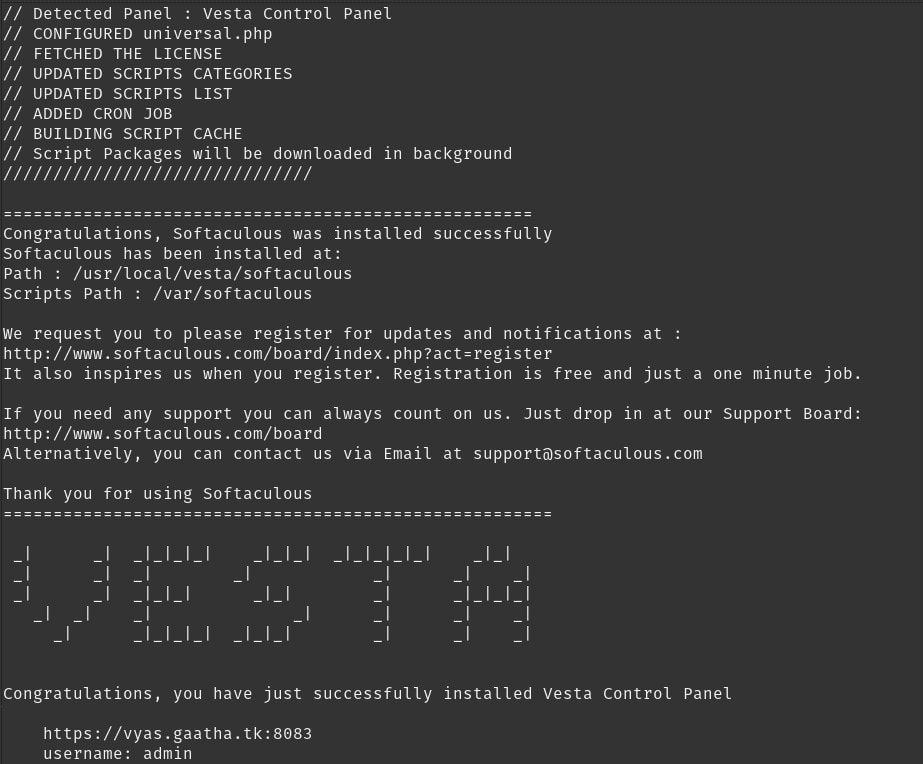
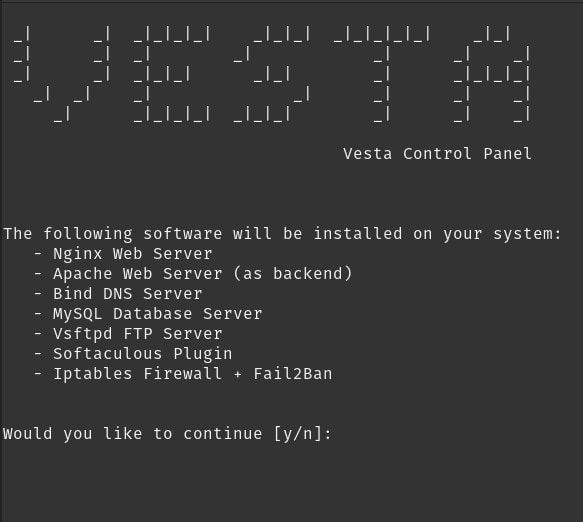
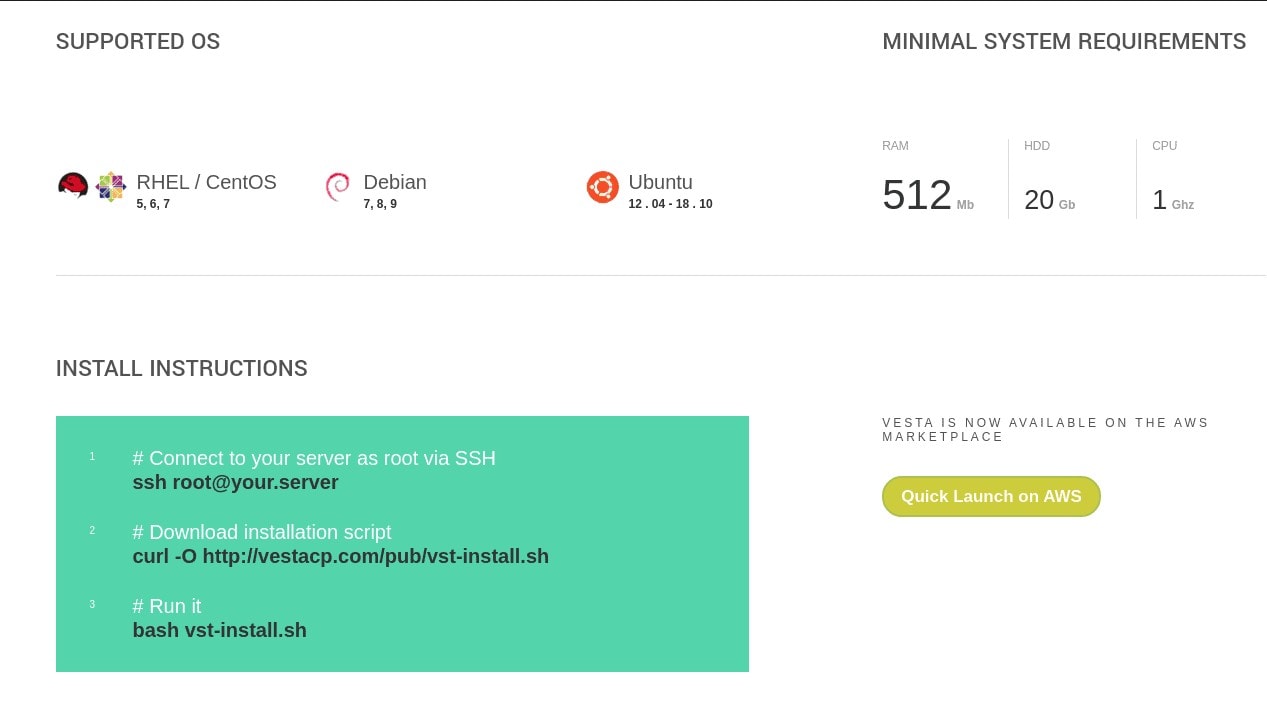
VestaCP was one of the earliest popular open source control panels for Linux VPS servers, gaining traction roughly between 2012 and 2018. It offered a clean, straightforward interface for managing domains, email accounts, FTP, and databases — without the cost of commercial alternatives. For system administrators and small hosting providers who needed a lightweight, practical panel, it was frequently the first choice.
Its interface was minimal by design: no bloat, no unnecessary modules, and a consistent CLI that mirrored the web UI. For those of us who were running small VPS environments on Ubuntu 14.04 or 16.04 at the time, VestaCP was a reliable and well-documented option. The project had an active community forum and a reasonably clear development roadmap.
You can also watch the video on YouTube
Why VestaCP Fell Behind
After approximately 2018, VestaCP's development slowed to a near-halt. Security vulnerabilities were reported via CVEs and remained unpatched for extended periods. Support for newer operating system releases — Ubuntu 20.04 and beyond — was absent or unreliable. The original development team reduced their activity significantly, and the project's GitHub repository saw months pass between commits.
The community response was predictable: contributors began forking the codebase. Two notable forks emerged — HestiaCP and MyVestaCP — each taking the original project in a different direction. For servers still running VestaCP today, migration to HestiaCP is strongly advisable. The panel continues to function on older configurations, but new deployments on VestaCP in 2026 are not recommended.
MyVestaCP — The Quiet Fork
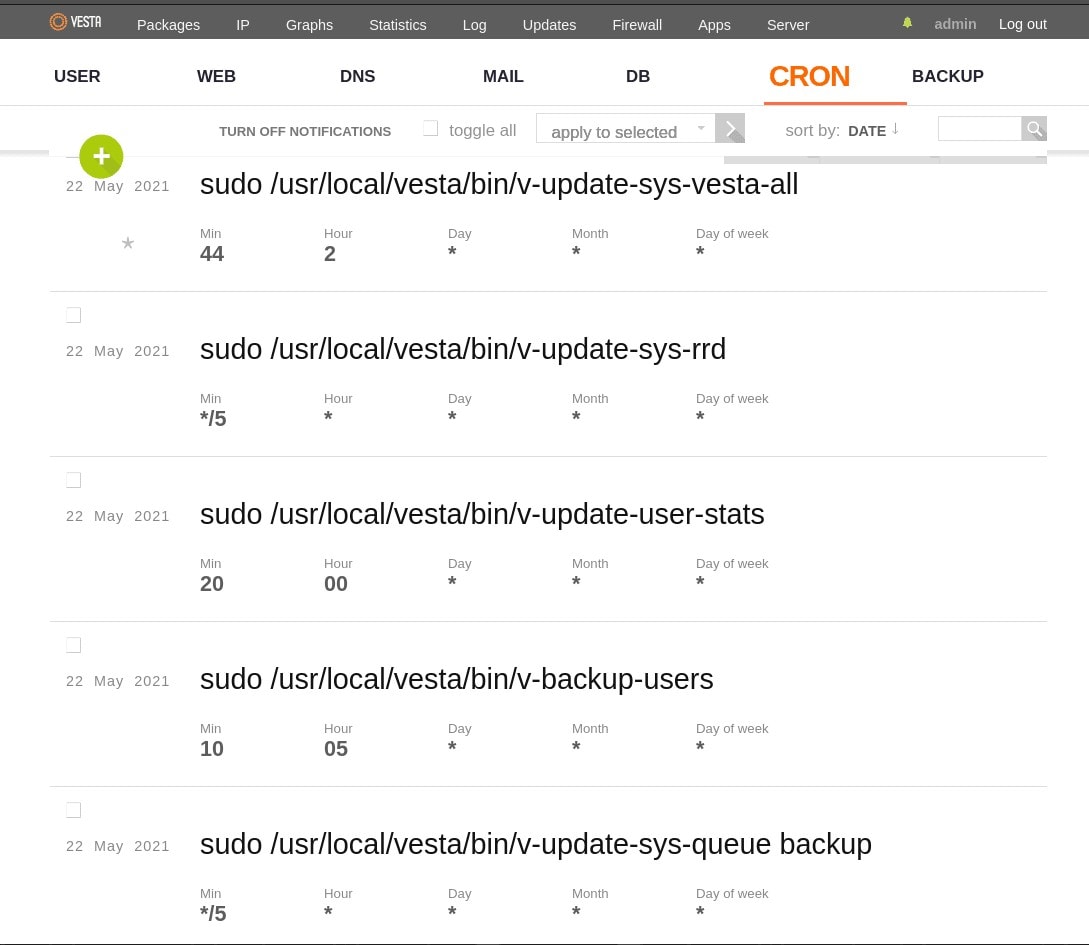
MyVestaCP is a fork of the original VestaCP codebase maintained largely by a single developer. According to the MyVestaCP forum, the developer built it primarily to serve specific personal and business use cases, and continues to maintain it independently. The CLI structure and interface are directly familiar to anyone who has used VestaCP.
Which Panel Should You Choose?
If you are starting a new project on a modern Debian or Ubuntu VPS and need a free, actively maintained panel with strong security defaults, HestiaCP is the clear recommendation in 2026. Its active development community, regular security patches, and expanding feature set — including PHP 8.4 support, Ubuntu 24.04 compatibility, and incremental backups via Restic — make it the most future-proof of the three panels covered in this post. VestaCP remains functional for legacy deployments where migration is not yet practical — and if you are in that situation, the HestiaCP import tools make migration manageable when you are ready. MyVestaCP suits users with specific workflow requirements tied to that fork. For all others, HestiaCP is the natural choice for new server setups in the VestaCP family.
If you're considering the VestaCP family today, HestiaCP is my recommendation for most users because of its active development, regular updates, and active community. MyVestaCP is also a capable fork with a more conservative development philosophy, while VestaCP is best regarded as the original project that inspired both forks rather than the preferred choice for new deployments.
If you like the VestaCP philosophy, your real decision today is between HestiaCP and MyVestaCP.
For general-purpose VPS hosting — multiple domains, email, databases, and backups on a single Debian or Ubuntu server — HestiaCP remains the most balanced choice among free panels in 2026. If you're looking beyond the VestaCP ecosystem altogether, these two open-source projects are also worth considering:
- TinyCP — A minimal panel for very small single-site setups. Not suited for multi-domain environments. Read my TinyCP review here.
- Yunohost — Designed for self-hosting a personal server with non-technical users in mind. App-centric rather than hosting-centric. [Read my Yunohost review here[().
- You can read about my experiences with a wider list of open source server panels here.
HestiaCP Community and Resources
HestiaCP has an active community across several platforms. If you encounter issues or want to explore advanced configurations, the following resources are your best starting points:
- Official Website: hestiacp.com — Documentation, changelog, and downloads
- Community Forum: forum.hestiacp.com — Active Q&A, troubleshooting, and feature discussions
- GitHub Repository: github.com/hestiacp/hestiacp — Source code, issue tracker, and release notes
- Script Line Generator: HestiaCP Script Line Generator — Visual installer command builder
- MyVestaCP Forum: forum.myvestacp.com — Support for users on the MyVestaCP fork
Frequently Asked Questions
Is HestiaCP completely free? Yes. HestiaCP is licensed under the GPL and is entirely free to download, install, and use for personal and commercial projects. There are no per-server or per-account licensing fees.
Can I migrate from VestaCP to HestiaCP? HestiaCP includes import support tools for VestaCP configurations. It is advisable to test migration on a staging server before applying it to a production environment. Refer to the official documentation for step-by-step migration guidance.
Is MyVestaCP compatible with HestiaCP configurations? Both share a common ancestor in VestaCP and have similar CLI structures, but they are not fully interchangeable. Configuration files and templates may differ between the two forks.
How does HestiaCP compare to Webmin/Virtualmin? Webmin is a broader server administration tool that covers more system-level settings, while HestiaCP is focused specifically on web hosting management. For hosting multiple websites with email and databases on a single VPS, HestiaCP's interface is more streamlined and beginner-friendly. Webmin/Virtualmin is the stronger choice if you need granular OS-level control alongside hosting management.
Can HestiaCP manage multiple servers? HestiaCP is designed as a single-server panel. It does not have built-in multi-server management from a central interface — that is a use case better served by ISPConfig or a commercial solution. Each HestiaCP installation manages one server independently.
Have you used HestiaCP, VestaCP, or MyVestaCP on your server? Share your experience and any configuration tips in the comments below.
Restoring Access to Your HestiaCP Server
If you've forgotten your HestiaCP login details, don't panic. As long as you still have SSH access to your Debian 12 VPS (preferably as the root user), you can quickly recover the web interface port, identify the available HestiaCP user accounts, and reset the password from the command line.
Recovery checklist:
-
Connect to your VPS via SSH.
-
Find the HestiaCP web interface port:
grep -R "listen" /etc/nginx/conf.d/hestia.conf -
List the available HestiaCP users:
ls /usr/local/hestia/data/users -
Reset the password for the required user:
NEWPASS=$(openssl rand -base64 12) echo "New password: $NEWPASS" v-change-user-password <username> $NEWPASS -
Sign in using:
https://YOUR_SERVER_IP:<port>
Tip: Store the new credentials in a password manager and consider enabling two-factor authentication to reduce the risk of future lockouts.
Further Reading
- HestiaCP Documentation: https://docs.hestiacp.com/
- Debian 12 Documentation: https://www.debian.org/releases/bookworm/
- NGINX
listenDirective: https://nginx.org/en/docs/http/ngx_http_core_module.html#listen