Note: This post has been substantially reviewed and updated in 2026. Images and screenshots are from prior years (2020–2024) and reflect the panels as they existed then. Current versions may differ.
It started with a $5 VPS and a dream. I had just migrated my first WordPress site from shared hosting, excited by the promise of full control. Two days later, I was staring at a terminal, Googling how to install MySQL on Ubuntu 18.04 for the third time, my site down because I had accidentally broken the PHP configuration. Again. That was the moment I realized: I wasn’t a server admin. I was a writer who needed a website. And while I could learn every Linux command, every web server quirk, and every security best practice, I shouldn’t have to—not when my goal was to publish content, not manage servers.
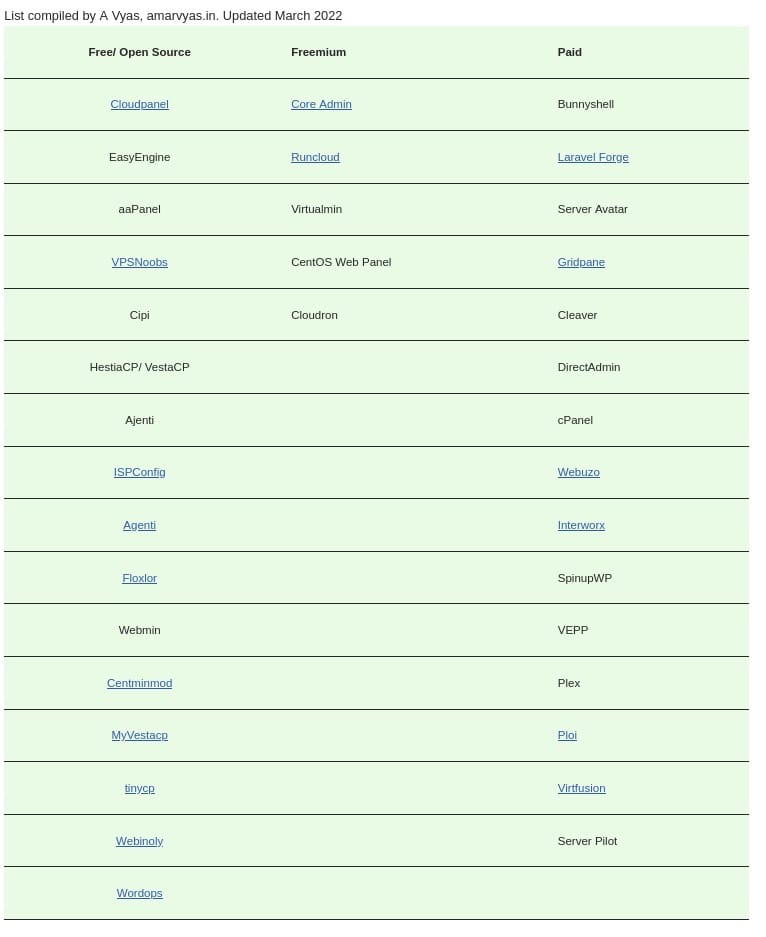
The Panel Types I’ve Used
My journey through server panels wasn’t linear. I jumped between types, made mistakes, and eventually settled on a few favorites. Here’s the breakdown of what I tried, what I liked, and what I learned along the way.
Open Source
I started here because, well, free. And as a tinkerer, the idea of customizing my own panel was appealing. Virtualmin was my first serious attempt. It’s powerful—full-featured, with support for multiple domains, databases, and email—but the learning curve was steep. I spent more time in its documentation than I did actually managing my server. Webmin came next. If Virtualmin was the full suite, Webmin was the Swiss Army knife: modular, flexible, and able to do almost anything if you knew where to look. I still use it for low-level system tasks, but its UI feels like it was designed in the 1990s (because it probably was).
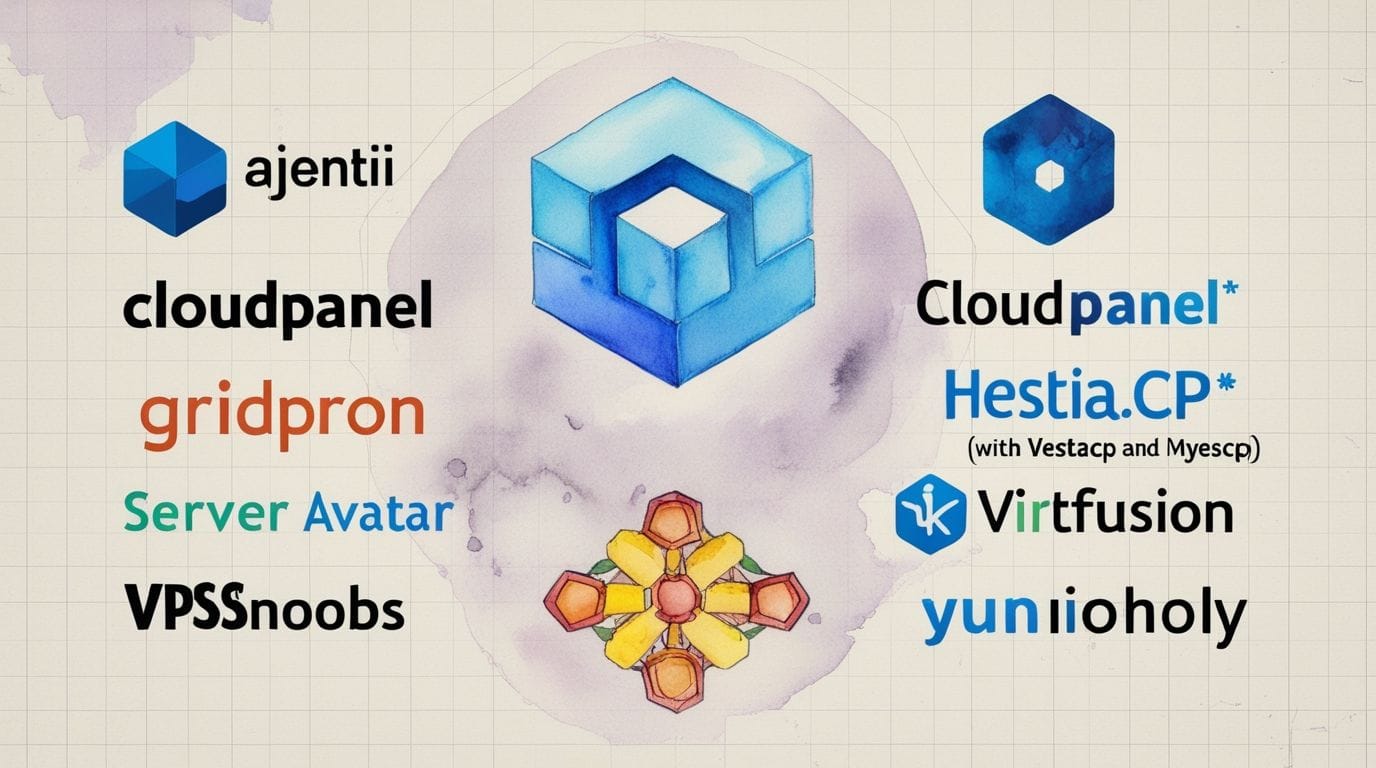
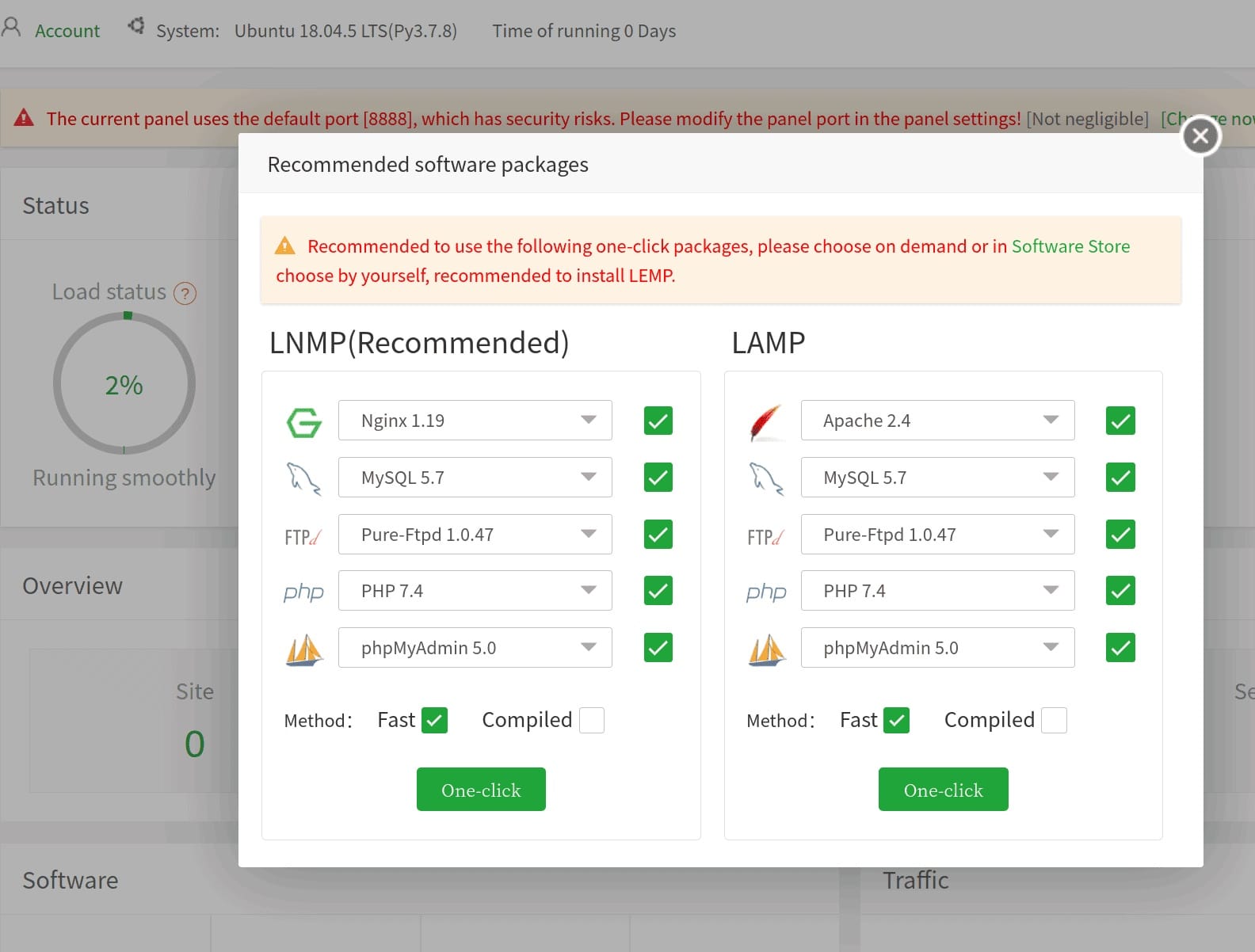
Then came HestiaCP, which quickly became my favorite. It’s open source, lightweight, and—crucially—doesn’t assume you’re a sysadmin. The interface is clean, the setup is straightforward, and it just works for most of what I need: domains, databases, email, backups. I’ve even written a full review of HestiaCP if you want the deep dive. I also experimented with aapanel and Cipi. aapanel’s app store is great for quick deployments, but its security extensions felt bolted on. Cipi was so lightweight it was almost invisible—which was great until I needed a feature it didn’t have.
Freemium
I was skeptical of freemium panels at first. Free tiers often feel like bait, but CloudPanel surprised me. Its free version covers the basics (Nginx, MySQL, PHP), and the paid tiers are reasonable if you need more. The setup was painless, and it’s one of the few panels that doesn’t make you feel like you’re being upsold at every turn. Cloudron was a different beast. It’s less about server management and more about app management—think WordPress, Nextcloud, or GitLab with one-click installs. The catch? It’s heavy. My $5 VPS choked on it, but on a more powerful machine, it’s a fantastic way to self-host a suite of apps.
Proprietary
For VPS
This is where I spend most of my time now. GridPane is my daily driver for WordPress sites. It’s not cheap, but the time it saves me—automated backups, security hardening, staging environments—more than justifies the cost. Their support is also top-notch, which matters when you’re not a server expert. ServerAvatar is my other go-to. It’s a bit more hands-off than GridPane but gives me more control when I need it. The pricing is transparent, and I appreciate that they don’t lock you into their ecosystem

For Shared Hosting
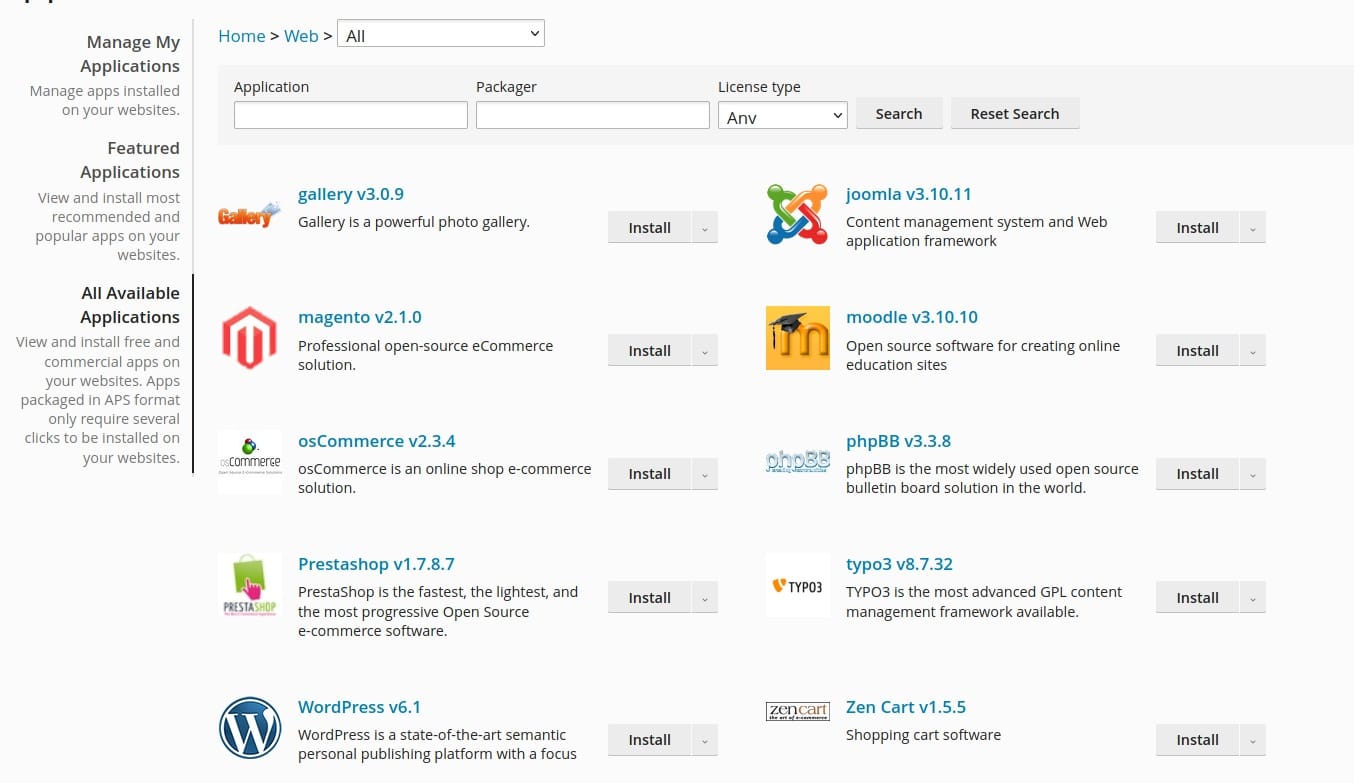
I’ve used these less, but they’re worth mentioning. cPanel is the industry standard for shared hosting, and for good reason: it’s polished, stable, and familiar to most users. But it’s also expensive, and its interface feels bloated compared to modern alternatives. DirectAdmin is the lighter, cheaper cousin to cPanel. It does the job, but it’s not as pretty. Plesk sits somewhere in the middle—more modern than cPanel, but still very much a shared-hosting-first tool. InterWorx is the one I’ve tried the least, but from what I’ve seen, it’s a solid, if unspectacular, option.
SaaS
I dipped my toes into RunCloud and ServerPilot, and they’re great if you want a cloud-based control panel. No installation, no maintenance—just point them at your server and go. The downside? You’re at the mercy of their pricing and their uptime. For me, the lack of full root access eventually pushed me back to self-hosted options.
Command Line Management Tools
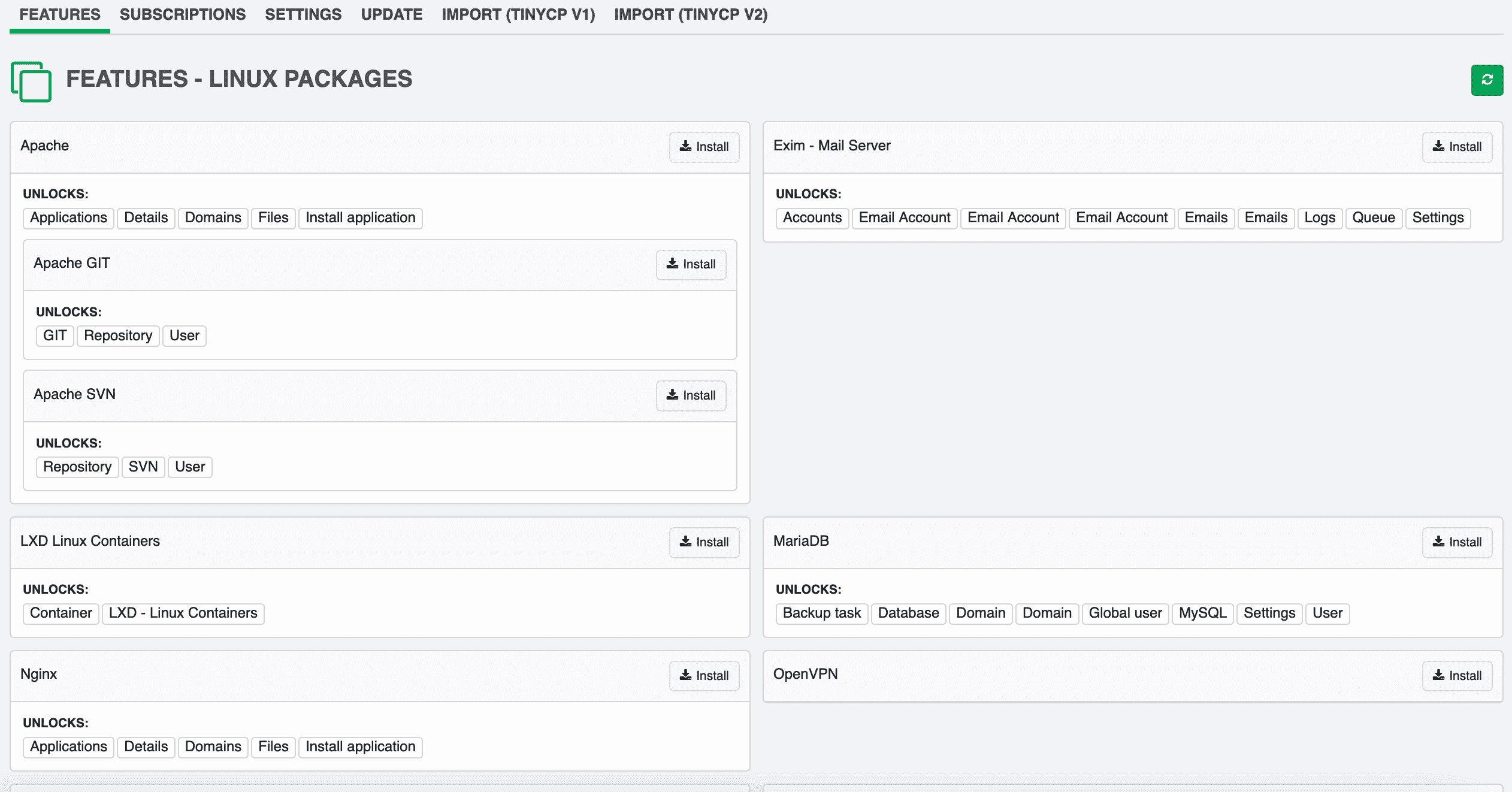
Not everyone wants a GUI. For those who prefer the terminal, SlickStack, EasyEngine, and Webinoly are worth a look. I’ve tinkered with all three, but Webinoly is the one I keep coming back to for WordPress. It’s fast, it’s lean, and it does one thing very well. (I’ve also written a separate post on Webinoly if you’re curious.) The tradeoff with CLI tools is obvious: they’re powerful, but they require you to know what you’re doing. If you’re comfortable in the terminal, they’re fantastic. If you’re not, stick to a GUI.
The Ubuntu Obsession with Panel Developers
If there’s one thing I’ve noticed across every panel I’ve tried, it’s this: Ubuntu is the default. And it’s not just a suggestion—it’s often a requirement. At first, I found this frustrating. Why couldn’t I use Debian, or CentOS, or even Fedora? But over time, I realized it’s not just laziness or bias. There are real, practical reasons. First, Ubuntu LTS is the most stable, well-documented Linux distribution for servers. The Long-Term Support releases (like 20.04 or 22.04) are tested, reliable, and—crucially—predictable. Panel developers don’t want to support a dozen OS flavors; they want to support one that works for 90% of users. Ubuntu fits that bill.
Second, APT (Ubuntu’s package manager) is simple and widely understood. Most tutorials, Stack Overflow answers, and even official documentation assume you’re on Ubuntu. When I tried installing panels on Debian, I’d often hit snags where the instructions just didn’t work. Not because Debian is bad, but because the panel was built for Ubuntu. Third, repositories and dependencies are easier to manage. Ubuntu’s ecosystem is vast, and most third-party software (like Nginx, PHP, or MySQL) has pre-built packages for it. On CentOS, I’d often have to compile from source or hunt down RPMs, which defeats the purpose of a simple panel.
That’s not to say Ubuntu is the only option. Some panels support Debian, and a few (like cPanel) even prefer CentOS. But for most open-source panels, Ubuntu is the path of least resistance. I fought this at first, trying to force panels onto Debian or CentOS. Eventually, I gave in. And honestly? It saved me a lot of headaches. Now, I still use Debian for some projects where stability is paramount (looking at you, production databases). But for panels? Ubuntu all the way. It’s the lingua franca of server management, and fighting it just wasn’t worth my time.

What I Use in 2026 and How I Choose
As of 2026, my daily stack is simple: GridPane, ServerAvatar, and HestiaCP. Each serves a different purpose, and I’ve landed on this combo after years of trial and error.
GridPane is my go-to for WordPress sites. It’s not cheap, but the time it saves me—automated backups, staging environments, and security hardening—more than justifies the cost. Their support team has also bailed me out of a few self-inflicted disasters, which is worth the price of admission alone. For non-WordPress projects, I use ServerAvatar. It’s a bit more hands-off than GridPane but gives me the control I need when I’m building custom apps or experimenting with different stacks.
But if I had to pick just one, it would be HestiaCP. It’s open source, lightweight, and doesn’t assume I’m a sysadmin. I’ve even written a full review of HestiaCP if you want the deep dive. It’s the panel I recommend to most people starting out, because it strikes the right balance between power and simplicity. When I’m helping others choose a panel, I ask four questions:
Budget: Are you willing to pay for convenience, or do you need free? For most hobbyists, open source panels like HestiaCP or Virtualmin are more than enough. But if you’re running a business, the time saved with a paid panel often pays for itself. Technical skill: Are you comfortable in the terminal, or do you need a GUI for everything? If you’re the latter, stick to panels with polished interfaces like GridPane or ServerAvatar. If you’re the former, you might appreciate the flexibility of CLI tools like Webinoly.
Use case: What are you hosting? WordPress? A custom app? Multiple sites? For WordPress, GridPane is hard to beat. For custom apps, ServerAvatar or a CLI tool might be better. For a single site, HestiaCP is often all you need.
Scale: Are you managing one site or a hundred? For a single site, almost any panel will work. For multiple sites, look for panels with good multi-site support, like GridPane or ServerAvatar.
At the end of the day, the best panel is the one that solves your problems without creating new ones. And for me, that’s GridPane, ServerAvatar, and HestiaCP.
Advanced VPS Panel Management Techniques
Once I got past the basics, I started exploring ways to squeeze more out of my panels. Customizing server settings was my first step. Most panels let you tweak PHP versions, memory limits, and execution times—small changes that can make a big difference in performance. I learned the hard way that the default settings often aren’t optimal for my specific workloads.
Managing multiple websites and domains became my next focus. With panels like GridPane or HestiaCP, I could spin up new sites in minutes instead of hours. The ability to manage DNS, SSL certificates, and email from one dashboard was a game-changer. I also started using remote MySQL management, which let me centralize databases across multiple servers—a feature I didn’t even know I needed until I tried it.
Optimizing performance was where I really geeked out. Panels like ServerAvatar give you fine-grained control over caching, PHP workers, and database tuning. I spent weeks tweaking these settings, running benchmarks, and iterating until I found the sweet spot for my sites. The result? Faster load times, happier visitors, and fewer headaches. One of the most underrated features I discovered was automated backups. I used to think backups were just for disasters, but now I use them for testing too. Before I make a big change, I’ll spin up a staging site from a backup, test my changes, and only then push them live. It’s saved me from more than a few “oops” moments.
Monitoring tools were another revelation. Most panels include basic monitoring, but I started using third-party tools like Netdata and Grafana for deeper insights. Being able to see CPU, memory, and disk usage at a glance—and get alerts when something’s wrong—gave me peace of mind I didn’t know I was missing.

Mistakes I Made (So You Don’t)
Looking back, I’ve made my share of mistakes with server panels. The biggest was probably overbuying. Early on, I’d see a panel with a laundry list of features and think, “I need all of that!” Only to realize later that I was paying for tools I’d never use. Now, I start with the free or basic tier and only upgrade when I hit a real limitation.
Under-spec’ing was another early blunder. I’d try to run a panel on the cheapest VPS I could find, only to watch it crawl to a halt. Panels need resources—RAM, CPU, disk I/O—and skimping here just leads to frustration. These days, I follow the recommended specs and then some. It’s cheaper in the long run.
Ignoring backups was my most painful lesson. I’d set up a panel, get everything running smoothly, and then not set up automated backups. You can guess what happened next. A misconfigured update, a failed migration, and suddenly my site was a brick. Now, I don’t even consider a panel unless it has built-in, automated backups—or I set them up myself.
Finally, I learned not to chase the newest, shiniest panel. I’d see a new panel with a flashy interface and jump ship, only to realize it was missing basic features or had no community support. Stability and reliability beat novelty every time. Now, I stick with what works unless there’s a compelling reason to switch.
Key Takeaways
- Server management panels save time, reduce mistakes, and eliminate the fear of breaking your server—but they’re not a substitute for understanding the basics.
- Open source panels like HestiaCP and Virtualmin are great for learning and budget-conscious users, but may require more effort to set up and maintain.
- Proprietary panels like GridPane and ServerAvatar offer convenience and support, but come with a cost.
- Ubuntu is the default for a reason: stability, documentation, and wide compatibility make it the safest choice for most panels.
- The right panel depends on your budget, technical skill, use case, and scale. Start with what solves your immediate problems, not what has the most features.
- Always prioritize backups, monitoring, and following the recommended specs. Cutting corners here will cost you later.
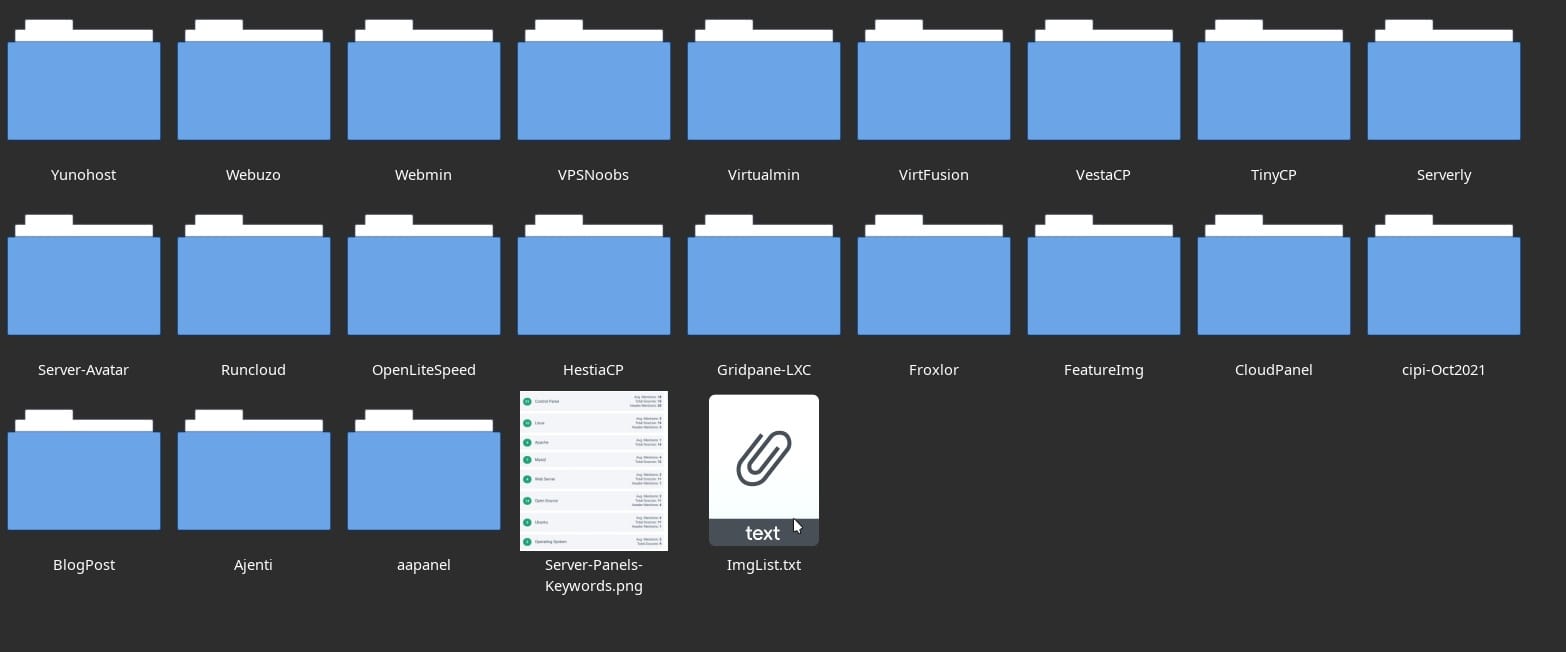
Conclusion
Five years and dozens of panels later, I’ve learned that the best server management panel is the one that gets out of your way. For me, that’s GridPane for WordPress, ServerAvatar for custom projects, and HestiaCP for everything else. But your mileage may vary—and that’s okay. The key is to start simple, learn as you go, and not be afraid to switch if something isn’t working.
If there’s one piece of advice I’d give my past self, it’s this: Stop tinkering and start shipping. The perfect panel doesn’t exist. The one that lets you focus on your work instead of your server? That’s the winner.
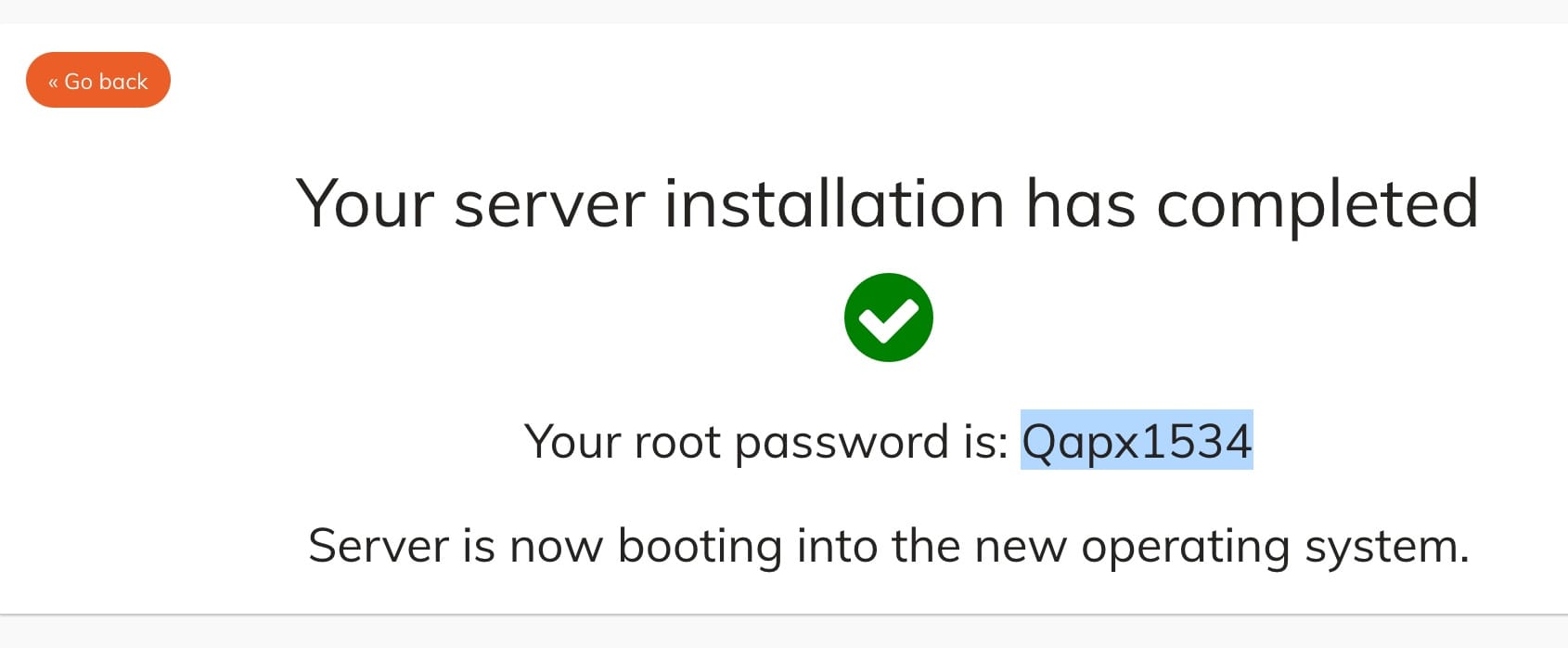
It’s worth clarifying that there’s a difference between provider-level VPS management panels and server-level control panels. Tools like SolusVM, SolusOS, or Virtualizor are used by hosting providers to manage the virtualization layer itself—creating, suspending, or resizing VPS instances, allocating resources, and handling the underlying infrastructure. These are the panels your host uses behind the scenes. What we’re focusing on here are server-level panels: tools you install inside your VPS to manage the software, services, and applications running on it. Think of it as the difference between managing the building (provider-level) versus managing your apartment within it (server-level).
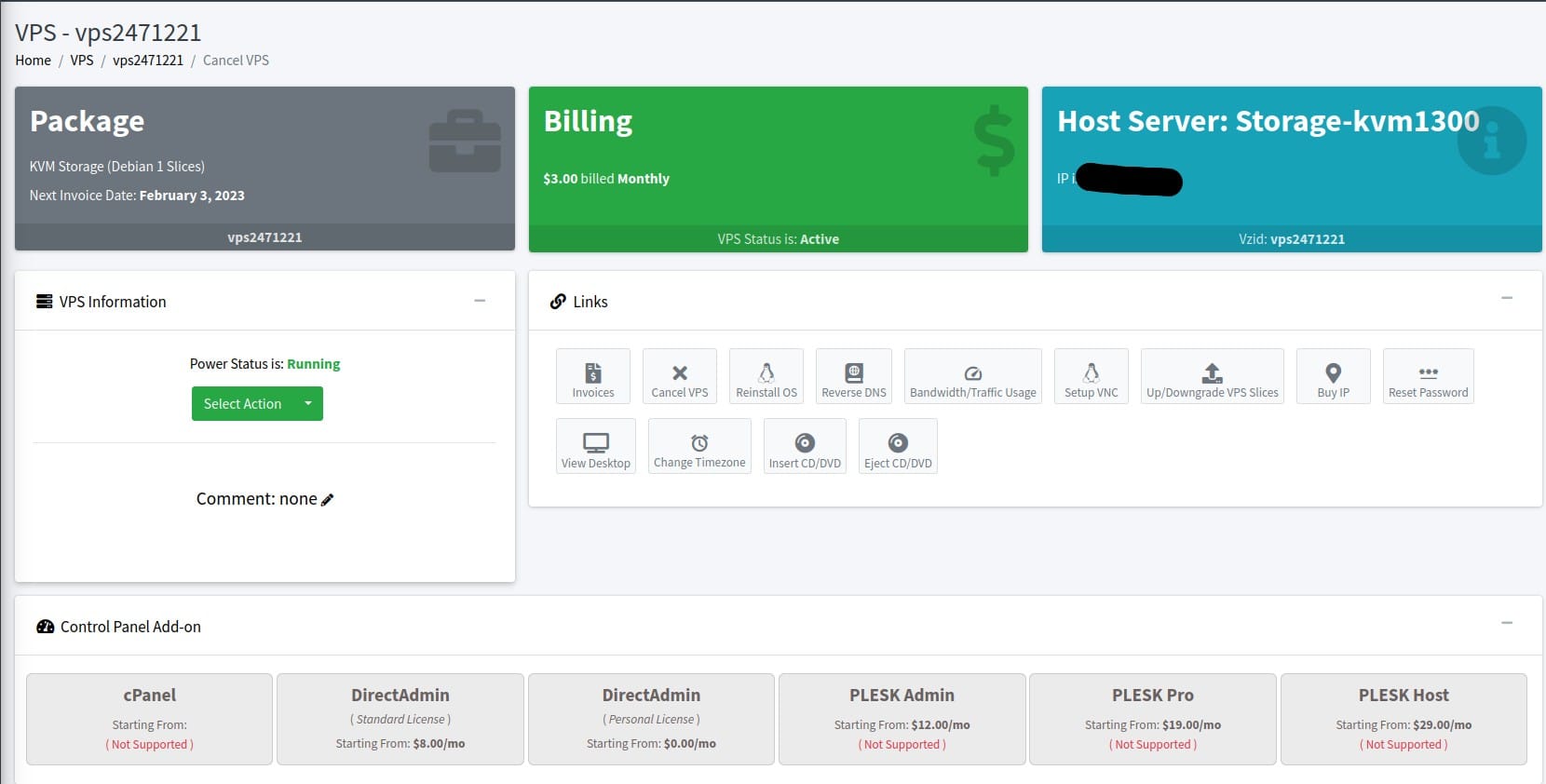 Example of Provider-hosted server management panel
References and Links
- GridPane – My go-to for WordPress hosting
- ServerAvatar – Flexible VPS management with transparent pricing
- HestiaCP – Open source panel I use and recommend
- cPanel – The industry standard for shared hosting
- Plesk – Modern alternative to cPanel
- DirectAdmin – Lightweight proprietary option
- Webmin – Open source system administration tool
- Virtualmin – Full-featured open source hosting panel