I started podcasting around late 2015, with the first public launch in 2016. Back then, I thought the hardest part was pressing the Record button. I soon realized that recording was only the beginning. Editing, show notes, artwork, publishing, and promotion often took longer than the recording itself. The tools and processes I used in 2016 feel almost quaint compared to today’s AI-assisted, automated, and open-source-driven workflows. This article is intentionally personal rather than exhaustive. Many tools have come and gone, but some have stayed with me for a decade. What follows is a retrospective on how podcast production has transformed—and what remains timeless.
When I recorded my first few episodes, I thought the hard part was pressing the Record button. I soon realized that recording was only a small part of the journey.
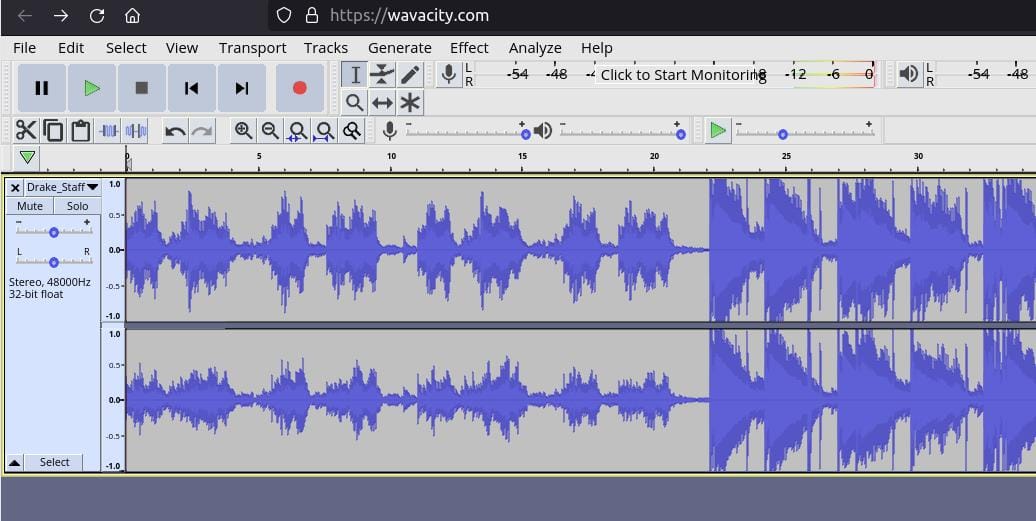 audacity for audio editing. Image: Wavcity, web based
Why Revisit Podcasting After Ten Years?
Podcasting itself hasn’t changed. But everything around podcasting has. In 2016, creating an episode was a linear process: record, edit, publish. Today, a single recording can spawn an ecosystem of content—audio, video, transcripts, show notes, social media clips, and more. The rise of AI for podcasters and podcast automation has redefined what it means to produce a show.
Then vs Now
| Aspect | 2016 | 2026 |
|---|---|---|
| Content Output | One episode | Multiple assets (audio, video, text) |
| Primary Focus | Audio-only | Audio + video-first mindset |
| AI’s Role | Nonexistent | Integral to workflow |
| Workflow Complexity | Manual, step-by-step | Pipeline-driven, automated |
In 2016, podcasting was a manual, time-consuming process. Recording required dedicated hardware, editing was a labor of love in Audacity, and publishing meant wrestling with RSS feeds and hosting platforms. Today, AI-powered tools handle transcription, automation scripts streamline publishing, and open-source software offers professional-grade editing without the price tag.
Podcasting Tools in 2016
Open Source Tools
| Tool | Purpose | Link |
|---|---|---|
| Audacity | Audio editing, Multi-track editing, noise reduction | audacityteam.org |
| OBS Studio | Video recording/streaming,Free, supports plugins | obsproject.com |
| Kdenlive | Video editing, Non-linear editing, effects | kdenlive.org |
| GIMP | Graphic design, Photoshop alternative for artwork | gimp.org |
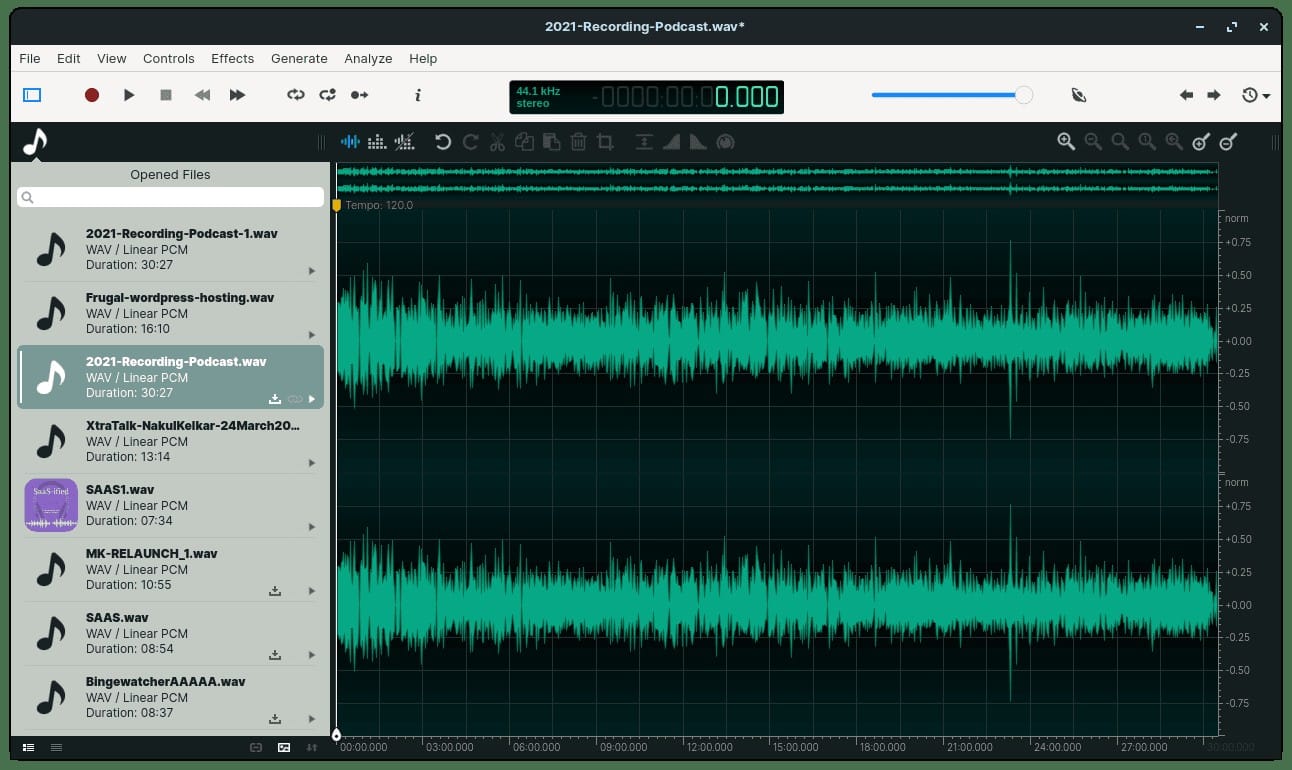 ocenaudio for audio editing
Planning an Episode
Research in 2016
In 2016, planning an episode meant scouring the web for topics, jotting down notes in a physical notebook or a basic text file, and manually compiling show notes. Research was time-consuming, and collaboration with co-hosts or guests often involved lengthy email threads or shared Google Docs.
The process was linear: idea → research → script → record.
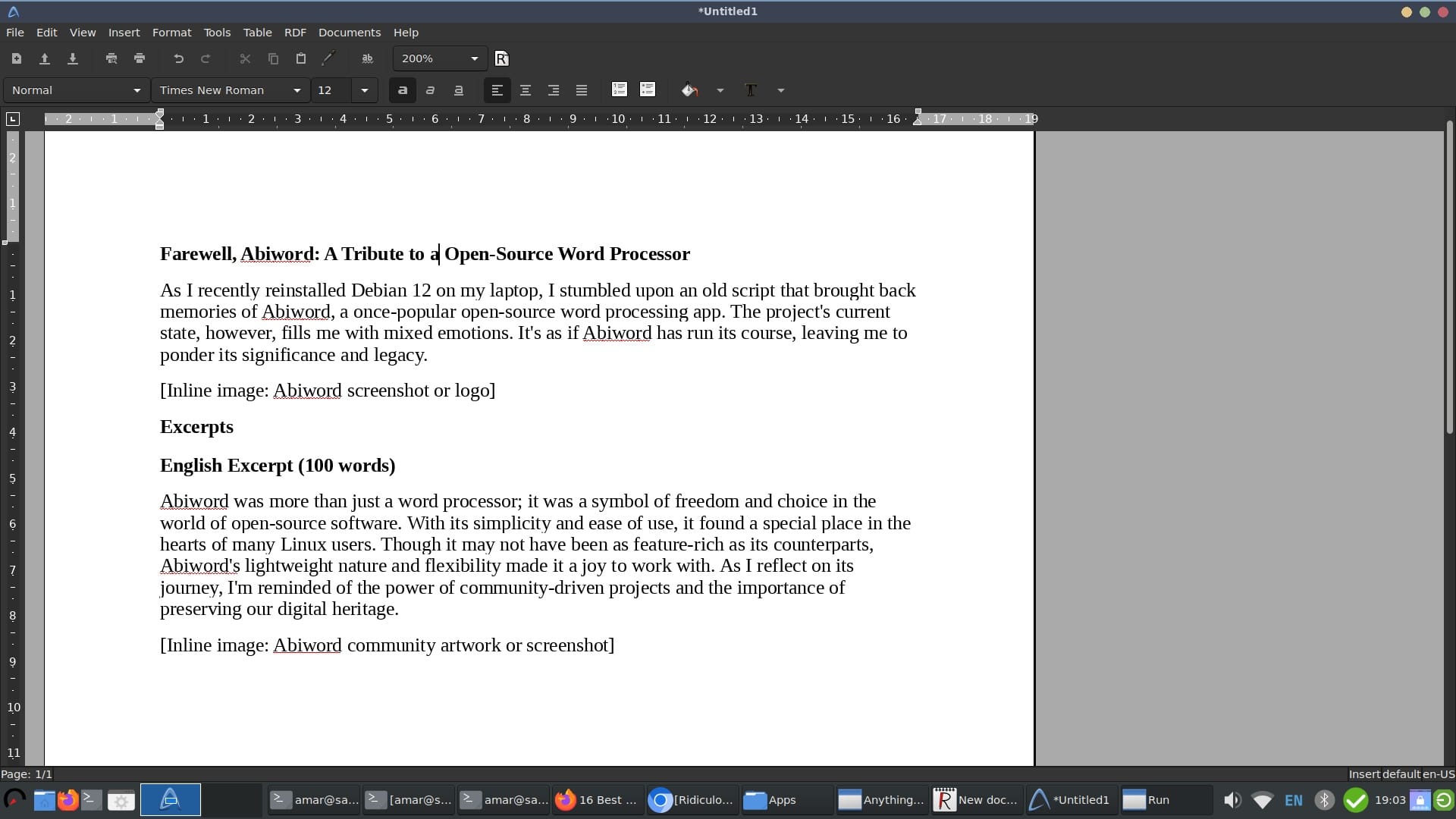 Abiword for storyboarding/ Scripting an episode
Planning in 2026
Today, planning is streamlined with tools like Notion, Obsidian, or even AI-assisted platforms that suggest topics based on trends or past episodes. Research is faster with AI-powered search and summarization tools, and collaboration happens in real-time within the same app. The workflow is now iterative: idea → AI-assisted research → collaborative scripting → automated scheduling.
Recording: Evolution and Consistency
My Setup in 2016 My first recordings were done with a budget USB microphone and Audacity. The setup was simple but limited: background noise was a constant battle, and multi-track recording was a luxury. Editing out mistakes or breathing sounds required manual, time-consuming work.
Podcast Setup in 2026
Now, I use a multi-microphone setup with cloud-based recording platforms like Riverside.fm or SquadCast. These tools offer high-quality audio, video, and even separate track recordings for each participant. Background noise removal and leveling are re expensive or if open-source alternatives exist.
Editing and Post-Production
Audio Editing
In 2016, audio editing was a manual process. I relied on Audacity to cut out mistakes, adjust levels, and add basic effects like compression and noise reduction. Each edit required precision and patience, and undoing a mistake often meant starting over.
Video Editing
Video wasn’t a priority in 2016, but when I did edit, it was clunky and time-consuming. Tools like iMovie or OpenShot offered basic functionality, but syncing audio and video, adding captions, or creating dynamic visuals was a struggle.
Themes
Creating a consistent theme for the podcast involved manually designing intros, outros, and transitions. Music and sound effects were sourced from free libraries or self-composed, and consistency across episodes was hard to maintain.
Talking Points
In 2016, talking points were handwritten or typed in a document, and sticking to them required discipline. Today, tools like teleprompters or AI-generated bullet points help keep the conversation on track, and real-time notes can be shared with co-hosts or guests.
The Impact of Technology and Philosophy
Open Source and Podcasting
Open-source tools like Audacity and OBS Studio democratized podcasting for me. They allowed me to experiment and grow without financial barriers. The philosophy of open source—community-driven, transparent, and customizable—aligned with my values and shaped how I approached content creation.
AI: Removing Repetition
AI didn’t replace podcasting; it removed the repetitive, time-consuming tasks. Transcription, noise reduction, and even content suggestions are now automated. Tools like Descript or Otter.ai transcribe episodes in minutes, while AI plugins in editing software can clean up audio or generate show notes.
Automation: The Game Changer
Automation has been the most transformative change. Scheduling, publishing, and even social media promotion are now handled by scripts or platforms like Zapier and Headliner. What used to take hours of manual work is now done in the background, freeing me to focus on content.
Music, Licensing, and Copyright
In 2016, I used royalty-free music from platforms like Free Music Archive or created my own jingles. Today, I leverage platforms like Epidemic Sound or Artlist, which offer high-quality, licensed music tailored for creators. Understanding copyright and licensing has become easier with clearer terms and dedicated creator-focused services.
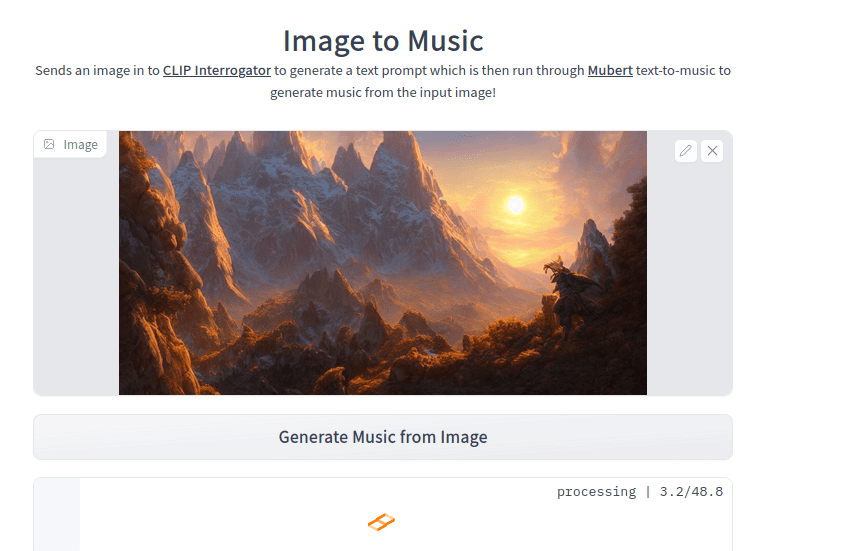 Image to music creation using AI
What Hasn’t Changed
Despite the technological advancements, the core of podcasting remains the same: storytelling, authenticity, and connection with the audience. The tools have changed, but the goal—to share ideas and engage listeners—hasn’t.
What’s Next for ai enabled podcsating?
Looking ahead, I see podcasting becoming even more interactive and immersive. AI will likely play a larger role in personalizing content for listeners, and new formats like live podcasting or VR-enhanced episodes could redefine the medium.Cover Art: Looking Back Without Cringing
In 2016, my podcast artwork was a DIY affair—often created in Canva or GIMP with limited design skills. The results were functional but far from professional. Today, tools like Canva, Adobe Express, and even AI-powered platforms like MidJourney or DALL·E allow me to create high-quality, eye-catching artwork in minutes. The learning curve has flattened, and the bar for visual appeal has risen.
 Podcast production using AI
Podcasting Tools: Open Source and AI-Enabled
Open Source Tools
In addition to the podcasting tools I used in 2016, many other open-source tools have been the backbone of my podcasting journey, offering flexibility, cost-effectiveness, and community support. Here’s a list of the ones I’ve relied on:
| Tool | Purpose | Link | Notes |
|---|---|---|---|
| Jitsi | Remote recording | jitsi.org | End-to-end encrypted, no account needed |
| Ardour | Advanced audio editing | ardour.org | Professional-grade, supports MIDI |
| Inkscape | Vector graphics | inkscape.org | For logos, icons, and scalable designs |
Other Tools I tried/ experimented with: LMMS: A free digital audio workstation that allows users to produce music with their computer. Qtractor: An Audio/MIDI multi-track sequencer application written in C++ with the Qt framework.
AI-Enabled Processes/Tools
AI has transformed podcasting by automating repetitive tasks and enhancing creativity. Here are the AI tools and processes I now use:
| Tool/Process | Link | Features |
|---|---|---|
| Descript | descript.com | Overdub, filler word removal, multi-track offers AI-powered audio/video editing. |
| Otter.ai | otter.ai | AI transcription and note-taking. Real-time transcription, speaker ID |
| Riverside.fm | riverside.fm | Remote recording platform with high-quality audio/video, separate tracks |
| Headliner | headliner.app | Audiograms, social media clips |
| Zapier | zapier.com | Automation tool for connecting apps and tools (e.g., auto-publish to YouTube) |
| CapCut | capcut.com | AI-powered effects, auto-captions |
| Epidemic Sound | epidemicsound.com | Royalty-free music library, AI-curated, licensed music |
| Artlist | artlist.io | Music licensing for creators. with High-quality, creator-friendly licenses |