Pop!_OS, developed by System76, is a Ubuntu-based Linux distribution with a focus on usability and performance. However, its Ubuntu base, combined with snap integration and custom desktop environments, makes it heavier than ideal for older hardware like the MacBook Pro 2015 or Raspberry Pi 4. This post revisits my 2022 experience with Pop!_OS, highlighting its performance trade-offs and why I ultimately opted for Linux Mint Debian Edition instead.
Summary
Pop!_OS offers a polished experience but struggles with resource efficiency on older devices. Its Ubuntu foundation and snap packages add unnecessary bloat, which is why I prefer Debian-based or lightweight alternatives for better performance.
परिचय
Pop!_OS, System76 द्वारा विकसित, एक Ubuntu-आधारित Linux डिस्ट्रिब्यूशन है जो उपयोगिता और प्रदर्शन पर ध्यान केंद्रित करता है। हालांकि, इसका Ubuntu आधार, snap इंटीग्रेशन, और कस्टम डेस्कटॉप वातावरण इसे पुराने हार्डवेयर जैसे MacBook Pro 2015 या Raspberry Pi 4 के लिए भारी बना देते हैं। यह पोस्ट मेरे 2022 के Pop!_OS अनुभव को दोहराती है, इसके प्रदर्शन ट्रेड-ऑफ और अंत में मैंने Linux Mint Debian Edition क्यों चुना, इस पर प्रकाश डालती है।
Pop!_OS एक परिष्कृत अनुभव प्रदान करता है लेकिन पुराने उपकरणों पर संसाधन दक्षता में संघर्ष करता है। इसका Ubuntu आधार और snap पैकेज अनावश्यक बोझ जोड़ते हैं, जिसकी वजह से मैं Debian-आधारित या हल्के विकल्प पसंद करता हूँ।
Introduction
Pop!_OS is a Linux distribution developed by System76, designed with a focus on usability, performance, and a streamlined experience for both developers and general users. It is built on top of Ubuntu, inheriting its strengths and weaknesses. While Ubuntu is widely used and well-supported, it is often criticized for being resource-heavy, especially with its default GNOME desktop environment. Pop!_OS adds its own layer of customizations, including the Cosmic Desktop, which aims to improve workflow efficiency with features like tiling window management and workspace organization.
My experience with Pop!_OS spans testing it on two distinct pieces of hardware: a MacBook Pro 2015 and a Raspberry Pi 4. The MacBook Pro, while still capable, is aging hardware with limited resources compared to modern machines. The Raspberry Pi 4, on the other hand, is a versatile single-board computer, but its ARM-based architecture and limited RAM can pose challenges for heavier operating systems.
My primary concern with Pop!_OS revolves around its foundation. Ubuntu itself is already considered bloated by many in the Linux community, particularly for older or resource-constrained hardware. Adding to this is Ubuntu’s push for snap packages, which are self-contained applications that include all their dependencies. While snaps offer advantages like easier maintenance and cross-distribution compatibility, they tend to consume more resources and storage space. Pop!_OS, being a customized version of Ubuntu, inherits this bloat and further adds its own desktop environment and package selections. This combination results in a system that, while feature-rich, may not be the most efficient choice for older or lightweight hardware. This is precisely why I eventually chose Linux Mint Debian Edition for my primary use, as it avoids the Ubuntu base and snap integration, offering a leaner and more controlled environment.
Performance on MacBook Pro 2015
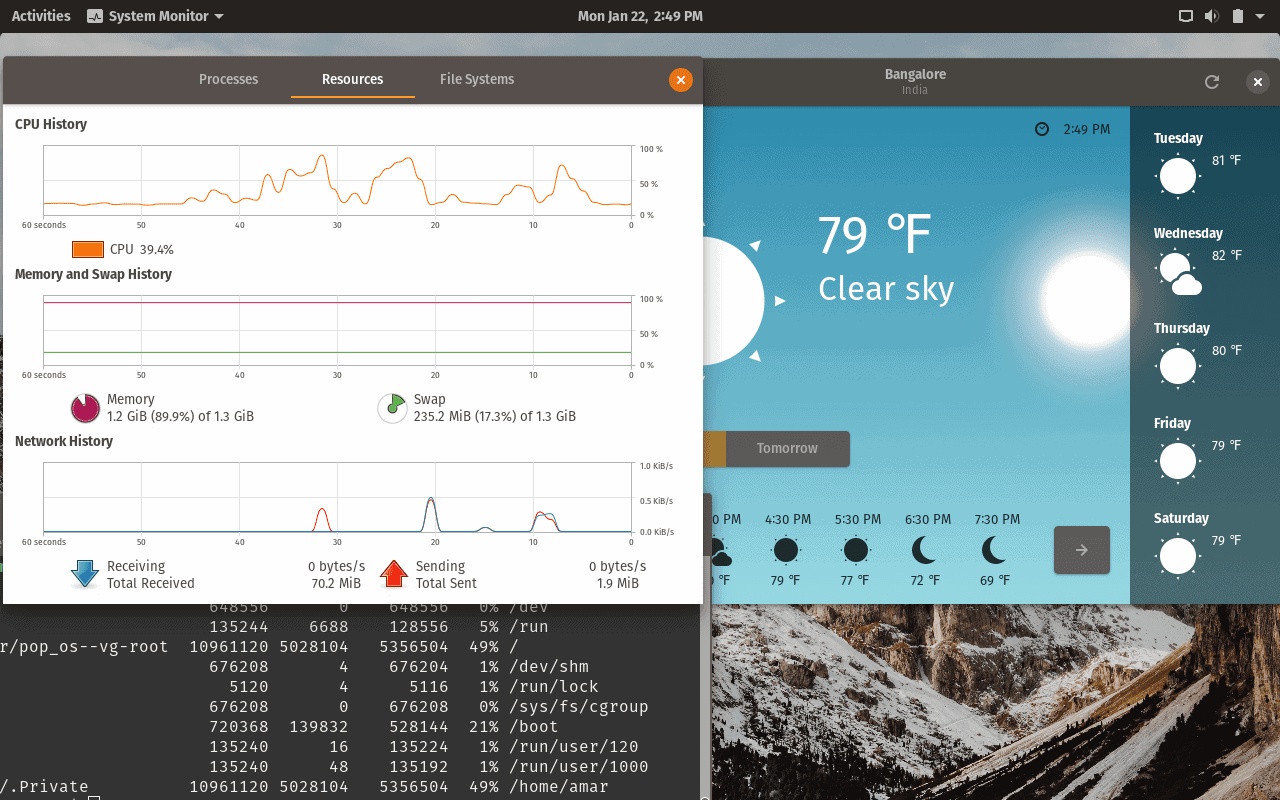
The MacBook Pro 2015, equipped with an Intel Core i5 or i7 processor and typically 8GB or 16GB of RAM, is no longer a powerhouse by modern standards. Running Pop!_OS on this machine revealed some performance limitations, particularly in terms of CPU and RAM usage. Even with moderate use, such as browsing with Firefox or Chrome, the system often utilized a significant portion of the available resources. This high usage was consistent, indicating that the operating system itself was consuming more than expected.
 The image above shows the CPU and RAM usage during typical operations.
Detailed monitoring confirmed that background processes and the desktop environment contributed to the elevated resource consumption. This made multitasking less smooth than desired, especially when compared to lighter distributions. The installation process on the MacBook Pro was straightforward, thanks to Pop!_OS’s user-friendly installer. The system detected the hardware correctly, and the installation completed without major issues.
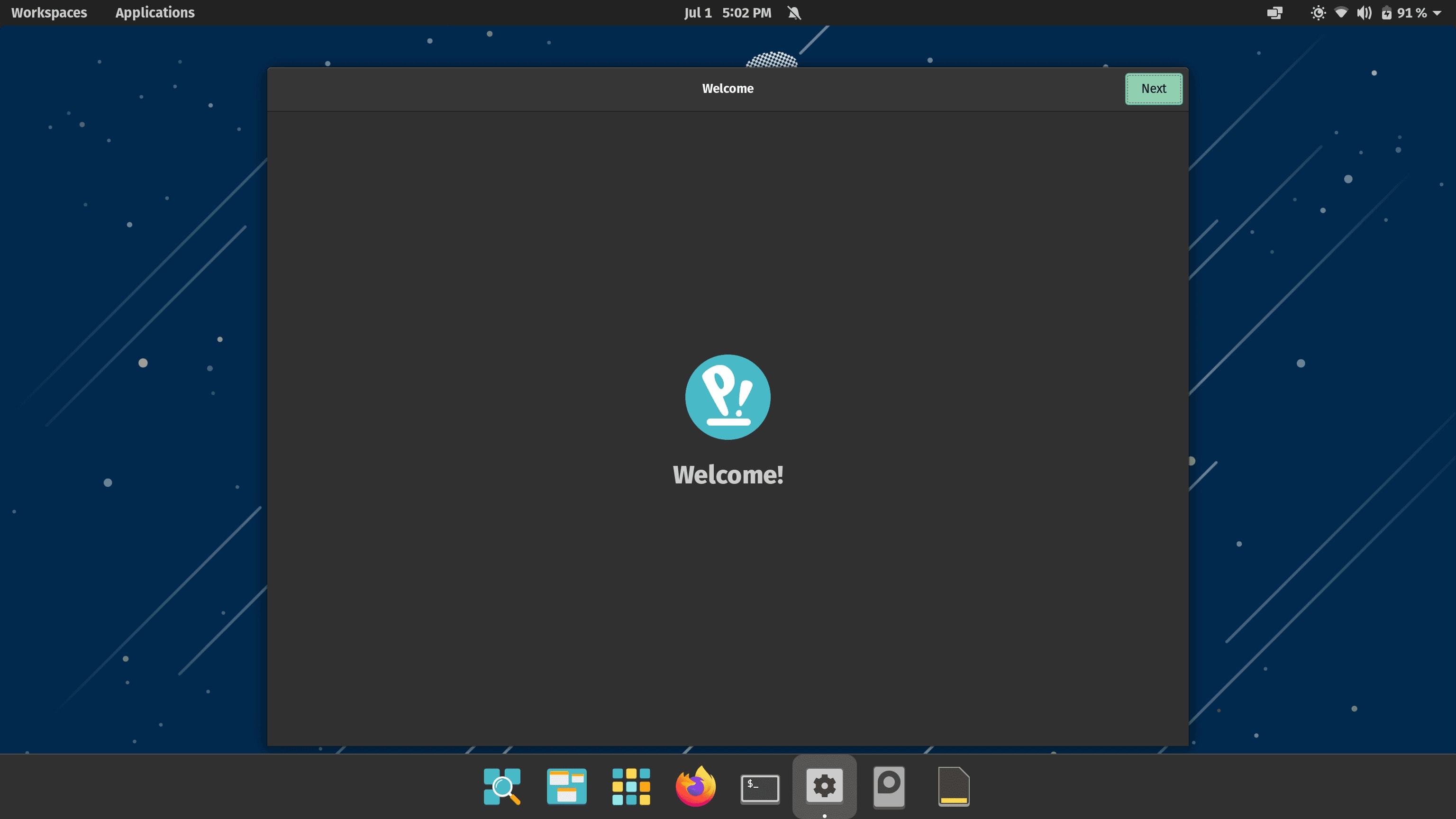
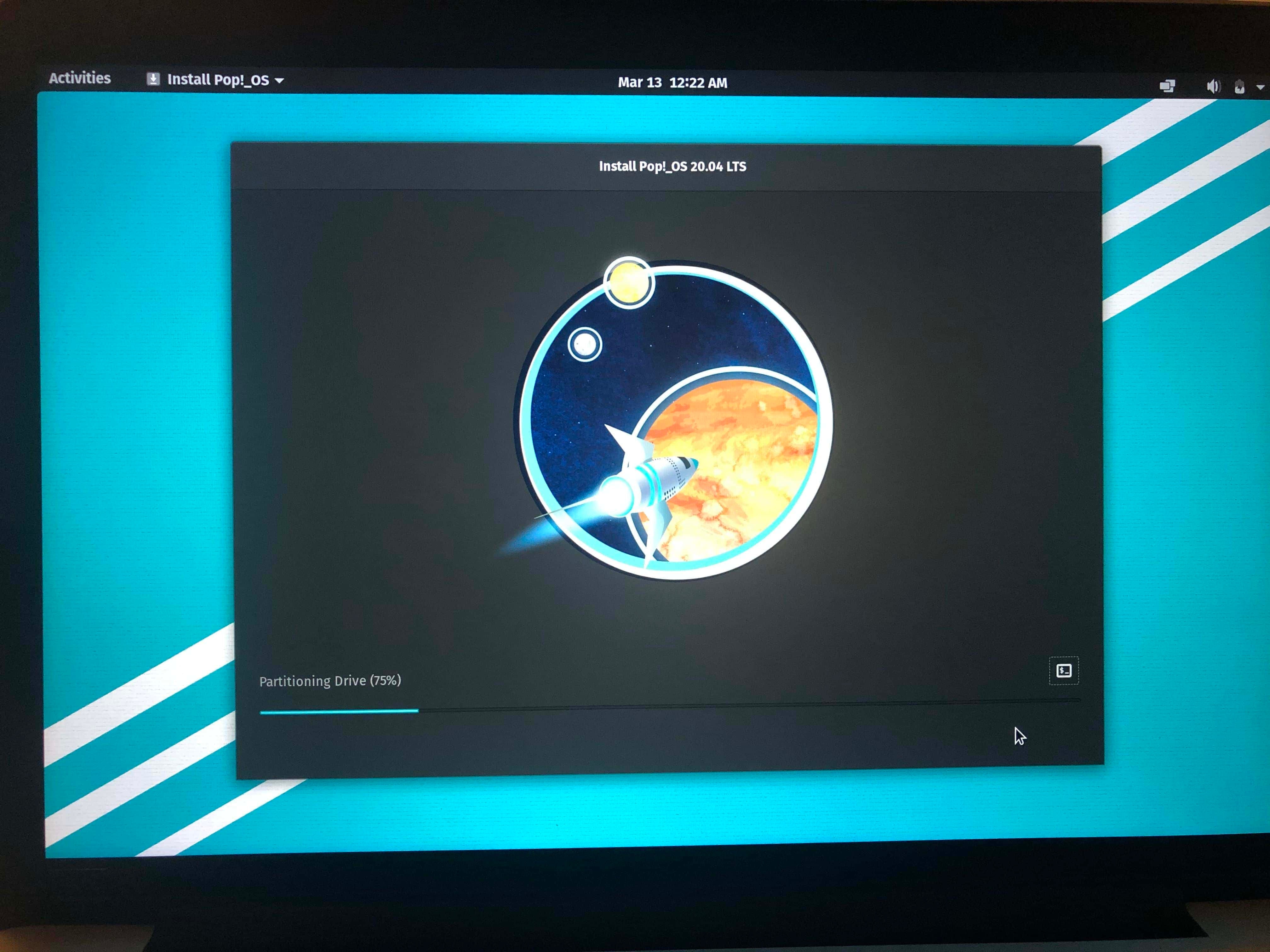 The installer provided clear options for partitioning and system configuration, which is a testament to Pop!_OS’s focus on accessibility.
Once installed, the desktop experience was visually appealing, with the Cosmic Desktop offering a modern and intuitive interface. The tiling window management was a standout feature, allowing for efficient use of screen space. The desktop environment was responsive, but the underlying resource usage remained a concern. Workspaces in Pop!_OS allowed for better organization of open applications, but the overall system performance was still impacted by the Ubuntu base and additional customizations.

Performance on Raspberry Pi 4
The Raspberry Pi 4, with its ARM-based processor and typically 4GB or 8GB of RAM, presents a different set of challenges. While Pop!_OS does offer an ARM version, the experience on the Raspberry Pi 4 was not without its issues.
Resource usage was a significant concern. The system often struggled to maintain smooth performance, particularly when running multiple applications or performing resource-intensive tasks.
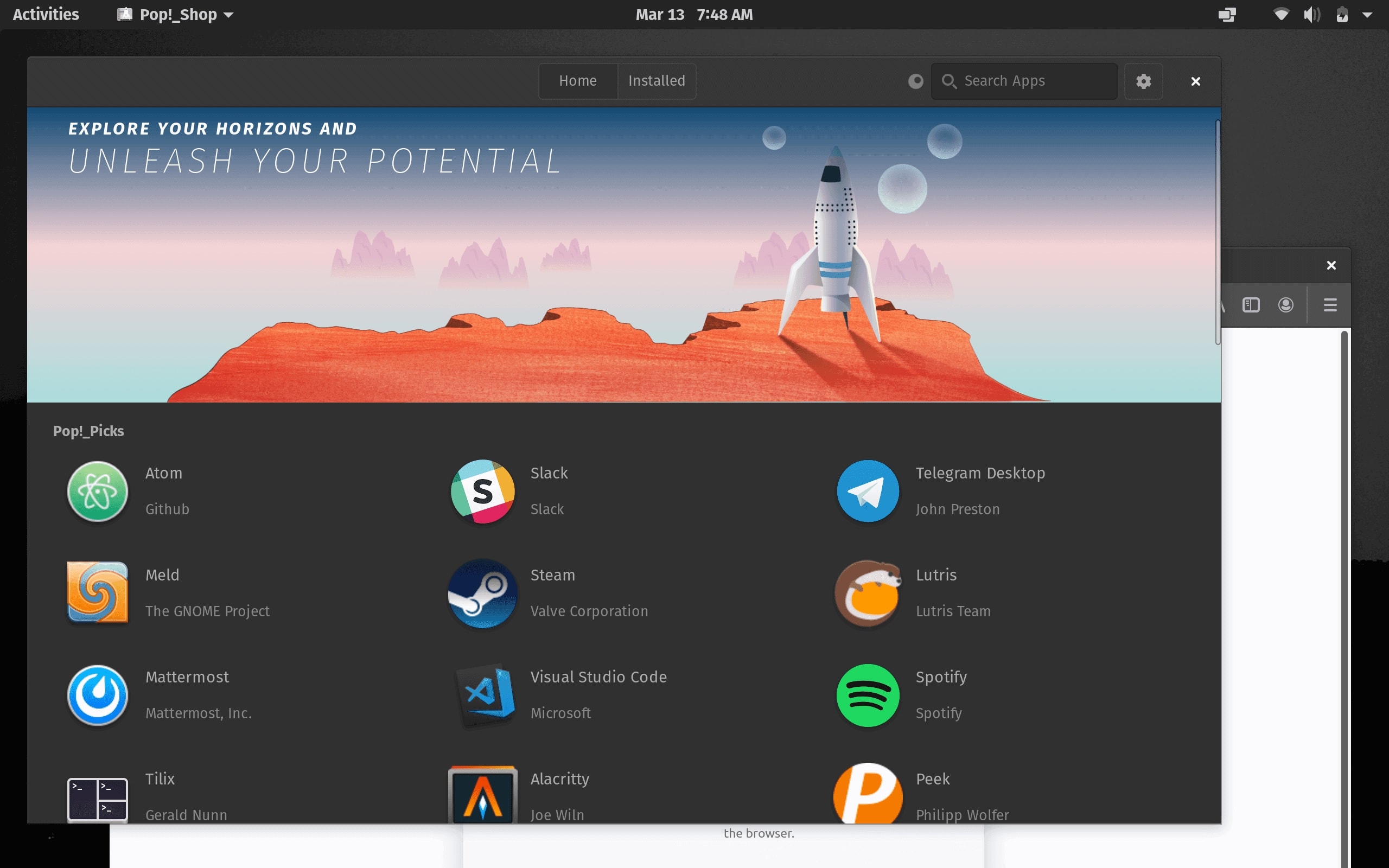 The screenshot provides a visual representation of the system under load, highlighting the strain on available resources.
Driver issues were another hurdle. The Raspberry Pi 4’s Wi-Fi and Bluetooth hardware sometimes required additional configuration to work properly with Pop!_OS.

The image above shows the process of configuring Wi-Fi drivers, which was occasionally necessary to ensure stable connectivity. These driver issues, combined with the high resource usage, made Pop!_OS less than ideal for the Raspberry Pi 4, especially when compared to lighter, more optimized distributions.
Installation Experience
Click to viewmode images
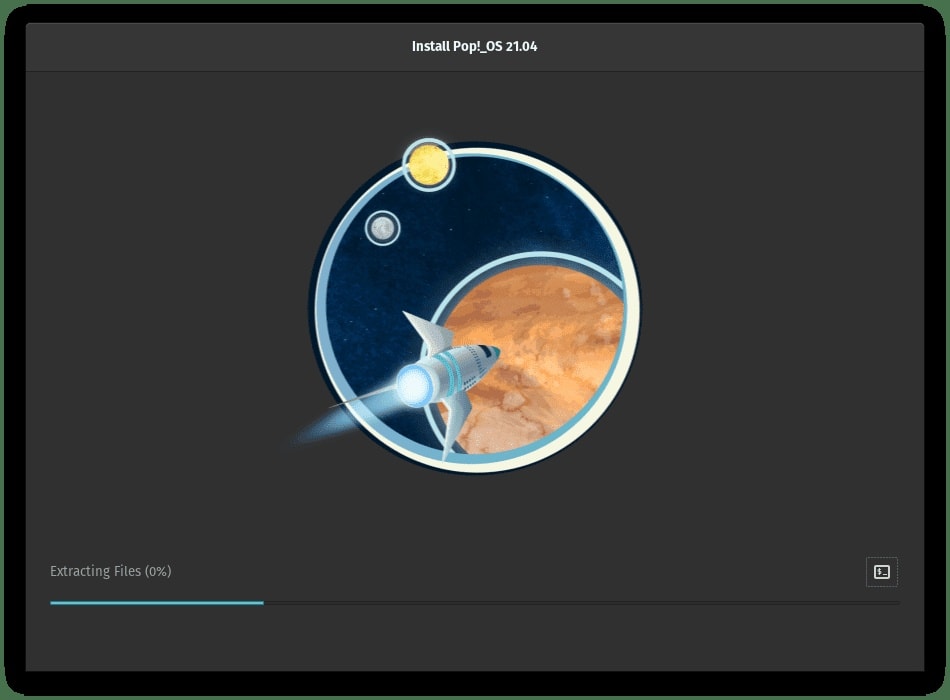
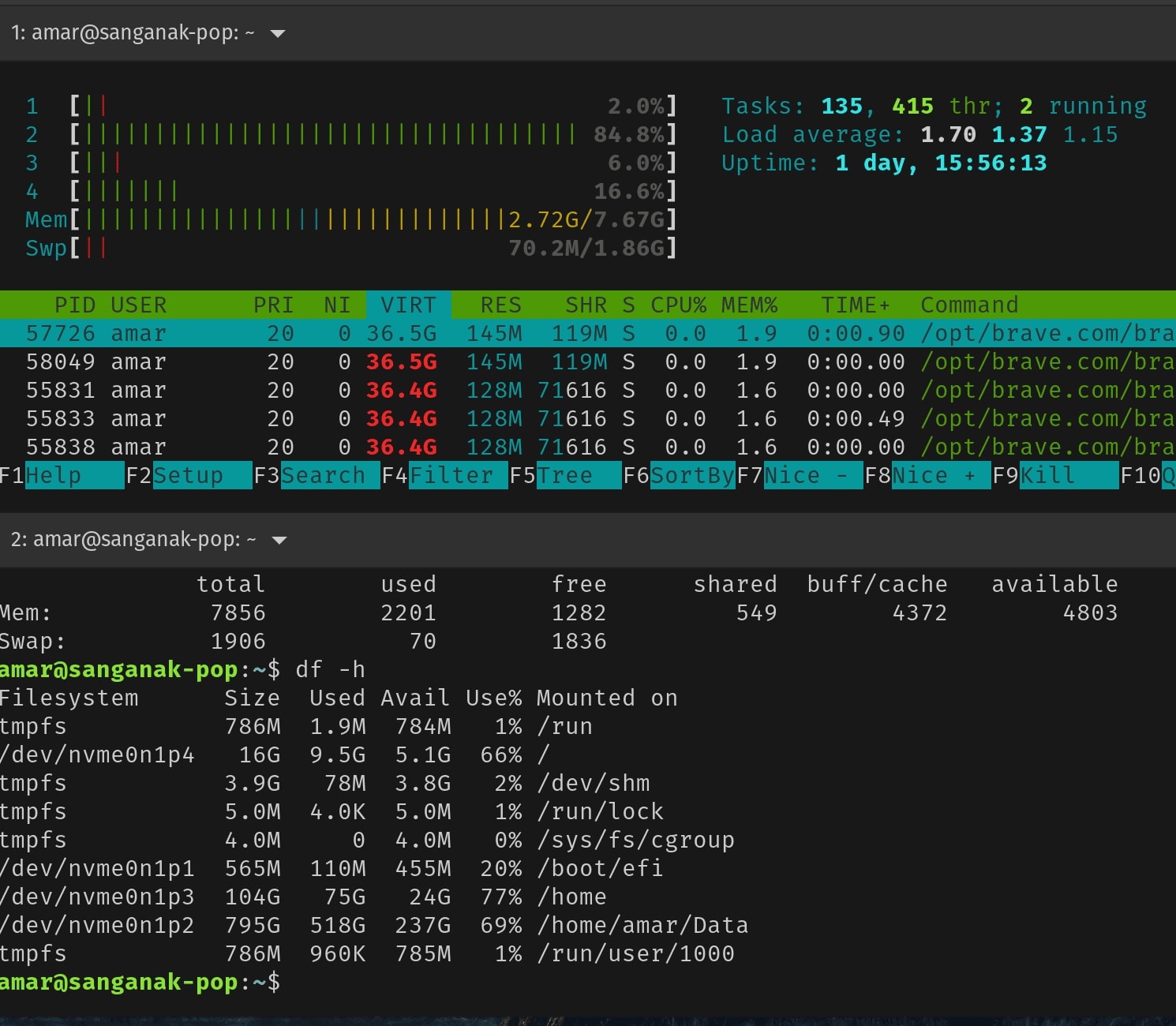 The image above illustrates the resource usage during typical operations. The CPU and RAM were frequently pushed to their limits, leading to lag and reduced responsiveness.

Comparison : Manjaro LInux on Raspberry Pi3B
Key Takeaways and Conclusion
- Pop!_OS is not lightweight due to its Ubuntu base and snap integration.
- Performance issues on older hardware (MacBook Pro 2015, Raspberry Pi 4).
- Alternatives: Linux Mint Debian Edition, XFCE/Plasma-based distros.