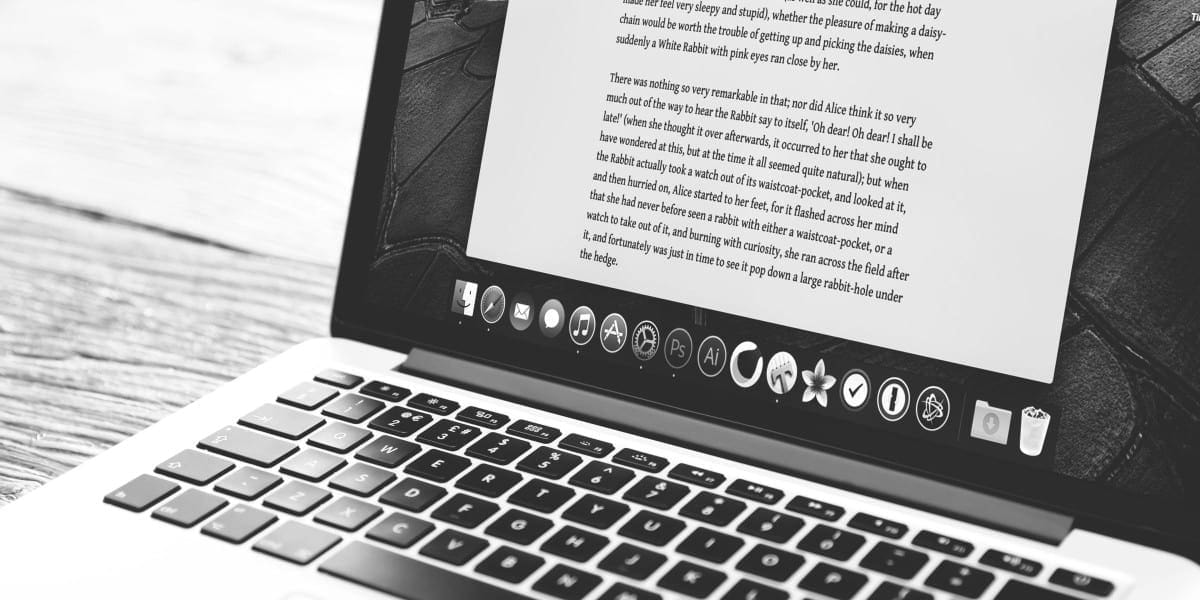
I have used a variety of writing apps for blogging since 2016. My focus on publishing began when I purchased a MacBook Pro in July 2016—an early 2015, 13-inch Retina model. The Mac introduced me to a whole new world of writing apps and tools. Since then, I have explored numerous options—many open source, others proprietary or macOS-specific. This guide offers a comprehensive overview of the landscape from both technical and personal perspectives.
हिंदी में सारांश
एक ब्लॉगर के रूप में, अपने मैकबुक प्रो पर सही एप्लिकेशन का उपयोग करने से आप ब्लॉगिंग कितनी कुशलता और प्रभावी ढंग से कर सकते हैं। 2016 से, मैंने अपने ब्लॉगिंग अनुभव को बढ़ाने के लिए कई लेखन ऐप्स के साथ प्रयोग किया है, और परिणाम प्रभावशाली रहे हैं। ऐप स्टोर पर उपलब्ध एप्लिकेशन से जाना चुनौतीपूर्ण हो सकता है कि कहाँ से शुरू करें। इसलिए मैंने उन लेखन ऐप्स की एक सूची तैयार की है जिसका मैंने व्यक्तिगत रूप से उपयोग किया है। इस ब्लॉग पोस्ट में, मैं आपको उन एप्लिकेशनों से परिचय कराऊंगा जिन्हें मैंने गुणवत्तापूर्ण सामग्री तैयार करने में सबसे अधिक मददगार पाया है। एक ब्लॉगर के रूप में, मुझे पता है कि लिखने को आसान बनाने वाले एप्लिकेशन तक पहुंच होना कितना महत्वपूर्ण है, और इस ब्लॉग पोस्ट का लक्ष्य ठीक यही है।
Understanding Different Types of Writing Tools
Writing software falls into several categories, each designed to fulfill specific needs:
Word Processors: Traditional tools like Microsoft Word, Google Docs, and LibreOffice Writer remain staples for document creation. They offer rich formatting, spell-checking, and collaboration features.
Markdown Editors: Tools like Typora, Obsidian, and Ghostwriter appeal to writers who prefer plain text with lightweight markup. These are particularly popular among technical writers and developers.
Distraction-Free Writers: Applications like iA Writer, Ulysses, and FocusWriter minimize clutter and help maintain concentration during deep writing sessions.
Note-Taking Applications: Apps like Evernote, Notion, OneNote, and Joplin bridge the gap between note-taking and structured writing, supporting brainstorming and outline development.
AI-Powered Writing Assistants: Emerging tools leverage artificial intelligence for grammar checking, tone adjustment, content generation, and style suggestions. Examples include Grammarly, Jasper, and integrated features in platforms like Zoho Writer.
Pricing Models: Free, Freemium, and Paid Options
When evaluating writing tools, pricing is often a primary consideration. The market generally follows three models:
Free Software: Completely free to use and download. Examples include Google Docs, LibreOffice Writer, and many open-source Markdown editors. These often have robust feature sets suitable for casual to intermediate users.
Freemium Software: Partially free with premium features locked behind a paywall. Common in apps like Evernote, Notion, and Grammarly. The free tier typically covers basic functionality, while paid tiers unlock advanced collaboration, storage, or AI features.
Paid Software: Requires payment for full access. Examples include Microsoft 365 subscriptions, Scrivener for long-form writers, and Pro versions of various writing tools. These tend to offer more comprehensive features and priority support.
Another important classification is licensing:
Open Source: Developed collaboratively with publicly available source code. Users can view, modify, and distribute the software. Examples include LibreOffice, Joplin, and Zim Wiki.
Proprietary: Developed by single companies with closed source code. Examples include Microsoft Office, Scrivener, and most commercial word processors. These offer polished interfaces but less transparency.

Platform Compatibility: Operating Systems and Devices
Writing tools are designed for specific hardware architectures and ecosystems:
Windows: The dominant PC platform supports virtually all writing software, including Microsoft Office Suite, LibreOffice, and numerous third-party options. Windows comes with basic text editors pre-installed, though most serious writers install additional software.
macOS: Apple's desktop platform includes native applications like Pages, Numbers, and Keynote as part of iWork. Third-party options like Ulysses and Scrivener have strong macOS presence.
Linux: While historically underserved, Linux now supports LibreOffice, various Markdown editors, and web-based tools. Many open-source writers prefer Linux for its customization capabilities.
Mobile Platforms: Android and iOS come with pre-installed apps for messaging, email, and basic text editing. Dedicated writing apps like Google Docs mobile, Microsoft Word mobile, and specialized options like Pure Writer (Android) enable writing on-the-go.
Devices support varying hardware configurations including processors, memory, storage, and peripherals like external keyboards, graphics tablets, and printers. Cloud synchronization allows seamless transition between desktop, tablet, and mobile writing contexts.
Web-Based Writing Tools: Browser-Native Solutions
Web-based tools have transformed accessibility, enabling writing from any device with internet connectivity. Major offerings include:
Google Docs: Free, cloud-based word processor with real-time collaboration, version history, and extensive add-on ecosystem.
Zoho Writer: Part of the Zoho office suite, offering clean interface, collaborative features, and integration with other Zoho applications.
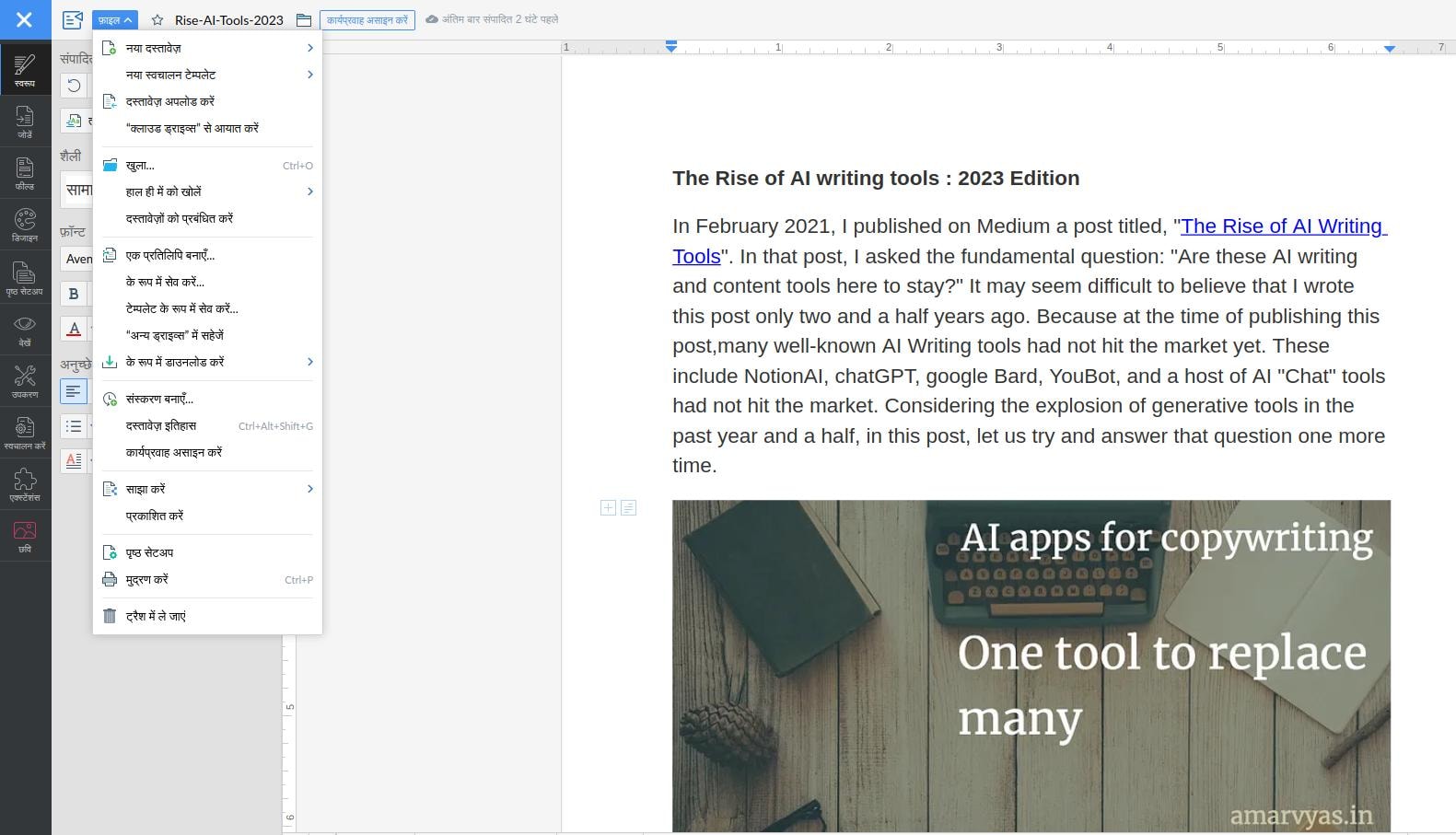
Notion: Combines note-taking, databases, and project management with flexible formatting options. Popular for personal wikis and collaborative documentation.
Medium and Substack: Publishing-focused platforms that simplify content creation for bloggers and newsletter writers.
These web tools excel in collaboration and accessibility but depend on internet connectivity and raise data privacy considerations compared to offline applications.
Specialized Tools for Scientific, Desktop, and Web Publishing
Beyond general-purpose writing, several domains demand specialized tools:
Scientific Publishing: Researchers rely on LaTeX for typesetting mathematical and scientific documents, with editors like Overleaf providing collaborative web-based LaTeX environments. Reference managers like Zotero, Mendeley, and EndNote organize citations and bibliographies. Data visualization tools such as GraphPad Prism, MATLAB, and Python libraries (matplotlib, seaborn) support results presentation.
Desktop Publishing: Professional layout tools like Adobe InDesign and QuarkXPress create magazines, books, and print materials with precise typographic control. Affinity Publisher offers a lower-cost alternative with comparable capabilities.
Web Publishing: Content Management Systems (CMS) like WordPress, Joomla, and Drupal power websites and blogs. Static site generators like Hugo, Jekyll, and Pelican serve technical blogs and documentation. Website builders like Wix, Squarespace, and Webflow offer drag-and-drop simplicity for non-technical users.
Each specialized tool has distinct strengths and weaknesses. Choosing appropriately depends on specific requirements: collaboration needs, publication format, audience expectations, and budget constraints.
My Preferred Writing Apps: A Blogger's Journey Since 2016
As a blogger who has been using a MacBook Pro for several years, I have had the opportunity to explore various writing applications that have helped me enhance my writing skills and streamline my workflow. Below, I highlight the key features of different apps, how they have helped me in my blogging journey, and why I continue to use them today.
1. iA Writer
I have found iA Writer to my liking, and I say this as a happy, paid user for over six years. This app has a unique feature called "Focus Mode," which highlights only the sentence you're currently working on, helping you stay completely focused on your writing. It also has a built-in word count and reading time feature, which has helped me keep track of my structural progress. The app features a clean night mode, making it easier for me to write late at night without straining my eyes. iA Writer is available for Mac, Windows, iOS, and Android.
2. Ink App (Mac)
Ink App is a powerful writing application built exclusively for Mac users. One of the main reasons I love this app is its minimalist and distraction-free interface. It allows me to focus solely on my prose without any peripheral distractions. The app also features a built-in grammar and spelling checker, which has assisted me in maintaining text quality. Another great utility is its seamless ability to sync with Dropbox, making it easier to access operational drafts from anywhere.
3. Simplenote (Web, Mobile, and Desktop)
Simplenote is an incredibly popular note-taking and writing app available across web and desktop platforms. I love this app for its absolute simplicity and ease of use. It features a clean, clutter-free layout, making it perfect for writers who favor a minimalist aesthetic. The app also utilizes a tagging system that helps me organize stray ideas into structured content columns. The team behind WordPress, Automattic, is behind this project, and Simplenote remains free and available for web, mobile, and desktop operating systems.
4. FocusWriter and Ghostwriter
These are two stellar writing applications that are highly favored by Linux users. These apps present a full-screen, distraction-free environment, allowing authors to focus intently on production. They boast smart tracking modules such as custom word counts and live spell-checking, ensuring error-free drafting. These features make FocusWriter and Ghostwriter ideal options for writers looking for a lightweight, terminal-adjacent ecosystem.
5. Web-Based Markdown Writing Tools
For those who prefer to write on the go or don't want to tie themselves to a single device, online cloud tools like Dillinger and StackEdit are excellent options. These web platforms allow you to edit and save your work instantly via the cloud, keeping drafts accessible from any active web browser. They also feature markdown live previews and collaborative editing hooks, making them perfect for collaborative workflows.
6. MacDown
Next up is MacDown, a writing client specifically designed for macOS users. This app has a clean, dual-pane user interface that makes it easy to navigate and configure. It features a robust live preview system, allowing you to view your formatted Markdown output in real-time as you type. Additionally, MacDown provides multiple personalization themes, making it a highly customizable tool for authors who want a bespoke workspace.
The Appeal of Writing Apps for Blogging
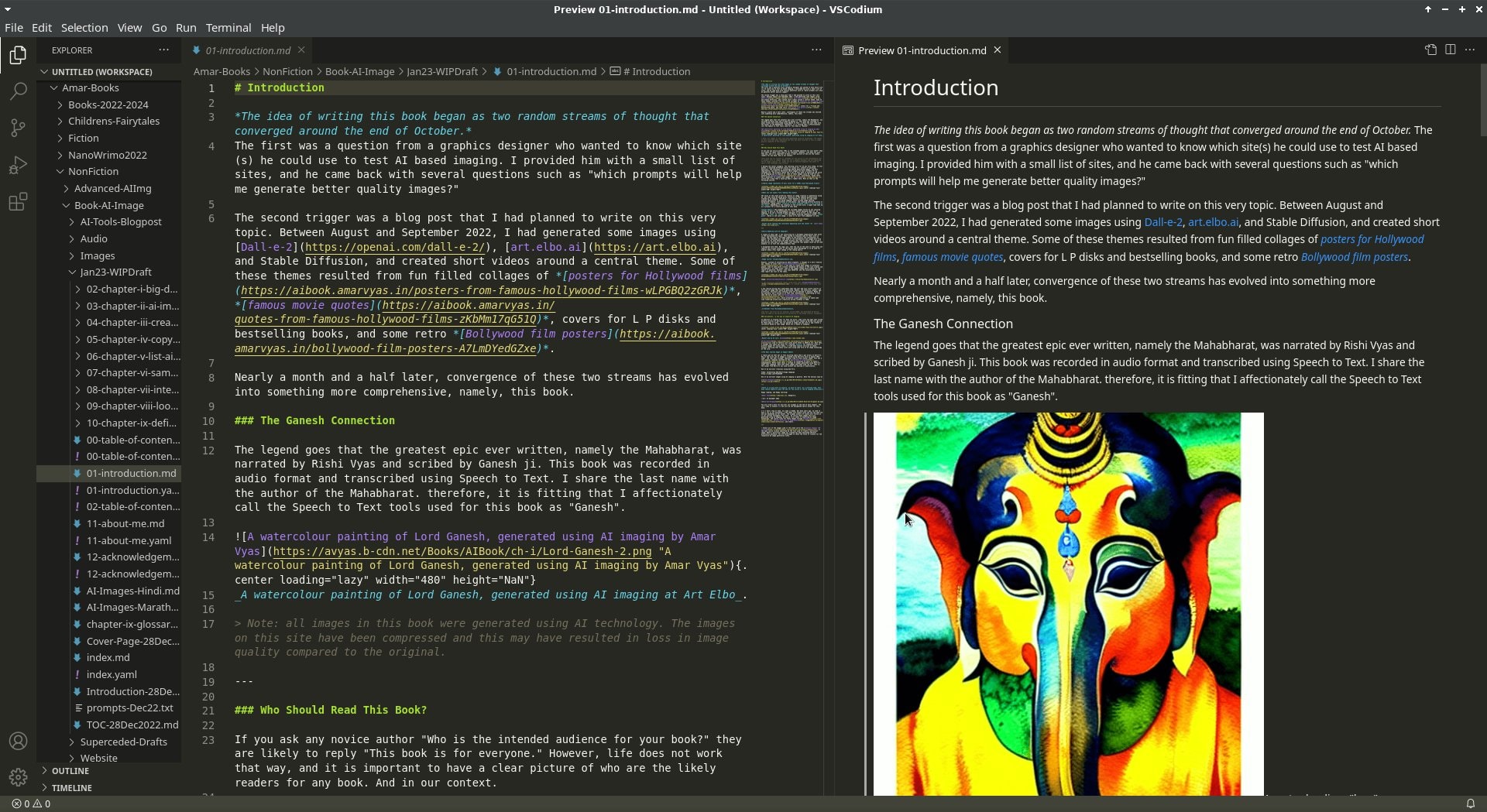
So why do these dedicated applications appeal so much to online writers? The answer lies in structural optimization—they make the writing process simple, focused, and efficient. By taking away toolbars, notifications, and complex formatting menus, they build a clean interface where you can hit a flow state easily. They preserve time and effort, allowing you to focus on your narrative rather than technical layouts.
Sidenote: Writing Apps, Word Processors, and Note-Taking Apps
Dedicated writing apps cater directly to the structural needs of creative authors, offering tools for outlining and long-form manuscript building. Standard word processors, like LibreOffice Writer, are better suited for general corporate documents and printing formats, while note-taking apps excel at fast snippet collection. You will often find overlapping features among these categories as you optimize your stack.
The List of Writing Apps for Mac
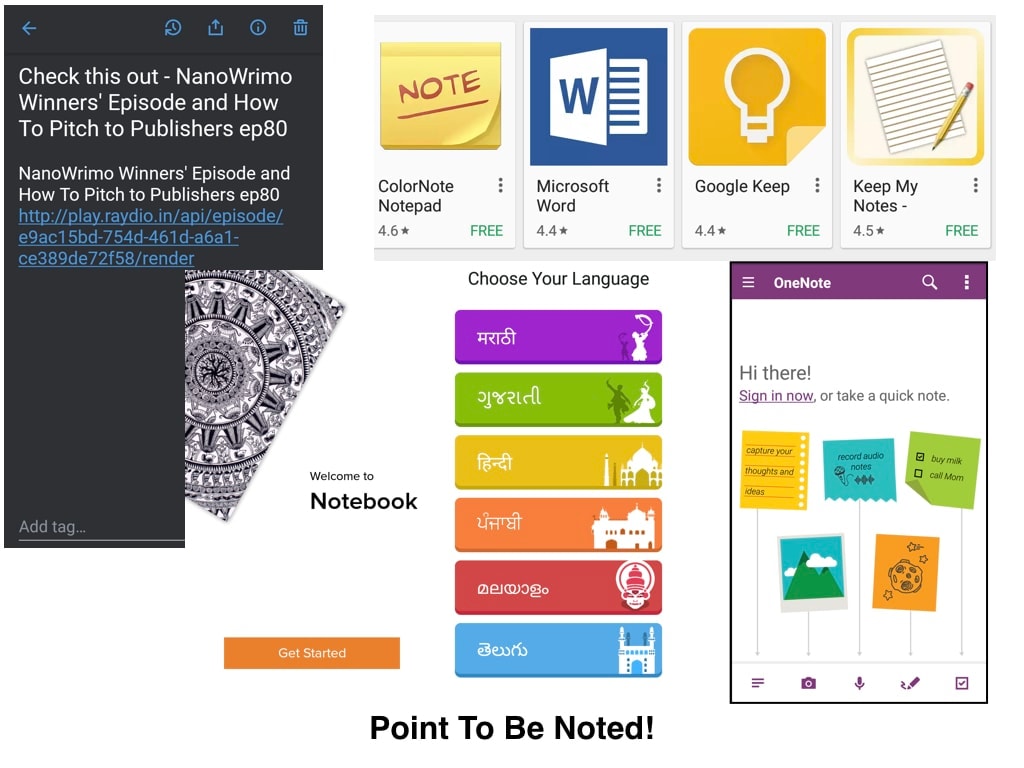
While the list below is not completely exhaustive, it covers a wide spectrum of applications I have actively tested. In 2016, I published a comparison post on Note Taking Apps covering Evernote, OneNote, and Zoho Notebooks; looking at how far the space has come by 2026, it is certainly due for an expansion! Think of this as a structured listicle, which is formally defined as:
Listicle (n.): A piece of writing or other content presented wholly or partly in the form of a list. — Dictionary.com
| Writing App | Key Features | Supported Operating Systems |
|---|---|---|
| Turtle | Distraction-free writing environment | Cross-platform / Web |
| iA Writer | Minimalistic design, Focus Mode, syntax highlighting | Mac, iOS, Windows, Android |
| Bear | Markdown support, theme system, nested tag organization | Mac, iOS |
| Ulysses | Sheet-based architecture, target tracking, direct publishing hooks | Mac, iOS |
| Scrivener | Comprehensive long-form manuscript builder, corkboard organizing | Mac, Windows |
| MarsEdit | Desktop blogging engine with offline editing and media management | Mac |
| Paper | Digital sketching, text annotations, dynamic layout capture | Mac, iOS |
| Byword | Rich Markdown editor with a clean and minimalistic interface | Mac, iOS |
Distraction-Free Writing Tools
Distraction-free platforms are specifically engineered to eliminate overlay elements, workspace panels, and desktop notifications. By taking away standard word-processing bloat, they provide a focused framework where your text remains front and center, facilitating an organic flow state. Here are a few utilities in this space that I have used extensively across my devices:
| Application | Core Feature | Supported Platforms |
|---|---|---|
| Typora | Seamless live inline Markdown rendering | Mac, Linux, Windows |
| FocusWriter | Full-screen background themes with daily typing goals | Mac, Linux, Windows |
| Simplenote | Lightweight cloud syncing, instant text searching | Mac, Linux, Android, iOS, Web |
Making Your Choice: Practical Considerations
Selecting the right writing software involves weighing multiple factors:
Skill Level: Beginners benefit from intuitive interfaces like Google Docs or Wix, while experienced writers may prefer the power of LaTeX or Scrivener.
Project Type: Novelists need different features (chapter organization, research integration) than technical writers (version control, markup support) or academic researchers (citation management, equation support).
Collaboration Needs: Real-time co-editing requires cloud-based solutions like Google Docs, Zoho Writer, or Microsoft 365. Solo writers may prioritize offline capability and privacy.
Budget Constraints: Free options cover most fundamental needs, but professional features, advanced formatting, or team collaboration typically justify paid investments.
Platform Lock-in: Consider vendor lock-in risks. Proprietary formats may require conversion when switching tools. Open standards like Markdown, HTML, or EPUB provide greater portability.
Privacy Requirements: Sensitive documents may warrant offline, locally-stored software over cloud-based alternatives, depending on your threat model.

Key Takeaways
- Writing software, apps, and web-based tools span multiple categories serving different stages of the writing process.
- Pricing models range from completely free to subscription-based, with freemium options offering middle ground.
- Open-source tools provide transparency and customization; proprietary tools offer polish and support.
- Platform compatibility varies across Windows, macOS, Linux, Android, and iOS ecosystems.
- Specialized tools exist for scientific publishing (LaTeX), desktop publishing (InDesign), and web publishing (WordPress, static site generators).
- AI-powered writing assistants are emerging as mainstream features rather than standalone tools.
- The best choice depends on your specific workflow, budget, collaboration needs, and privacy requirements.
Summing it All Up: Reflections on macOS and Beyond
As a writer, I understand the critical importance of selecting an interface that feels intuitive, clean, and flexible enough to scale across long-form outlines and fast publishing routines. The best apps for blogging are those that balance power with spatial minimalism. I hope this breakdown and my compiled tool indices provide a useful compass for your own content production journey.
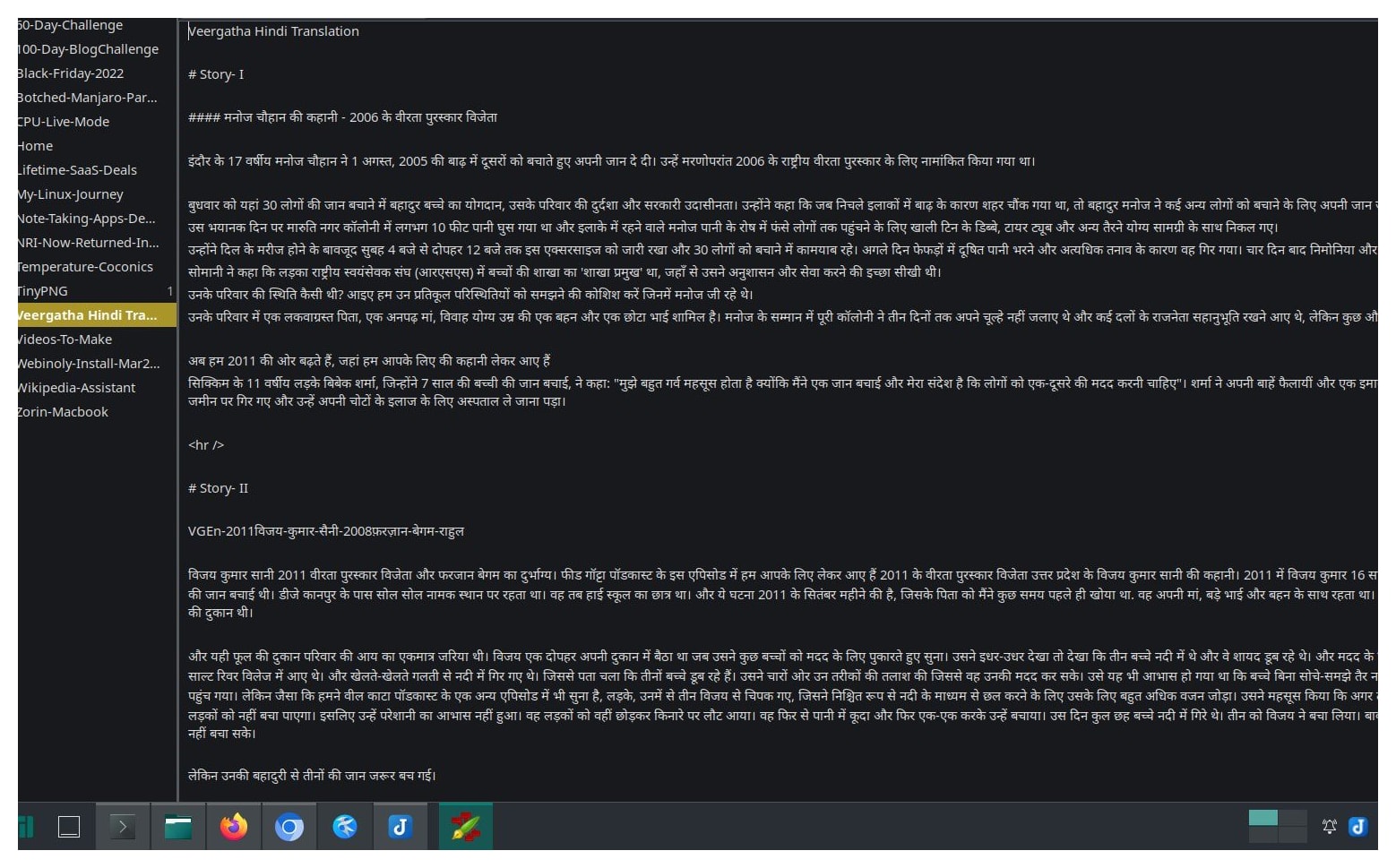
Over the past few months, I've spent considerable time with tools like Ghostwriter and Typora on my Linux distributions, which was a fantastic technical learning experience. Yet, when I recently revived my classic MacBook Pro Retina, performing a clean installation of the operating system, it pulled my favorite setup right back into focus. Setting up my core writing tool, iA Writer, instantly restored that ultra-focused, distraction-free environment I first fell in love with back in 2016. It made me realize that while exploring the terminal and cross-platform open-source editors is highly rewarding, finding the application that truly speaks to your formatting habits is what keeps your content engine moving.
Conclusion
Writing software represents a vast and diverse category with options for users across all skill levels and budgets. From free and open-source applications to high-end proprietary suites, there is something available for every writer's needs. Different software targets different operating systems, devices, and specific use cases—scientific publishing demands different capabilities than creative fiction or technical documentation.
The writing tools landscape continues to evolve with AI integration, enhanced collaboration features, and improved cross-platform synchronization. Rather than seeking a single perfect tool, successful writers often employ complementary combinations—a distraction-free editor for drafting, a reference manager for research, and a dedicated proofreading tool for final polish.
As you explore these options, prioritize understanding your own workflow bottlenecks before investing in new software. Sometimes the best upgrade isn't a new tool but mastering advanced features of what you already have. Hopefully, this guide has provided a helpful overview of this software category and will help you make informed decisions when choosing the right writing tools for your specific needs.
About This Post
When I originally sat down to compile this review, my goal was to provide a deep technical deep dive into installation scripts, menu mechanics, and UI limitations for every single app. However, as the narrative unfolded, I found the personal blogging journey took precedence. I decided to keep the core structure focused on usage and utility for writing apps for blogging. After all, as the old saying goes, let sleeping dogs lie!
What writing software do you currently use? Have you switched tools recently, and if so, what prompted the change? Share your experiences in the comments below.