I purchased the Coconics Enabler Budget Laptop in March 2021, drawn by its promise as a "Made in India" laptop that offered budget-friendly computing with Linux compatibility. Over three years, this journey revealed a mix of modest successes and significant challenges—from underwhelming performance to heating issues and disappointing customer support.
By February 2024, Coconics’ website was offline, suggesting the company had ceased operations. This post details my findings, from Linux trials to performance tests, alongside lessons for anyone considering a similar budget laptop.
3 Years with a "Made in India" Linux Laptop
Coconics Enabler Laptop Review: A Made in India Laptop Experience
If you cannot view the video, download it here.
My Experience with the Coconics Enabler Laptop
The Coconics Enabler Laptop, marketed as a "Made in India" product, initially impressed me with its lightweight design and pre-installed Ubuntu OS. However, its underwhelming performance, sub-par build quality, and heating issues quickly tempered my expectations.
Technical upgrades, like swapping the 64GB eMMC for a 256GB M2 SATA SSD, improved speed, but random shutdowns and poor customer support marred the experience. This updated review, current as of June 2026, consolidates my technical findings and reflections.
सारांश
तीन साल पहले, मैंने Coconics Enabler Laptop खरीदा, जो “भारत में निर्मित” लेबल के साथ एक किफायती लैपटॉप था। मेरा प्रारंभिक उत्साह जल्दी ही कम हो गया, क्योंकि धीमा प्रदर्शन, ज़्यादा गरम होने की समस्या, और खराब ग्राहक सेवा ने अनुभव को निराशाजनक बना दिया। लिनक्स ऑपरेटिंग सिस्टम ने कुछ हद तक स्थिरता प्रदान की, लेकिन यह लैपटॉप मेरी अपेक्षाओं पर खरा नहीं उतरा। यह पोस्ट मेरे अनुभव, तकनीकी अपग्रेड, और सुझाव साझा करती है।
Video: Coconics Enabler Laptop
Specifications of the Coconics Enabler Laptop
- Processor: Intel® Celeron® Processor N4000 (1.1 GHz ~ 2.60 GHz)
- Display: 11.6-inch FHD (1920×1080)
- RAM: 4GB (LPDDR4), not upgradable
- Storage: 64GB eMMC (some units with 128GB M2 SATA SSD), upgradable to 256GB M2 SATA SSD (NVMe not supported)
- Operating System: Ubuntu 20.04 LTS
- Graphics: Intel UHD Graphics 600
- Connectivity: Wi-Fi 802.11 b/g/n (2.4 GHz only), Bluetooth 4.2
- Ports: USB 2.0 x1, USB 3.0 x1, USB Type-C x1, SD Card Reader
- Battery: Li-Ion, 31 Wh (some units 37 Wh), 65W Power Supply
- Weight: Under 1 kg
First Impressions and Early Challenges
The Coconics Enabler Laptop arrived in March 2021 for around INR 17,000 (USD 220), pre-loaded with Ubuntu 20.04 LTS. Its Intel Celeron N4000 processor and 4GB RAM handled basic tasks like web browsing and document editing, but multitasking was a struggle. The 11.6-inch FHD display was sharp, though the compact keyboard took some getting used to—especially for users with larger hands. At under 1 kg, its portability was a standout feature.
Early concerns quickly surfaced. The 31 Wh battery (some units had 37 Wh) promised 5–6 hours of use, but I wondered if it could be upgraded. The 64GB eMMC storage felt cramped, prompting plans for an SSD swap. I also tested MicroSD card compatibility, settling on a 16GB card after trials with larger capacities (a 128GB card corrupted within a year).
Lesson learned: Always read the fine print. I discovered too late that the laptop didn’t support NVMe drives—a costly oversight after purchasing a Crucial 500GB NVMe SSD.
Technical Upgrades and Performance Testing
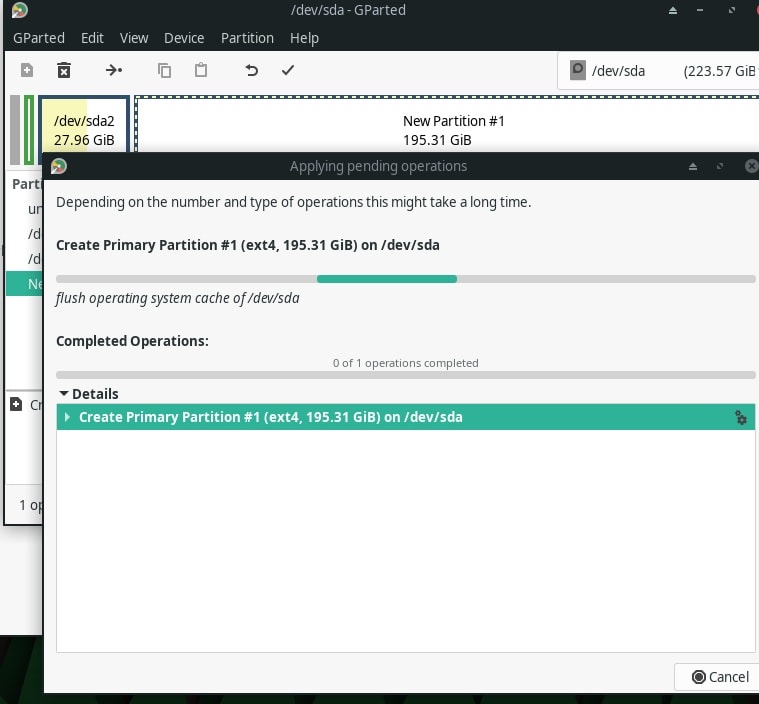
In May–June 2021, I upgraded the storage from 64GB eMMC to a 256GB M2 SATA SSD. Using the hdparm command, I measured improved disk speeds, with boot times dropping significantly and applications launching faster. For example, the SSD achieved read speeds roughly twice that of the eMMC.
I also experimented with cooling solutions to address heating during heavy tasks. Adding a cooling pad and reapplying thermal compound helped marginally, but random shutdowns persisted under load. MicroSD card tests confirmed the laptop could handle up to 64GB cards reliably, though aesthetics favored smaller capacities like 16GB for a flush fit.
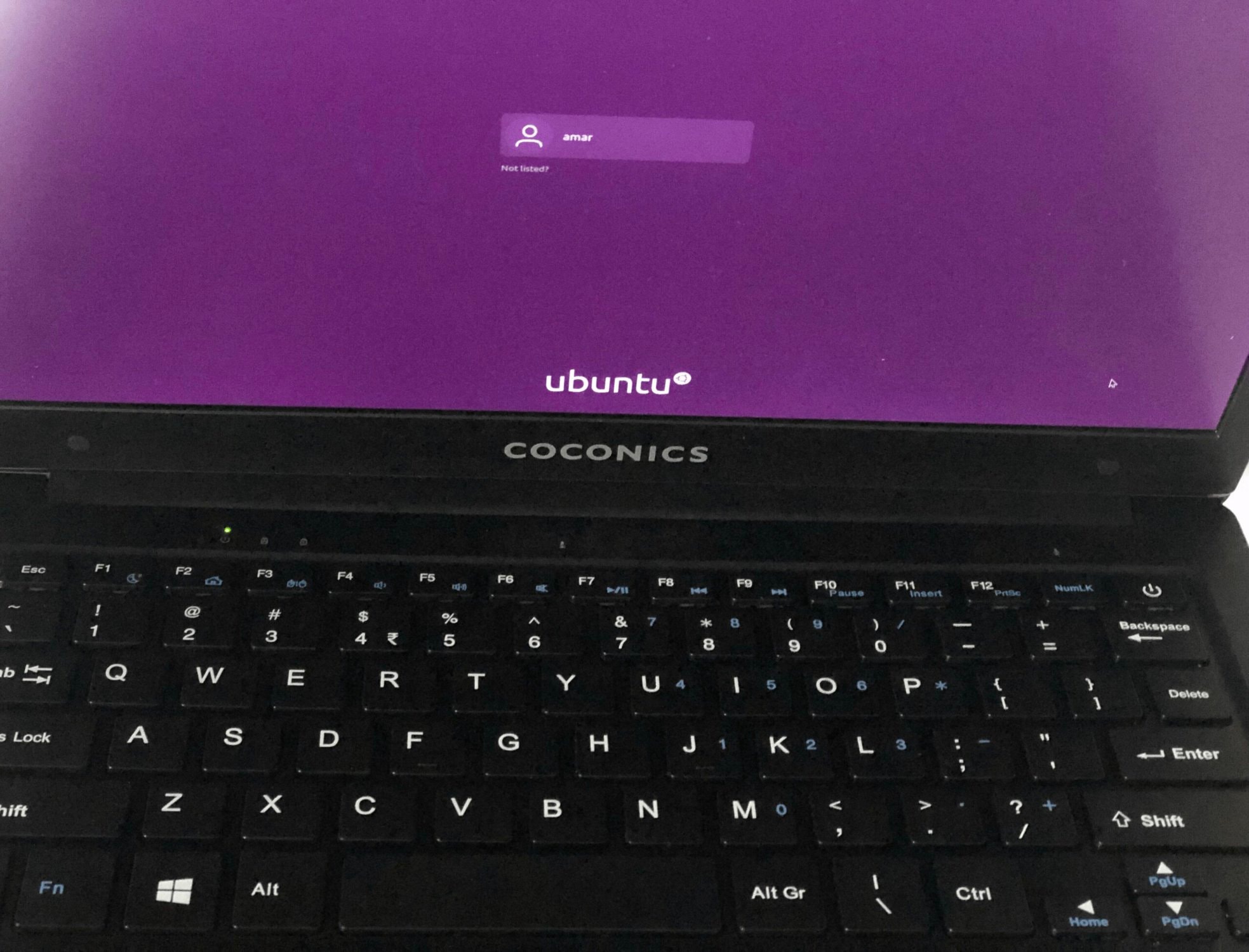 Coconics Enabler Laptop with Ubuntu 20.04
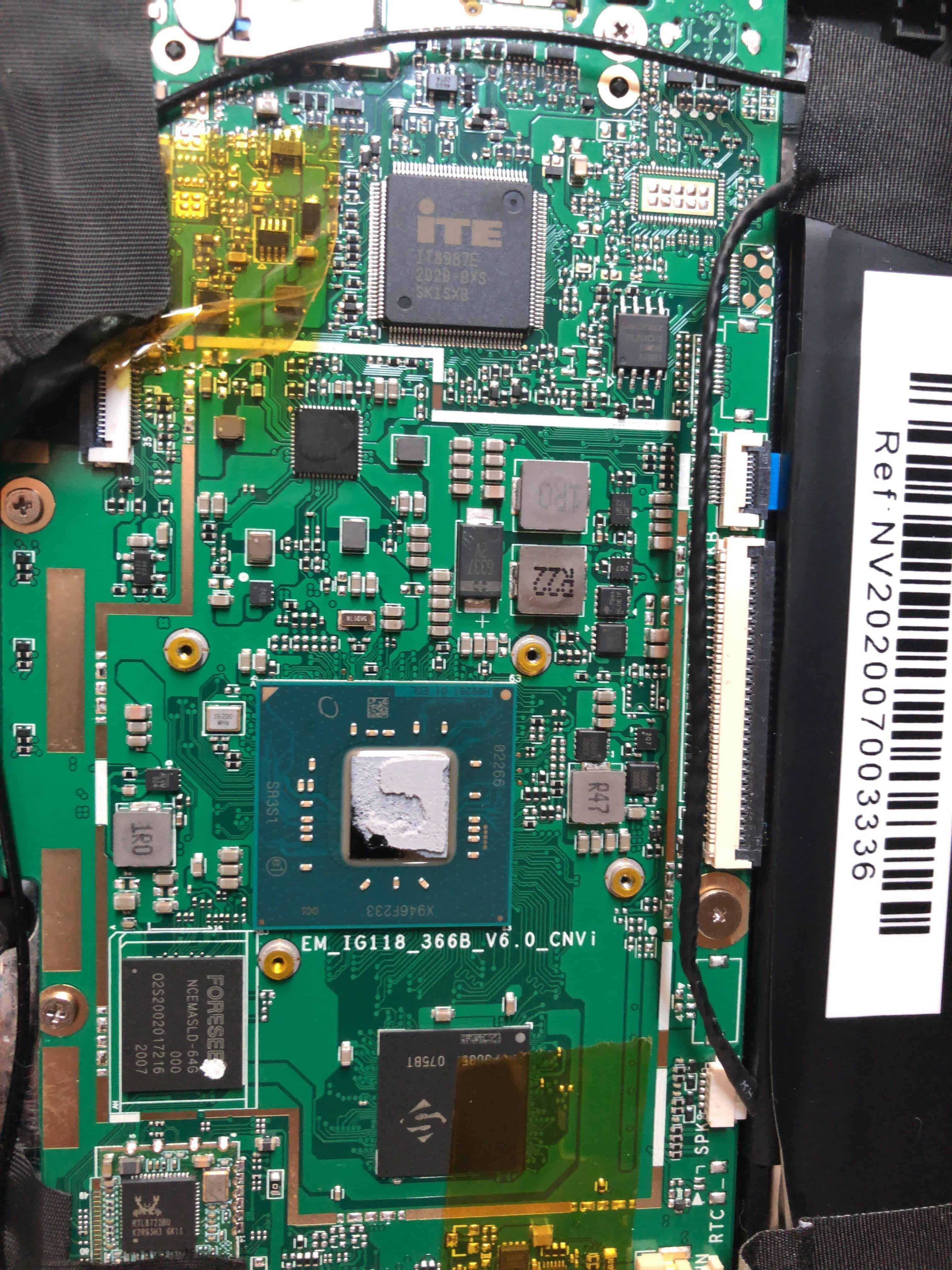 Reapplying thermal compound to mitigate heating issues.
Linux Experience on Coconics Enabler Laptop
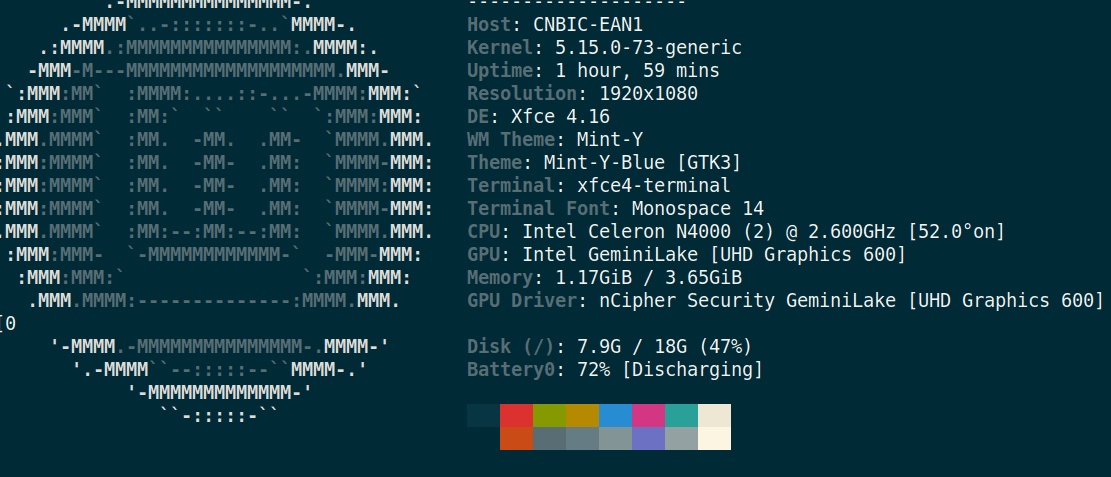
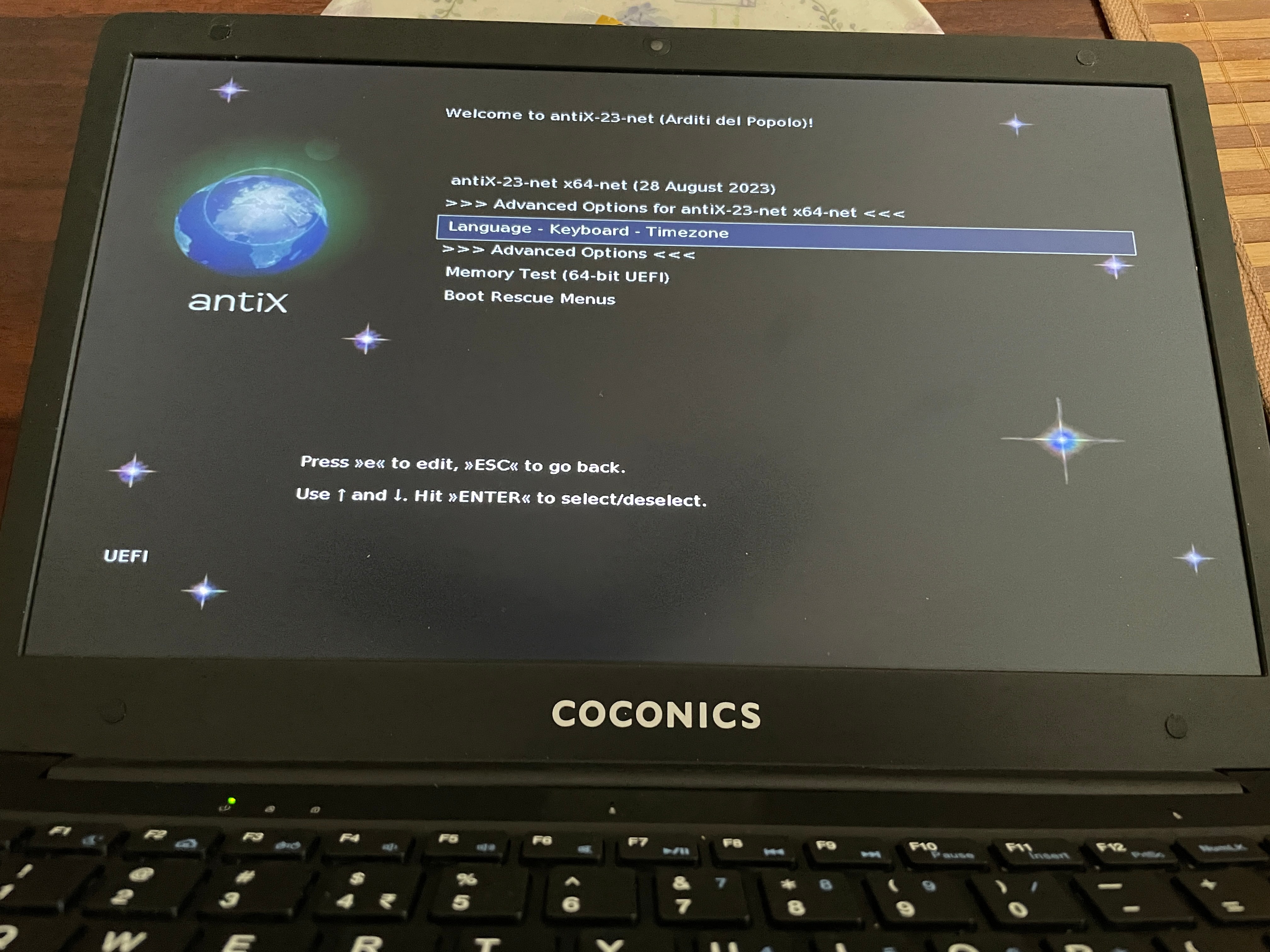
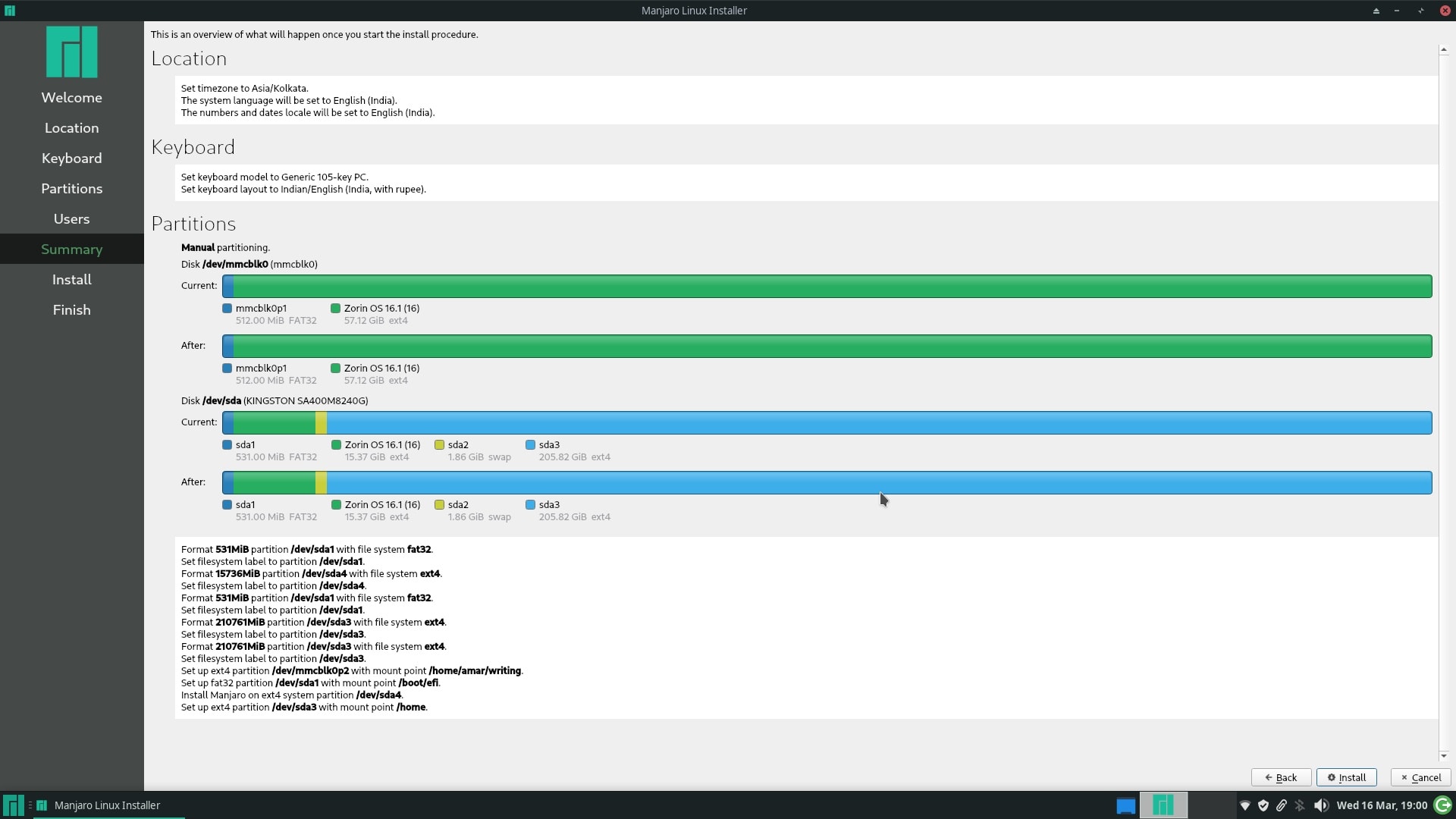
The pre-installed Ubuntu 20.04 LTS provided a stable foundation, but I tested over 20 Linux distributions to optimize performance on the laptop’s modest hardware. Standouts included:
- Bodhi Linux: Lightweight and speedy, ideal for low-resource systems.
- Archbang Linux: Smooth installation and performance.
- Linux Mint: Reliable but high RAM usage with Firefox.
- Manjaro: Worked well until an upgrade caused issues.
Distributions like KDE Neon felt too resource-heavy, and Archcraft failed to install. Most distros ran out-of-the-box, showcasing the laptop’s Linux compatibility.
Watch a screenshot tour of these installations.
Performance and Long-Term Use
The Coconics Enabler Laptop started as a beacon of hope for a "Made in India" laptop but fell short in several areas:
- Heating and Shutdown Issues: The laptop overheated during intensive tasks, with core temperatures reaching 81°C while backing up 150GB to a USB drive and 87°C when streaming YouTube on Vivaldi. These issues triggered random shutdowns, even after adding cooling pads.
- Customer Service: In February 2022, the laptop stopped booting. Customer service was unhelpful, requiring me to ship it to Kerala at my cost. Repairs were covered under warranty, but the process was frustrating.
- Build Quality: The plastic chassis felt flimsy, though the under-1-kg weight was a plus.
- Wi-Fi and Typing: Limited to 2.4 GHz Wi-Fi, connectivity was unreliable, and the small keyboard hindered extended typing.
Linux was the saving grace, enabling basic tasks like SSH and light document editing. I repurposed the laptop as a secondary desktop by connecting it to a USB hub and external monitor, which worked satisfactorily.
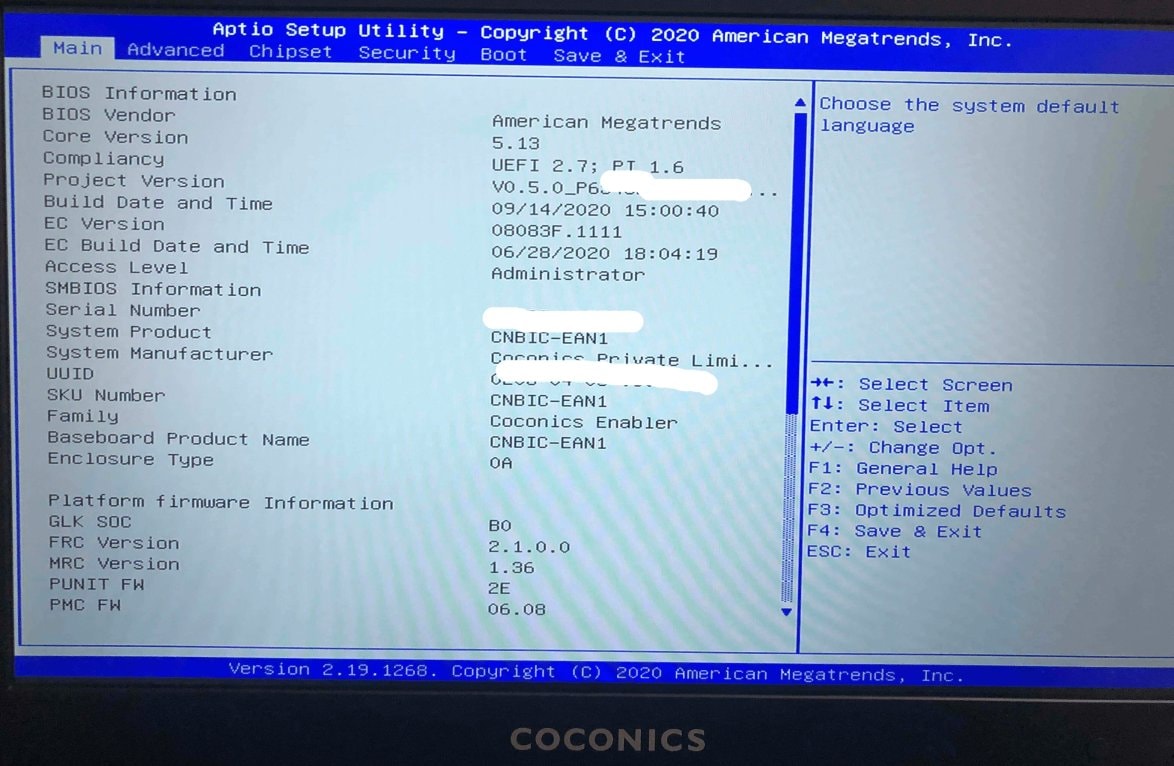
Upgradability and Use Cases
Storage upgrades to a 256GB M2 SATA SSD were straightforward, but the 4GB RAM is fixed, limiting future-proofing. The Coconics Enabler Laptop suits basic tasks—web browsing, emails, light word processing—but struggles with heavier workloads. Its Linux compatibility makes it viable for enthusiasts, though heating remains a concern for prolonged use.
A "Made in India" Dream or Not?
The biggest disappointment was learning that the Coconics Enabler Laptop was not truly a "Made in India" product. With Chinese components like the battery and hardware, it was merely assembled in India, undermining the "Make in India" branding. By 2024, Coconics’ website was inaccessible, raising doubts about support for existing users.
Possible Alternatives
Finding a reliable laptop under 20,000 INR is challenging, but options exist:
- Avita Essential Series: Affordable and suitable for basic tasks like browsing and documents.
- RDP ThinBook 1010: An Indian brand offering lightweight productivity machines.
- iBall CompBook: Budget-friendly but with compromises in build quality.
Alternatively, used Intel-based MacBooks or aftermarket deals on platforms like Facebook Marketplace can offer better value. India’s push for local laptop manufacturing may bring more options soon.
Lessons Learned
- Verify "Made in India" claims: Check component origins—many products are merely assembled in India.
- Set realistic expectations: Budget laptops involve trade-offs; prioritize battery life, performance, or build quality based on your needs.
- Linux can extend hardware lifespan: Even underpowered laptops can be repurposed with the right OS.
- Customer support matters: Reliable service is critical, as my experience with Coconics showed.
Key Considerations for Budget Laptop Shoppers
- Define Needs: Focus on essential tasks (e.g., browsing, editing) to avoid overpaying for unused features.
- Check Support: Ensure the brand offers reliable customer service.
- Research Alternatives: Explore established brands or used devices for better value.
Conclusion: Coconics Enabler Budget Laptop
The Coconics Enabler Laptop offered an affordable entry into Linux computing but was hindered by heating, build quality, and support issues. While upgrades like an SSD improved performance, the experience underscored the importance of researching component origins and customer service, especially for a "Made in India" laptop.
For budget buyers in 2026, exploring established brands or used devices may yield better results. If you’re willing to experiment with Linux and accept the trade-offs, the Coconics Enabler can still serve as a secondary machine—but proceed with caution.
Frequently Asked Questions
-
Can the Coconics Enabler budget laptop be considered a good investment for basic tasks? For very basic tasks and with the aid of Linux, it can be a passable investment. However, the issues with build quality, customer service, and heating make it a risky choice.
-
Is the Coconics Enabler truly a "Make in India" product? Despite being marketed as such, the reality is that it’s more of an "Assembled in India" product, with key components like the battery and hardware being sourced from China.
-
What are the alternatives to the Coconics Enabler in the sub-20,000 INR category? Consider brands like Avita Essential, RDP ThinBook, or iBall CompBook. Used Intel-based MacBooks or aftermarket deals may also offer better value.
-
What happened to Coconics company? As of February 2024, the Coconics website is not accessible, suggesting that the company may have ceased operations. This raises concerns about support for existing customers.
-
How does the Coconics Enabler’s build quality compare to other budget laptops? The build quality is sub-par, especially when compared to other budget laptops that may offer better durability.
-
What should I consider when purchasing a budget laptop in India? Prioritize build quality, customer service, performance with your preferred OS (like Linux), and the true origin of the product if "Make in India" is important to you.
-
Given the issues with this laptop, would you still recommend budget laptops? Budget laptops can still be a good choice for basic tasks, but research and choose a brand with reliable customer service and better build quality.
This is the first in a series of posts about this laptop. The rest will focus more on different Linux installations, tools, and utilities.
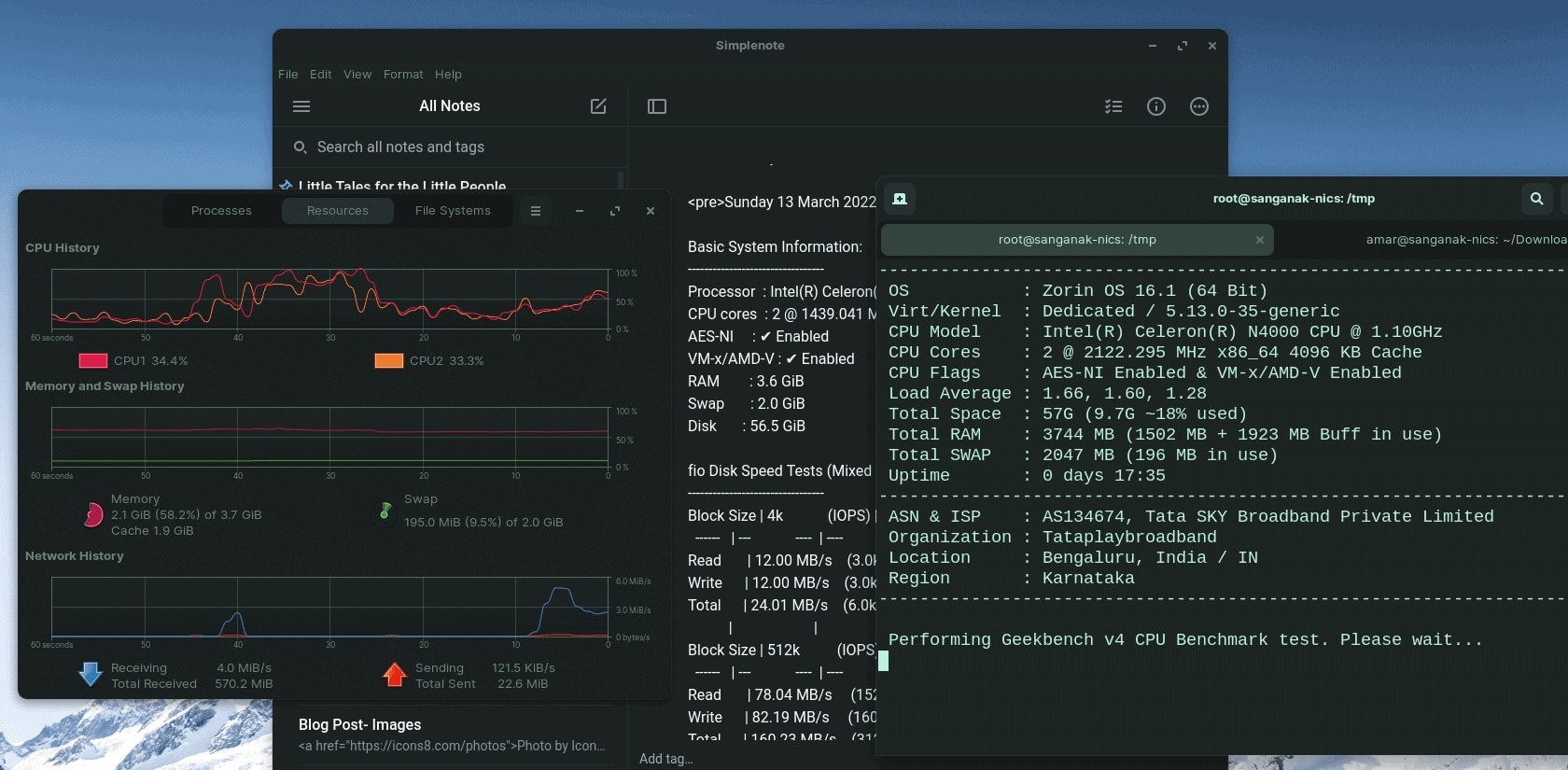
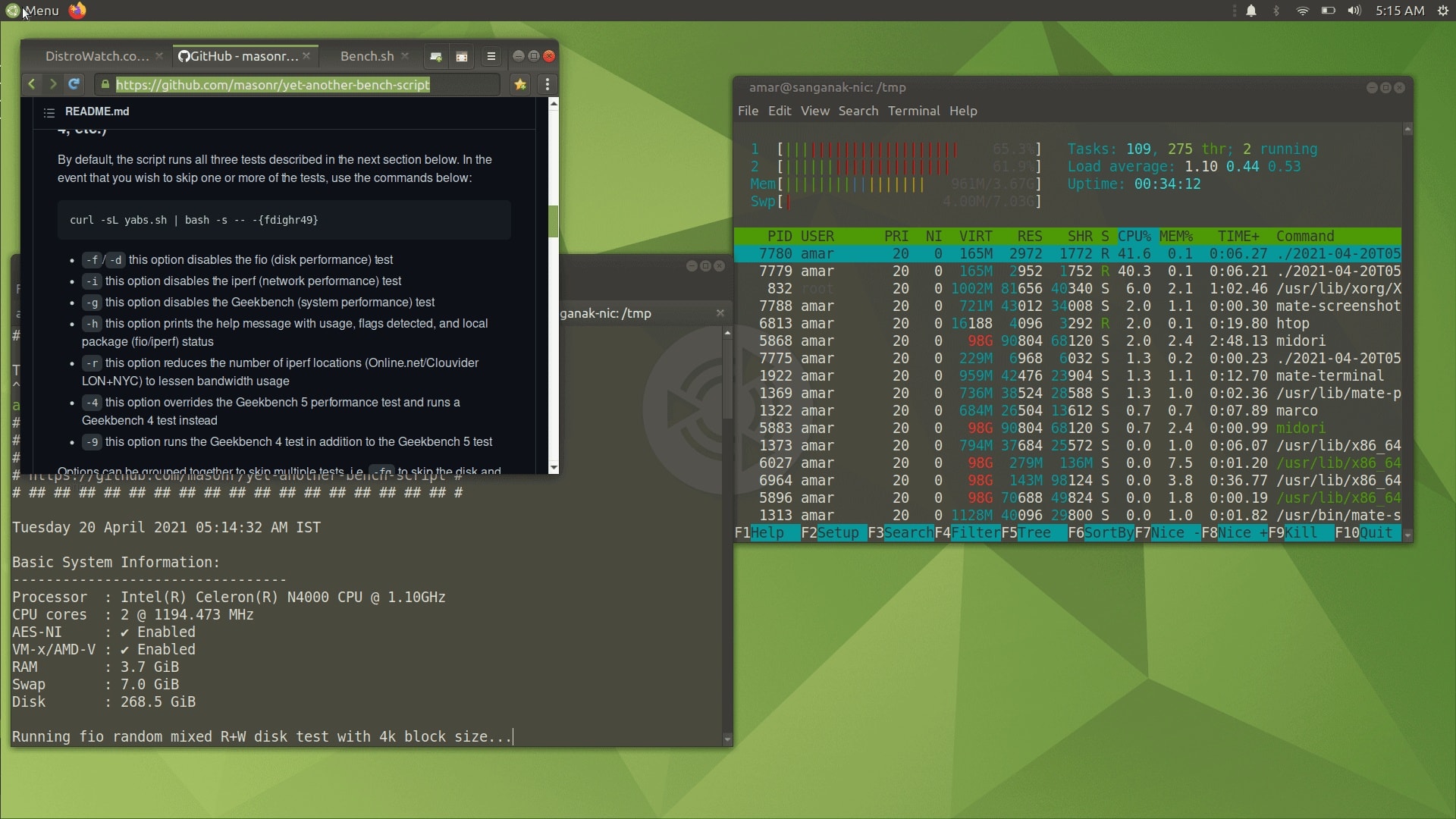 YABS (Yet Another Benchmark Script) on Coconics Enabler Laptop on Ubuntu Mate