I have used a variety of writing apps for blogging since 2016. My focus on publishing my writings began when I purchased a MacBook Pro in July 2016. It was an early 2015, 13-inch Retina model. The Mac really introduced me to a whole new world of writing apps and tool. I have used a variety of such tools since then. Many of them are open source, while others are proprietary or specific to macOS. Let us take a look at some of these apps in this post.
Exploring the World of Writing Apps for Blogging
हिंदी में सारांश
एक ब्लॉगर के रूप में, अपने मैकबुक प्रो पर सही एप्लिकेशन का उपयोग करने से आप ब्लॉगिंग कितनी कुशलता और प्रभावी ढंग से कर सकते हैं। 2016 से, मैंने अपने ब्लॉगिंग अनुभव को बढ़ाने के लिए कई लेखन ऐप्स के साथ प्रयोग किया है, और परिणाम प्रभावशाली रहे हैं। ऐप स्टोर पर उपलब्ध एप्लिकेशन से जानना चुनौतीपूर्ण हो सकता है कि कहां से शुरू करें। इसलिए मैंने उन लेखन ऐप्स की एक सूची तैयार की है जिनका मैंने व्यक्तिगत रूप से उपयोग किया है । इस ब्लॉग पोस्ट में, मैं आपको उन एप्लिकेशनों से परिचित कराऊंगा जिन्हें मैंने गुणवत्तापूर्ण सामग्री तैयार करने में सबसे अधिक मददगार पाया है। एक ब्लॉगर के रूप में, मुझे पता है कि लिखने को आसान बनाने वाले एप्लिकेशन तक पहुंच होना कितना महत्वपूर्ण है, और इस ब्लॉग पोस्ट का लक्ष्य ठीक यही है।
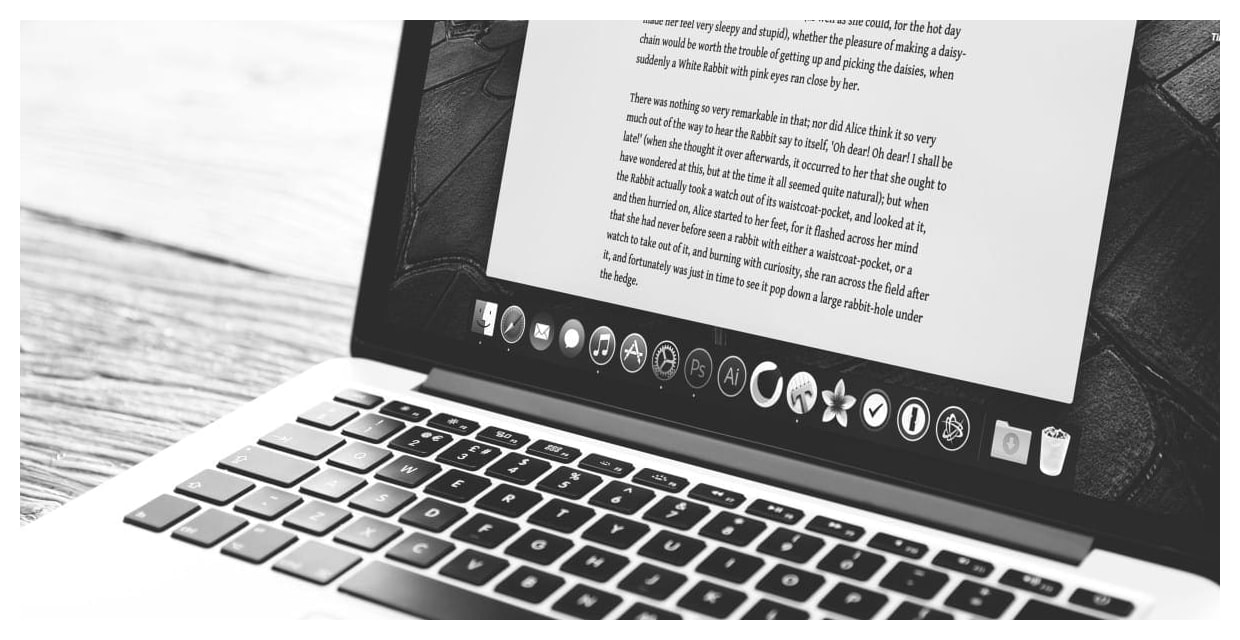
Tools to Publish Content Online
These apps provide a range of features that enhance the writing process, from organization to collaboration. Whether you’re a seasoned writer or just starting, these apps can help you improve your productivity, creativity, and overall writing experience. But what exactly are writing apps or software, and what are their key features? In this blog post, we’ll explore the world of writing apps and software, defining what they are and highlighting some of their most useful features.
Below, I will highlight the key features of different apps, how they have helped me in my blogging journey, and why I continue to use them today. My goal is to provide you with a comprehensive guide to some of the best writing apps available for MacBook Pro users, so you can make an informed decision when choosing the right tool for your blogging needs.
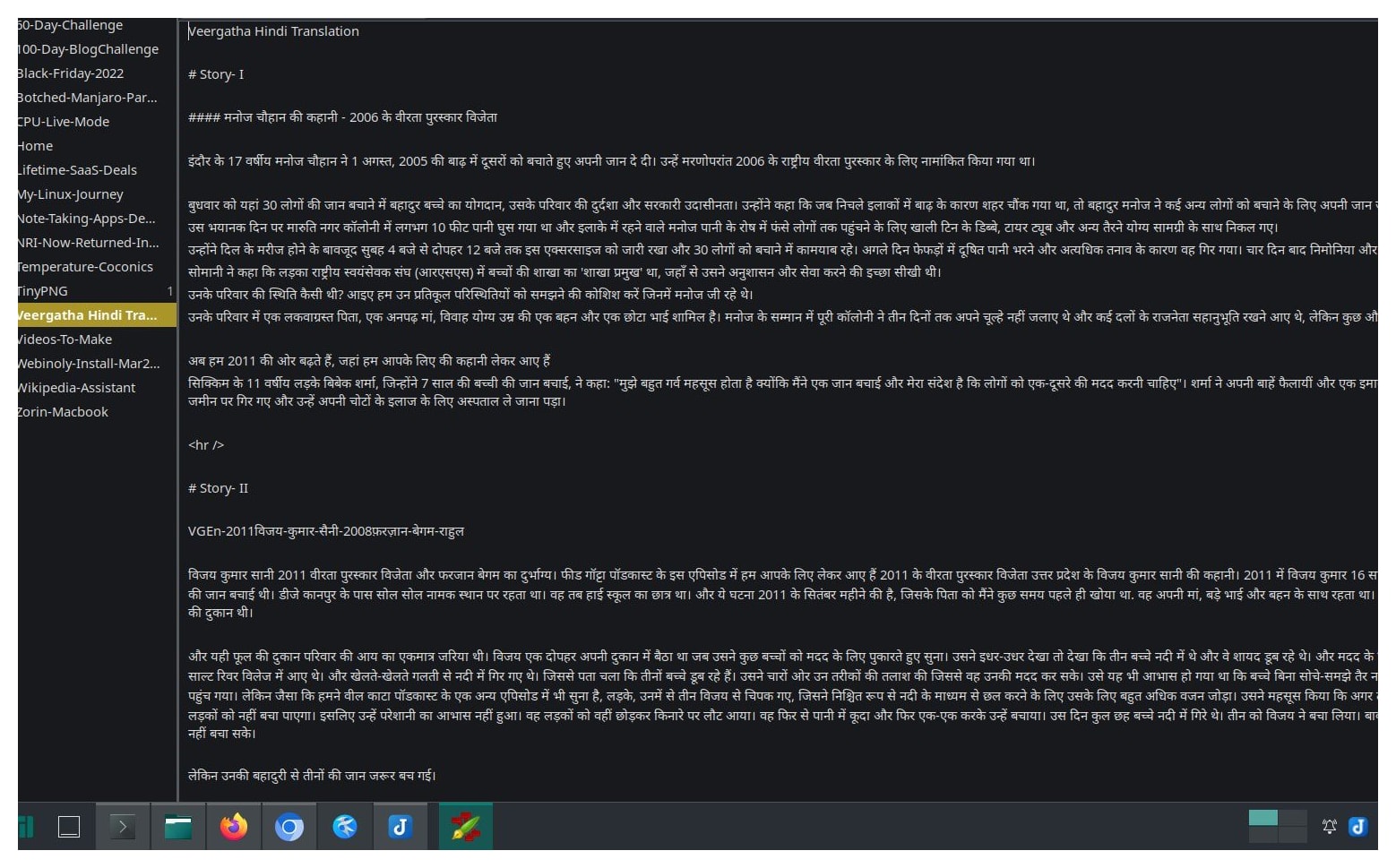
My Preferred Writing Apps
1. iA Writer
I have found iA Writer to my liking, and I say this as a happy, paid user for over six years. This app has a unique feature called “Focus Mode,” which highlights only the sentence you’re currently working on, helping you stay completely focused on your writing. It also has a built-in word count and reading time feature, which has helped me keep track of my structural progress. The app features a clean night mode, making it easier for me to write late at night without straining my eyes. iA Writer is available for Mac, Windows, iOS, and Android. While iA Writer is fantastic, there is always a constant creative urge to explore and learn what other options are out there. This has led me to explore the Mac App Store, read industry reviews, and peruse listicles of writing apps and alternative office environments.
2. Ink App (Mac)
Ink App is a powerful writing application built exclusively for Mac users. One of the main reasons I love this app is its minimalist and distraction-free interface It allows me to focus solely on my prose without any peripheral distractions. The app also features a built-in grammar and spelling checker, which has assisted me in maintaining text quality. Another great utility of this app is its seamless ability to sync with Dropbox, making it easier for me to access my operational drafts from anywhere.
3. Simplenote (Web, Mobile, and Desktop)
Simplenote is an incredibly popular note-taking and writing app available across web and desktop platforms[. I love this app for its absolute simplicity and ease of use. It features a clean, clutter-free layout, making it perfect for writers who favor a minimalist aesthetic. The app also utilizes a tagging system that helps me organize my stray ideas into structured content columns. The team behind WordPress, Automattic, is behind this project, and Simplenote remains free and available for web, mobile, and desktop operating systems.
4. FocusWriter and Ghostwriter
These are two stellar writing applications that are highly favored by Linux users. These apps present a full-screen, distraction-free environment, allowing authors to focus intently on production. They boast smart tracking modules such as custom word counts and live spell-checking, ensuring error-free drafting These features make FocusWriter and Ghostwriter ideal options for writers looking for a lightweight, terminal-adjacent ecosystem.
5. Web-Based Markdown Writing Tools
For those who prefer to write on the go or don’t want to tie themselves to a single device, online cloud tools like Dillinger and StackEdit are excellent options. These web platforms allow you to edit and save your work instantly via the cloud, keeping drafts accessible from any active web browser. They also feature markdown live previews and collaborative editing hooks, making them perfect for collaborative workflows.
6. MacDown
Next up is MacDown, a writing client specifically designed for macOS users. This app has a clean, dual-pane user interface that makes it easy to navigate and configure. It features a robust live preview system, allowing you to view your formatted Markdown output in real-time as you type. Additionally, MacDown provides multiple personalization themes, making it a highly customizable tool for authors who want a bespoke workspace.
The Appeal of Writing Apps for Blogging
So why do these dedicated applications appeal so much to online writers? The answer lies in structural optimization—they make the writing process simple, focused, and efficient. By taking away toolbars, notifications, and complex formatting menus, they build a clean interface where you can hit a flow state easily. They preserve time and effort, allowing you to focus on your narrative rather than technical layouts.
Sidenote: Writing Apps, Word Processors, and Note-Taking Apps
Dedicated writing apps cater directly to the structural needs of creative authors, offering tools for outlining and long-form manuscript building. Standard word processors, like LibreOffice Writer, are better suited for general corporate documents and printing formats, while note-taking apps excel at fast snippet collection. You will often find overlapping features among these categories as you optimize your stack.
The List of Writing Apps for Mac
While the list below is not completely exhaustive, it covers a wide spectrum of applications I have actively tested. In 2016, I published a comparison post on Note Taking Apps covering Evernote, OneNote, and Zoho Notebooks; looking at how far the space has come by 2026, it is certainly due for an expansion! Think of this as a structured listicle, which is formally defined as:
Listicle (n.): A piece of writing or other content presented wholly or partly in the form of a list. — Dictionary.com
| Writing App | Key Features | Supported Operating Systems |
|---|---|---|
| Turtle | Distraction-free writing environment | Cross-platform / Web |
| iA Writer | Minimalistic design, Focus Mode, syntax highlighting | Mac, iOS, Windows, Android |
| Bear | Markdown support, theme system, nested tag organization | Mac, iOS |
| Ulysses | Sheet-based architecture, target tracking, direct publishing hooks | Mac, iOS |
| Scrivener | Comprehensive long-form manuscript builder, corkboard organizing | Mac, Windows |
| MarsEdit | Desktop blogging engine with offline editing and media management | Mac |
| Paper | Digital sketching, text annotations, dynamic layout capture | Mac, iOS |
| Byword | Rich Markdown editor with a clean and minimalistic interface | Mac, iOS |
Distraction-Free Writing Tools
Distraction-free platforms are specifically engineered to eliminate overlay elements, workspace panels, and desktop notifications. By taking away standard word-processing bloat, they provide a focused framework where your text remains front and center, facilitating an organic flow state. Here are a few utilities in this space that I have used extensively across my devices:
| Application | Core Feature | Supported Platforms |
|---|---|---|
| Typora | Seamless live inline Markdown rendering | Mac, Linux, Windows |
| FocusWriter | Full-screen background themes with daily typing goals | Mac, Linux, Windows |
| Simplenote | Lightweight cloud syncing, instant text searching | Mac, Linux, Android, iOS, Web |
Summing it all up
As a writer, I understand the critical importance of selecting an interface that feels intuitive, clean, and flexible enough to scale across long-form outlines and fast publishing routines. The best apps for blogging are those that balance power with spatial minimalism. I hope this breakdown and my compiled tool indices provide a useful compass for your own content production journey.
Reflecting on the Return of macOS
Over the past few months, I’ve spent considerable time with tools like Ghostwriter and Typora on my Linux distributions, which was a fantastic technical learning experience. Yet, when I recently revived my classic MacBook Pro Retina, performing a clean installation of the operating system, it pulled my favorite setup right back into focus. Setting up my core writing tool, iA Writer, instantly restored that ultra-focused, distraction-free environment I first fell in love with back in 2016. It made me realize that while exploring the terminal and cross-platform open-source editors is highly rewarding, finding the application that truly speaks to your formatting habits is what keeps your content engine moving.
About this post
When I originally sat down to compile this review, my goal was to provide a deep technical deep dive into installation scripts, menu mechanics, and UI limitations for every single app. However, as the narrative unfolded, I found the personal blogging journey took precedence. I decided to keep the core structure focused on usage and utility for writing apps for blogging. After all, as the old saying goes, let sleeping dogs lie!
Office Clients for Linux Series
This post is published under the “Office Clients for Linux” series. You can read other posts in this series here:
- Evolution of Open-Source Office Software
- AbiWord: Open-Source Word Processor
- Online Office Suites for Productivity
- Software as a Service for Content Creators
This post was published as part of a series of posts on Open Source Office Suites