In this post, find my review of Onlyoffice. As an author, solopreneur, and startup founder, my daily workflow demands an office suite that can keep up with content creation, document management, and seamless collaboration. For years, traditional office software fell short, which led me to dive deep into ONLYOFFICE. I used zoho office for the web and Libreoffice on my linux machines so far.
This review offers my personal, objective analysis of ONLYOFFICE based on years of daily use. I will focus heavily on its web and desktop versions, its integration with Nextcloud, its excellent multilingual support, and how it holds up against platforms like Zoho Docs. This look is fully updated for 2026, reflecting my experience with the suite following the latest core updates.
Why I Choose ONLYOFFICE Over LibreOffice on Linux
While LibreOffice is the default standard for most Linux distributions, I found myself looking for a tighter bridge between my local desktop and cloud-based collaboration. That is where ONLYOFFICE shines for me. It offers near-perfect compatibility with mainstream Microsoft Office formats (DOCX, XLSX, PPTX) without formatting breaks, and its interface feels immediately modern and streamlined.
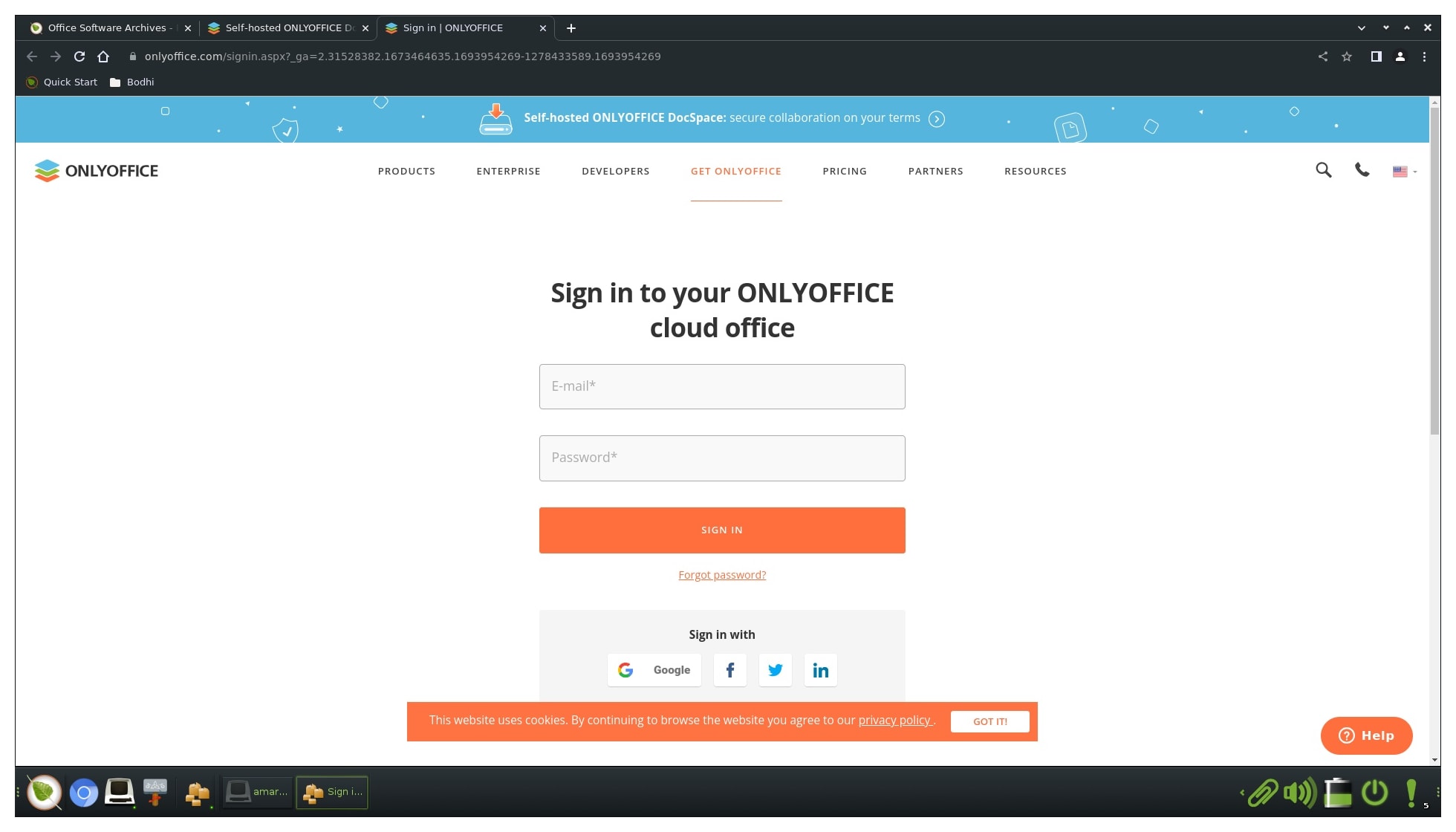
Review of Onlyoffice web version
Accessibility and Ease of Use: The web version allows me to securely access my manuscripts from any machine with an internet connection. The intuitive, tabbed interface simplifies editing documents, spreadsheets, and presentations, completely eliminating any unnecessary technical overhead.
Real-Time Collaboration: The real-time co-editing feature is a massive asset for my publishing workflow. When I am working with editors or proofreaders, we can edit a text simultaneously. Features like track changes and direct commenting make handling critical feedback effortless.
Integration with My Cloud: What I appreciate most is how effectively ONLYOFFICE integrates into my existing self-hosted cloud storage environments like Nextcloud, ownCloud, and Seafile. It ensures I maintain total ownership over my files while working in a collaborative workspace.
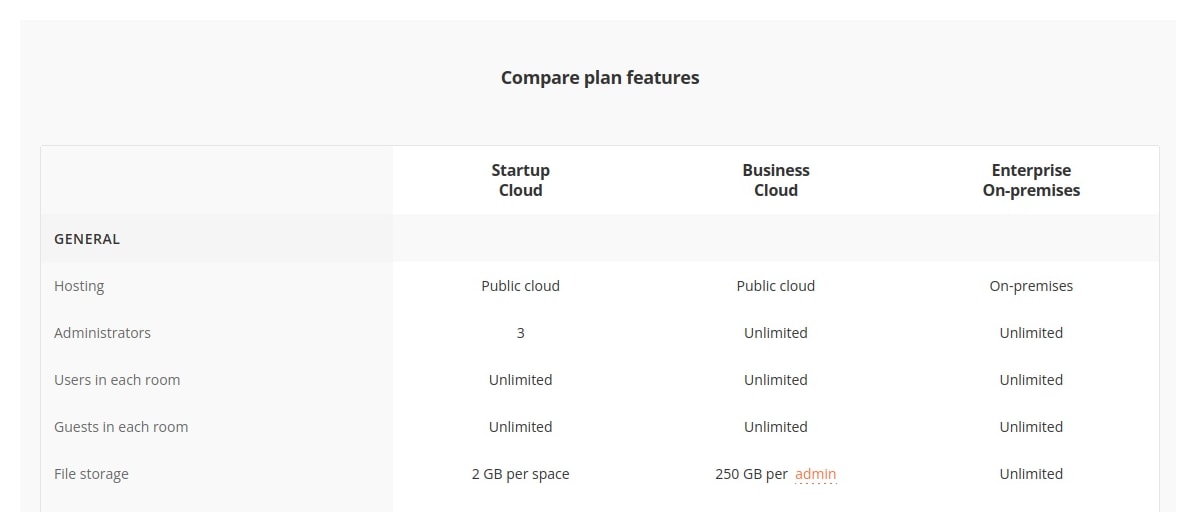
Onlyoffice cloud
The Desktop Version on Linux Mint
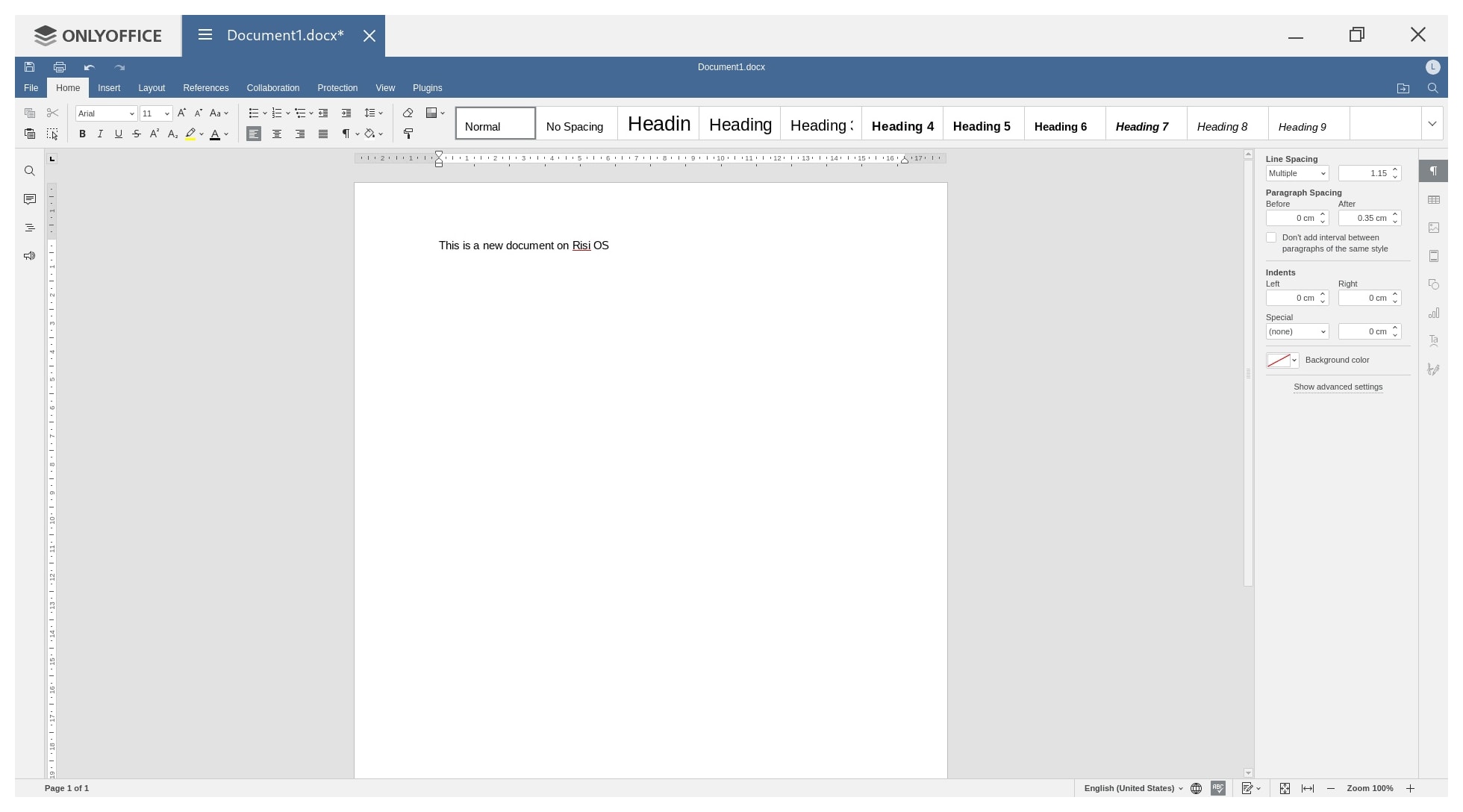
My Linux Desktop Experience: I use the native desktop client daily on my linux mint laptop and desktop (former runs an Ubuntu system the latter is a debian based system called LMDE.) The cross-platform consistency is fantastic, but the Linux version is particularly noteworthy. It runs beautifully, with a remarkably low memory footprint that allows me to write efficiently without draining system resources.
What I Dislike: A Tad Slow to Open If I have one minor grievance, it is that the desktop application can feel a tad slow to launch initially. Because it relies on a unified engine to handle text, spreadsheets, and presentations all under one roof, that initial load takes an extra beat or two compared to a bare-bones text editor. However, once the environment is open, the editing performance is incredibly snappy.
Offline Access: The application supports true offline editing, which is critical when I am traveling. I can draft chapters completely offline, and the client automatically syncs my changes back to my Nextcloud server the moment connection is restored.
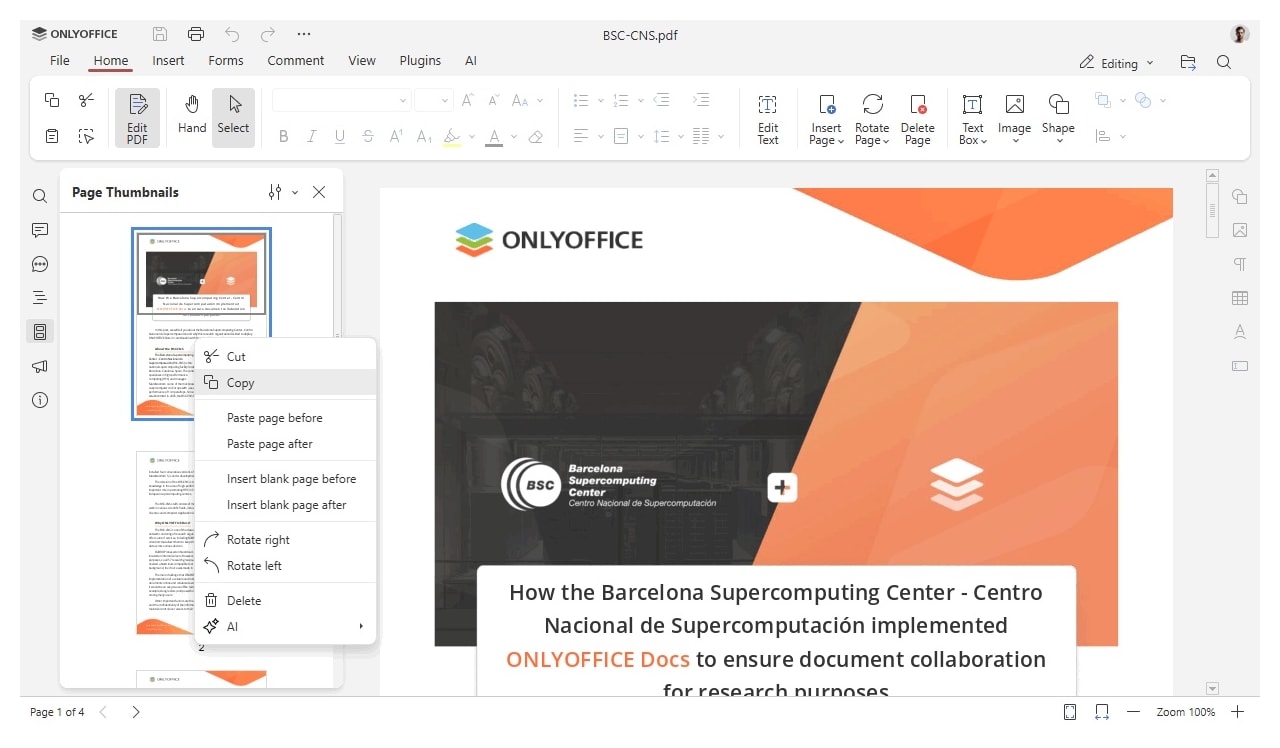
The Smaller User Base Dynamic
It is worth noting that ONLYOFFICE has a noticeably smaller user base compared to a giant like LibreOffice. Being part of a smaller community means you won’t find quite as many third-party tutorials or niche plugins floating around the web. However, the official documentation is comprehensive, and the active community forums make it easy to troubleshoot. Personally, I find the setup highly rewarding because it values modern web-standard parity over historical legacy code.
Setting Up Nextcloud and YunoHost
Integrating the suite with my Nextcloud instance was a highly rewarding weekend project. By utilizing the official integration app from the Nextcloud store, configuring the underlying Document Server became a direct, logical process. For my architecture, keeping it running smoothly on glibc-based Linux setups ensures enterprise-grade performance and rock-solid data sovereignty.
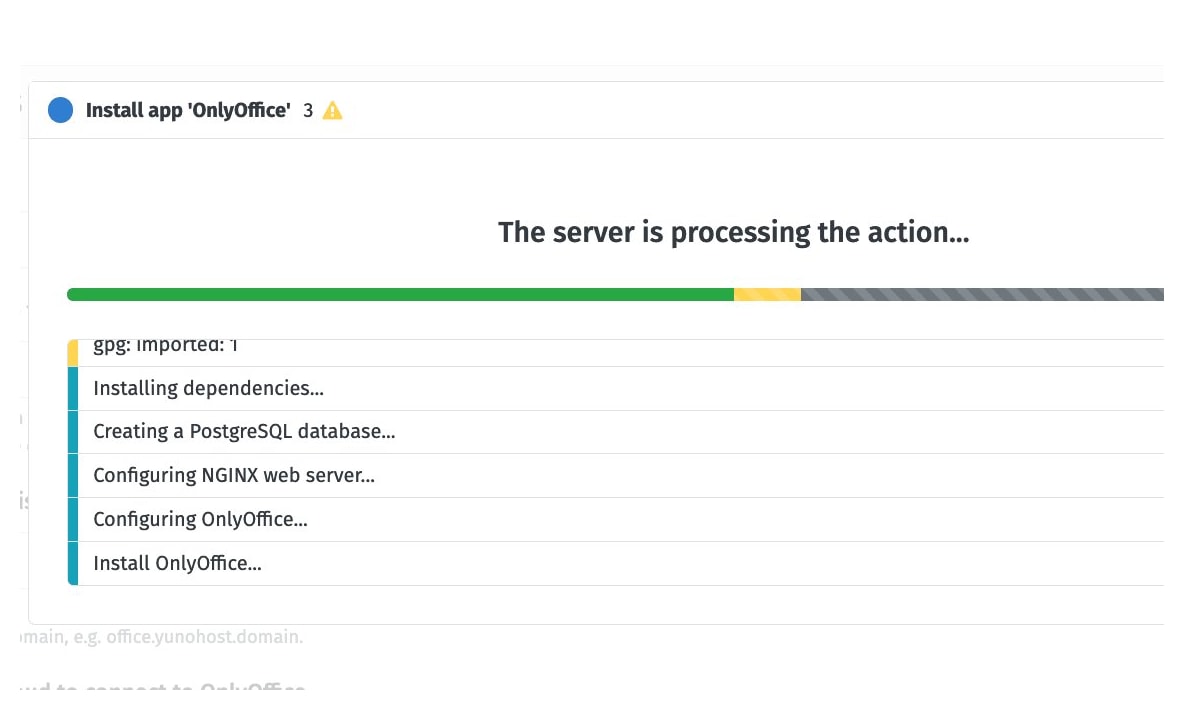
Using third party services
Many nextcloud (or nextcloud based) providers offer collabora online, some offer onlyoffice as the office suite. Services like Murena.io likely offer both.When I looked upthe sparse documentation and ran internet search,
The Workspace (Cloud): Uses Collabora (LibreOffice-based) for editing files directly in your web browser.
The Mobile App (/e/OS): The mobile operating system often comes pre-installed with the OnlyOffice Documents app for local editing on the device.
So, if you are working on a computer in your browser, you are using Collabora. If you are opening a file locally on an /e/OS phone without internet, you are likely using OnlyOffice.
Multilingual Writing: Hindi, Sanskrit, and Gujarati
As a content creator managing regional projects, the extensive multilingual and localization support in ONLYOFFICE is an absolute game-changer for me. It handles Devanagari scripts beautifully. I can seamlessly toggle interfaces and font settings to draft manuscripts in Sanskrit for cultural preservation work, or switch directly to Hindi and Gujarati to build targeted corporate materials.
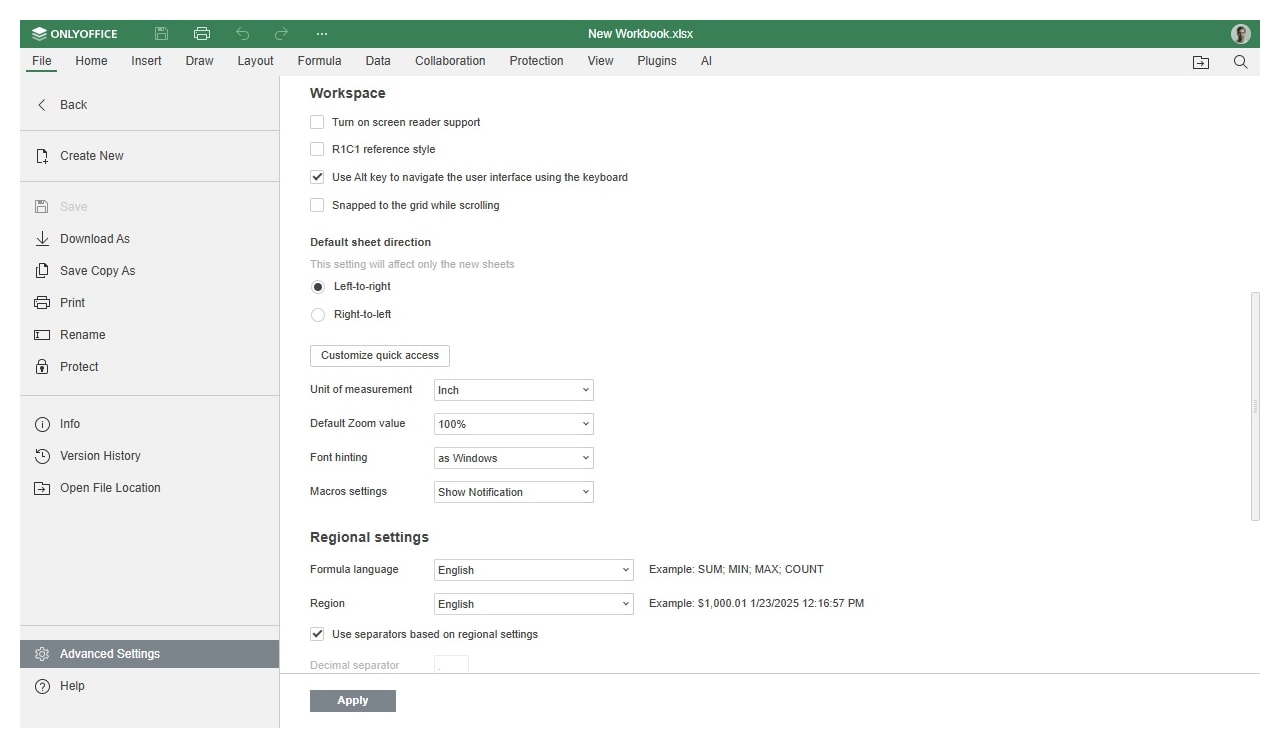
The ability to handle complex typography directly inside a unified, browser-accessible environment means I don’t have to rely on external translation layers or desktop-bound software to produce clean, professional print-ready files.
How It Holds Up Against Zoho Docs
When comparing ONLYOFFICE to Zoho Docs, I find that both offer remarkable document management capabilities. Zoho Docs provides a highly polished user experience and bundles incredible ecosystem tools for task tracking. However, because ONLYOFFICE is fully open-source and pairs natively with self-hosted cloud backends like Nextcloud, it wins out for my business requirements. It gives me absolute authority over my content architecture and user workspace without a mandatory subscription loop.
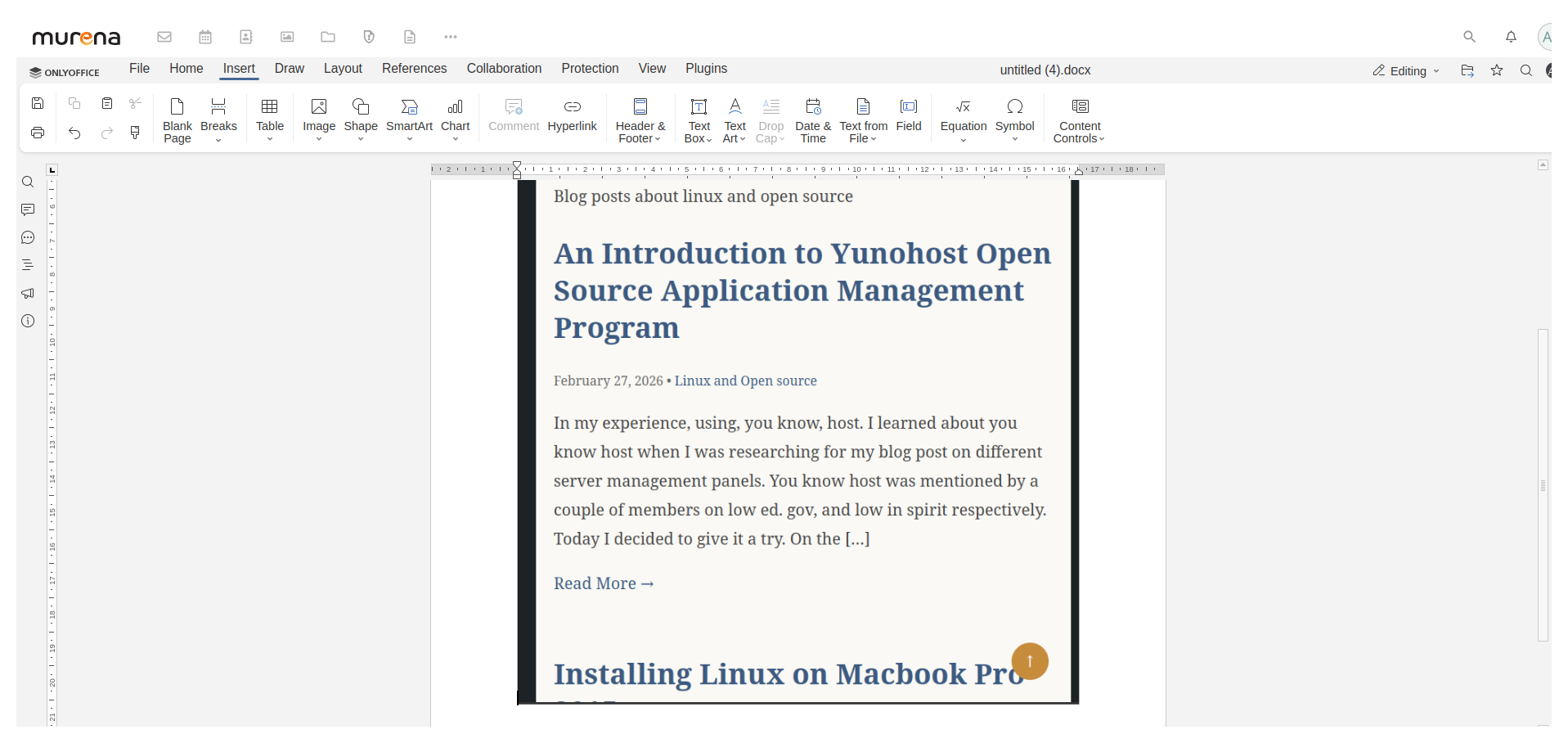
Onlyoffice via nextcloud

Conclusion
Ultimately, ONLYOFFICE has proven itself to be an invaluable asset for my business workflow. In this short review of onlyoffice, I find its combination of web flexibility, clean Linux desktop execution, and powerful multilingual support makes it a stellar choice for any indie author or startup founder. While it might take an extra second to load initially and possesses a smaller community footprint than LibreOffice, its sheer formatting accuracy and open-source foundation make it my definitive daily driver for productivity in 2026. You can read more posts about Open Source by clicking here.
Read about the OnlyOffice vs. EuroOffice controversy
The Onlyoffice-Euro office issue, 2026
The controversy centers on a 2014 licensing dispute between Ascensio System Sia (the creators of OnlyOffice, then known as TeamLab) and MultiRacio, the developers behind EuroOffice. EuroOffice had integrated components of OnlyOffice’s open-source document editors into their own suite but faced accusations of violating the strict AGPL-3.0 license. The agreement required that any derivative works or services using the code must also publish their modified source code; Ascensio claimed EuroOffice failed to do this, effectively using the free technology while keeping their own specific integrations proprietary.
This conflict brought the concept of “source code reciprocity” into sharp focus within the office software community. Ascensio publicly exposed the violation and pressured EuroOffice to either comply with the open-source requirements or remove the infringing code. The dispute effectively ended EuroOffice’s ability to compete by leveraging OnlyOffice’s technology, leading to the latter project’s decline and serving as a cautionary tale about respecting copyleft licenses in commercial software development. Read more about this issue here.
Office Clients for Linux Series
This post is published under the “Office Clients for Linux” series. You can read other posts in this series here:
- Evolution of Open-Source Office Software
- AbiWord: Open-Source Word Processor
- Online Office Suites for Productivity
- Software as a Service for Content Creators
This post was published as part of a series of posts on Open Source Office Suites