AbiWord, the lightweight open source word processor, brings back fond memories. My recent Debian 12 installation on a Lenovo ThinkCentre brought me face-to-face with that 2020 script listing AbiWord alongside other utilities. It was a potent reminder of simpler times. AbiWord was one of the first word processing applications I seriously used on Linux. Its speed and lack of bloat made it my immediate choice for quick notes, drafting blog posts (like this one!), and straightforward document creation. It just worked, without the overhead of larger office suites.
Update June 2026: The GitLab page for AbiWord continues to show occasional community maintenance and revival activity. You can read more on this link.

संक्षेप में
हाल ही में डेबियन 12 डालते हुए मुझे पुराने ज़माने के AbiWord की याद आ गयी। ये एक हल्का-फुल्का, ओपन-सोर्स वर्ड प्रोसेसर था, जो कभी बहुत चला करता था, खासकर Linux वालों के बीच। इसकी सादगी और कई ऑपरेटिंग सिस्टम पर चलने की वजह से लोग इसे पसंद करते थे। समझ लीजिए, ये Linux की दुनिया का WordPad था (और मज़े की बात, WordPad भी अब बंद हो चुका है!)।
आजकल इसकी वेबसाइट बंद है और लगता है कि इस प्रोजेक्ट पर अब काम रुक गया है, जो थोड़ी दुख की बात है। ये ब्लॉग पोस्ट बस उसी पुराने साथी AbiWord को एक याद है | अगर आपको इसके जैसा कुछ चाहिए, तो अब LibreOffice Writer जैसे दूसरे बढ़िया विकल्प मौजूद हैं।
थोडक्यात
नुकतंच लॅपटॉपवर डेबियन १२ टाकताना मला जुन्या काळातल्या AbiWord ची आठवण झाली. हा एक एकदम साधा आणि हलका-फुलका ओपन-सोर्स वर्ड प्रोसेसर होता, जो एके काळी खूप लोकप्रिय होता, विशेषतः Linux वापरणाऱ्यांमध्ये. त्याच्या सोपेपणामुळे आणि वेगवेगळ्या ऑपरेटिंग सिस्टीमवर चालण्याच्या क्षमतेमुळे लोकांना तो आवडायचा. तुम्ही समजू शकता की हा Linux जगातला WordPad होता (आणि गंमत म्हणजे, आता WordPad सुद्धा बंद झाला आहे!).
आजकाल त्याची वेबसाइट बंद आहे आणि असं वाटतंय की या प्रोजेक्टवरचं काम आता थांबलं आहे, जे ऐकून थोडं वाईट वाटलं. त्यामुळे, जर तुम्हाला त्याच्यासारखं काहीतरी हवं असेल, तर आता LibreOffice Writer सारखे दुसरे चांगले पर्याय उपलब्ध आहेत. हा ब्लॉग लेख म्हणजे त्या जुन्या सोबती AbiWord ला दिलेली एक आठवण आहे।
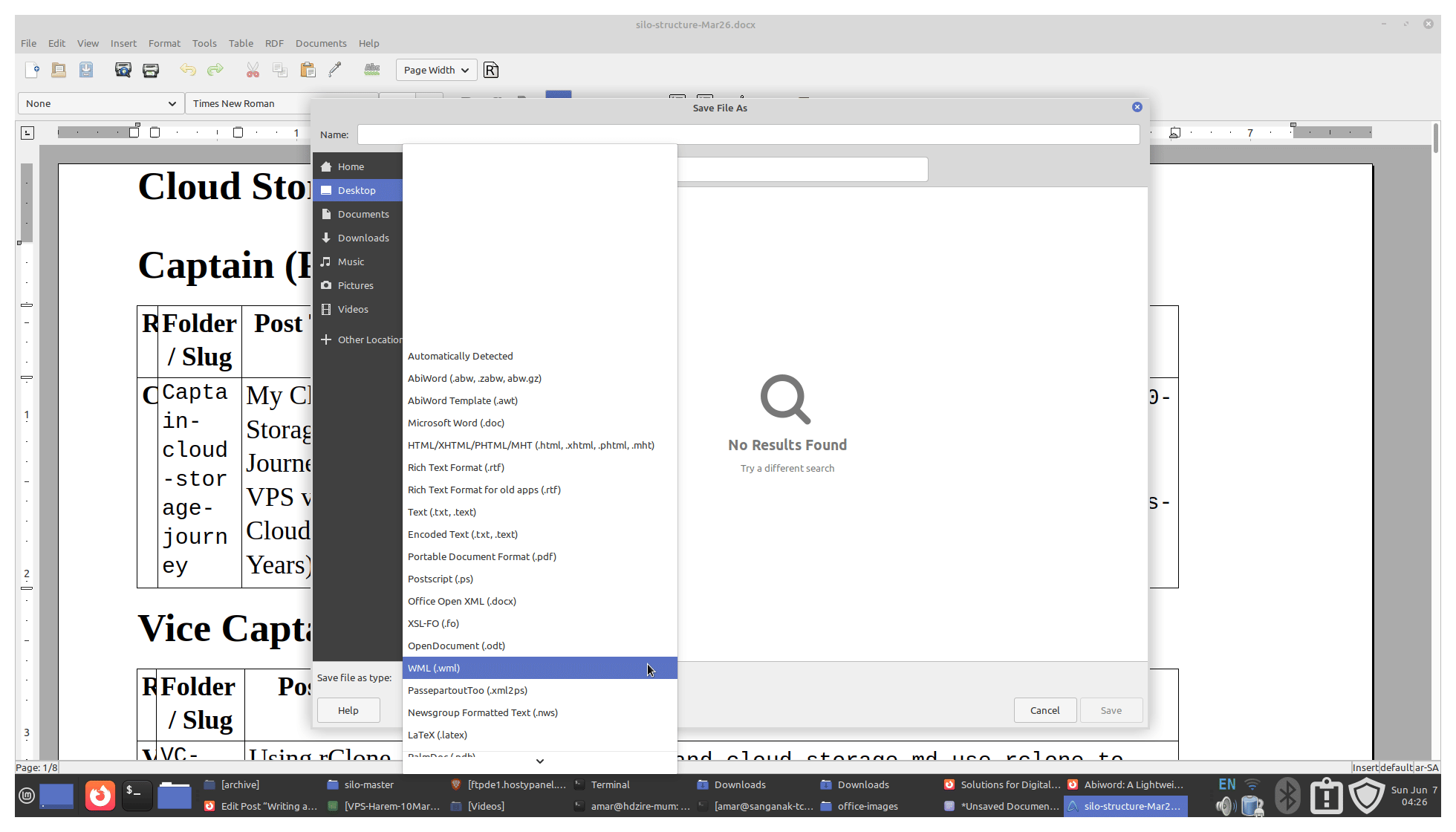
Screenshot of AbiWord document export
My Memories with AbiWord

Background: A Bittersweet Goodbye
Rediscovering an old setup script while reinstalling Debian 12 on my Lenovo ThinkPad laptop and ThinkCentre Desktop felt like unearthing a time capsule. Nestled within that script was AbiWord, a name that instantly sparked nostalgia. For many early Linux adventurers, AbiWord wasn’t just a word processor; it was often the word processor – a symbol of freedom and choice in the burgeoning world of open-source software. Its lightweight nature and straightforward approach made it a beloved tool, a simple joy to work with.
Revisiting AbiWord today brings mixed emotions. The project’s current state suggests its journey might be nearing its end, prompting a reflection on its significance and legacy.
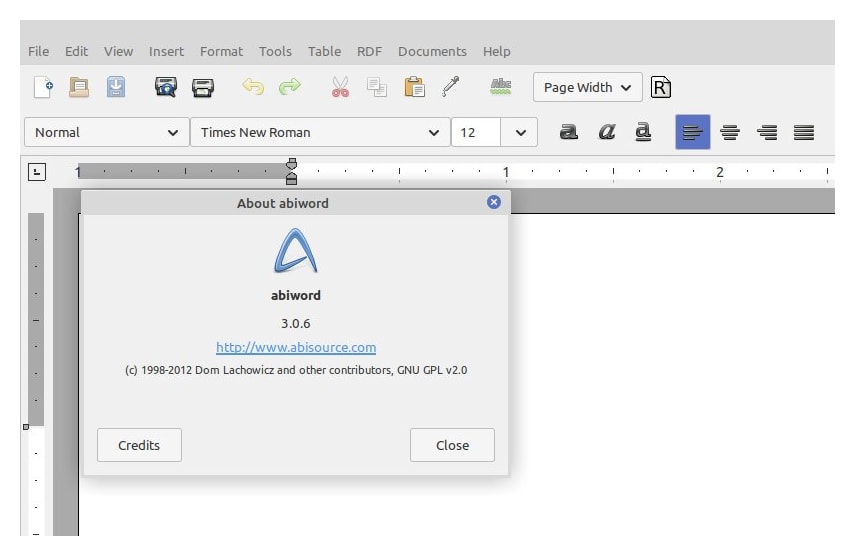
Abiword running on Linux Mint, June 2026
AbiWord: A Tribute to a Lightweight Open Source Word Processor
Launched in 1998 by AbiSource (initially backed by SourceGear Corporation), AbiWord emerged with an ambitious goal: to create a free, open-source, and cross-platform word processor that could serve as a viable alternative to commercial giants like Microsoft Word. It quickly found a dedicated following within the Linux community, praised for its efficiency, especially on less powerful hardware. Its availability wasn’t limited to Linux; versions existed for Windows, macOS, and others, showcasing its commitment to broad accessibility.
First Release: AbiWord was first launched in 1998 by AbiSource, designed as part of a larger office suite that never fully materialized.
Platforms Supported: Windows, macOS (historically), Linux, and other Unix-based systems.
Core Sizes: Lightweight, free, and extensible with plug-ins.
(A Note on Pronunciation: While never officially dictated, the most common pronunciation seems to be “Ah-bee-word,” rhyming with ‘Abby’.)
The “WordPad” of the Open Source World?

I often thought of AbiWord as the “WordPad for Linux,” and the comparison holds merit. Both offered core word processing functionalities in a lightweight package, prioritizing simplicity over feature overload. Like WordPad, AbiWord excelled at basic document creation and editing. However, AbiWord offered the twin advantage of being a lightweight open source word processor, and it was cross-platform. This offered greater freedom and community-driven potential. It also boasted features WordPad lacked, like more robust cross-platform support and early attempts at collaboration features (AbiCollab).
Its strengths were clear:
- Lightweight & Fast: Ran well on older machines and booted quickly.
- Cross-Platform: True dedication to running on various operating systems.
- Simple Interface: Easy to learn and use for basic tasks.
However, it wasn’t without limitations:
- Complex Formatting: Struggled with intricate layouts, tables, and styles compared to full suites.
- Compatibility Issues: While it aimed for interoperability (supporting RTF, DOC, ODT, etc.), rendering complex Microsoft Word or LibreOffice documents perfectly could be challenging.
Ironically, even AbiWord’s Windows counterpart, WordPad, was officially retired by Microsoft in late 2023, marking the end of an era for simple, built-in word processors on both platforms.
Also read our main cornerstone guide: The Evolution of Open Source Office Software.
The Slow Fade: A Project in Limbo
Visiting the official AbiWord website today leads to a dead end. While the website is down, the project hasn’t entirely vanished. Its GitLab repository on GNOME still exists, showing some minimal activity, indicating that full development seems stalled. Discussions pop up occasionally about lightweight open source word processors such as AbiWord on platforms like Twitter/X, Reddit, and Quora, often reminiscing or asking about its status.
Project’s Current Status: A Website in Limbo
Unfortunately, the AbiWord website is currently inaccessible, leaving users with limited options for official support and resources. However, the project’s GitLab page on GNOME remains active, with occasional discussions across Reddit and community forums. I have provided links to some of these verification sites at the end of this post.
Alternatives to AbiWord
AbiWord doesn’t have a direct successor in the sense of a project specifically designed to replace it. However, the conversation around AbiWord often leads to discussions about alternative word processors, particularly LibreOffice Writer. While not a direct successor, LibreOffice Writer is often suggested as a robust alternative to AbiWord, especially by users seeking more features and better compatibility with Microsoft Word formats.

Exploring Modern Options
With AbiWord’s future on the desktop shifting, users needing a focused word processor have several choices depending on their requirements, ranging from full suites to lightweight alternatives.
Full-Featured Suites:
LibreOffice Writer: The most commonly recommended alternative. It’s a powerful, free, and open-source word processor with excellent compatibility with Microsoft Office formats and a vast feature set. It’s part of a complete office suite.
ONLYOFFICE / Collabora Office: Other robust open-source suites offering strong compatibility and features, often with good cloud integration options.
Lightweight Desktop Options:
Calligra Words: Part of the Calligra Suite (K KDE-focused but works elsewhere), aiming for a balance between features and resource usage.
Ted: An extremely simple and lightweight RTF editor, closer perhaps to the original AbiWord spirit for very basic tasks.
Markdown Editors & Text Editors:
For simpler writing (like drafting blog posts or notes), plain text or Markdown editors (like VS Code, Obsidian, Ghostwriter, Typora) are increasingly popular and powerful.
Cloud-Based Editors:
Google Docs, Microsoft 365 Online, and Proton Docs offer convenience, collaboration, and accessibility from anywhere, though they aren’t typically locally hosted open-source solutions.
The “best” alternative depends on what you valued most in AbiWord. If it was just basic word processing, simpler plain-text tools might suffice. If you require a free, heavy-duty alternative to Word, LibreOffice Writer is the logical step forward.
Reflecting on a Legacy: More Than Just Code
The apparent decline of AbiWord is poignant. It represents an era where lightweight, dedicated applications thrived, fulfilling specific needs effectively. It stood for the open-source ideals of freedom, choice, and community effort. While more powerful tools like LibreOffice have largely filled the functional gap, the departure of simpler, focused tools like AbiWord feels like a loss of diversity in the software ecosystem.
Did AbiWord change the world? Perhaps not directly. But it provided a valuable, accessible tool for countless users, introduced many to the benefits of open-source, and occupied an important niche for years. Its story is a reminder that in the open-source world, projects live, evolve, and sometimes gracefully fade, leaving behind memories and lessons learned.

Office Clients for Linux Series
This post is published under the “Office Clients for Linux” series. You can read other posts in this series here:
- Evolution of Open-Source Office Software
- AbiWord: Open-Source Word Processor
- Online Office Suites for Productivity
- Software as a Service for Content Creators
This post was published as part of a series of posts on Open Source Office Suites