
Summary
This blog post traces my 20-year journey with cloud storage, from Yahoo Briefcase to self-hosted VPS and AI-bundled solutions like Google Gemini. It explores the evolution of storage technologies, the rise of privacy-focused and India-specific options like Jio Cloud, and practical insights on managing data in 2026.
हिंदी में सारांश
यह ब्लॉग पोस्ट मेरे 20 साल के क्लाउड स्टोरेज सफर को बताती है, जो Yahoo Briefcase से लेकर सेल्फ-होस्टेड VPS और Google Gemini जैसी AI-बंडल्ड सेवाओं तक फैला है। इसमें स्टोरेज टेक्नोलॉजी के विकास, प्राइवेसी-फोकस्ड और भारत-स्पेसिफिक विकल्पों जैसे Jio Cloud के उदय, और 2026 में डेटा प्रबंधन पर व्यावहारिक अंतर्दृष्टि शामिल हैं।
मराठी मध्ये सारांश
हा ब्लॉग पोस्ट माझ्या २० वर्षांच्या क्लाउड स्टोरेज प्रवासाबद्दल सांगतो, जो Yahoo Briefcase पासून सुरू होऊन स्वत: होस्ट केलेल्या VPS आणि Google Gemini सारख्या AI-बंडल्ड सेवा पर्यंत पोहोचला आहे. यामध्ये स्टोरेज तंत्रज्ञानाच्या विकासाबद्दल, प्रायव्हसी-फोकस्ड आणि भारत-स्पेसिफिक पर्यायांजसे Jio Cloud च्या उदयाबद्दल, आणि 2026 मध्ये डेटा व्यवस्थापनाबद्दल व्यावहारिक माहिती समाविष्ट आहे.
Introduction: The Problem That Drove an Industry
Every file I have ever saved online has a story. This is mine — two decades of chasing storage solutions, from a 30MB Yahoo Briefcase to a self-hosted VPS, and now, the AI-powered cloud of 2026.
If you’ve ever emailed a document to yourself just to open it on another computer, you understand the core frustration that birthed the cloud storage industry. In 2003, the idea that a file could live on the internet — accessible from any device — felt like magic. Today, it’s table stakes. But the game has changed. Free tiers are shrinking, AI is bundling storage, and India-specific options like Jio Cloud (50–100GB free) are reshaping the market for millions.
This isn’t just a technical journey. It’s a story of trust, cost, and control — and the slow realization that "free" is rarely free until, perhaps, it is. In 2026, we’re at another inflection point: AI-enhanced tools like Google Gemini now offer 5TB of storage as part of their subscriptions, while self-hosted solutions give you full ownership of your data. Meanwhile, in India, Jio Cloud’s generous free tier is making cloud storage accessible to a whole new audience.
So, how did we get here? Let’s rewind.
2003–2006: Yahoo Briefcase and the Miracle of 30MB
I remember the first time I uploaded a file to Yahoo Briefcase, sometime around 2003. The idea that a document could live "on the internet" — accessible from any computer in the world — felt genuinely revolutionary. Yahoo gave you 30MB of storage, which, on a dial-up connection uploading at a few kilobytes per second, felt like more than enough for most users.
The interface was clunky by today’s standards, but it worked. You could store documents, share files via a link, and retrieve them from a cybercafé if needed. For someone who was beginning to accumulate digital files — essays, project notes, early blog drafts — it was the first real taste of cloud storage. The limitations, of course, were the storage ceiling and the agonizing upload speeds. But in 2003, nobody was complaining.
Yahoo Briefcase was ahead of its time, but it was also a harbinger of things to come. It proved that people wanted their files everywhere — and that the cloud was the future. Unfortunately, it also proved that free services could disappear overnight. When Yahoo discontinued Briefcase in 2009, they deleted all stored files — a painful early lesson in the risks of depending on a single vendor for your data.
*Yahoo Briefcase was ahead of its time, but it also served as an early warning: free services can disappear overnight.
2007–2011: Gmail as Accidental Storage, Then Google Drive
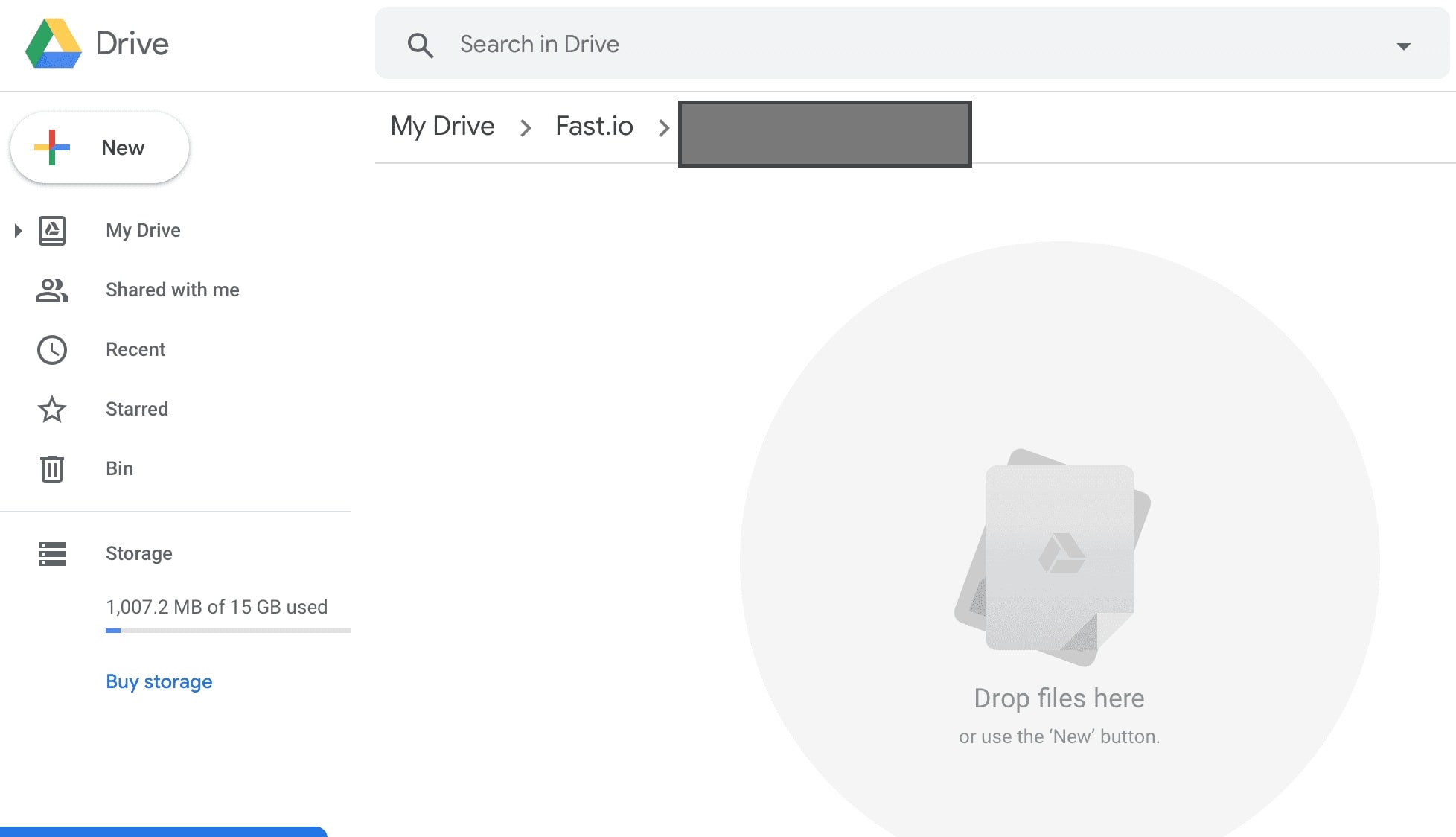 Gmail’s 1GB in 2004 sparked a generation of "self-emailing" users.
When Google launched Gmail in 2004 with 1GB of free storage, it felt like an impossible luxury. The internet immediately found a workaround: people began emailing files to themselves. A sent mail here, a draft saved there. I was one of those users. My Gmail Drafts folder became a disorganized but surprisingly reliable archive of documents I needed across devices. It was inelegant, it was not designed for this purpose, and it worked beautifully.
By 2007, I was using Gmail as a makeshift cloud storage solution. The process was simple: attach a file to an email, send it to myself, and access it from any computer with an internet connection. It wasn’t pretty, but it was effective. For a while, this was my primary method of keeping files accessible across multiple devices.
Google Drive arrived in April 2012 and changed everything. With 15GB of free storage, files integrated seamlessly with Google Docs, Sheets, and Slides. They were accessible on any browser, synced automatically, and shareable with a single link. For the first time, I felt that cloud storage was genuinely solving a problem rather than offering a workaround. Yahoo Briefcase had quietly died in 2009, and nobody mourned it for long. Google Drive had taken its place as the new standard.
2012–2013: The Dropbox Years
 Dropbox’s sync felt like magic—until the 2GB ceiling hit.
I came to Dropbox around 2012. What made it remarkable wasn’t the storage — Google Drive already had more — but the seamless, near-instant sync. You dropped a file into a folder on your desktop, and it appeared on your phone, your laptop, and your colleague’s computer within seconds. The selective sync feature meant you didn’t have to keep everything downloaded locally. For the first time, I had a clean workflow: work files on Dropbox, personal photos on Google Drive.
The honeymoon didn’t last long. The free tier offered only 2GB, and I was burning through it quickly with project folders and photo backups. Paid plans started at approximately $9.99 per month for additional storage. I tried the referral tricks, accumulated a few extra gigabytes, and still found myself constantly managing what stayed on Dropbox and what had to go. The first seeds of discontent with subscription-based cloud storage were planted here. By 2013, it was clear that Dropbox’s free tier was too restrictive for my needs, and I began exploring alternatives.
2014–2015: Box.com and the Search for a Better Solution
By 2014, I had moved a significant chunk of my professional work to Box.com. The appeal was a more generous free tier, better folder permission controls, and a cleaner interface for sharing client documents. Box positioned itself as a business-grade tool—more structured, more compliant, and better suited to professional workflows than the consumer-friendly Dropbox. For a few years, it served that purpose well, with Google Drive handling personal and creative files alongside it.
However, the growing unease of knowing that all my data sat on someone else’s server, governed by terms of service I had no real say in, began to weigh on me. Between 2014 and 2018, I found myself trialing a surprising number of services: pCloud with its attractive lifetime plan, Koofr based in Europe and GDPR-compliant, and even brief stints with Microsoft OneDrive when bundled with an Office subscription. Each service had something to recommend it, and each had at least one deal-breaker—a storage limit, a policy change, a pricing hike, or simply the growing realization that I was spreading my data too thin. The cloud storage comparison exercise was becoming genuinely exhausting. I needed a better solution.
2015–2019: The Era of Experiments with multiple providers
If the Dropbox years taught me anything, it was that no single service was going to tick every box. Between 2015 and 2019, I became the kind of person who maintained accounts on five different cloud platforms simultaneously—not out of indecision, but out of a growing conviction that each service had exactly one thing it did brilliantly and several things it did not. This was my most restless period in the entire cloud storage journey, and looking back, it was also the most instructive.
MEGAarrived on my radar around 2015, and the pitch was irresistible: 50 GB of free storage with end-to-end encryption built in from the ground up. For someone who had grown uneasy about sensitive documents sitting on Dropbox or Google’s servers, MEGA felt like a principled alternative. The encryption happened on the client side, meaning even MEGA’s own servers could not read your files, and the generous free tier made it easy to justify the switch for confidential work files and personal archives. However, the free 50 GB had a catch: it was not truly permanent, and MEGA quietly began reducing the effective free quota over subsequent years based on usage patterns. The desktop sync client was functional but noticeably heavier than Dropbox, and the web interface, while feature-rich, was slower than I would have liked on a modest broadband connection. I continued using MEGA for encrypted document storage for a few years, but it never became my primary drive.
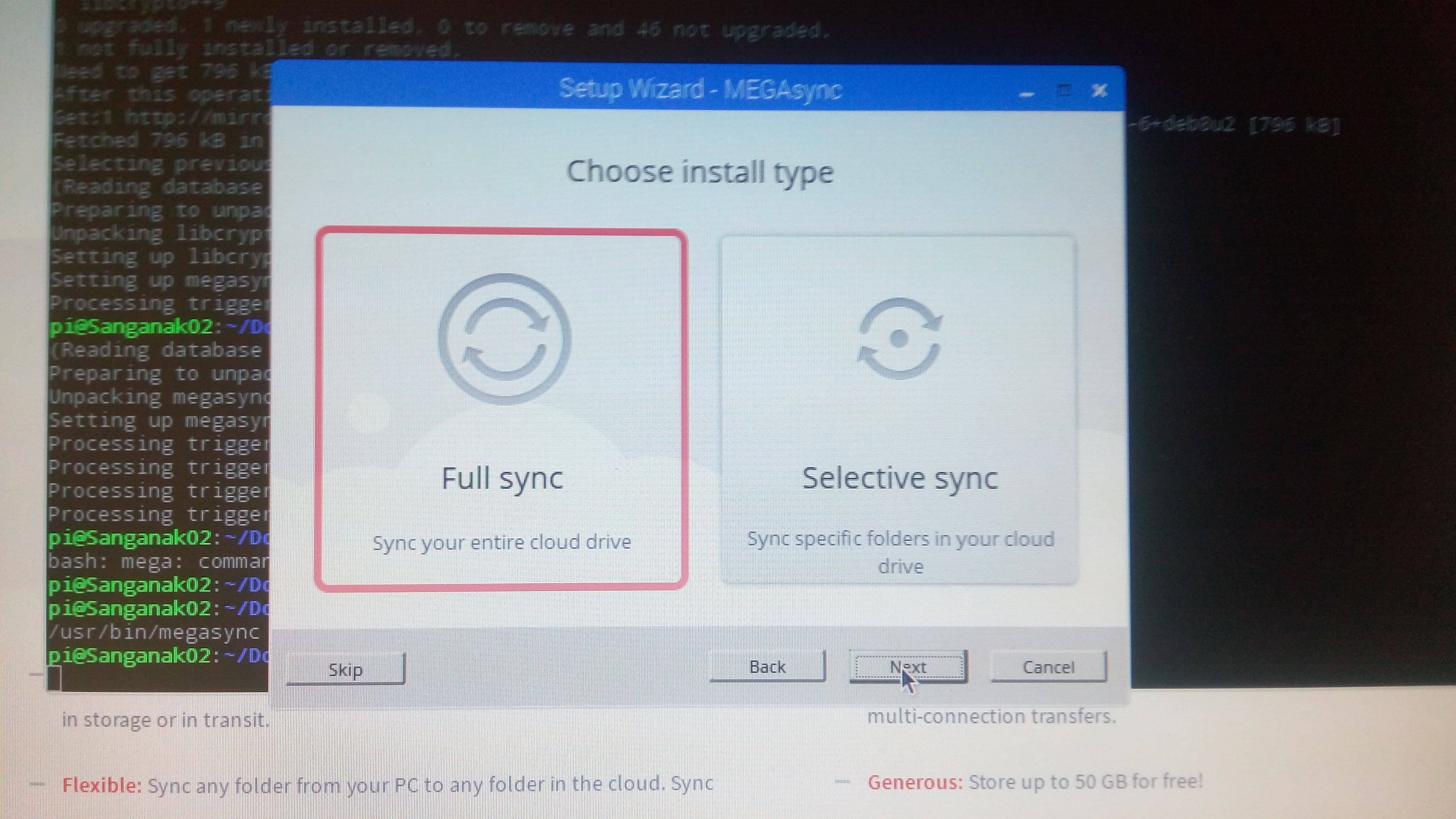 MEGA’s 50GB free tier felt revolutionary—until the free storage began shrinking.
Zoolz entered the picture sometime around 2016, discovered through one of those AppSumo lifetime deal offers that are almost impossible to resist. The proposition was cold cloud storage—backed by Amazon Glacier—at a one-time price for a substantial chunk of space. For archiving older project files, blog post drafts, and media that I needed to keep but rarely accessed, it seemed perfectly suited. I bought a lifetime plan and felt rather pleased with myself. The reality of cold storage, however, is that retrieval is neither instant nor free. Pulling files out of Zoolz on demand meant waiting hours, which made it completely impractical for anything resembling an active workflow. It was genuinely useful for deep archiving—the digital equivalent of boxes in the attic—but the moment I needed to actually access something, the friction was maddening. Zoolz taught me an important distinction that I carry to this day: storage and access are two entirely different requirements, and no single product should be expected to serve both equally well.
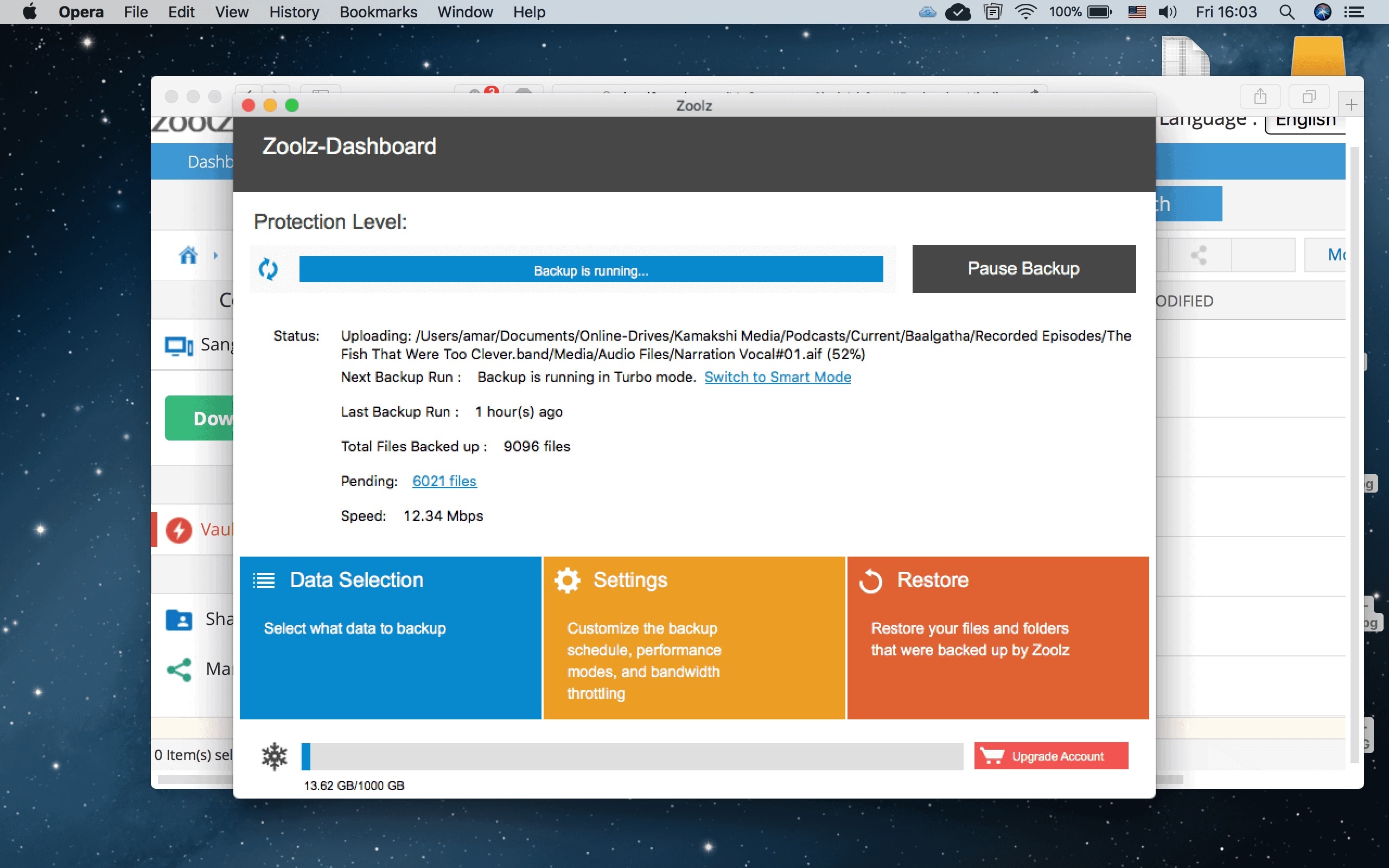 Zoolz’s cold storage was cheap for archiving but impractical for active use.
Dattodrive was, in hindsight, the most forward-looking service I used during this period. Built on ownCloud—the open-source self-hosted cloud storage platform—it offered a managed cloud experience that looked and felt like running your own server, without the overhead of actually maintaining one. File versioning, shared folders, and a clean web interface were all present, and the ownCloud heritage meant the feature set was genuinely deep. What made Dattodrive significant to my journey was not what it did, but what it pointed towards. Using an ownCloud-based service gave me my first real exposure to the idea that cloud storage did not have to mean surrendering control to a large proprietary platform. The concept of a self-hosted cloud storage alternative—something I would eventually implement myself on a VPS—became concrete in my mind during this period. Dattodrive did not survive long as a service, but the philosophy it introduced stayed with me long after the account was closed.
 Dattodrive’s ownCloud-based service hinted at the future of self-hosted storage.
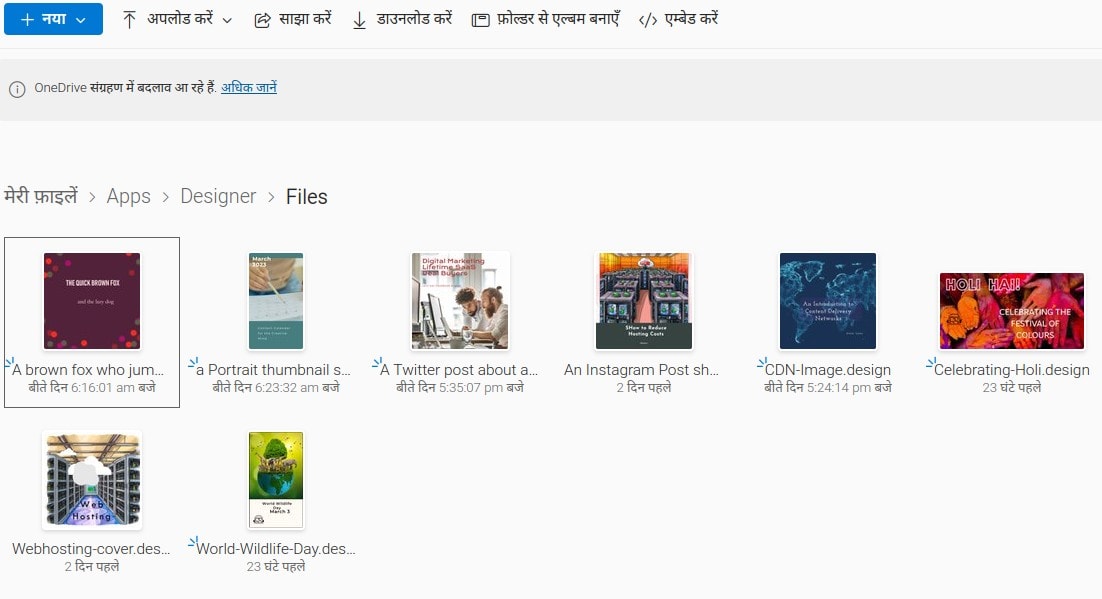
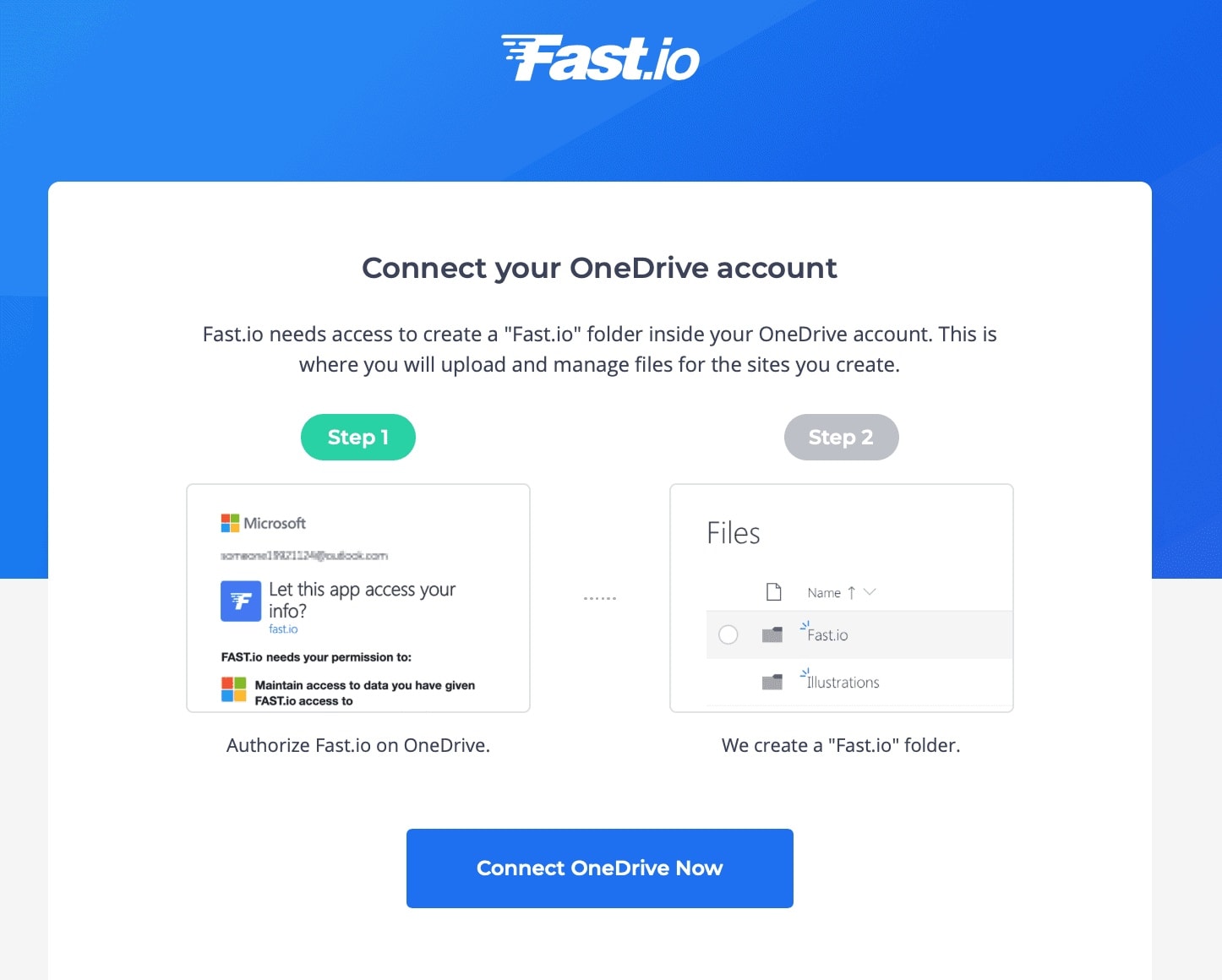
Microsoft OneDrive came into the picture not by choice, but by circumstance. A project requirement in 2016 necessitated a Microsoft 365 subscription, and the 1 TB of OneDrive storage that came bundled with it was too significant to ignore. For a period of nearly two years, OneDrive became my de facto storage for documents that needed to work seamlessly within the Office ecosystem—Word files, Excel sheets, and PowerPoint presentations that were being shared with collaborators using Windows machines. Honesty compels me to say that OneDrive was never a service I warmed to. The desktop sync client had a reputation for being unpredictable, occasionally refusing to sync files with certain characters in their names or throwing cryptic error messages after Windows updates. The tight integration with Windows File Explorer was genuinely useful on a Windows machine, but I was spending increasing amounts of time on Linux by this point, and the Linux story for OneDrive in 2016–17 was essentially non-existent. It was a capable service inside its own ecosystem and a frustrating one outside it.
Zoho Drive —now more fully developed as Zoho WorkDrive—entered my workflow around 2018, initially as an experiment prompted by my use of other Zoho products. The appeal was clear: if you were already using Zoho for CRM, invoicing, or project management, having your files in the same ecosystem simplified things considerably. The folder structure in Zoho WorkDrive was more deliberately organized than Dropbox’s flat approach, with Team Folders and role-based permissions making it feel genuinely suited to a small professional operation. For document-heavy workflows—client proposals, contracts, and collaborative content drafts—Zoho WorkDrive was excellent. The integration with Zoho Writer, Sheet, and Show meant that the file-to-edit pipeline was seamless within the suite. The limitation, predictably, was outside it: moving files to or from non-Zoho services was clunky, and the desktop sync client lagged behind Dropbox and Google Drive in responsiveness. By 2019, I was using Zoho WorkDrive for client-facing documents, Google Drive for personal creative work, and growing increasingly interested in taking control of my storage entirely—a frustration that would, within months, lead me to provision my first storage VPS.
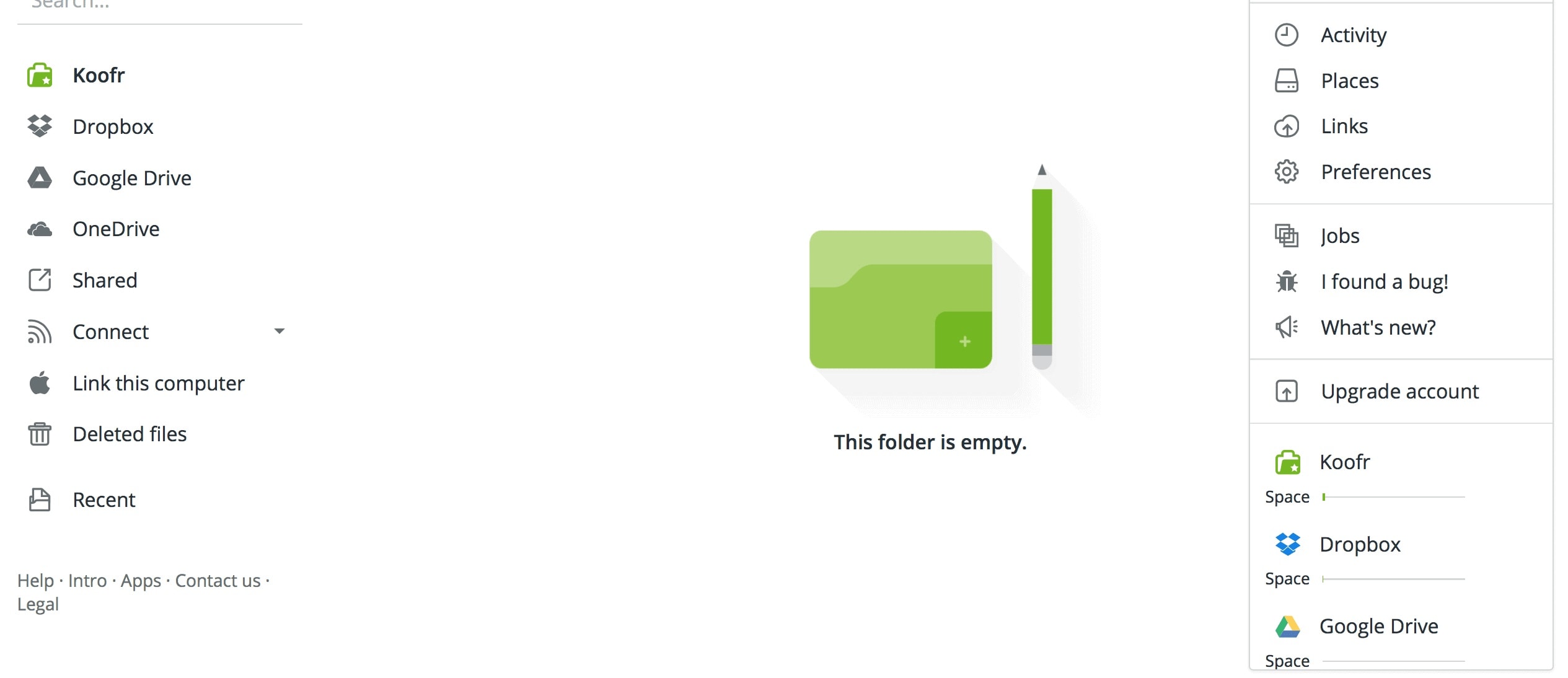
Koofr
Koofr is a European cloud storage service that stands out for its * compliance and cross-platform support, making it a reliable choice for users who prioritize privacy and accessibility. With its intuitive interface, Koofr allows seamless integration with other cloud services, enabling users to manage multiple storage accounts from a single dashboard. Its free tier offers 10GB of storage, and paid plans provide additional space with competitive pricing, making it a practical option for both personal and professional use.
pCloud
pCloud is a versatile cloud storage provider known for its lifetime plans, which allow users to pay a one-time fee for permanent storage, a rare offering in the industry. It also excels in WordPress integration, making it a favorite among bloggers and website owners who need reliable backup solutions. With features like file versioning, password-protected sharing, and a built-in media player, pCloud caters to both casual users and professionals looking for a robust, long-term storage solution.

Sync.com
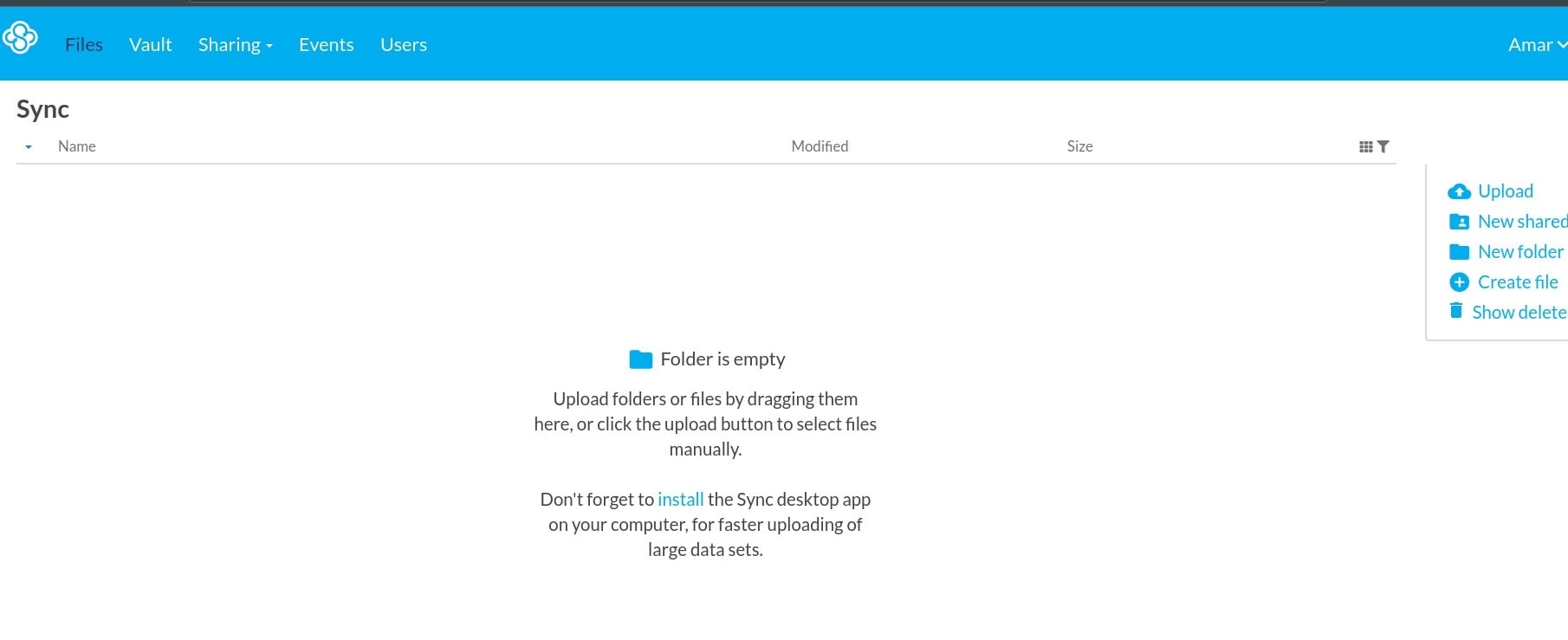
Sync.com is a privacy-focused cloud storage service that prioritizes security with end-to-end encryption and two-factor authentication (2F It ensures that only the user can access their files, making it an excellent choice for those handling sensitive data. Sync.com also offers seamless collaboration features, allowing teams to share and edit files securely. Its user-friendly interface and strong emphasis on data protection have earned it a reputation as a trusted alternative to mainstream cloud storage providers.
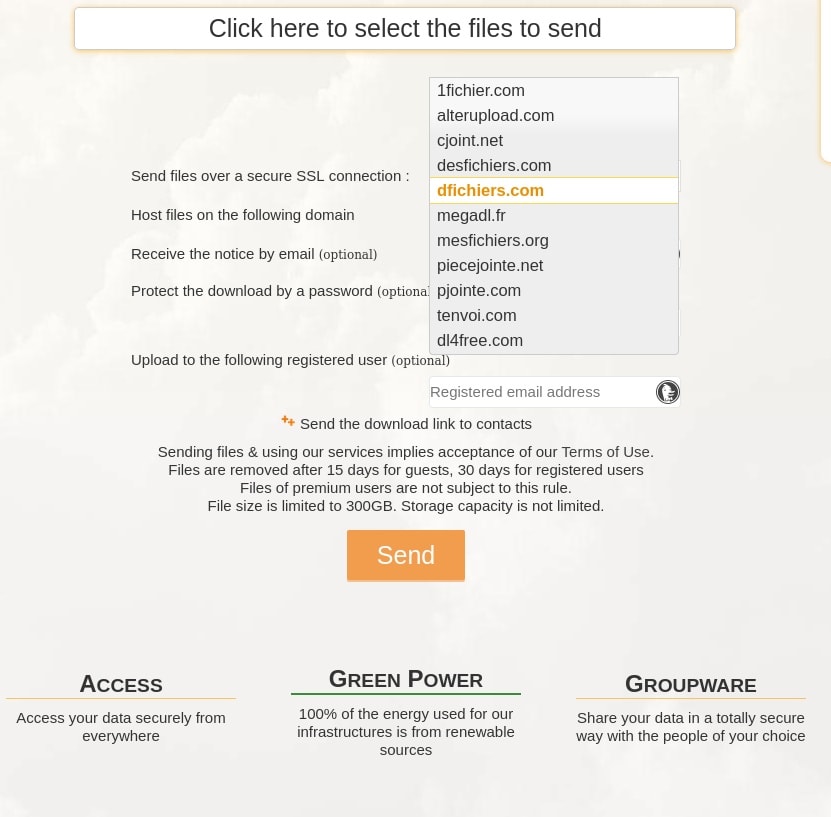
1Fichier is a straightforward cloud storage, though its primary use is file sharing. This service is known for its simple interface for file sharing. It’s particularly useful for temporary file sharing, offering a quick and easy way to upload and share files without requiring an account. While it lacks some of the advanced features of other cloud storage providers, its simplicity and ease of use make it a popular choice for users who need a hassle-free way to transfer files. However, it’s worth noting that this service is occasionally inaccessible from India, which may limit its usability for some users.
2019: Getting My First Storage VPS
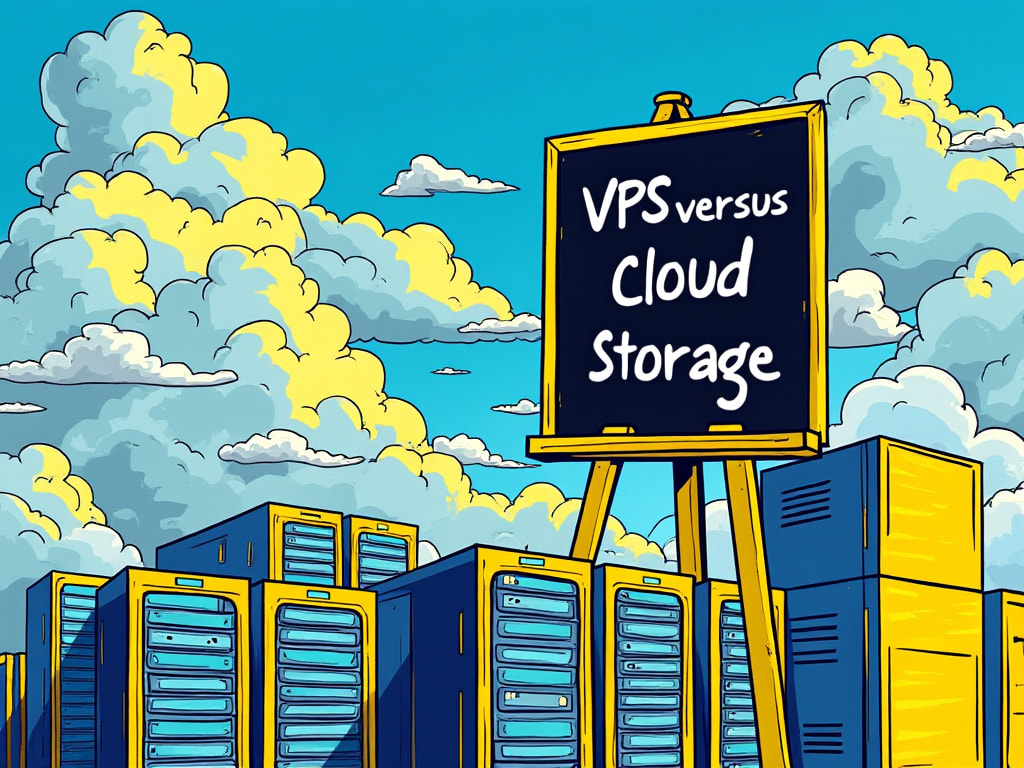 A storage VPS offers full control, but requires technical setup.
In 2019, two things happened almost simultaneously. First, Dropbox changed its desktop client to require a paid subscription for use on more than three linked devices—a policy change that felt like a clear signal that the free tier’s days were numbered. Second, while researching Linux server options for a web project, I came across the concept of a storage VPS. The idea was disarmingly simple: rent a Virtual Private Server, install your own software, and run your own cloud. No per-gigabyte billing. No surprise policy announcements. Complete ownership of your data.
A storage VPS is a Virtual Private Server provisioned specifically for file storage and access. Unlike general hosting plans that prioritize CPU and RAM, a storage VPS typically offers large disk allocations—often 1 TB to several terabytes—at a low monthly cost. The server is yours to configure: you choose the operating system (Debian is a popular choice for its stability), the file-sharing protocol (Samba for cross-platform access, NFS for Linux-only environments), and any software layer such as Nextcloud for a browser-based Dropbox-like interface.
Setting up a Linux storage server is more involved than signing up for Dropbox, but the process is well-documented and manageable for anyone comfortable with a command line. Here’s how I did it:
- Install Debian on your VPS and run
apt update && apt upgrade. - Configure network settings and assign a domain or static IP.
- Install Samba for Windows/Mac/Linux cross-platform sharing, or NFS for Linux-only environments.
- Create shared directories with appropriate read/write permissions per user or group.
- Set up security: UFW firewall, SSH key-based authentication, and optionally SSL via Let’s Encrypt if running Nextcloud.
Once complete, you have a fully functional file server accessible from any device on your network—or over the internet via SSH, SFTP, or a Nextcloud web interface.
Discussion on Cloud Storage versus VPS
Note: This is an AI generated audio summary of a blog post I had written on this topic in 2024.
2026: The AI + Cloud Storage Era
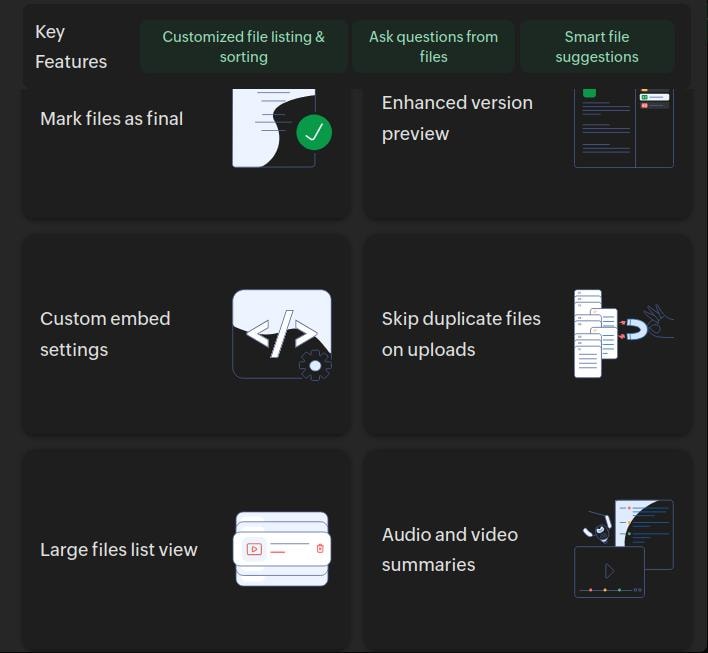 Zoho WorkDrive’s with AI features for team folders and role-based permissions made it useful for professionals and small teams.
The cloud storage landscape of 2026 looks nothing like the early days of Yahoo Briefcase or even the self-hosted VPS revolution of 2019. Today, the conversation has shifted from mere storage capacity to seamless integration. Services like Google Gemini now bundle 5TB of storage with AI subscriptions, blurring the boundaries between cloud storage and AI platforms. Meanwhile, privacy-focused providers such as Proton Drive and Internxt offer end-to-end encrypted alternatives for users who prioritize security and control.
In India, the landscape has evolved as well. Jio Cloud now provides 50GB to 100GB of free storage, making cloud storage more accessible than ever for local users. This shift is particularly significant for those who previously relied on expensive international services. For my own workflow, while my primary storage remains on my VPS, I now have more flexible options for local backups and sharing files with non-technical users.
My current setup reflects this new reality. My primary storage VPS handles project files, website backups, and personal archives. I use rclone, an open-source command-line tool, to sync selective folders to Backblaze B2 as an offsite backup. For sharing files with clients, I maintain a small Google Drive folder. And for AI-powered workflows, I’ve begun using Google Gemini’s bundled storage for files that need to be accessible within AI tools.
The most transformative change in 2026, however, is the rise of AI integration. Cloud storage is no longer just a place to store files—it’s evolving into a smart, connected ecosystem. Tools like Google Gemini don’t just host your files; they analyze, tag, and even generate insights from them. This represents a significant leap from the days of Yahoo Briefcase, and it’s only the beginning of what’s possible.
Yet, the choice between cloud storage and a VPS in 2026 isn’t just about cost or convenience. It’s about control, scalability, and future-proofing your data. The decision has become more nuanced than ever, especially as disk prices rise, file sizes grow, and services continue to evolve.
The Rising Cost of Storage
Higher-resolution files, such as 4K/8K video and RAW photos, along with increasing hardware costs, are making local storage upgrades more expensive. This trend could drive greater demand for cloud storage, as users seek scalable and cost-effective solutions. However, cloud subscriptions can also become costly over time, making a VPS a compelling alternative for those needing large, long-term storage.
The Problem of Plenty: Storage Management
One of the biggest challenges in 2026 is managing multiple storage solutions. With cloud services, VPS setups, and AI-bundled storage, it’s easy to end up with files scattered across platforms. Tools like rclone are essential here, allowing you to sync, manage, and consolidate data across providers, ensuring your files remain organized and accessible.
Security, Encryption, and the Risk of Discontinued Services
In 2026, security and encryption are non-negotiable. While providers like Google Drive and Dropbox offer basic encryption, self-hosted solutions such as Nextcloud and Seafile give you full control over your data. The risk of discontinued services looms large—Yahoo Briefcase deleted all files in 2009, and services like Bitcasa and Copy.com followed suit. With a VPS, you own your data, eliminating the risk of sudden deletions or service shutdowns.
When Cloud Storage Still Makes Sense
For most non-technical users, cloud storage remains the more practical choice. Services like Google Drive, pCloud, and Proton Drive offer generous free tiers, polished apps, and zero maintenance. If collaboration with non-technical colleagues is a priority, sharing a Dropbox or Google Drive folder is far simpler than configuring SFTP or VPN access to a VPS.
When a Storage VPS Wins
For developers, content creators, or technically confident users frustrated with subscription price hikes and policy changes, a storage VPS offers a compelling alternative. A mid-range VPS with 2TB of storage costs approximately Rs. 500–1,200 per month (as of April 2026), which is comparable to or cheaper than Dropbox Plus. Additionally, you avoid constraints like device limits, file versioning caps, or upload throttling.
Services Used Over the Years
List of Services Used (2003–2026)
- Early Services: Yahoo Briefcase, Gmail (as storage), Google Drive
- Mainstream Providers: Dropbox, Box.com, Microsoft OneDrive, Zoho WorkDrive
- Encrypted/Privacy-Focused: MEGA, Tresorit, Proton Drive, Internxt
- Cold Storage/Archival: Zoolz, Backblaze B2, AWS Glacier
- Self-Hosted: Nextcloud, Seafile, Syncthing, ownCloud, Dattodrive
- India-Specific: Jio Cloud, Apna Cloud, Digiboxx
- Defunct Services: Copy.com, Bitcasa, Rethink, pCloud (cancelled), Yahoo Briefcase
- Niche/Experimental: pCloud, Koofr, Wasabi, Cloudflare R2, Bandwidth Alliance
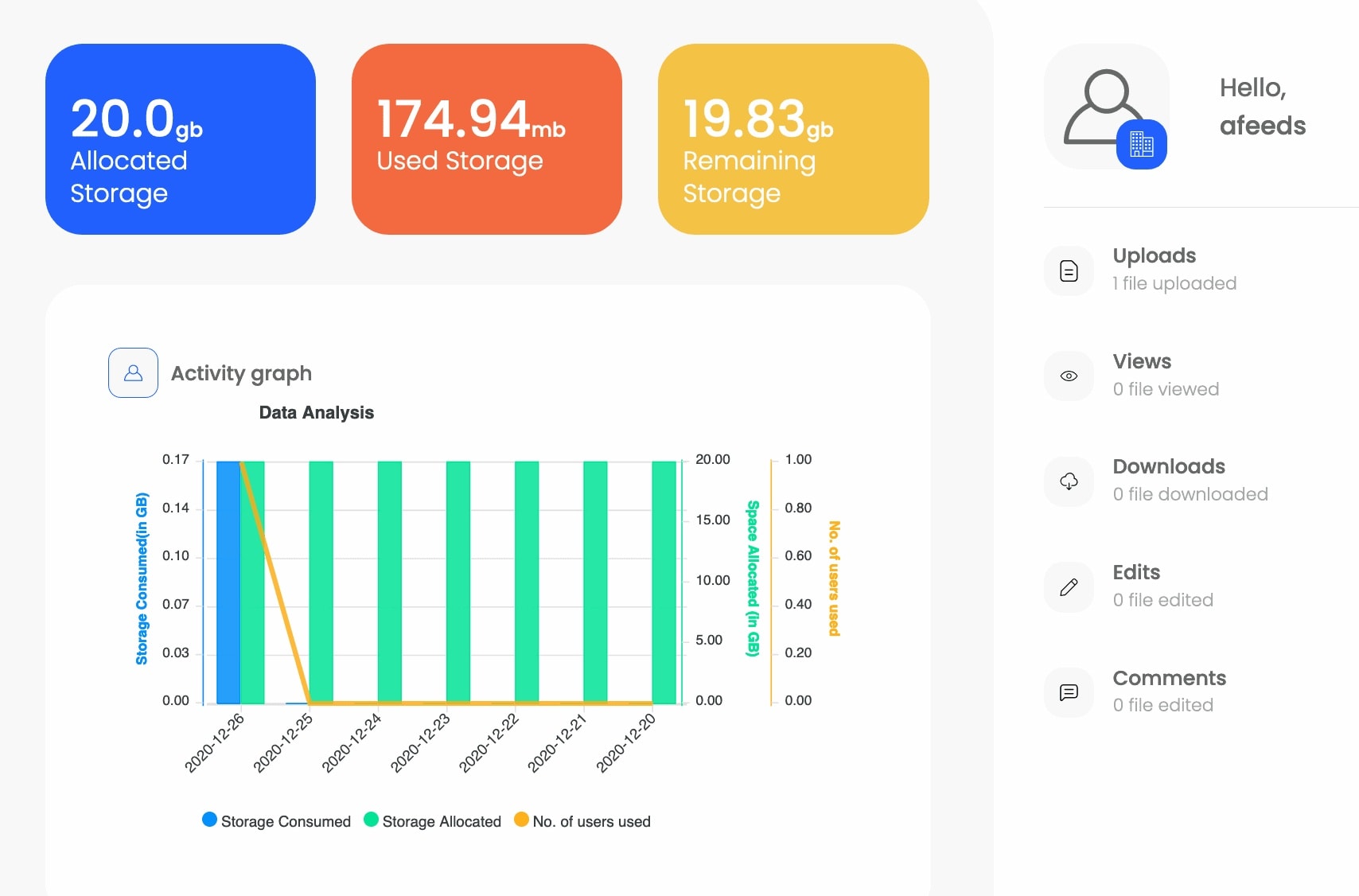 DigiBoxx offered an India-specific alternative with local data centers.
Frequently Asked Questions
Click to expand
#### Is a storage VPS cheaper than Dropbox in the long run? For most users storing more than 1TB, yes. A VPS with 2TB typically costs Rs. 500–1,200/month ($6–15), while Dropbox Plus costs $11.99/month for the same capacity. The VPS also allows you to host other services, such as websites or scripts, making it a more versatile investment.Is it difficult to set up a storage VPS for a non-technical person?
The initial setup requires comfort with a Linux terminal. However, once configured, a Nextcloud interface is as easy to use as any consumer cloud service. Managed VPS providers also offer one-click installations for Nextcloud or similar software.
What are the cloud storage options for Indian users?
Jio Cloud offers 50GB–100GB of free storage for users in India, making it a great option for local backups and sharing. However, for advanced users, it may not yet replace full-fledged solutions like Dropbox or Google Drive. For critical data, consider paid services or self-hosted VPS for full control.
How do rising disk prices affect cloud storage demand?
As the cost of local storage upgrades increases, especially with larger file sizes like 4K/8K video or RAW photos, users may turn to cloud storage or VPS solutions for scalable and cost-effective alternatives.
How do I manage storage across multiple services?
The problem of plenty—managing files across multiple platforms—can be addressed with tools like rclone, which allow you to sync, manage, and consolidate data across providers. This ensures your files are organized and accessible, regardless of where they’re stored.
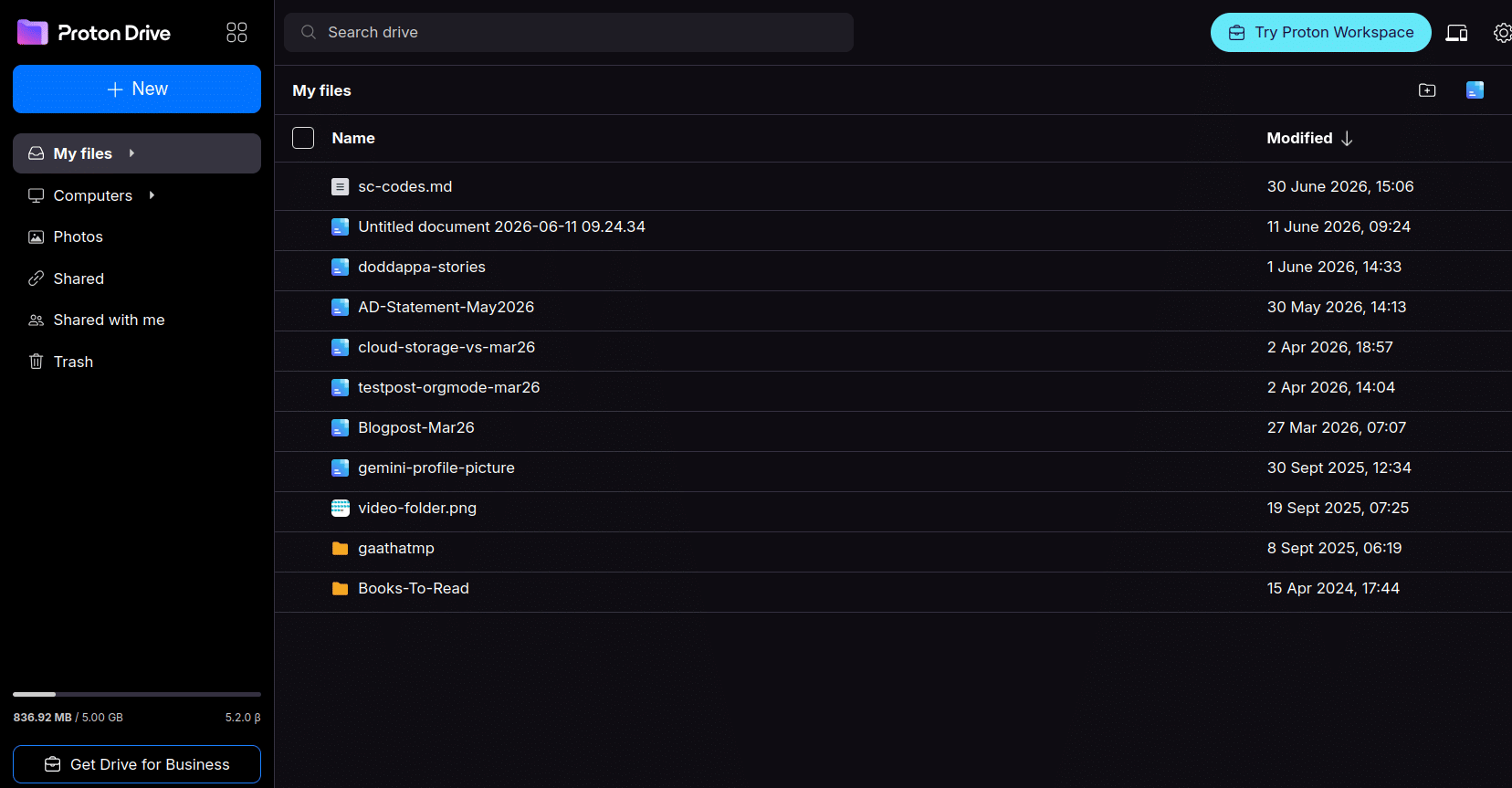 Proton Drive’s end-to-end encryption made it a go-to for privacy-conscious users.
What I Learned Along the Journey
Service Recommendations
Services I’ve Used and Liked (Personal Preference)
- Long-Term Winners: Koofr, iDrive, Zoho WorkDrive
- Why? Reliable, good pricing, and strong features for personal/professional use.
- Cross-Platform & Easy Data Export: pCloud, Koofr, Zoho WorkDrive, Nextcloud-based providers
- Why? These services make it easy to export/transfer data and offer cross-platform apps.
- Privacy-Focused: Murena, Proton Drive
- Note: I have free 5GB accounts with these, used mostly for testing. Murena went offline for a few months, resulting in data loss (though it was non-critical and backed up). This underscores the importance of backups, even with trusted providers.
Services That Disappointed
- Zoolz: Cold storage was impractical for active use due to slow retrieval times.
- ThunderDrive: Did not meet expectations for reliability or features.
- Rethink: Ultimately discontinued or failed to deliver on promises.
 ThunderDrive’s limitations made it a short-lived experiment.
A Glossary of termsI learnt along the way
Over 20 years, I’ve picked up a few terms and concepts that are worth clarifying for anyone navigating the cloud storage world:
- Cloud Storage: A service that allows you to store, access, and share files over the internet (e.g., Google Drive, Dropbox).
- Self-Hosted Storage: Storing files on your own server (e.g., VPS with Nextcloud), giving you full control over data and privacy.
- Cold Storage: Low-cost, long-term storage for archival files (e.g., Backblaze B2, AWS Glacier). Retrieval is slower and often incurs fees.
- Hot Storage: High-performance storage for frequently accessed files (e.g., Dropbox, Google Drive).
- S3-Compatible Storage: Object storage services that use the S3 protocol (e.g., Backblaze B2, Cloudflare R2, Wasabi).
- End-to-End Encryption (E2EE): Encryption where only the user can decrypt files (e.g., MEGA, Proton Drive, Tresorit).
- Bandwidth Alliance: A partnership between Cloudflare and Backblaze B2 to reduce egress fees for users.
- rclone: A command-line tool for syncing files between cloud storage providers and local systems.
- VPS (Virtual Private Server): A virtual machine sold as a service by an internet hosting provider, often used for self-hosted storage.
- Block Storage: Divides data into fixed-size blocks, each with a unique identifier, typically used for databases or virtual machines.
- End-to-End Encryption (E2EE): Encryption where only the user can decrypt files, ensuring privacy (e.g., Proton Drive, MEGA).
- Bandwidth Alliance: A partnership between Cloudflare and Backblaze B2 to reduce egress fees for users.
- DigiLocker (India): A government-accepted digital storage service for official documents, but always maintain backups.
How many storage providers should we use?
The answer depends on your needs, but a practical approach is to follow the n+2 redundancy rule:
- Primary Storage: Use a paid service for personal or critical documents (e.g., Koofr, iDrive, or Zoho WorkDrive). These services offer encryption, higher security, and reliability.
- Secondary Storage: Use a free or low-cost service for media, photos, or non-critical files (e.g., Google Drive, OneDrive). Be mindful of privacy policies, as some providers may scan or share metadata.
- Mobile Storage: Use iCloud (paid, 50GB base plan) or Jio Cloud (bundled with service) for media on mobile devices. For larger needs, iDrive (5TB) is a good option.
- Backup: Always maintain offsite backups (e.g., Backblaze B2, rclone syncs) to protect against data loss.
Security Best Practices
- Limit Access: Restrict who can access your storage. Use role-based permissions (e.g., Nextcloud, Zoho WorkDrive).
- Enable 2FA: Always use two-factor authentication for cloud storage accounts.
- Encryption: Use end-to-end encryption (e.g., Nextcloud, Seafile, Proton Drive) for sensitive files.
- Backups: Follow the n+2 redundancy rule to avoid data loss. Even "reliable" services can fail (e.g., Murena’s outage).
- Privacy Awareness: Some free providers (e.g., Google Drive, OneDrive) may scan or share metadata with third parties. For sensitive data, opt for privacy-focused providers (e.g., Proton Drive, Tresorit).
- DigiLocker (India): While it’s the official government-accepted service, use it with caution and always maintain backups.
Pricing Table (2026)
Here’s a comparison of storage VPS vs. cloud storage providers for a typical 2TB storage:
| Service | Cost (Monthly) | Notes |
|---|---|---|
| Storage VPS (Mid-Range) | Rs. 500–1,200 ($6–15) | Requires technical setup |
| Dropbox Plus | $11.99 | Easy sharing, polished apps, Device limit (3) on free tier |
| Google Drive | $9.99 (2TB) | Integration with Google Workspace, Free 15GB tier available |
| pCloud | $9.99 (2TB, lifetime) | Lifetime plans, GDPR-compliant, Free tier: 10GB |
| Koofr | €5–10 (2TB) | GDPR-compliant, cross-platform, Free tier: 10GB |
| iDrive | $5.95 (2TB, first year) | Cross-platform, strong encryption, Free tier: 5GB |
| Backblaze B2 | $6/TB | b2 is S3 compliant Cold storage, low-cost, Retrieval fees apply |
| Utho Block Storage | Check latest pricing | For local storage databases/VPS |
Conclusion: 20 Years of Cloud Storage
Two decades of chasing storage solutions have taught me a few things. First, "free" is rarely free—until it is. Services like Jio Cloud now offer generous free tiers for users in India, but the trade-offs in control and reliability are still worth considering. Second, control comes at a cost, but for those willing to put in the effort, it’s worth it. A self-hosted VPS gives you ownership of your data, free from the whims of third-party providers.
No single solution fits all use cases. The future of storage is hybrid: a mix of self-hosted solutions for control, cloud services for convenience, and AI-bundled storage for productivity. As file sizes grow and hardware costs rise, the demand for scalable, flexible storage will only increase. Whether you’re a developer, a content creator, or just someone tired of subscription fees, there’s a solution out there for you.
The cloud storage journey is far from over. With AI integration, decentralized storage, and local options like Jio Cloud reshaping the landscape, the next 20 years promise to be just as transformative as the last. The key is to stay adaptable, keep your data secure, and always have a backup plan.