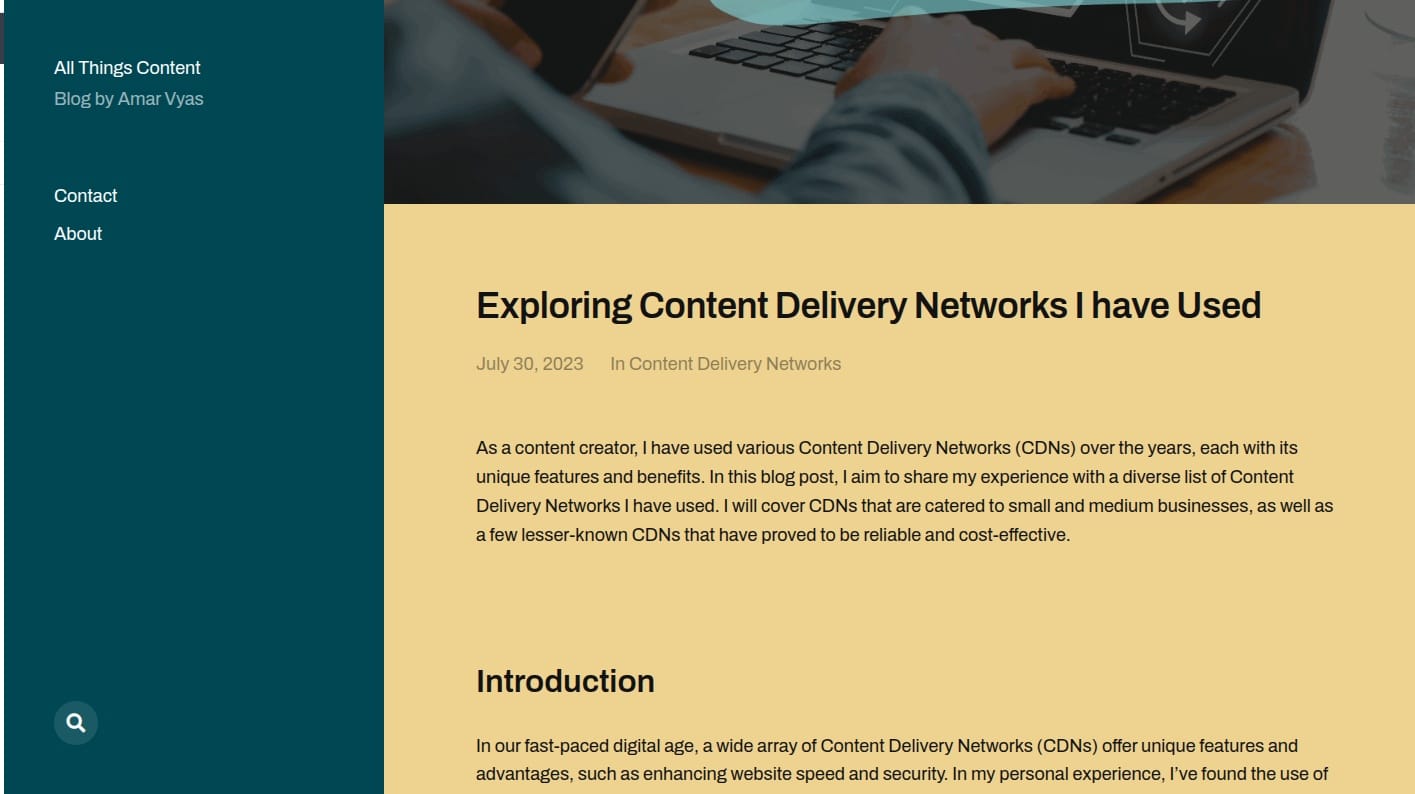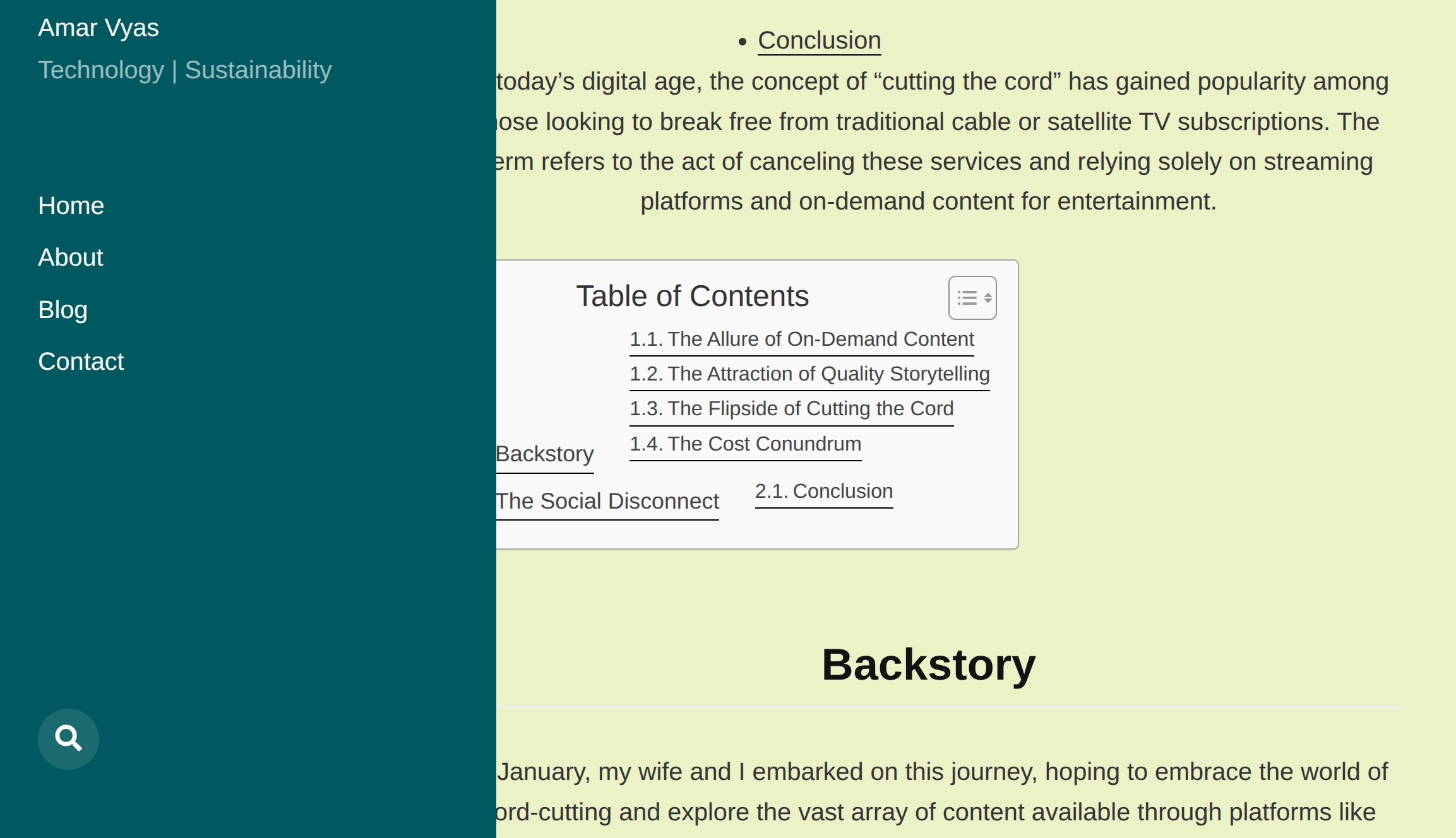
In this post, we will discuss updating McLuhan Theme for ClassicPress. This guide explains how to modernize the beloved McLuhan theme for a 2026 workflow. By creating a robust child theme on ClassicPress, we ensure PHP 8.3 compatibility, integrate Bootstrap utilities, strip away the bloat of comments, and retain a classic non-Gutenberg workflow without touching the Gutenberg editor.
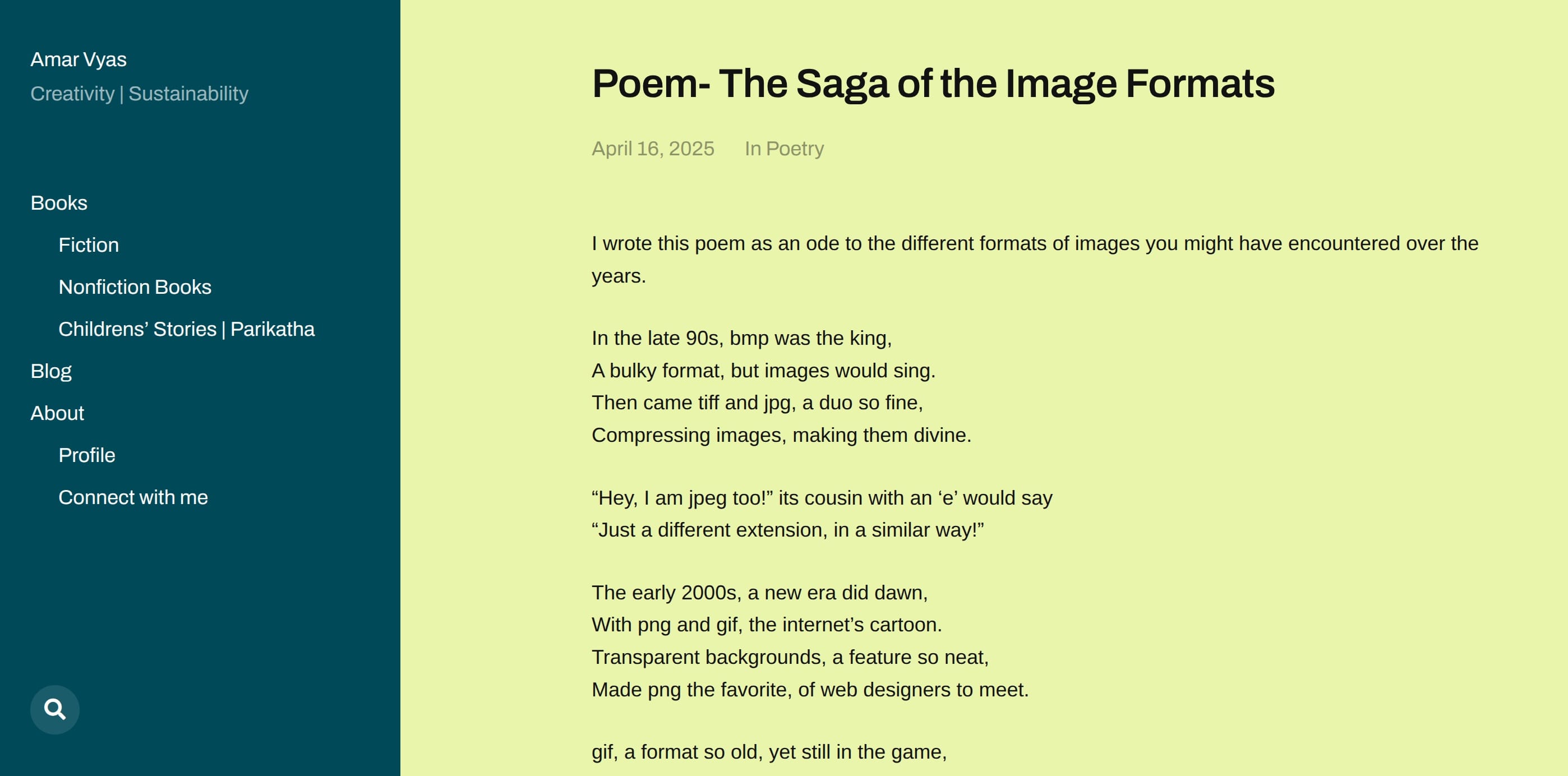
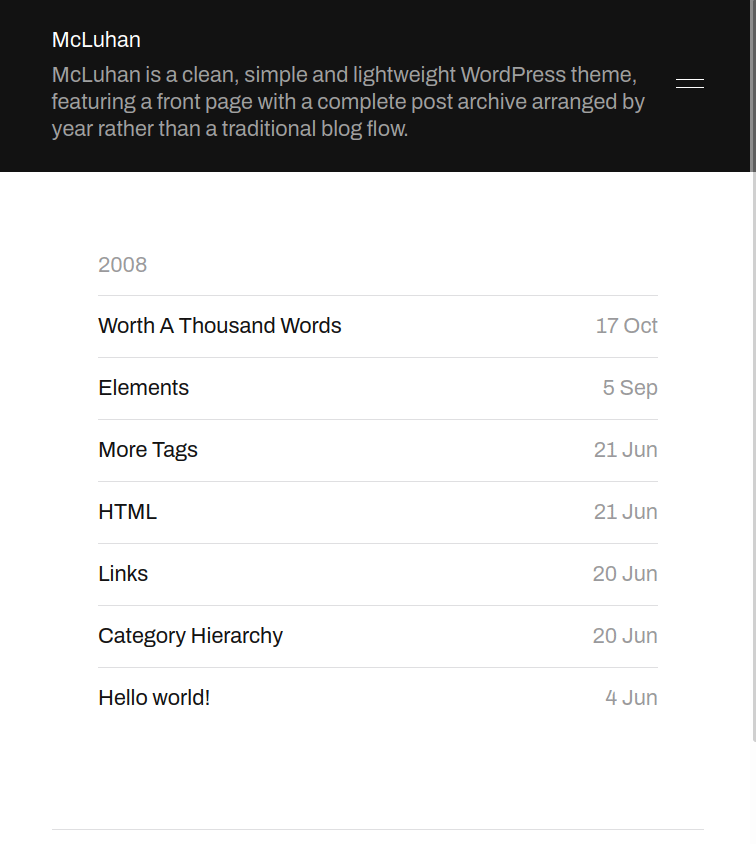 McLuhan theme- tablet mode
McLuhan theme is developed by Anders Noren. Link to below image is here.
Why I Updated McLuhan Theme
McLuhan has been one of my preferred themes for its clean design, excellent readability, and focus on content rather than visual clutter. Originally created for WordPress by Anders Norén, the theme also works well with ClassicPress because of its traditional theme structure and compatibility with the Classic Editor. Over time, however, my requirements changed. I wanted to ensure that the theme continued to work with my current PHP environment, modify its appearance to better suit my writing style, reduce my dependence on plugins, and make several other changes that I had accumulated over the years. This eventually became a much larger experiment than I had originally anticipated.
Updating McLuhan Theme
To future-proof theme installation for 2026 and ensure compliance with PHP 8.3, we must establish a clean directory structure. This approach avoids the performance overhead of block themes while keeping the McLuhan aesthetic intact.
Creating the Child Theme
The first practical decision was also one of the most important: rather than modifying the original McLuhan theme directly, I decided to create a child theme. Creating a child theme ensures that my modifications remain entirely separate from the original McLuhan files, preventing future theme updates from overwriting my customisations. This approach aligns with best practices for both ClassicPress and WordPress development. It also provided a safe, isolated environment where I could freely experiment with breaking changes without permanently damaging the core theme structure.
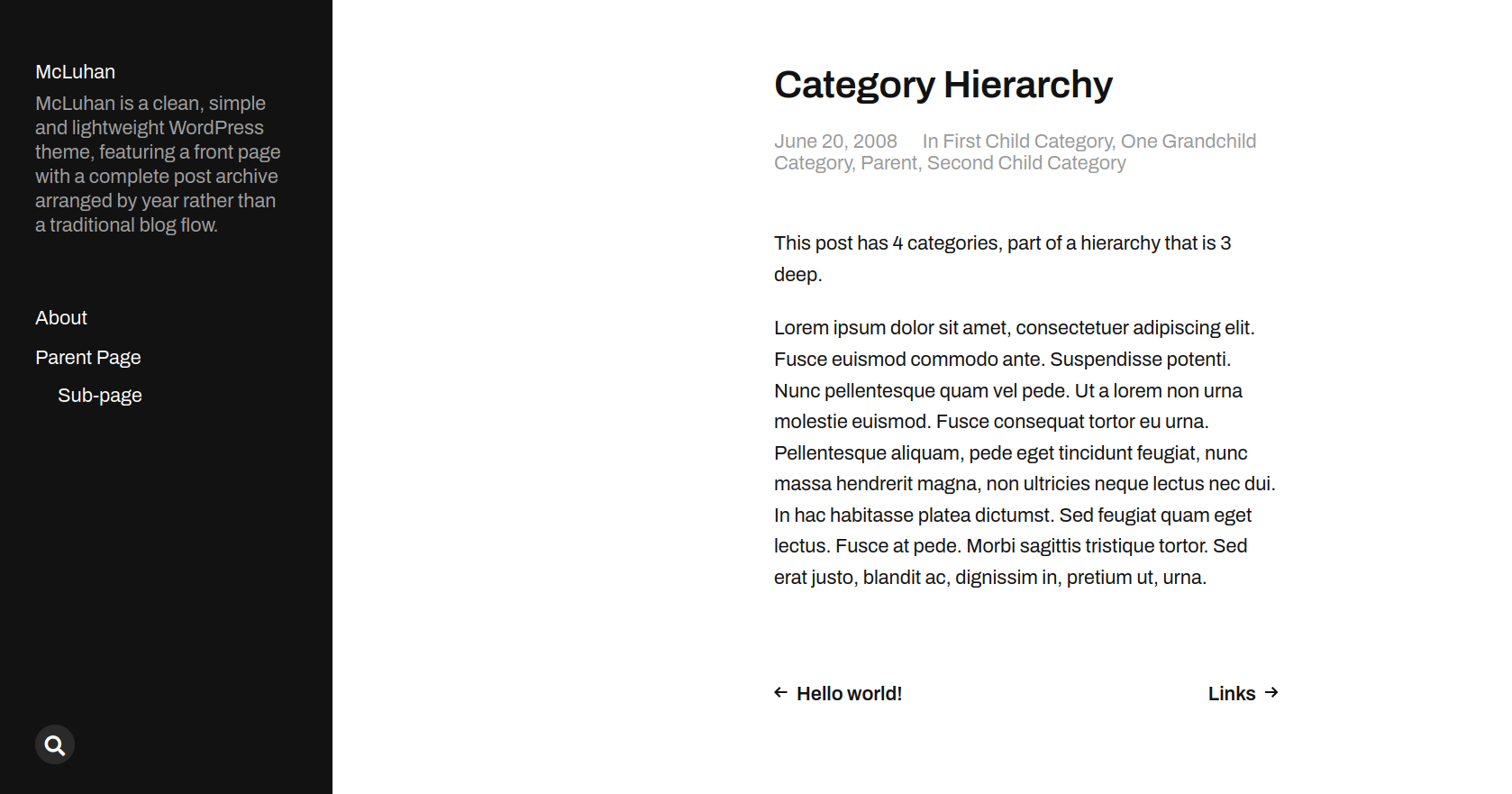 McLuhan defaut theme
Defining style.css
The foundation of your ClassicPress child theme update lies in the style.css file. This tells ClassicPress to inherit the parent templates while allowing your custom overrides to take precedence.
/* Theme Name: McLuhan Classic 2026
Theme URI: [https://yourwebsite.com](https://yourwebsite.com)
Description: A child theme for McLuhan, optimized for ClassicPress, PHP 8.3, and Bootstrap 5 support.
Author: Your Name
Author URI: [https://yourwebsite.com](https://yourwebsite.com)
Template: mcluhan
Version: 1.0.0
License: GNU General Public License v2 or later
License URI: [http://www.gnu.org/licenses/gpl-2.0.html](http://www.gnu.org/licenses/gpl-2.0.html)
Text Domain: mcluhan-classic */
Configuring functions.php for PHP 8.3
In functions.php, we strictly enforce types and enqueue Bootstrap. This ensures the ClassicPress theme runs efficiently on PHP 8.3 servers without triggering deprecated warnings. We also register our specific featured image sizes here.
<?php
/**
 * McLuhan Classic 2026 functions.php
 *
 * @package McLuhan Classic 2026
 */

if (!defined('ABSPATH')) {
    exit; // Exit if accessed directly.
}

// Enqueue Bootstrap CSS
function mcluhan_classic_enqueue_bootstrap() {
    wp_enqueue_style(
        'bootstrap-css',
        get_stylesheet_directory_uri() . '/assets/bootstrap/bootstrap.min.css',
        array(),
        '5.3.2'
    );
}
add_action('wp_enqueue_scripts', 'mcluhan_classic_enqueue_bootstrap');

// Register custom image sizes
add_action('after_setup_theme', 'mcluhan_classic_setup');
function mcluhan_classic_setup() {
    add_image_size('feature-2-1', 1200, 600, true);
}
Template Hierarchy and Custom Files
header.php: Custom header with minimalist design.footer.php: Clean footer with copyright and navigation.sidebar.php: Optional sidebar for widgets.single.php: Custom single post template.page.php: Custom page template.archive.php: Custom archive template.404.php: Custom 404 page.
Styling, Assets, and Installation
Implementing Indian Minimalism with CSS Overrides
To achieve a minimalist Indian aesthetic, add the following to assets/css/mc-overrides.css:
/* Minimalist Indian Aesthetic */
body {
    font-family: 'Noto Serif', serif;
    line-height: 1.7;
    color: #333;
    background-color: #f9f9f9;
}

/* Minimalist Borders */
.entry-content {
    border-left: 2px solid #e0e0e0;
    padding-left: 2rem;
}
3Managing Bootstrap Assets and Fallbacks
To support PicoStrap snippets and utility classes, Bootstrap is essential for this ClassicPress theme. Place a local copy of bootstrap.min.css in assets/bootstrap/. If this file is missing, the functions.php configuration will automatically pull the latest version from the CDN, ensuring your site never breaks visually.
Installation Steps
- Upload: Compress your new child theme folder into a
.zipfile. Navigate to Appearance → Themes → Add New → Upload Theme in your ClassicPress Admin. - Activate: Once uploaded, click “Activate” on the McLuhan Classic 2026 theme.
- Media Settings: Go to Settings → Media. Ensure your “Large” image size settings allow for cropping or are wide enough to support the 2:1 aesthetic.
- Regenerate: Install the “Regenerate Thumbnails” plugin and run it. This is crucial to create the new
feature-2-1image sizes defined infunctions.phpfor your existing content.
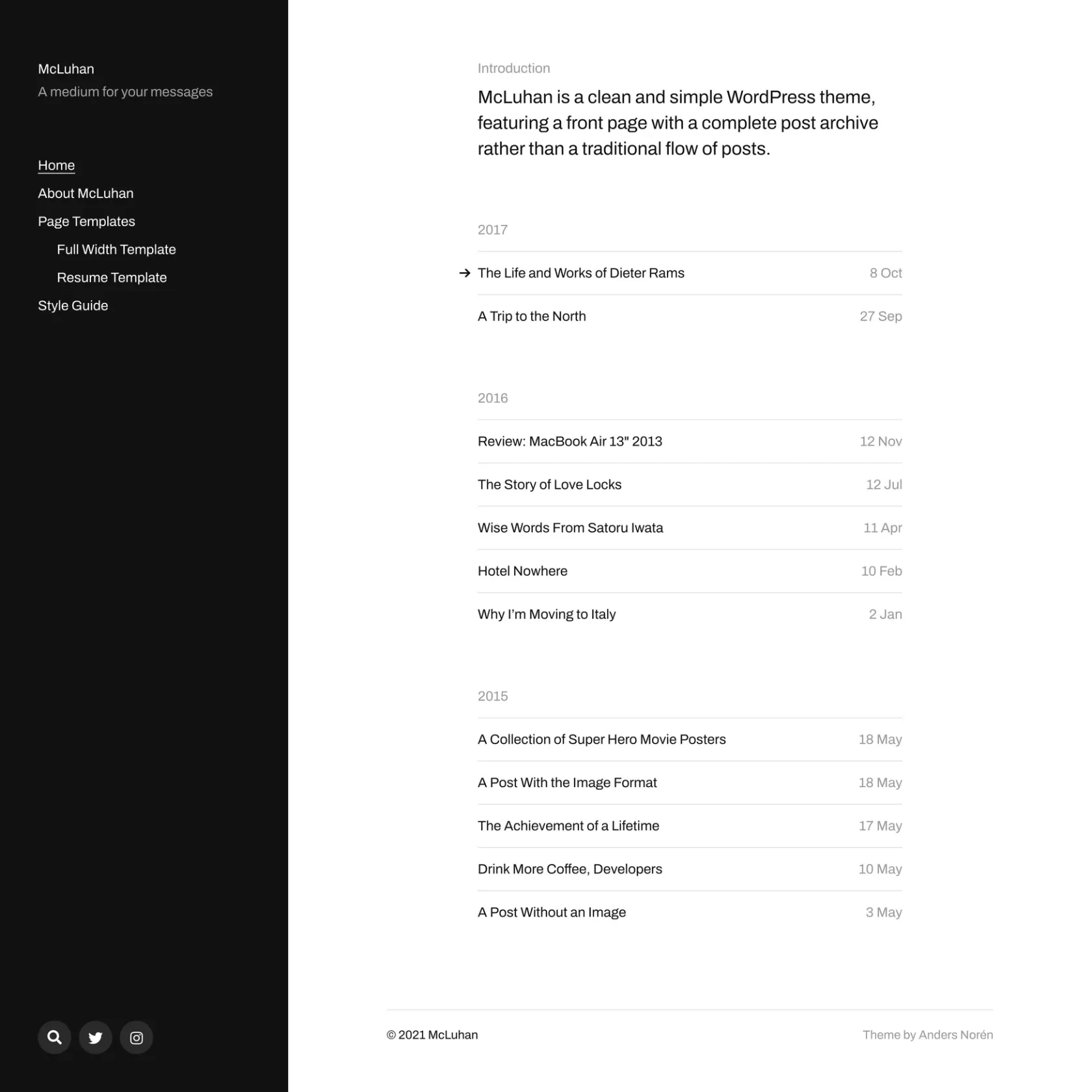 McLuhan Default Theme- archive mode
What I Changed and Why
My decision to update the theme was driven primarily by practical requirements rather than a desire to undertake a major development project. My hosting environment upgraded, and I didn’t want to risk deprecated functions breaking my site. I also wanted to check how the theme behaved with my current PHP environment, modify its appearance, add custom image sizes, and disable functionality I did not use.
I’ve grown to appreciate Indian minimalism in design, which utilises simple earthy tones, serif fonts, and subtle borders inspired by traditional textiles. The default McLuhan theme was a great starting point, but I wanted to tweak its styling to reflect this cultural aesthetic. Adding Bootstrap support also allowed me to use utility classes for layout adjustments without bloating the theme with heavy custom CSS. Furthermore, I needed to completely disable comments, as I do not use them on my personal sites, and add support for custom image sizes like a 2:1 aspect ratio for featured images. These objectives were enough to turn a relatively simple theme modification into a highly useful learning exercise. The objective was never to transform McLuhan into something completely different. I wanted to make a series of practical changes while retaining the simplicity, readability, and content-first approach of the original theme.
I have always preferred themes that prioritise content over visual noise. As a writer, I want the website design to support the words rather than compete with them, and McLuhan immediately appealed to me because of its clean layout, generous use of space, and emphasis on readability. The theme also suited my move to ClassicPress, as I prefer the straightforward writing experience of the Classic Editor and have little interest in page builders or complex block-based layouts. McLuhan’s traditional theme structure therefore fitted naturally into the way I wanted to work.
Another attraction was its simplicity. I did not want a multipurpose theme containing dozens of features that I would never use, nor did I want to spend considerable time configuring layouts, templates, and design options before I could start writing. McLuhan provided a good foundation because it was lightweight, relatively straightforward to modify, and sufficiently restrained that I could gradually adapt its appearance without completely redesigning the theme.
Several characteristics made me continue using McLuhan rather than replacing it with a newer theme. The typography and spacing work particularly well for articles and other long-form content, and the minimalist design does not overwhelm the content with unnecessary visual elements. It avoids many of the scripts, features, and configuration options found in larger multipurpose themes. Its structure provided a practical starting point for my experiments with a child theme, CSS overrides, and changes to functions.php. Finally, it possesses a timeless appearance that does not depend heavily on short-lived design trends, which makes it particularly suitable for a personal website and writing archive.
PHP Compatibility and LLM Recommendations
During the process, I used ChatGPT, Mistral AI, and Gemini extensively to discuss the changes, review code, identify possible problems, and suggest areas that I might have overlooked. The LLMs recommended investigating several additional aspects of the theme, including accessibility, performance optimisation, security and code hygiene, more efficient asset loading, PHP compatibility checks, and mobile rendering. Some of these recommendations were useful precisely because they covered subjects I had not originally considered, such as accessibility and semantic HTML structure.
PHP 8.3 introduced stricter type checking and new features that improve performance and security. I wanted to take advantage of these improvements, so I enforced strict typing in functions.php and replaced any outdated functions. This ensures the theme runs smoothly on the latest PHP versions while future-proofing it for years to come.
However, using LLMs also introduced another important part of the experiment: checking their recommendations. Different models sometimes suggested different approaches to the same problem. Some recommendations were unnecessary for my particular website, some required modification, and occasionally the generated code simply did not work as expected. The process therefore became less about asking an LLM to “update a theme” and more about using several tools to explore possibilities, test the results, identify problems, and gradually arrive at a setup that worked for me.
Problems, Testing and Deployment
Testing the implemented changes revealed several areas requiring further refinement before deployment. Performance recommendations from the LLMs led me to reconsider how styles and scripts were loaded, prompting me to aggressively dequeue unused parent theme CSS and inline critical assets for faster rendering. I also implemented robust security hardening by sanitising all outputs and adding nonce checks to custom AJAX actions within my functions file.
Accessibility improvements involved adding skip links for keyboard users and incorporating ARIA labels across custom templates. Once the local testing phase concluded using Local by Flywheel with PHP 8.3, I established a deployment pipeline using GitHub for version control. Maintaining a clean repository with a detailed changelog ensured I could accurately track PHP 8.3 compatibility testing and easily revert any problematic adjustments applied to the production server.
What I Learned in the process
Working within limitations
I am not a programmer or theme developer. I am a writer who enjoys experimenting, tinkering with software, and adapting tools until they suit the way I prefer to work. My objective was not to create a new theme or comprehensively modernise McLuhan, but to adapt an existing theme to my requirements while retaining the simplicity that attracted me to it in the first place.
Much of this work involved experiments, trials, errors, broken code, corrections, and plenty of testing. I also used substantial assistance from large language models to understand unfamiliar code, explore possible solutions, troubleshoot problems, and refine the implementation. Not every recommendation worked, and not every suggestion was appropriate for my website. Some generated code required corrections, while other ideas were discarded entirely.
The code and methods described in this article therefore reflect my own experiments and working setup rather than the work of a professional theme developer. If you spot an error, a better approach, or something that could be improved, I would appreciate your feedback. More importantly, please test any code carefully on a staging website before using it on a production site. Finally, a huge thank you to Anders Norén, the original creator of McLuhan, for providing such an excellent foundation.
FAQ
Can I use this guide for WordPress? Yes, the technical methodologies remain identical, although ClassicPress provides a considerably more stable foundation for developers actively avoiding the Gutenberg block editor.
What if my chosen theme lacks child theme support? You must either completely duplicate and rename the parent theme directory or transition to a properly engineered framework that natively supports child inheritance.
How do I test PHP 8.3 compatibility? Use Local by Flywheel with PHP 8.3 or an isolated staging site before pushing changes to your live server.
Can I use Tailwind instead of Bootstrap?
Yes. You can replace the Bootstrap CDN or local files with Tailwind via @tailwindcss/jit depending on your workflow preferences.
Technical Notes and Code
Code snippets and configurations used to achieve the customisations
/* Indian Minimalism: Serif + Earthy Tones */
body {
    font-family: 'Noto Serif', 'Georgia', serif;
    color: #5a4d41; /* Earthy brown */
    background-color: #f5f5f5; /* Off-white */
}

/* Accent Colors: Traditional Indian Palette */
a, a:visited {
    color: #d4a76a; /* Terracotta */
}
a:hover {
    color: #b8860b; /* Dark gold */
}

/* Border Design: Inspired by Indian Textiles */
.entry-content {
    border-left: 3px solid #d4a76a;
    padding-left: 1.5rem;
}
// functions.php
declare(strict_types=1);

add_filter('template_include', function(string $template): string {
    if (is_singular('post')) {
        return locate_template('single-custom.php');
    }
    return $template;
});
// functions.php
add_action('wp_ajax_my_action', 'my_ajax_handler');
add_action('wp_ajax_nopriv_my_action', 'my_ajax_handler');

function my_ajax_handler(): void {
    check_ajax_referer('my_nonce', 'security');
    // Handle request securely
    wp_die();
}
// functions.php
function mcluhan_classic_dequeue_parent_styles(): void {
    wp_dequeue_style('parent-theme-style');
    wp_deregister_style('parent-theme-style');
}
add_action('wp_enqueue_scripts', 'mcluhan_classic_dequeue_parent_styles', 20);
<!-- header.php Accessibility Additions -->
<a href="#main-content" class="skip-link">Skip to main content</a>
...
<main id="main-content" aria-label="Main Content">
Additional Notes
- This child theme keeps McLuhan parent styling intact and loads Bootstrap utilities for PicoStrap snippets.
- To insert PicoStrap HTML components, create template parts under
templates/parts/and scope any custom CSS under.ps-componentinmc-overrides.css. - For any visual fixes, edit
assets/css/mc-overrides.css. - This post is published as part of my series of posts for ClassicPress Content Management System.